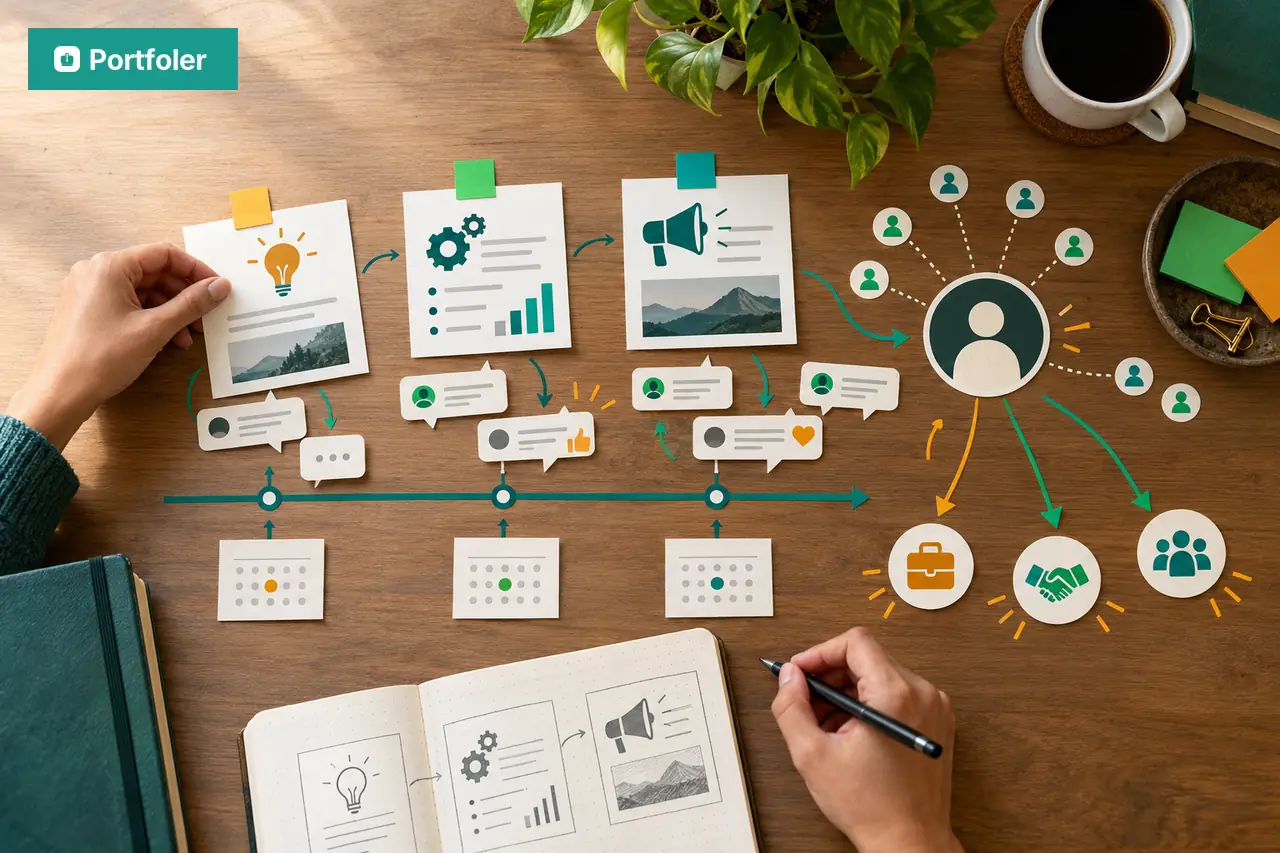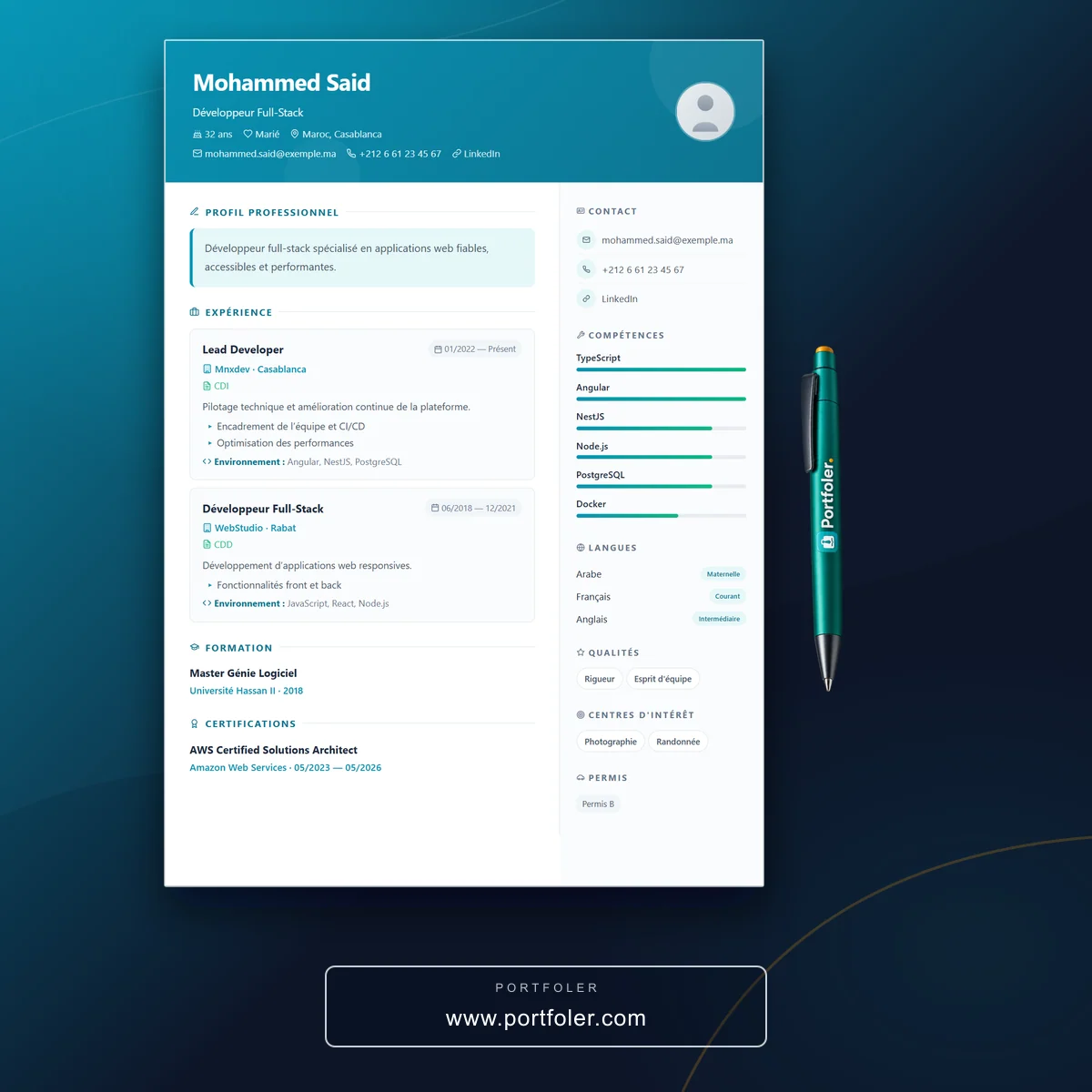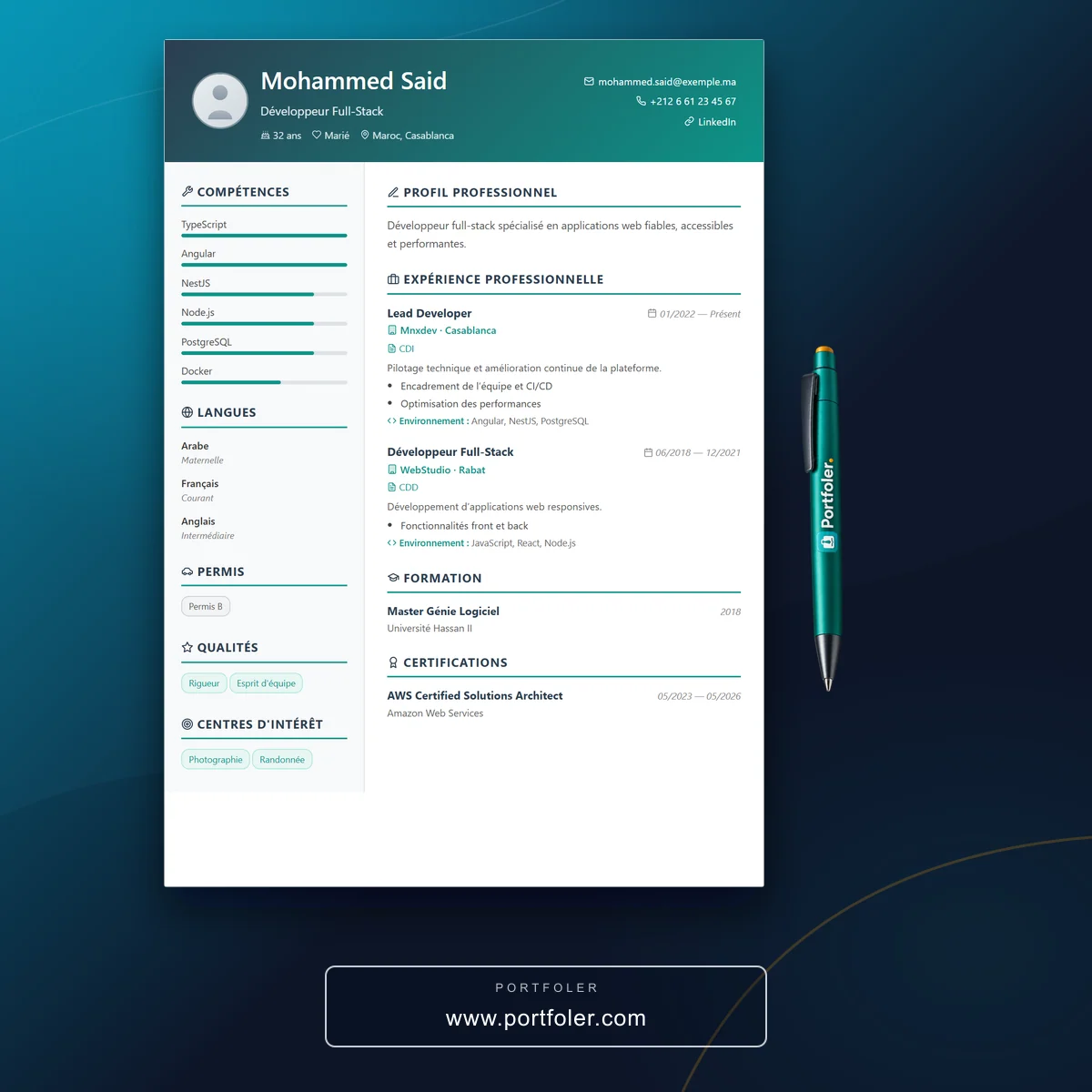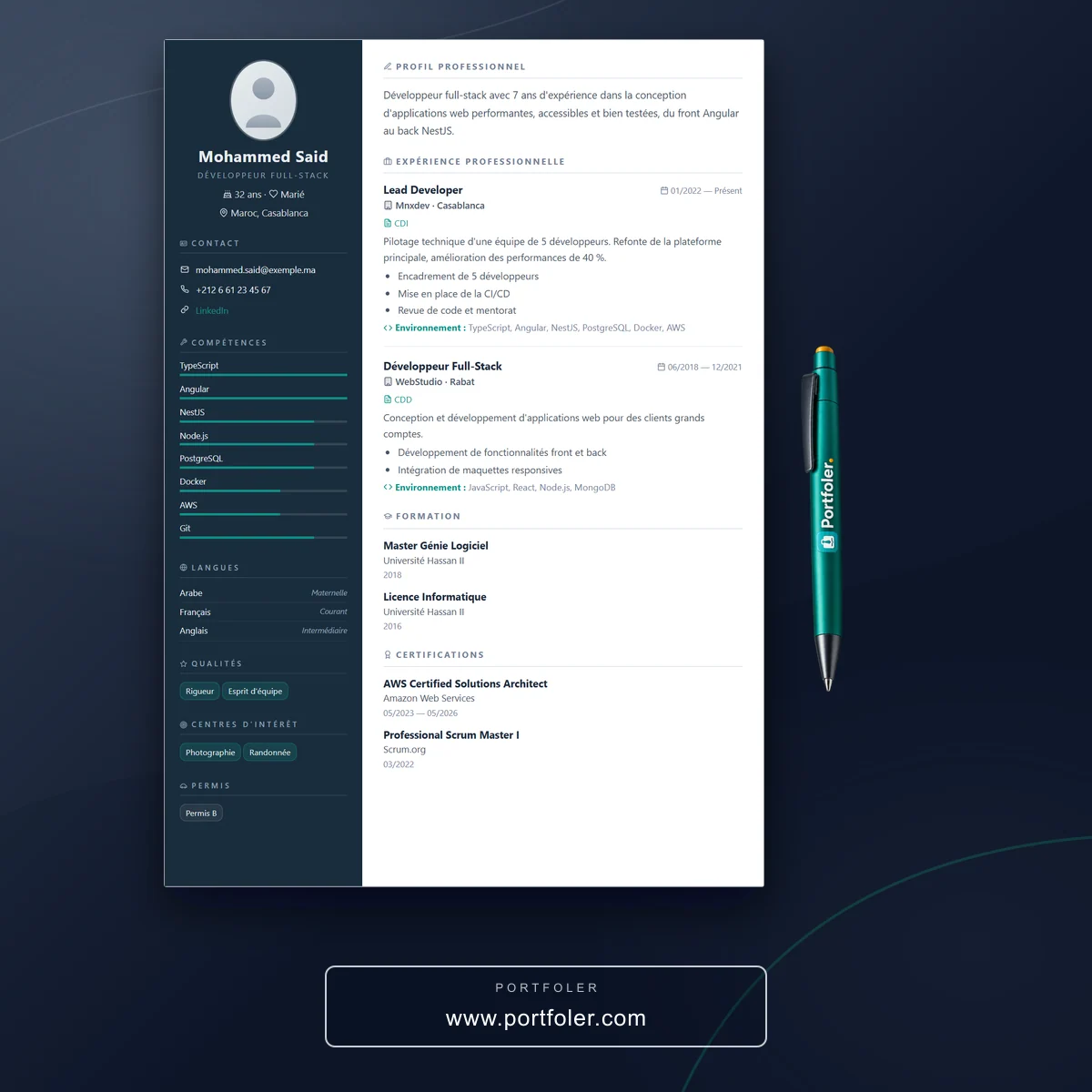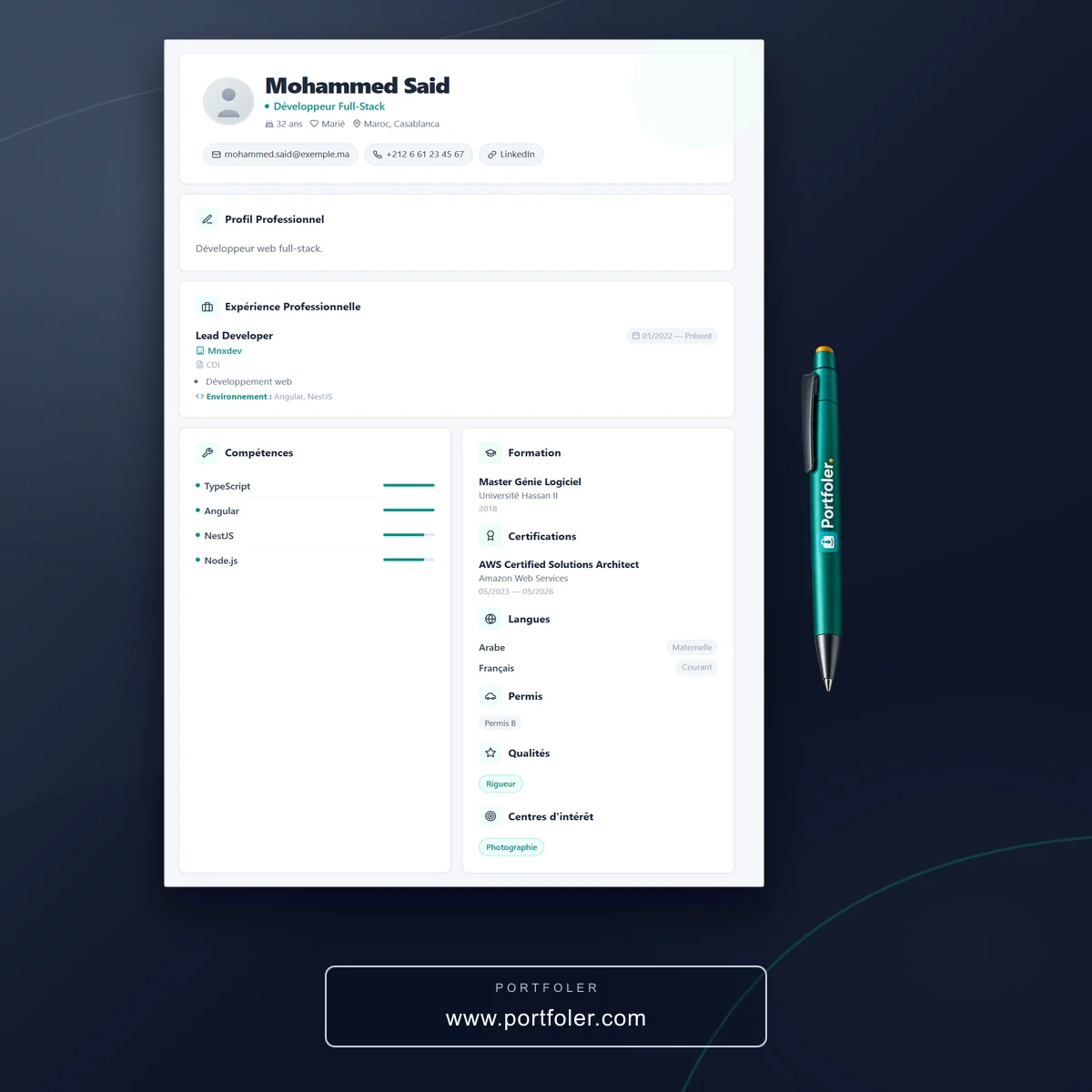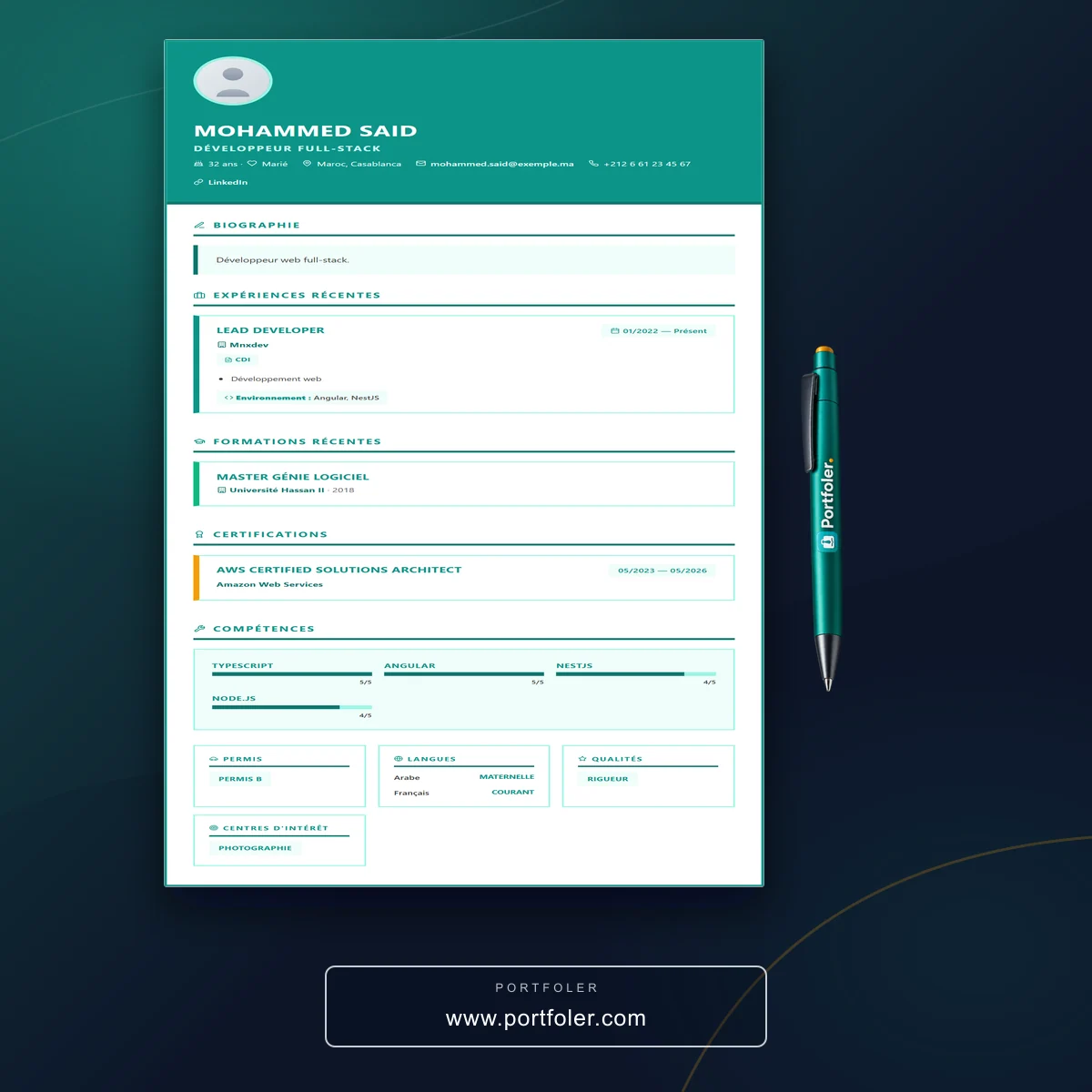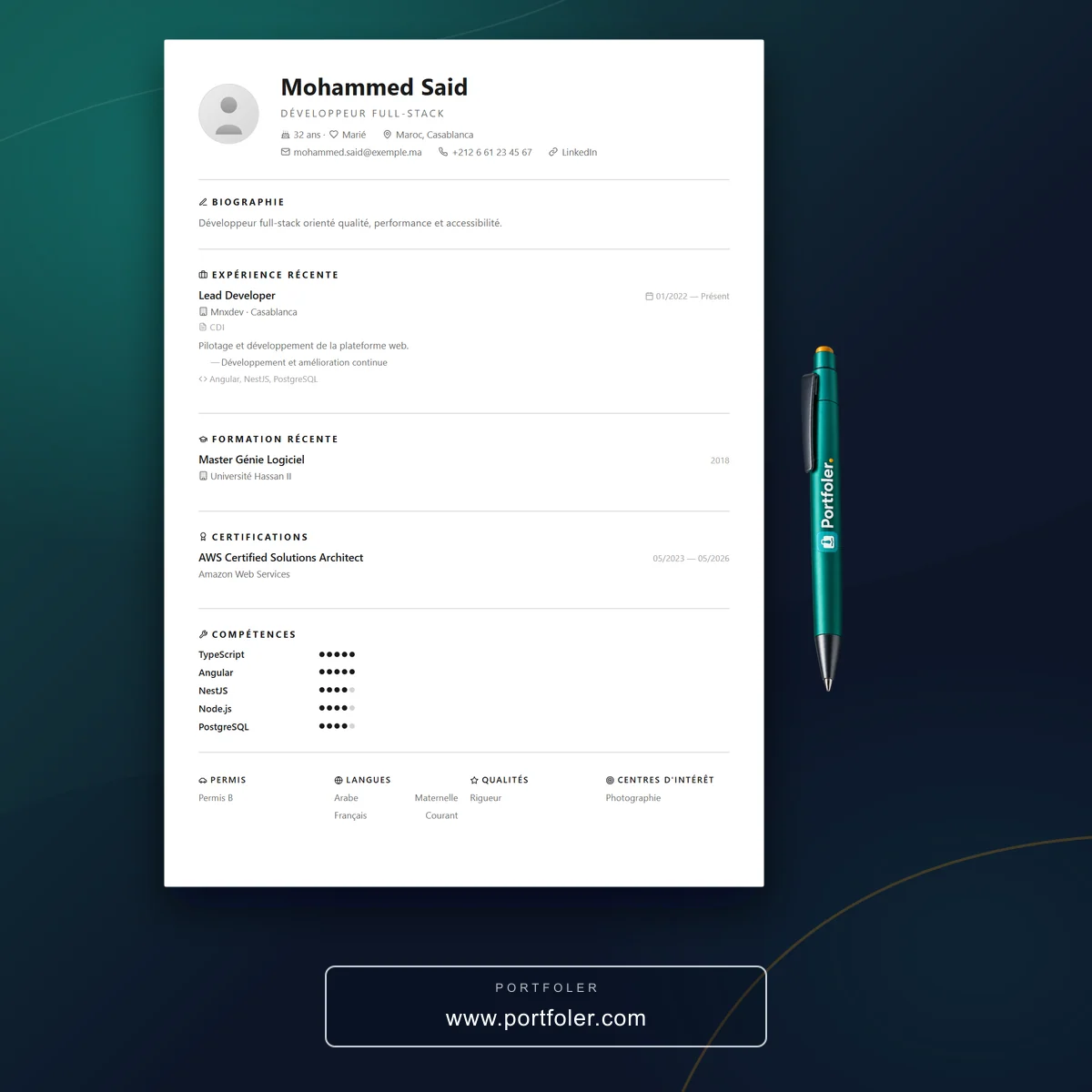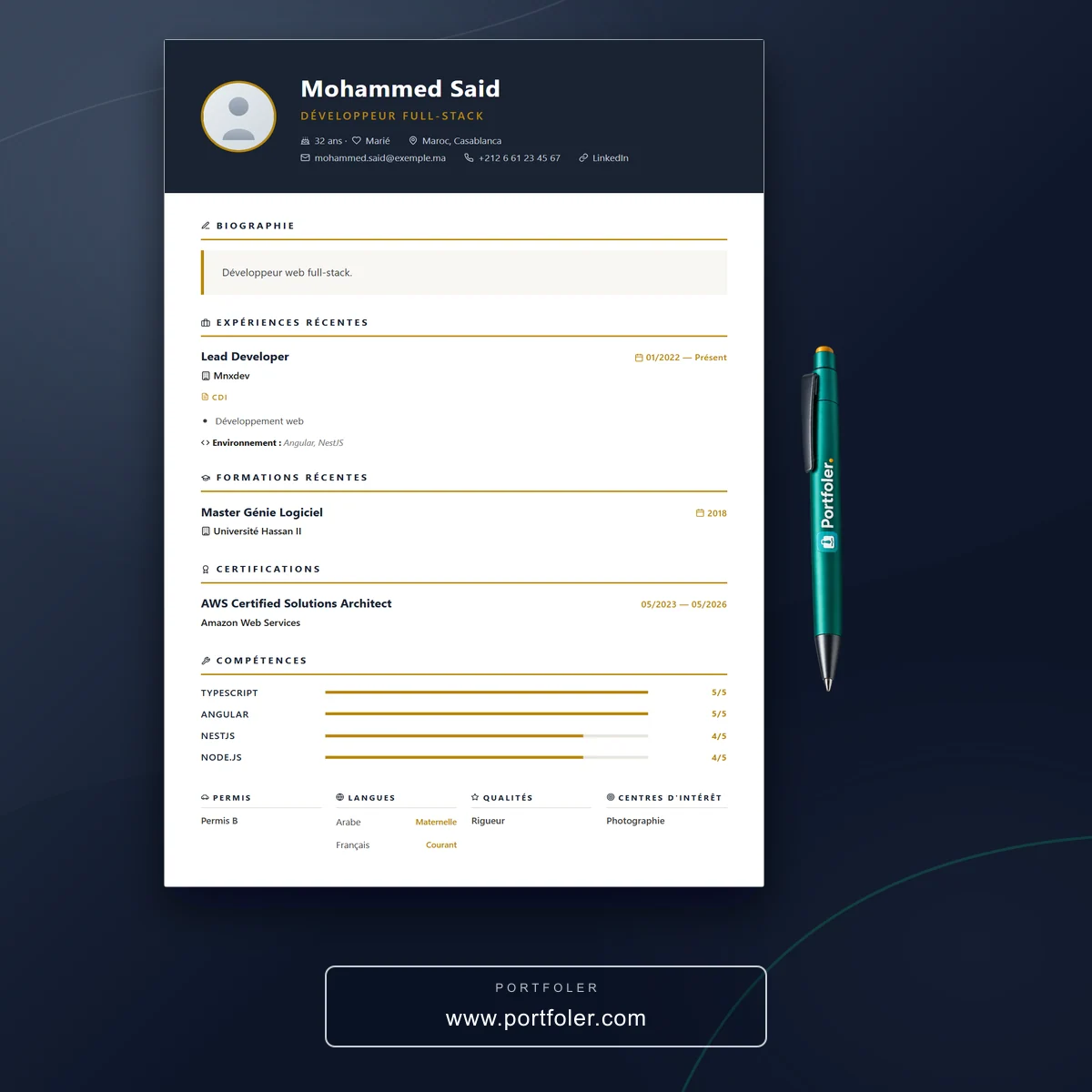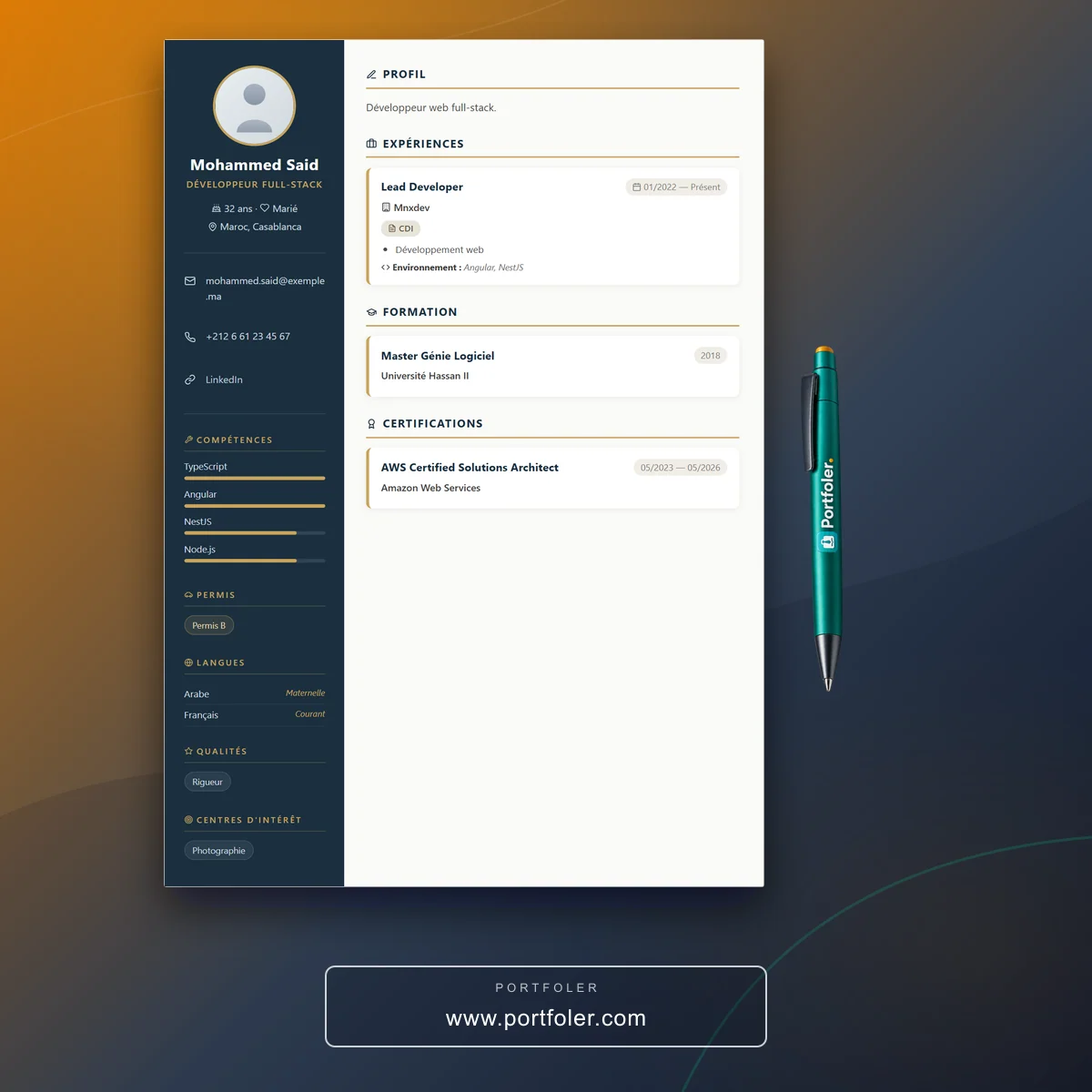
These days, a portfolio is the best way to present your work, your skills and the testimonials of those who trust you. What was once reserved for creative professions has become a must-have for every kind of professional profile. An online portfolio, accessible in a single click, tells your story far better than a plain résumé: it highlights your achievements, showcases your expertise and helps you stand out to recruiters and clients alike. To combine the useful with the enjoyable, here is a step-by-step guide to building your own portfolio on Portfoler.com — simply and effectively.
Why an online portfolio
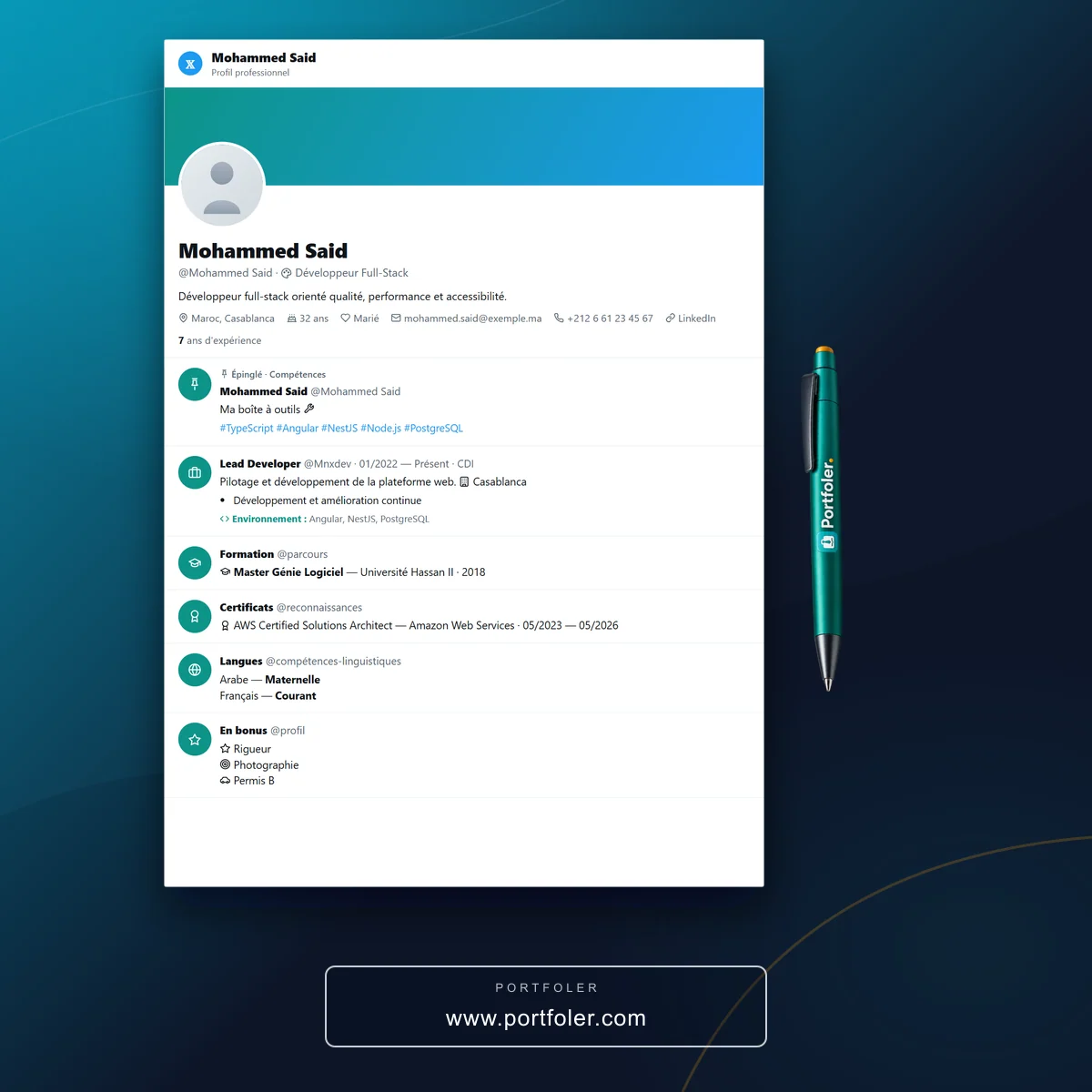
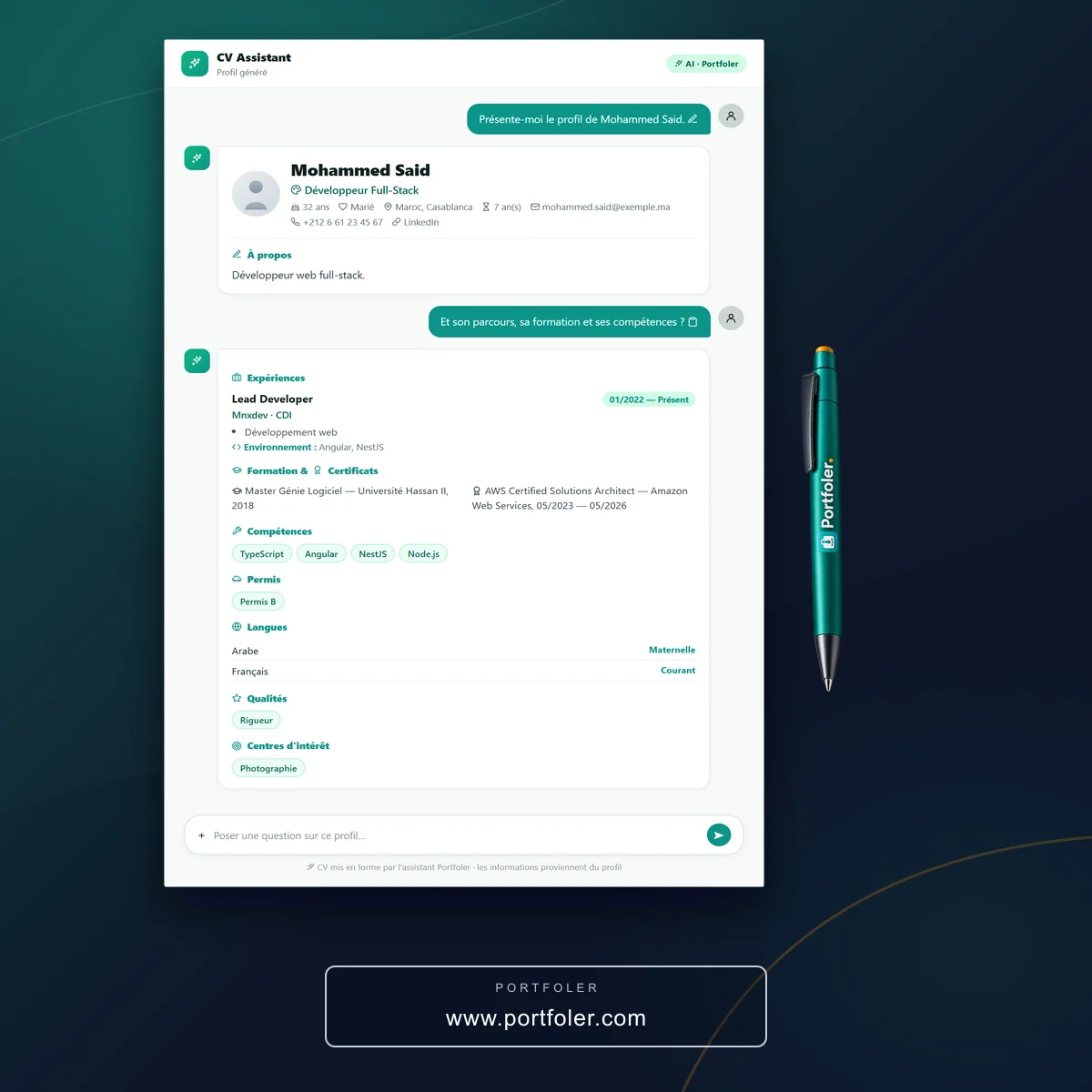
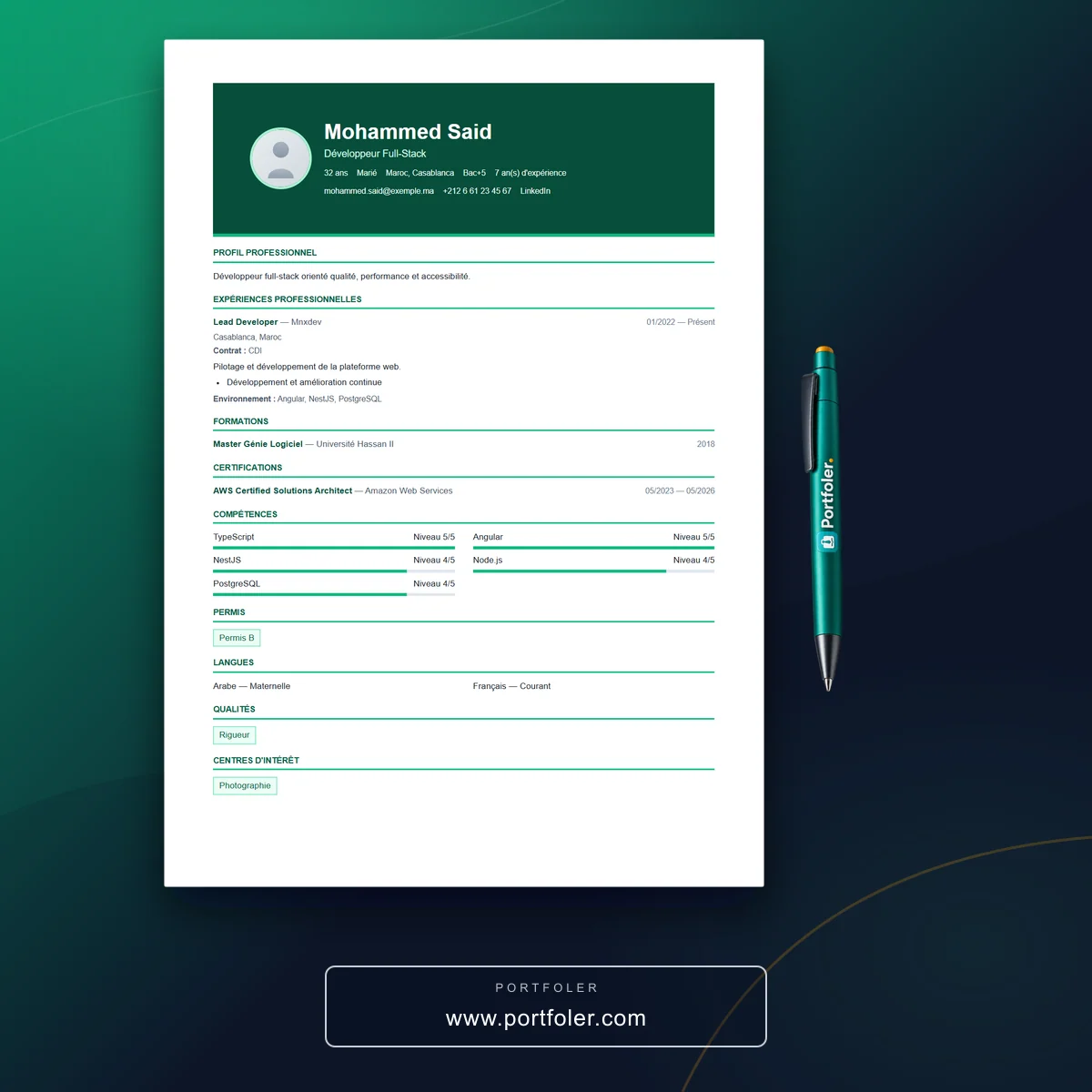
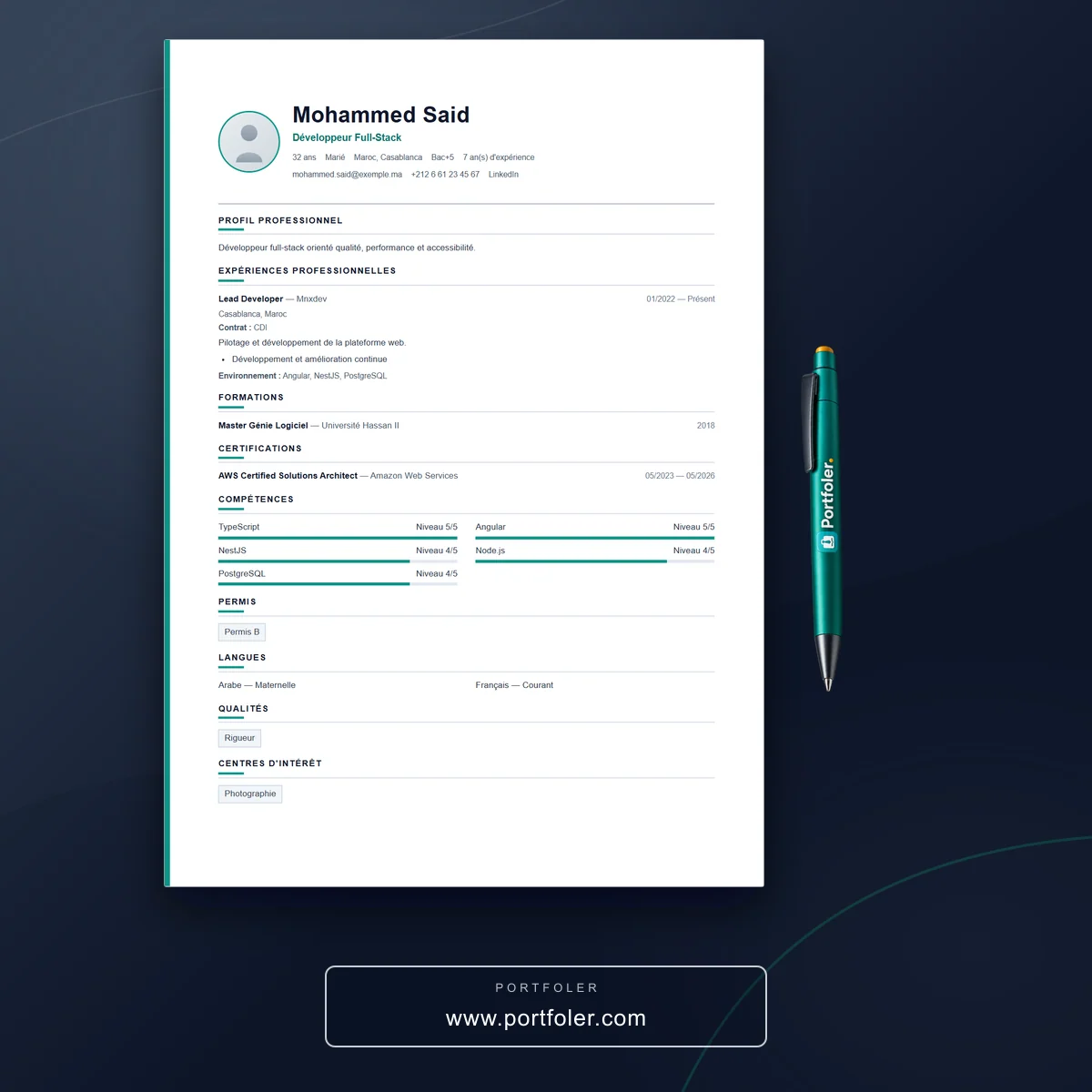
A traditional résumé often boils down to a list. A portfolio, on the other hand, shows. It demonstrates concretely what you can do and the value you bring. On Portfoler.com, your portfolio takes the form of a genuine professional mini-site, with its own unique public address that you can share effortlessly.
The benefits are many:
- Greater visibility: a well-completed profile is featured more prominently in the platform's search, making it easier for recruiters and clients to find you.
- More opportunities: the most thoroughly filled-in profiles are statistically more likely to attract new offers.
- A polished professional image: thanks to ready-to-use templates, your portfolio looks elegant from day one, with no technical skills required.
- Instant sharing: a single public address to include in your applications, your email signature or your social networks.
Create your account
It all starts on the home page. Click "Create your portfolio", then fill in the requested information on the sign-up form (your email address in particular).
- Enter your email address and the requested information.
- Submit the form: a confirmation email is sent to you right away.
- Open that email and click the link to confirm your account and activate your registration.
This confirmation step keeps your account secure. Remember to check your spam folder if the message is slow to arrive.
Complete and customize your portfolio
Once you are logged in, go to your account's main menu and click "Edit my information". This is where it all happens: it is the workshop in which you bring your portfolio to life.
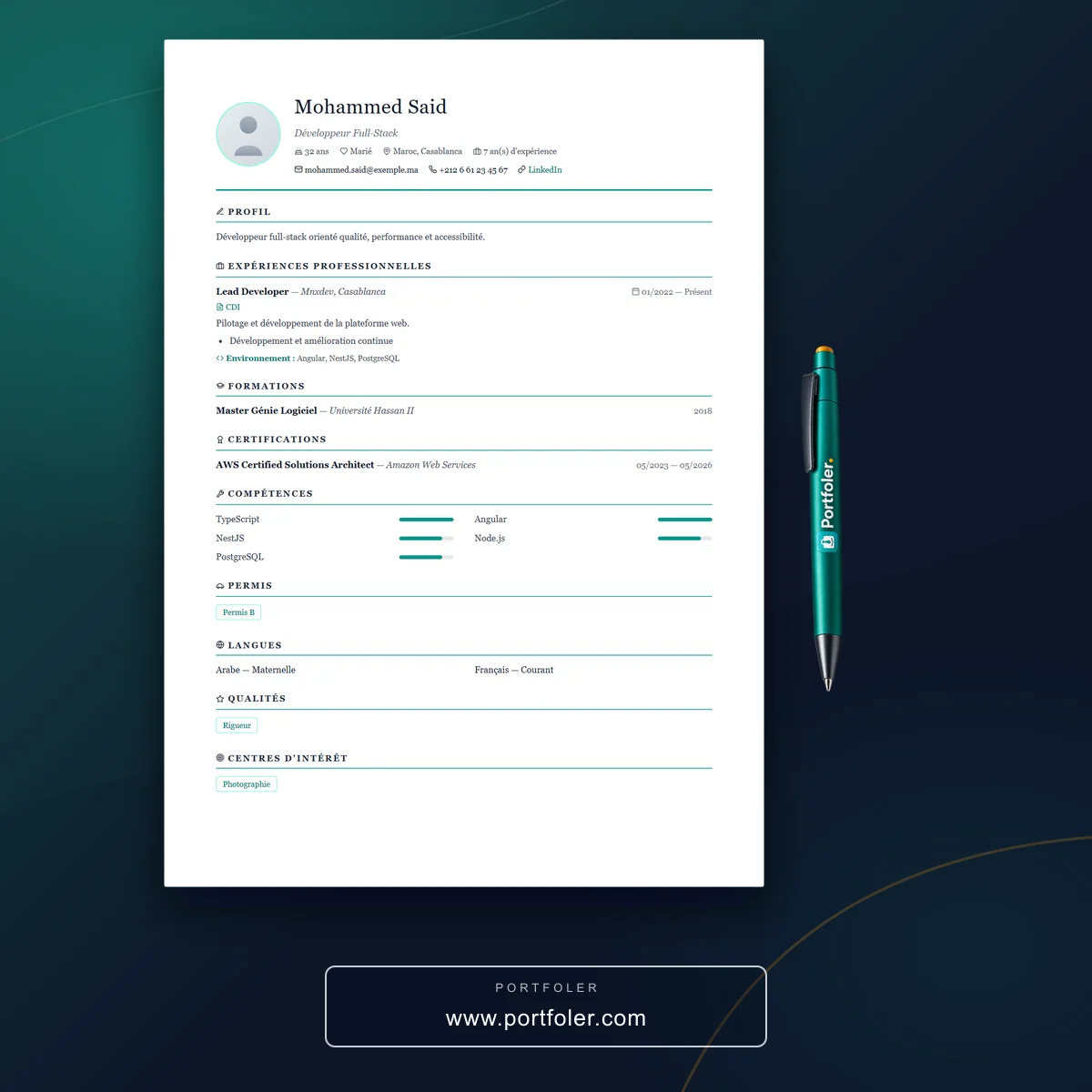
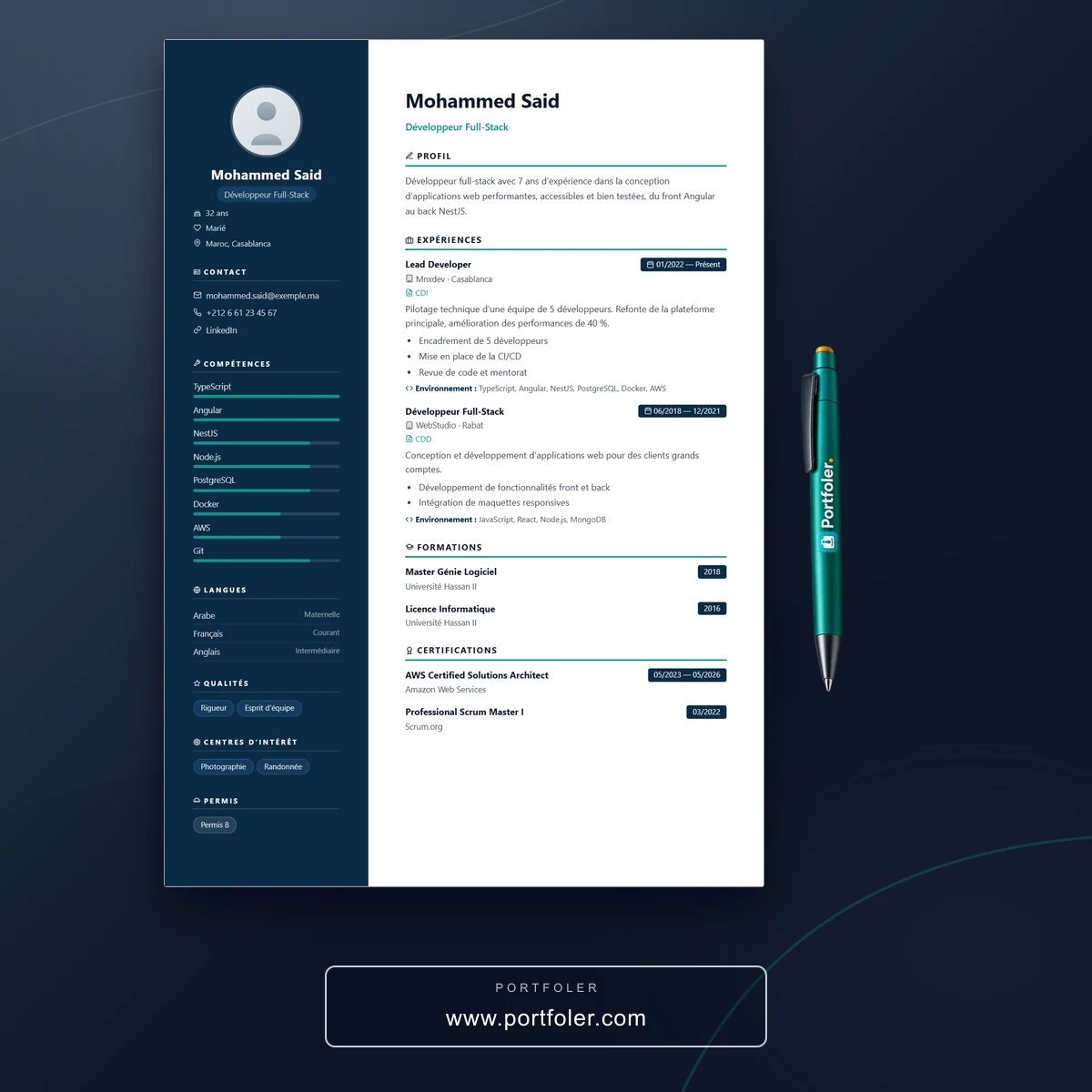
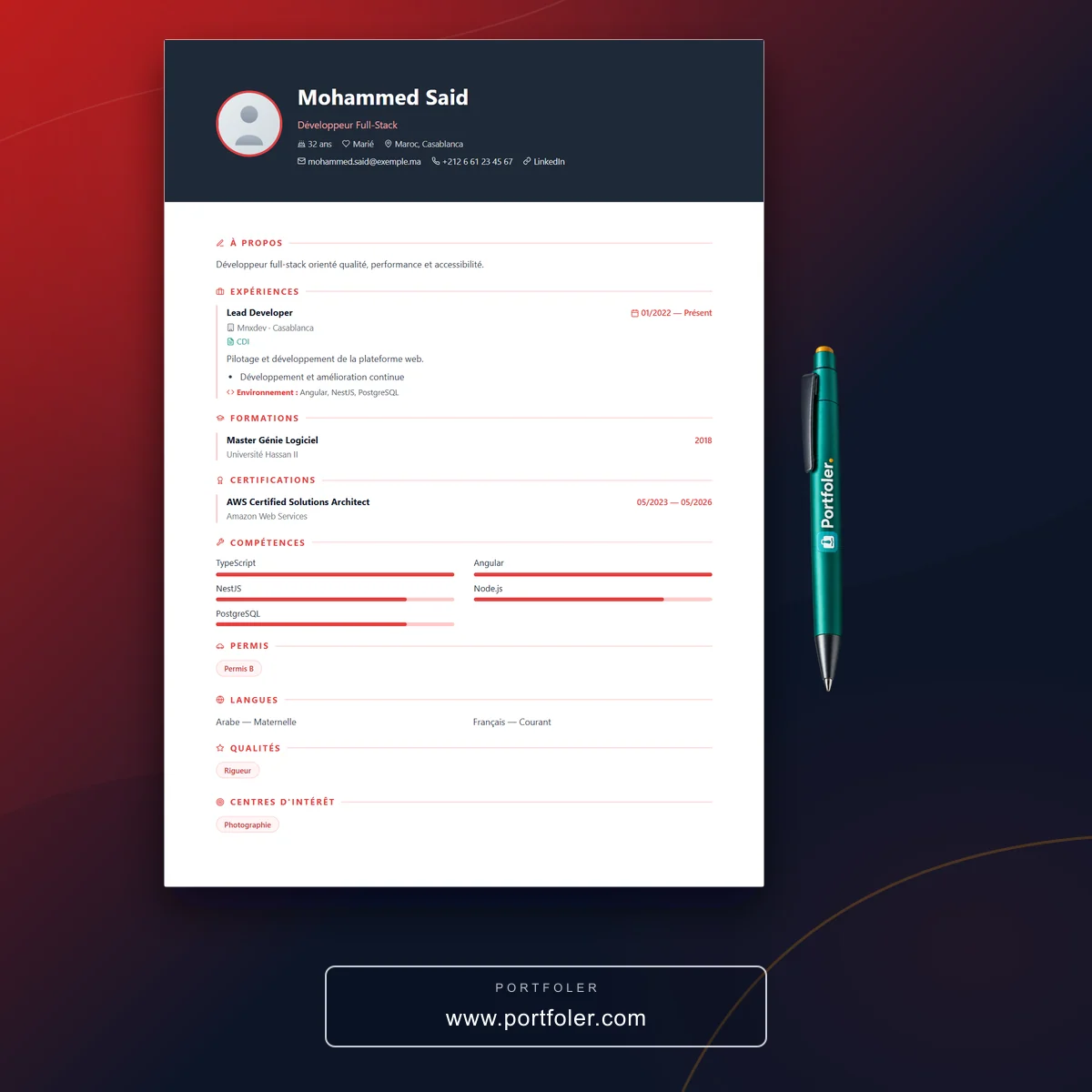
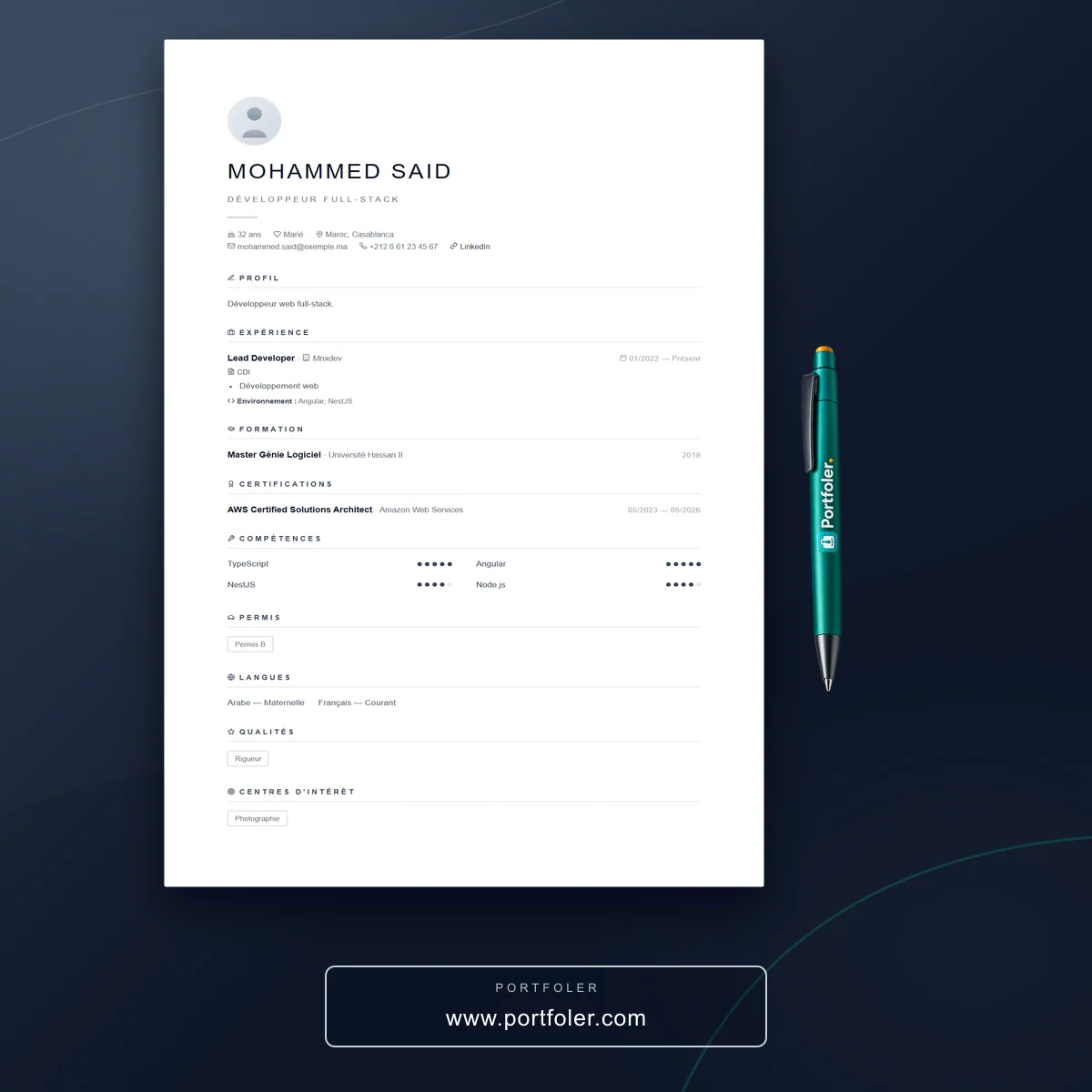
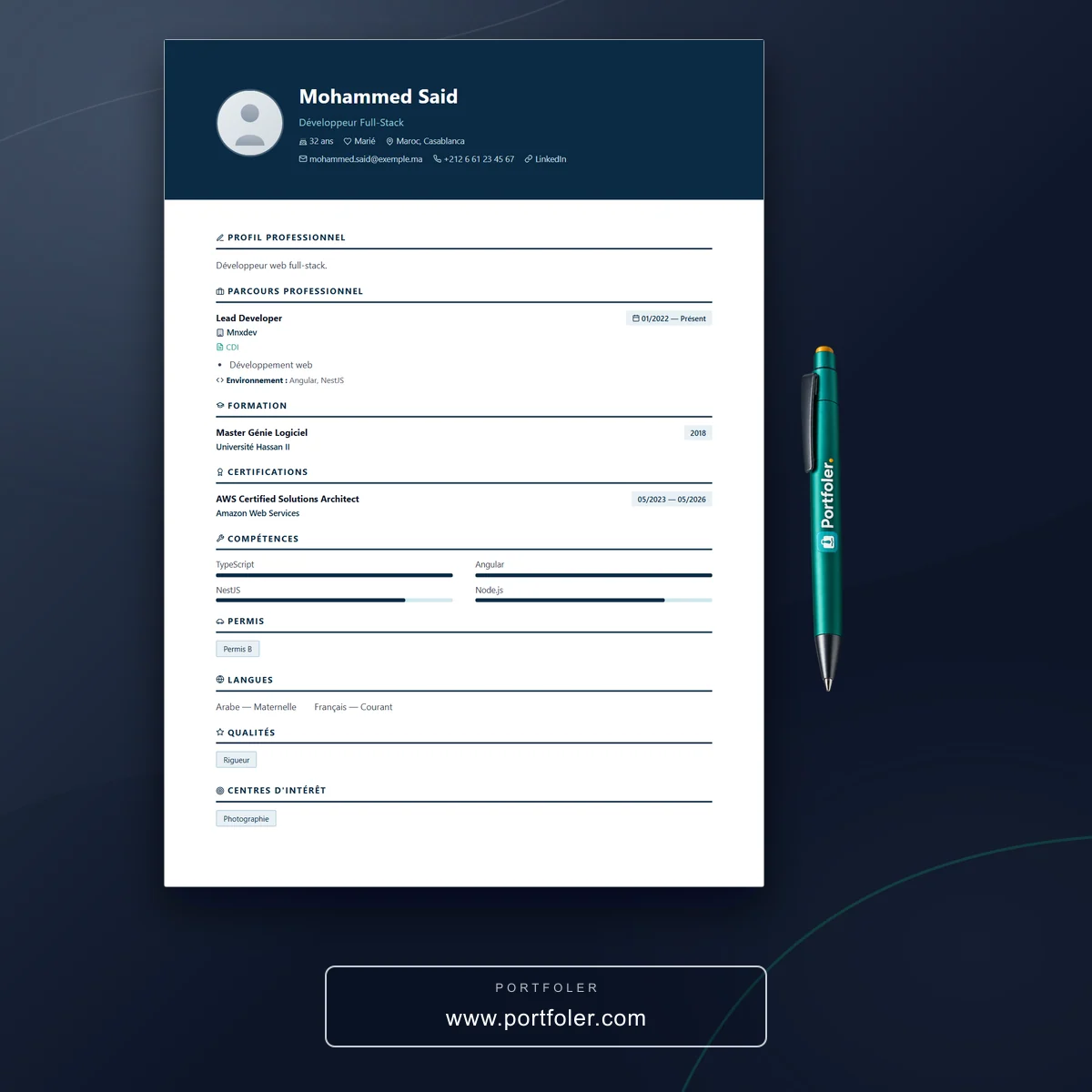
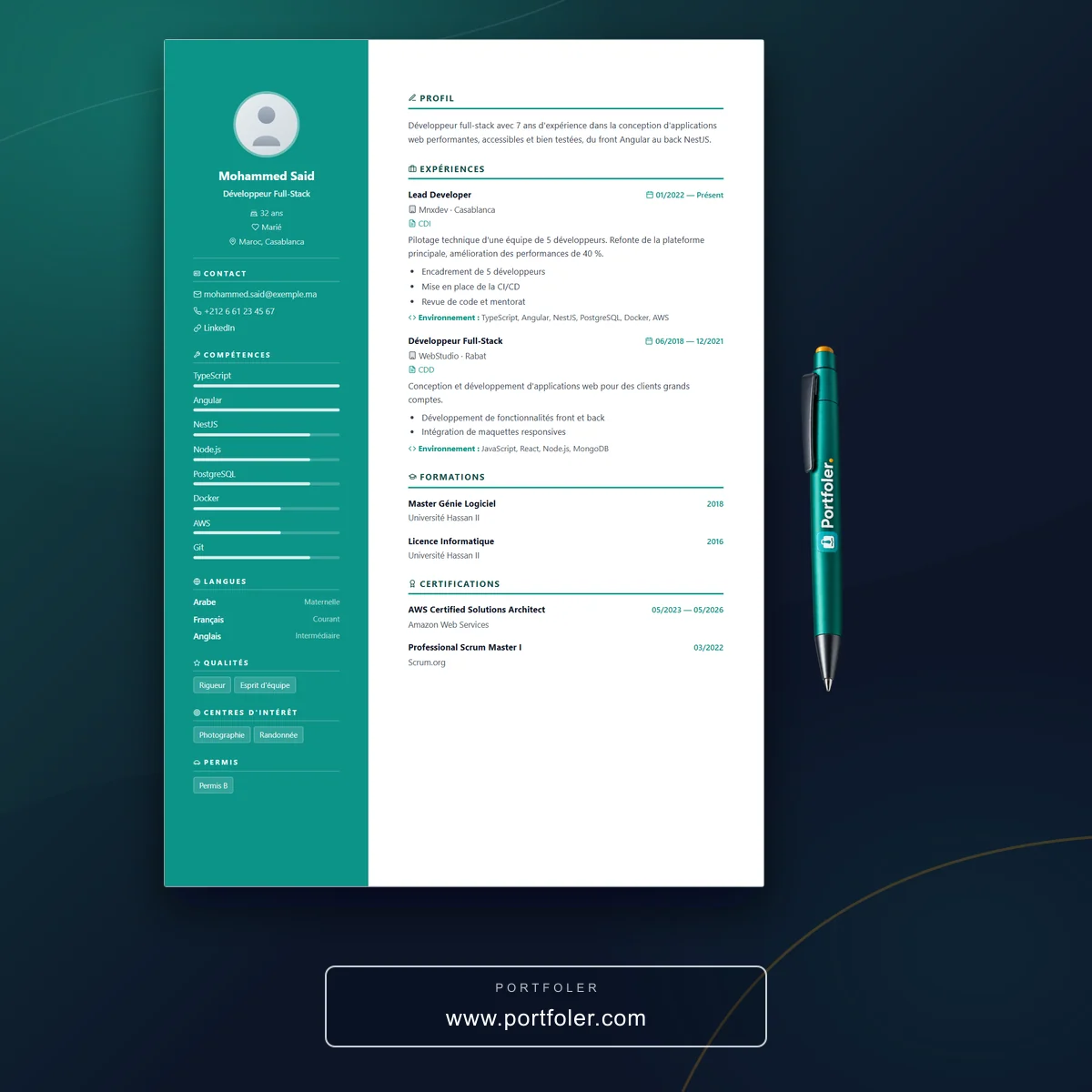
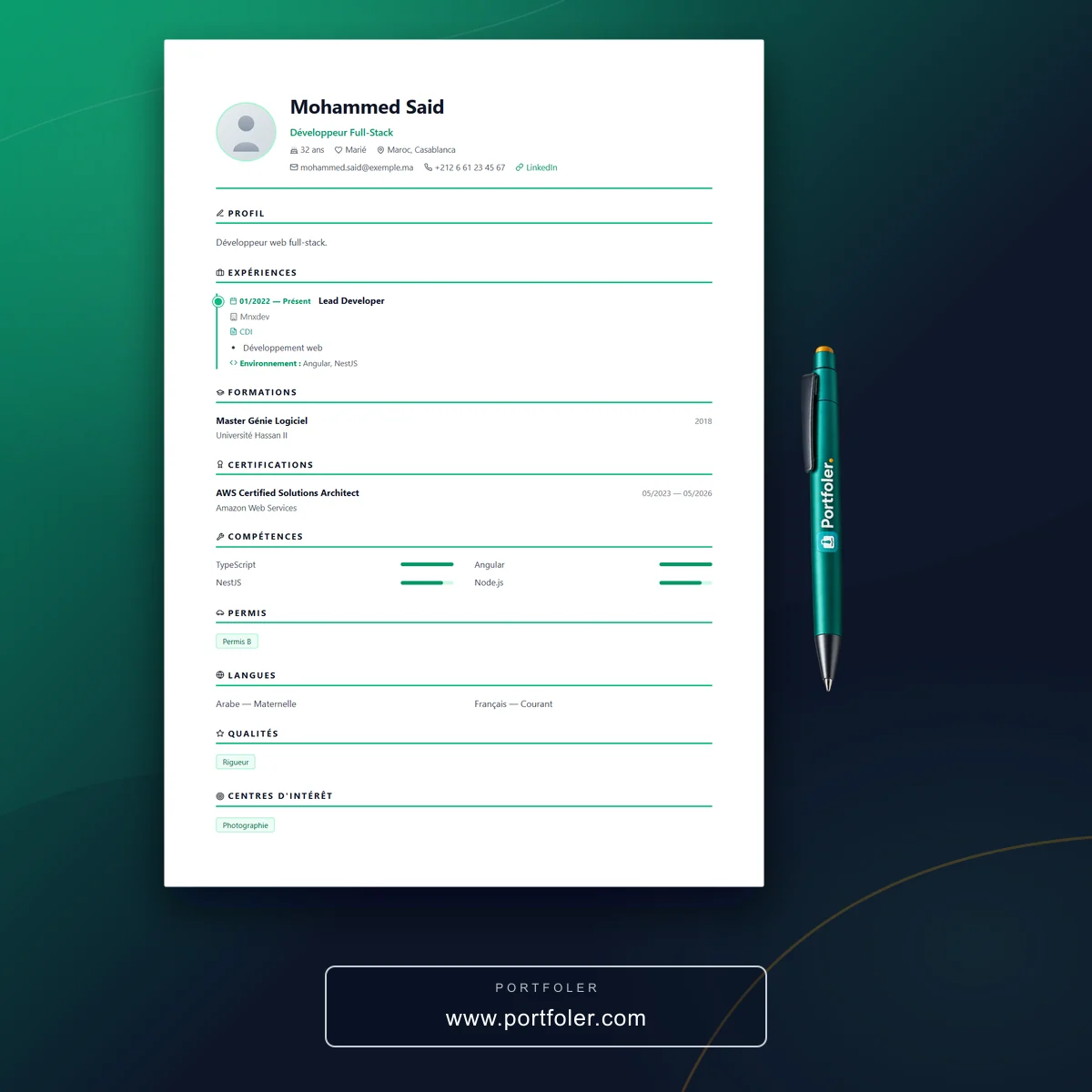
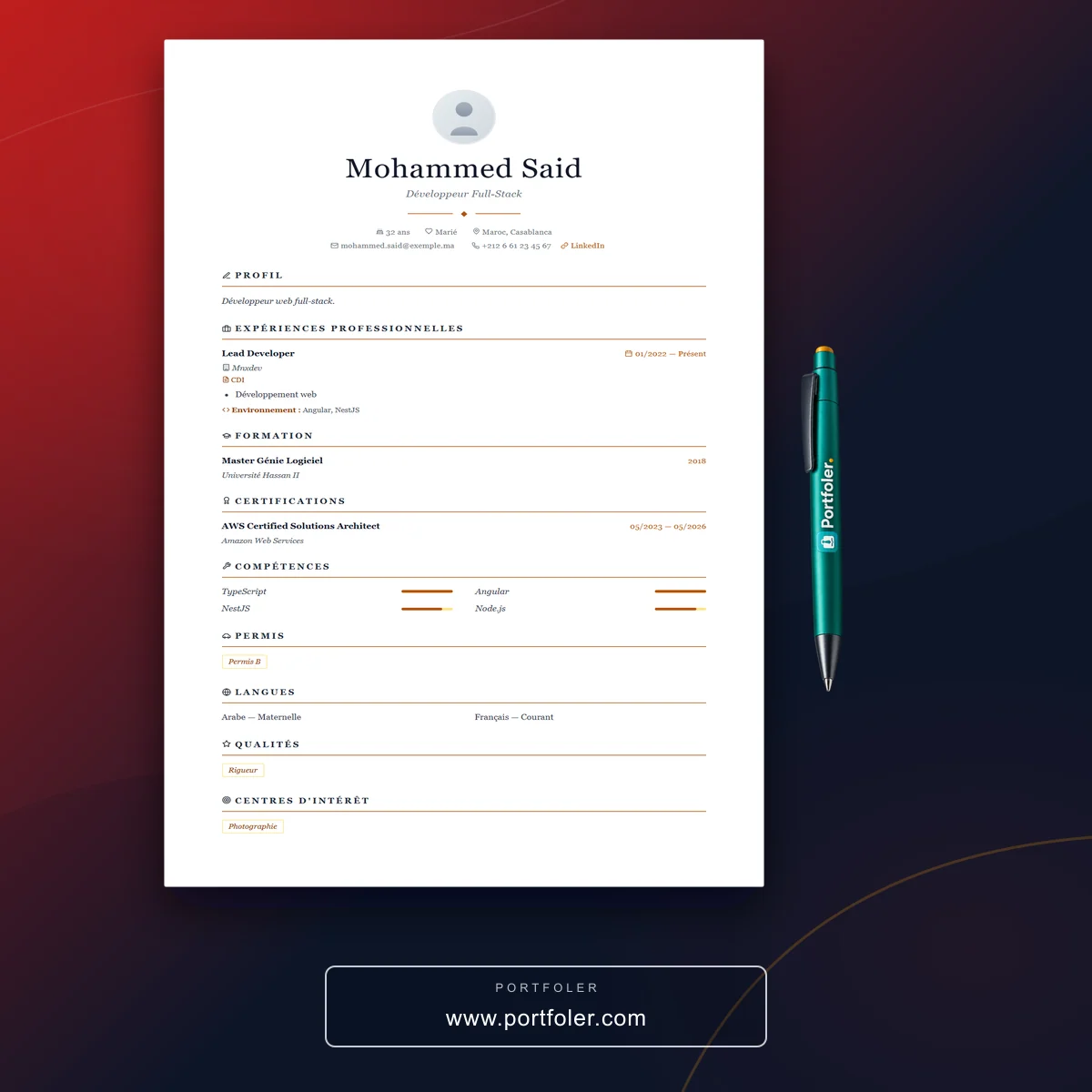
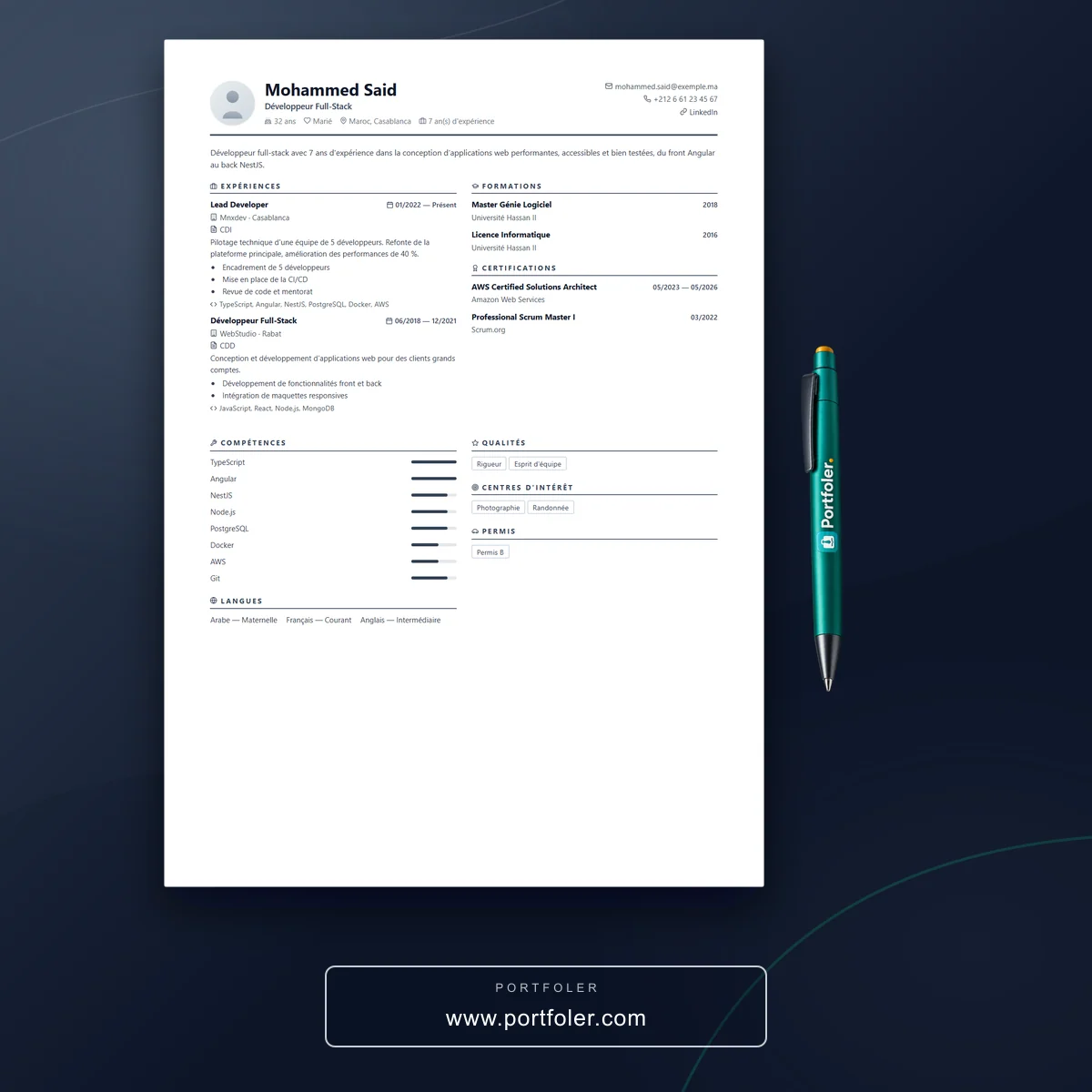
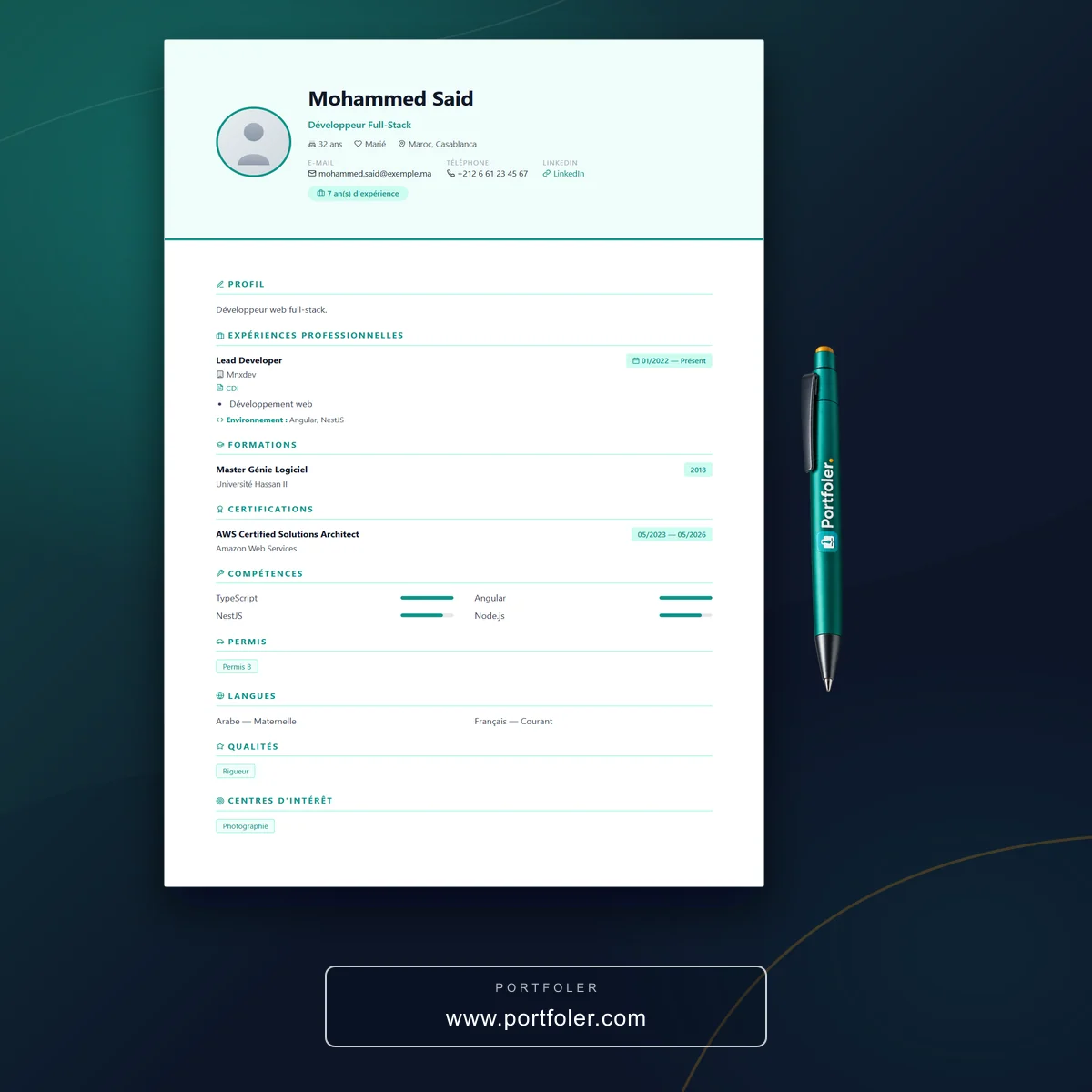
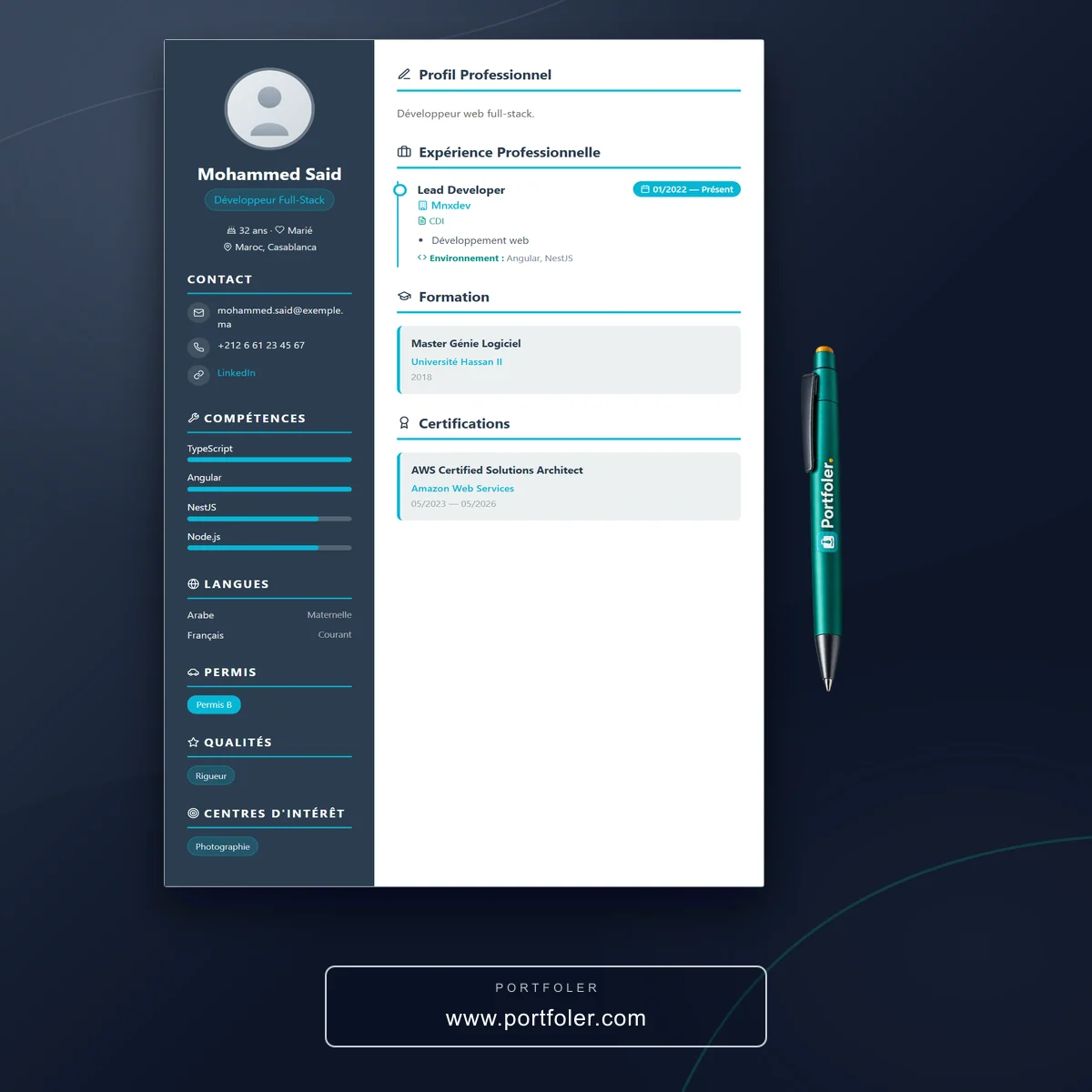
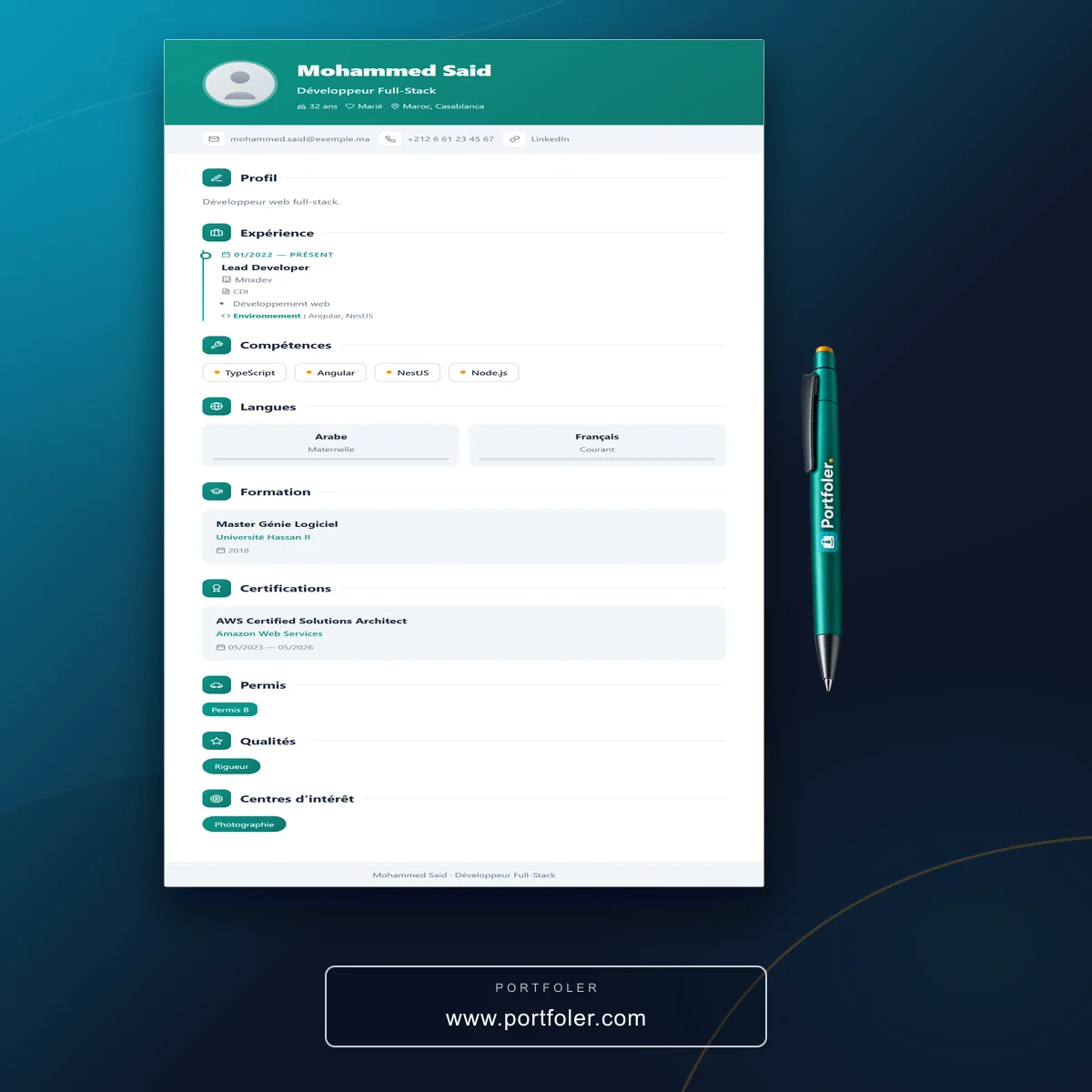
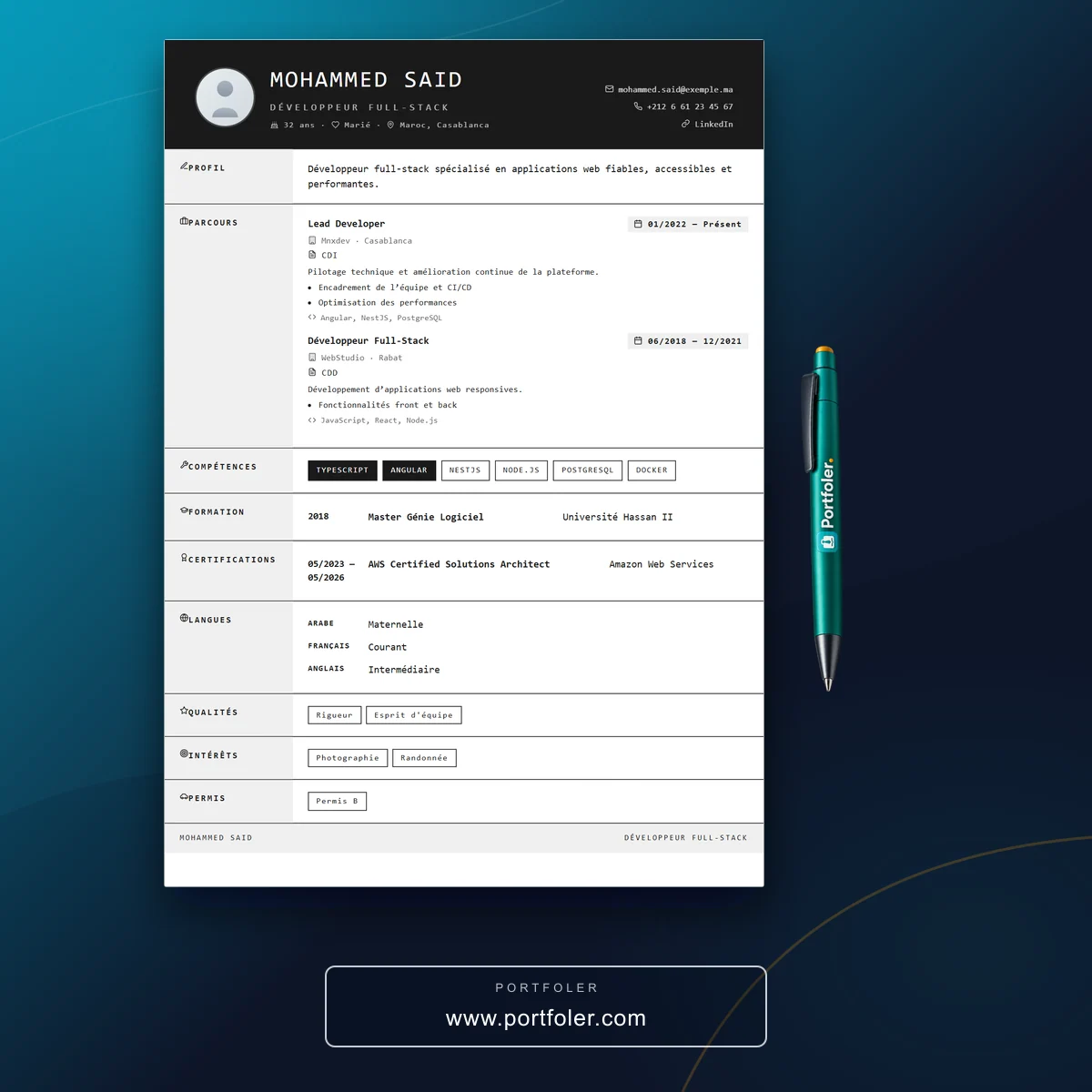
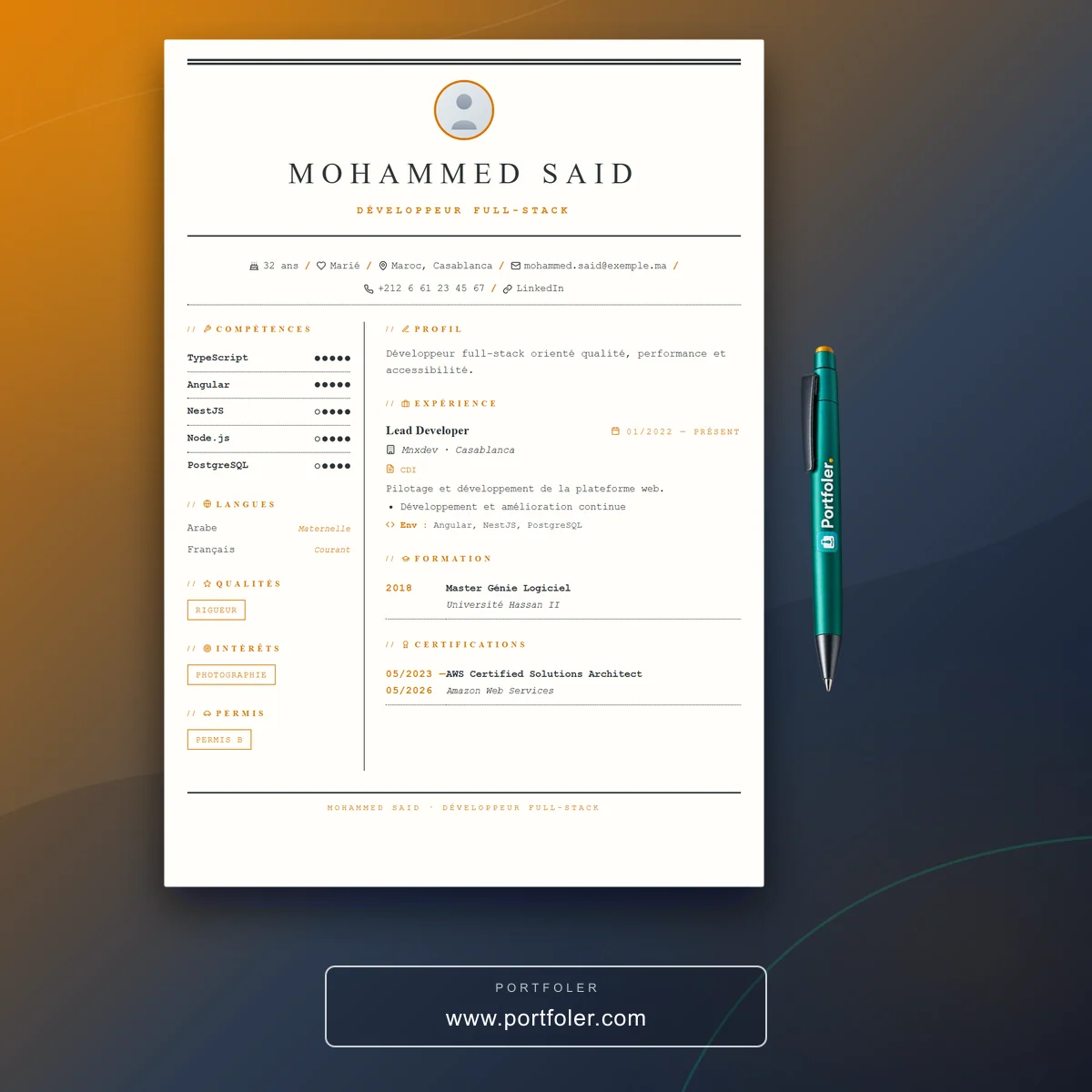
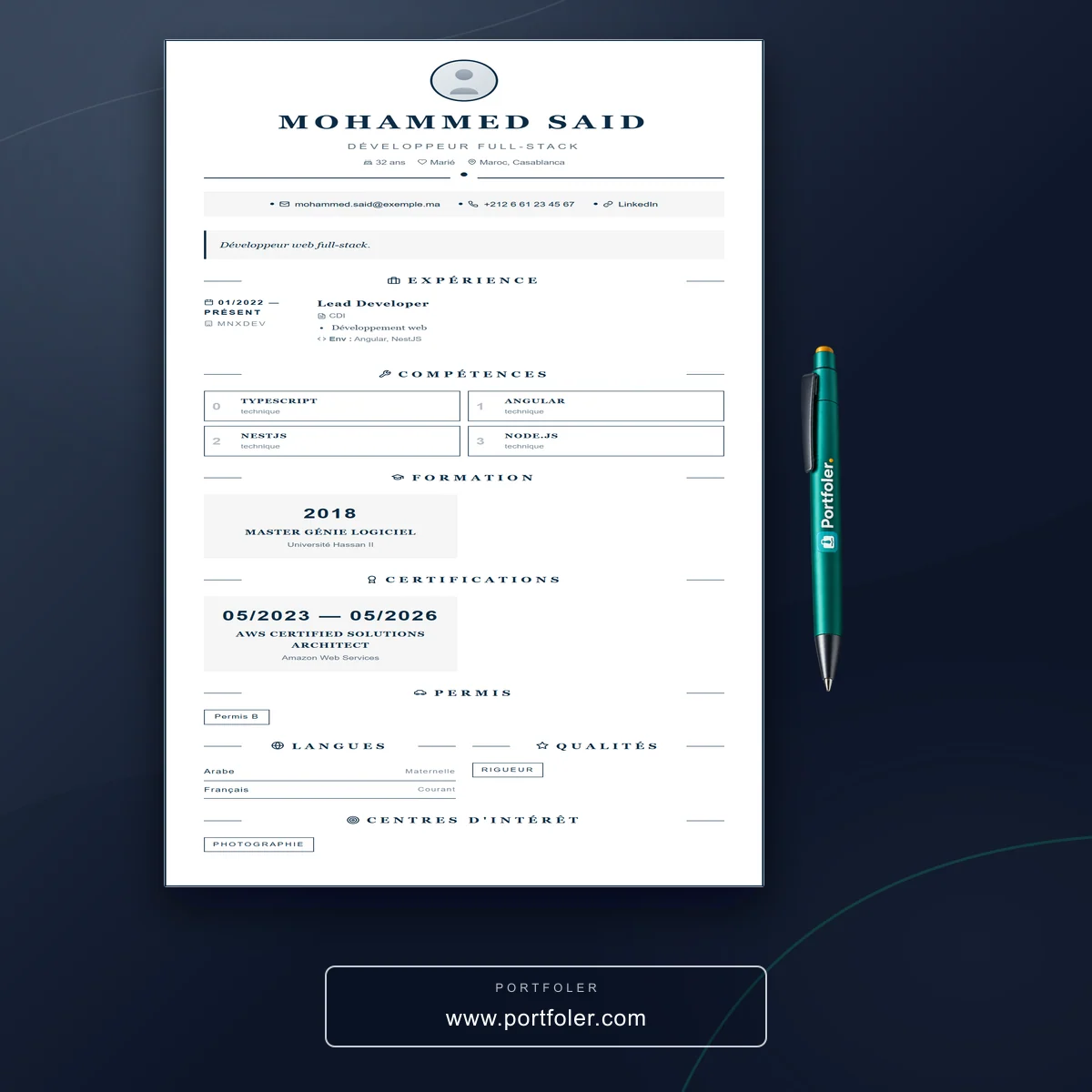
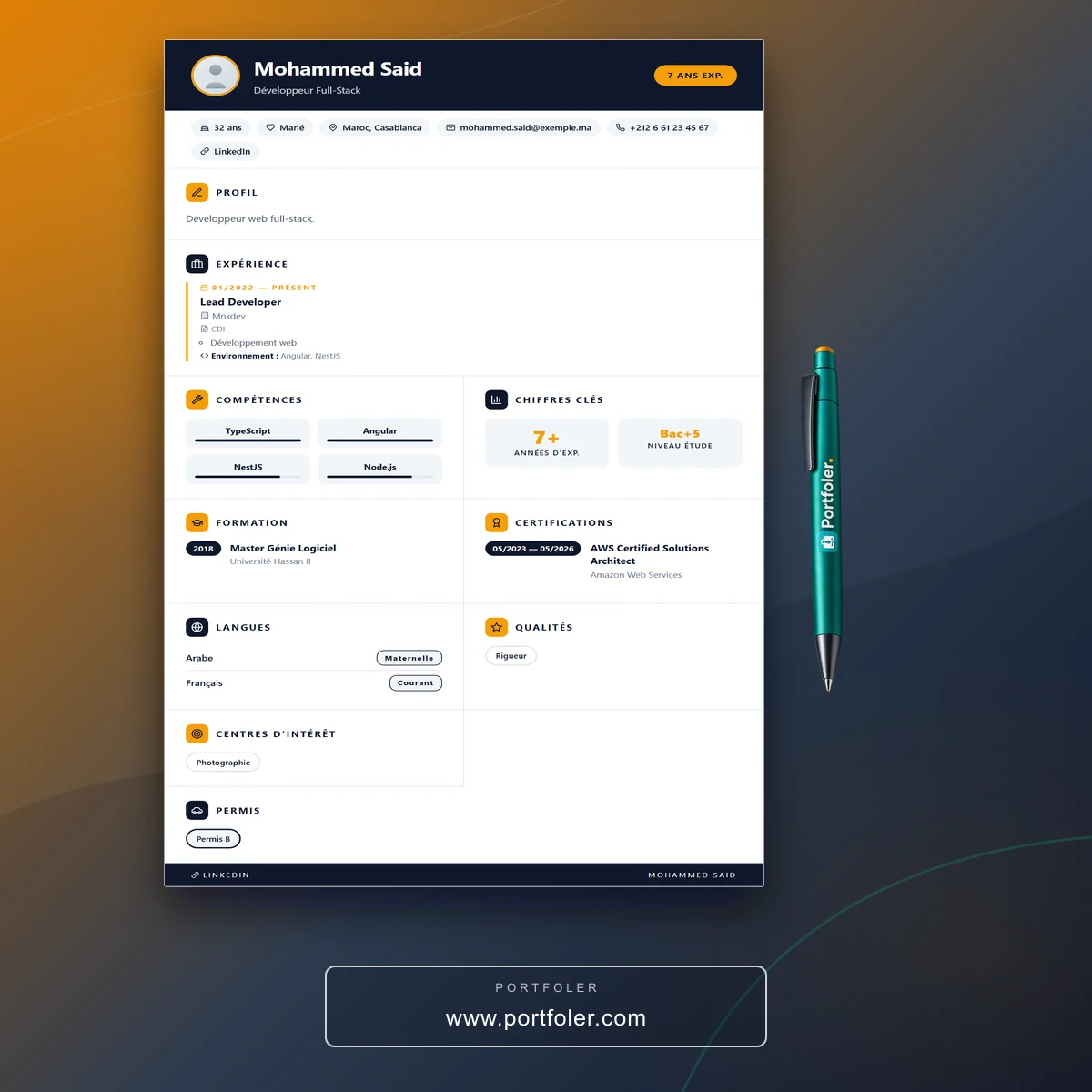
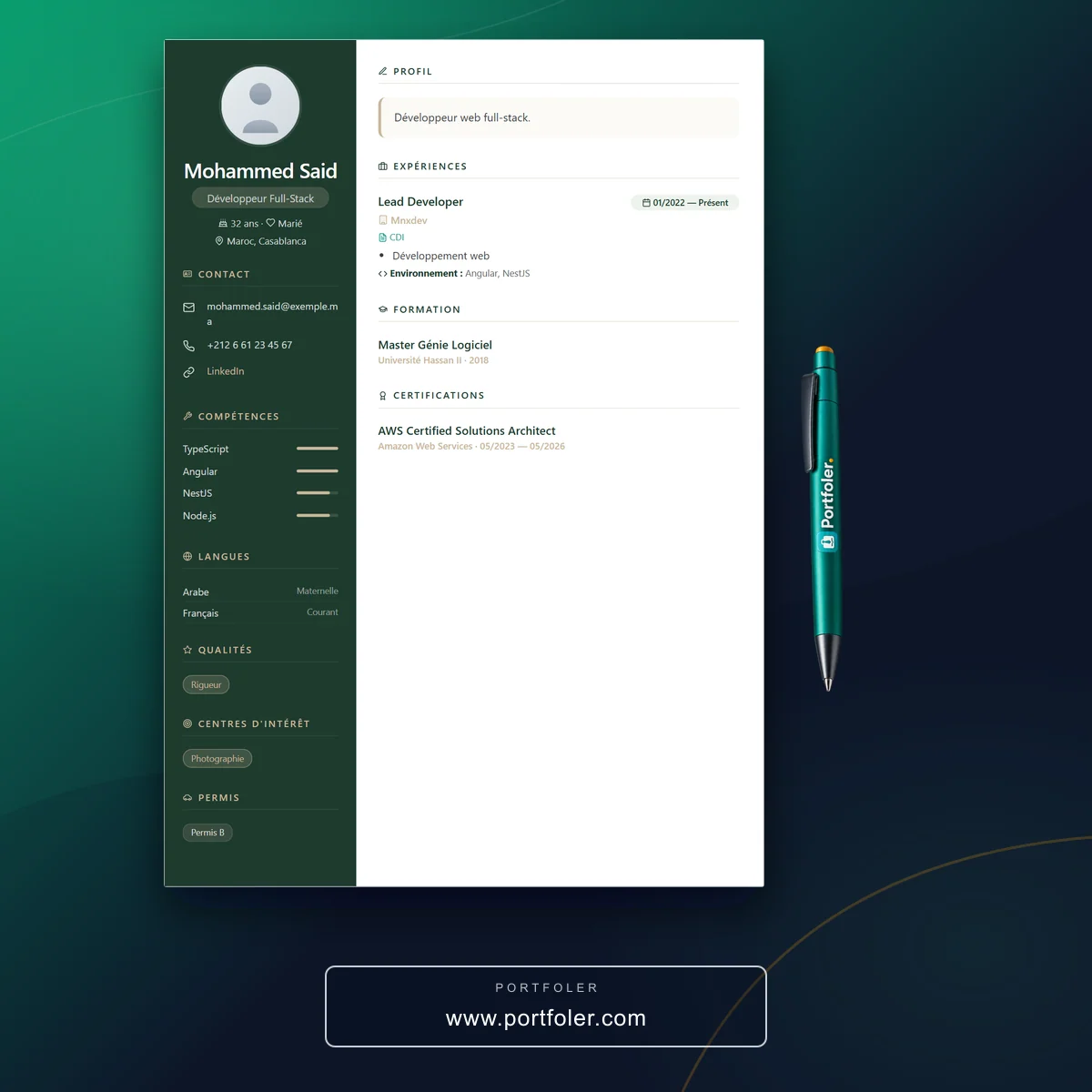
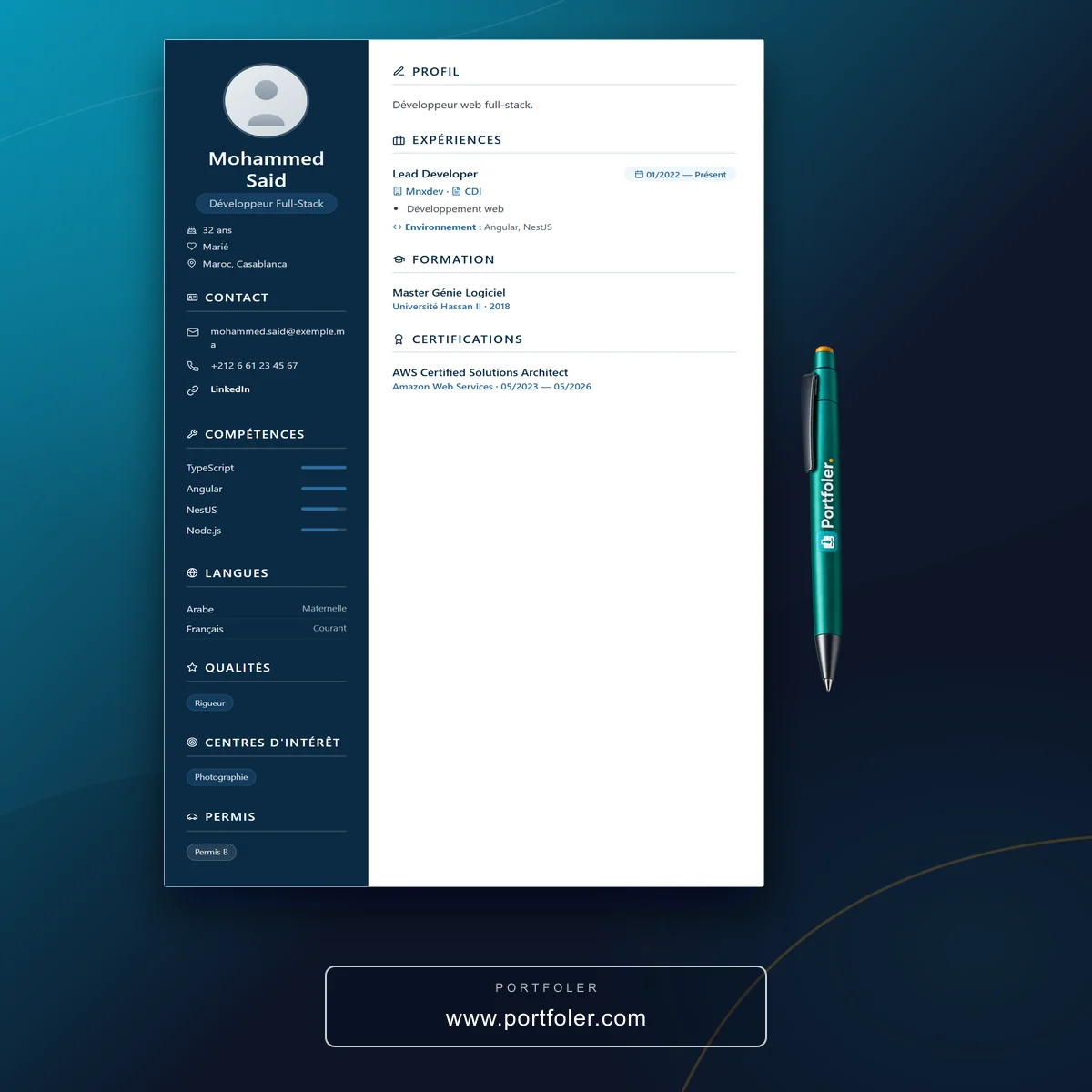
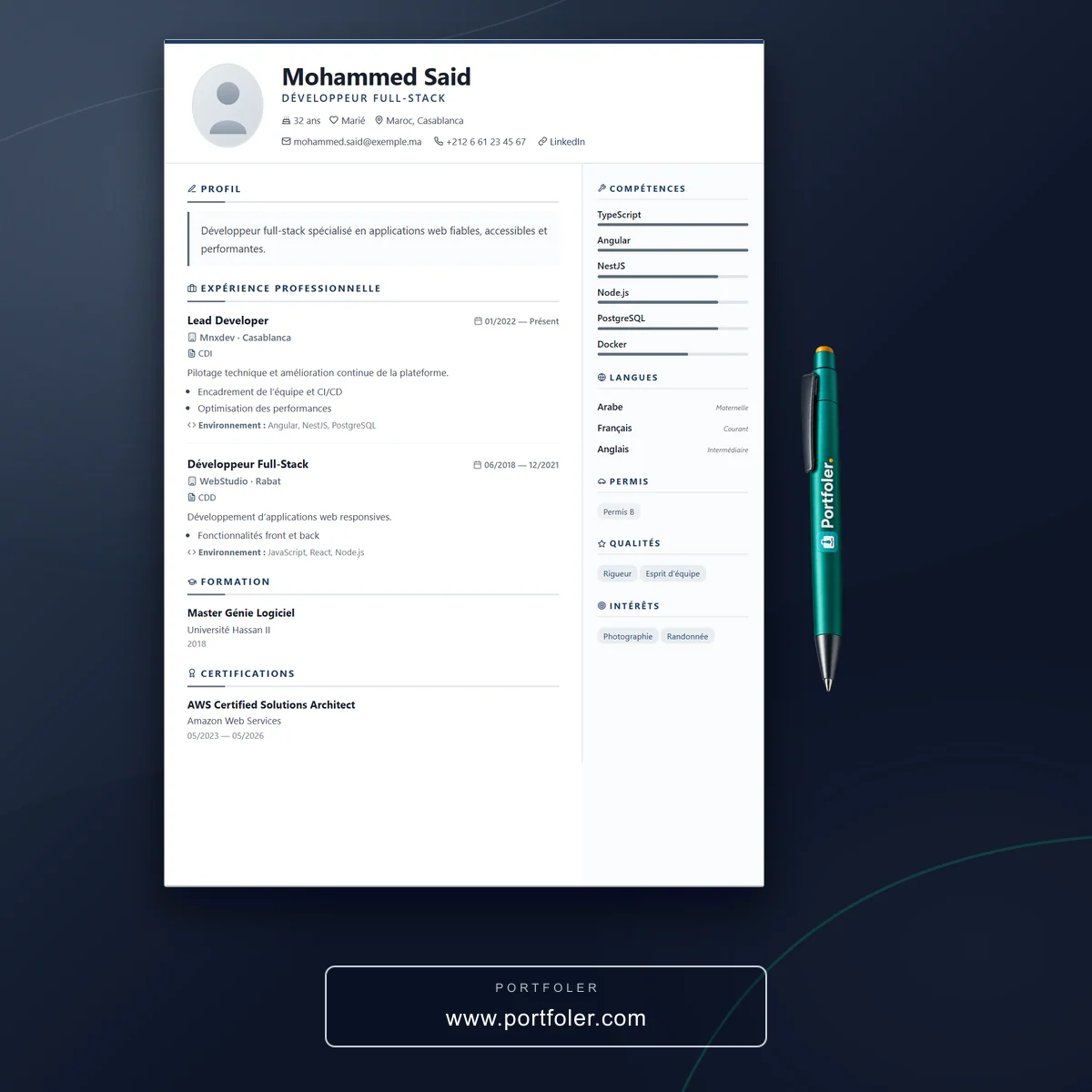
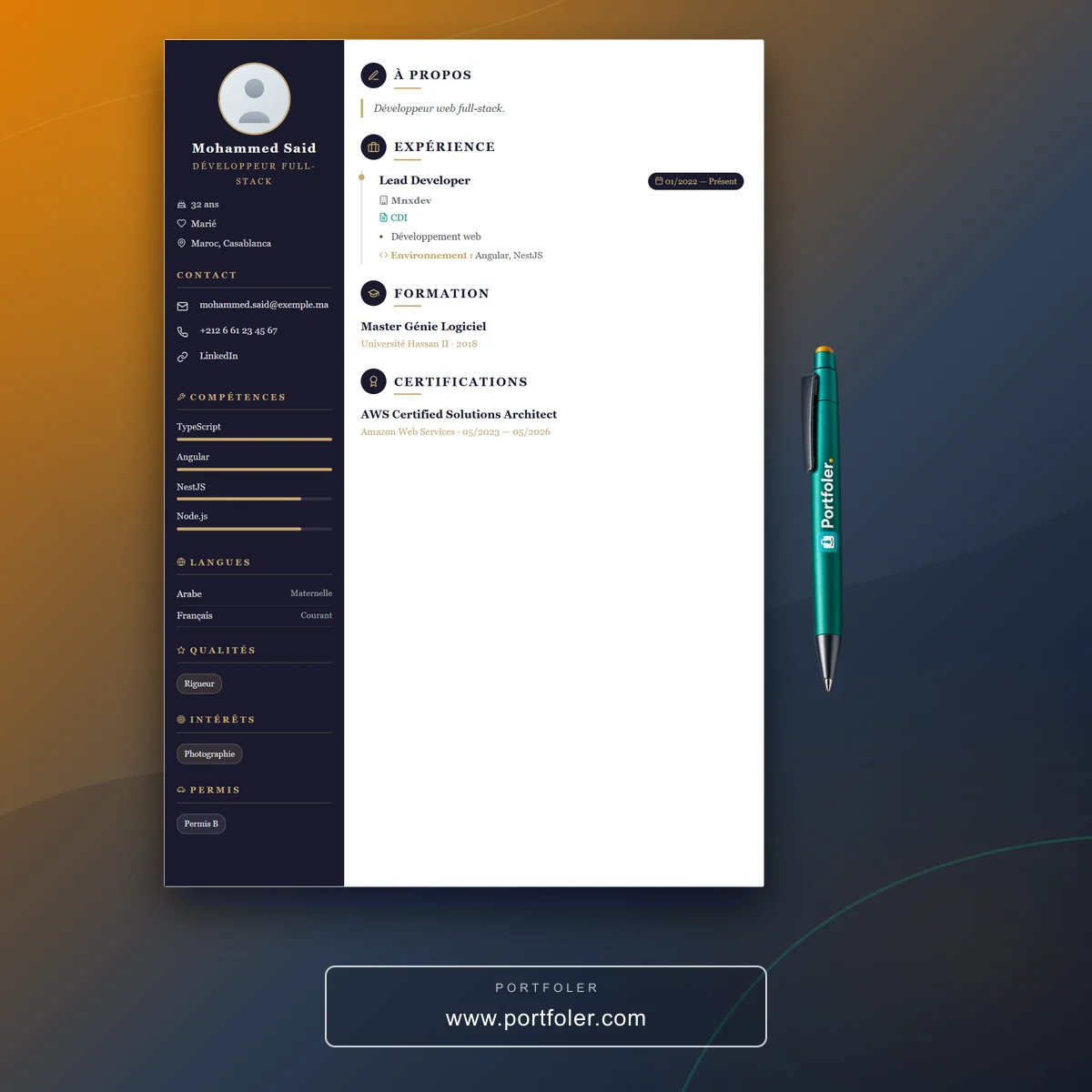
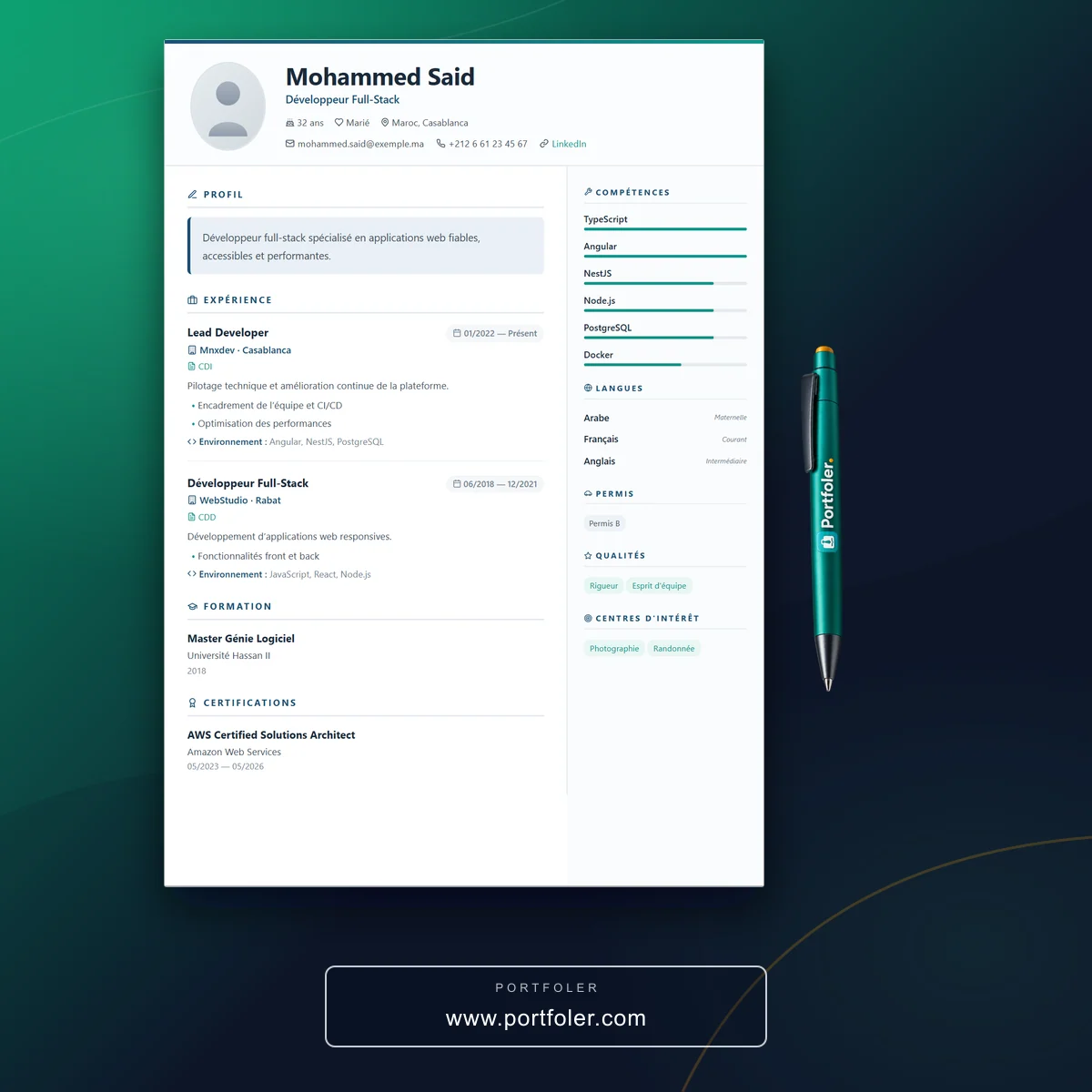
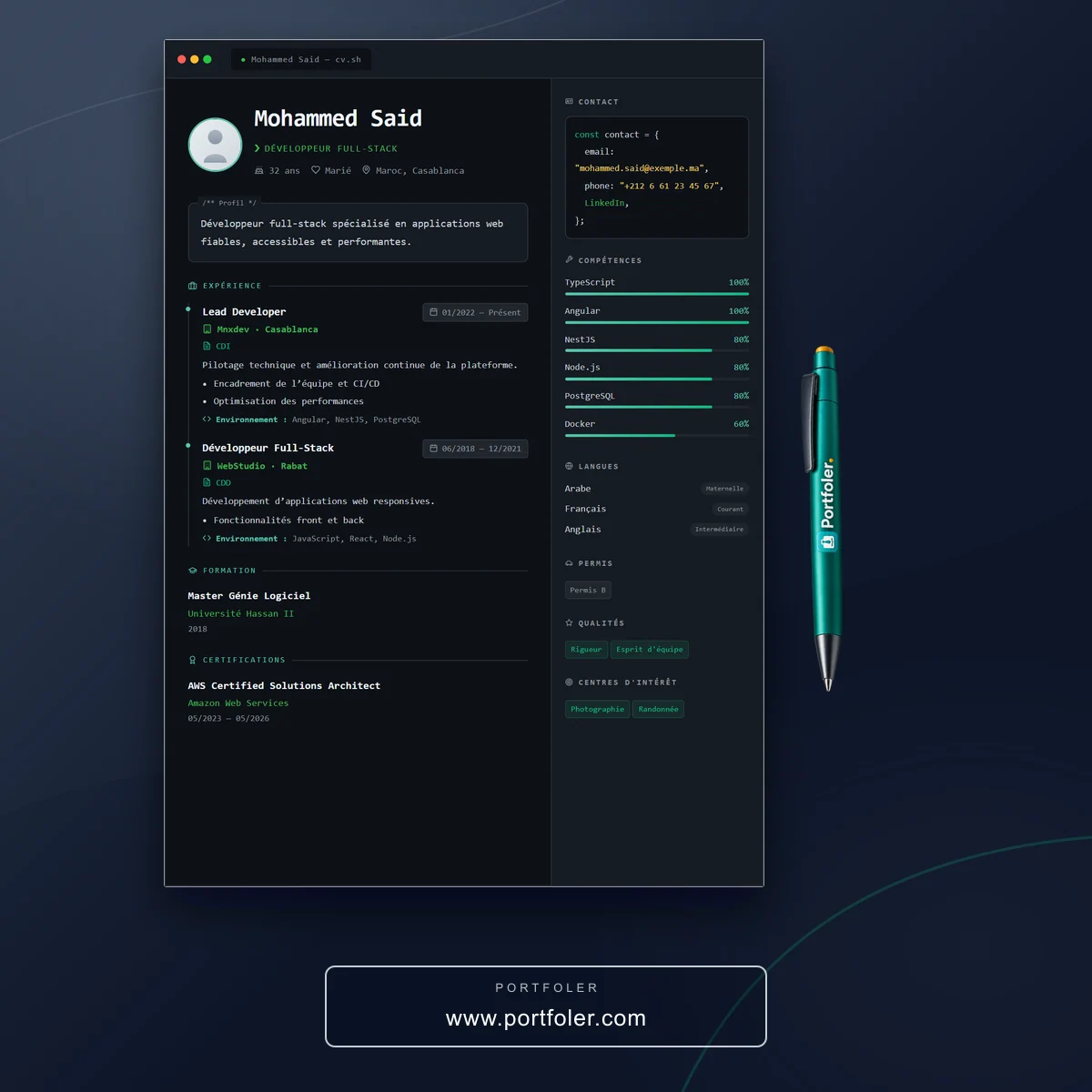
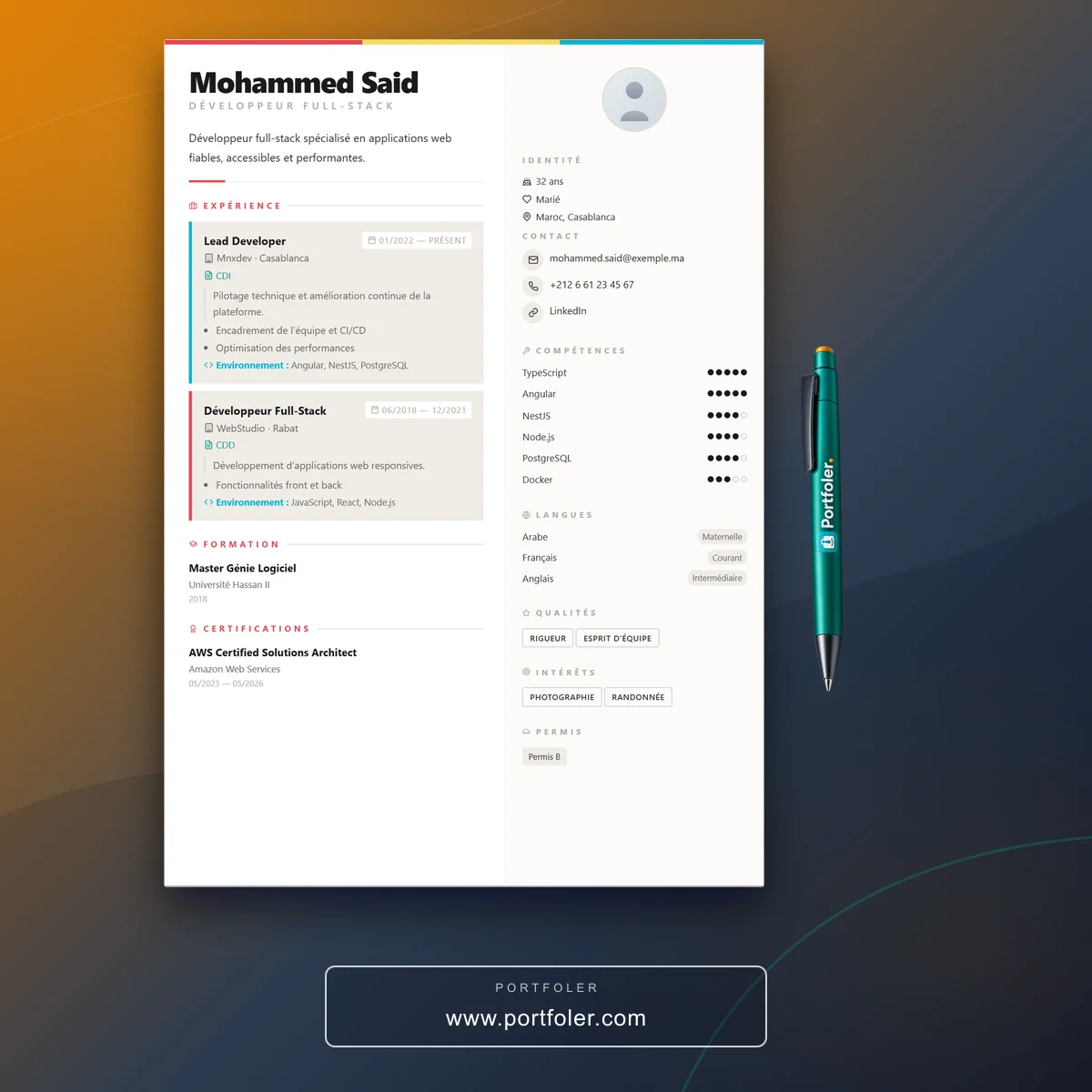
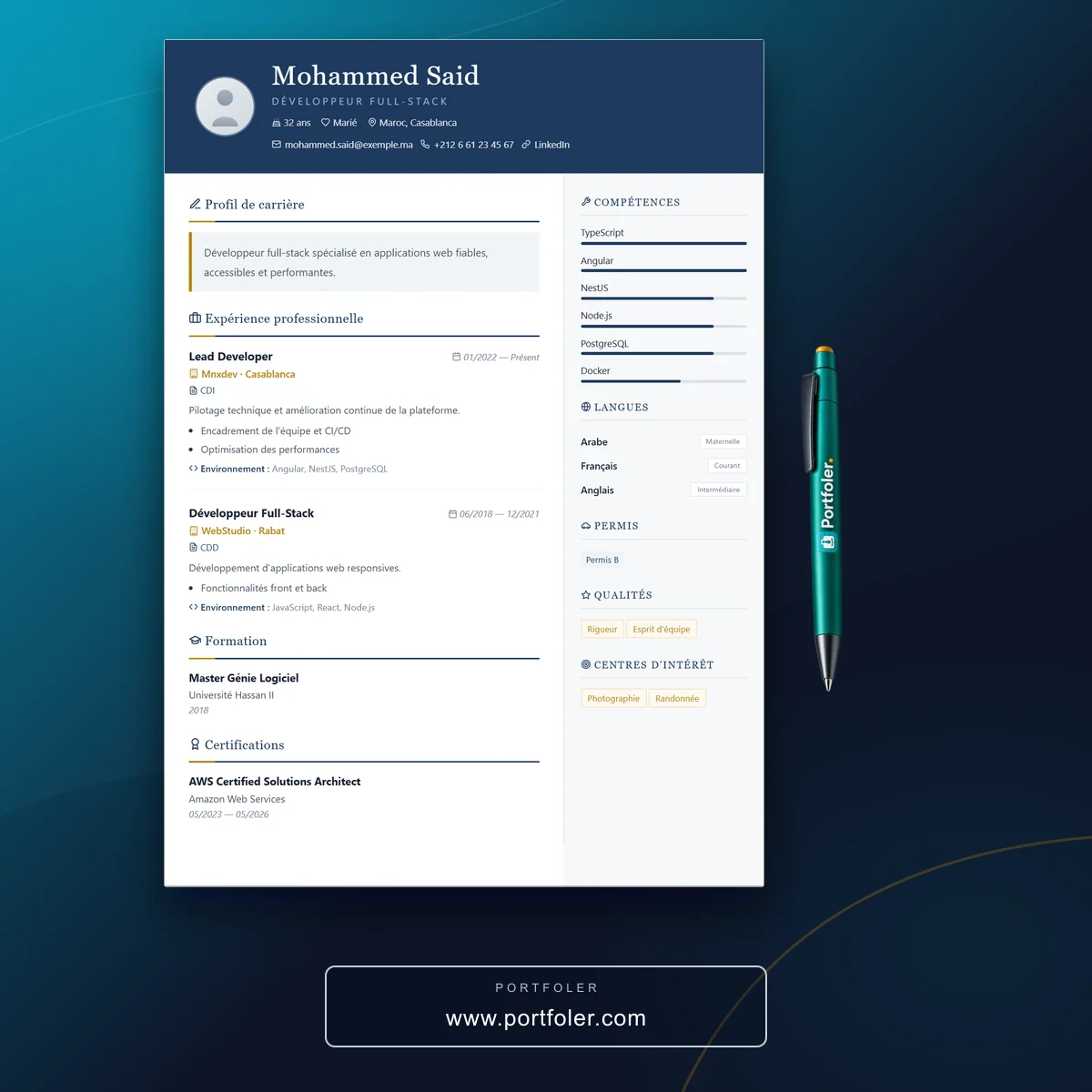
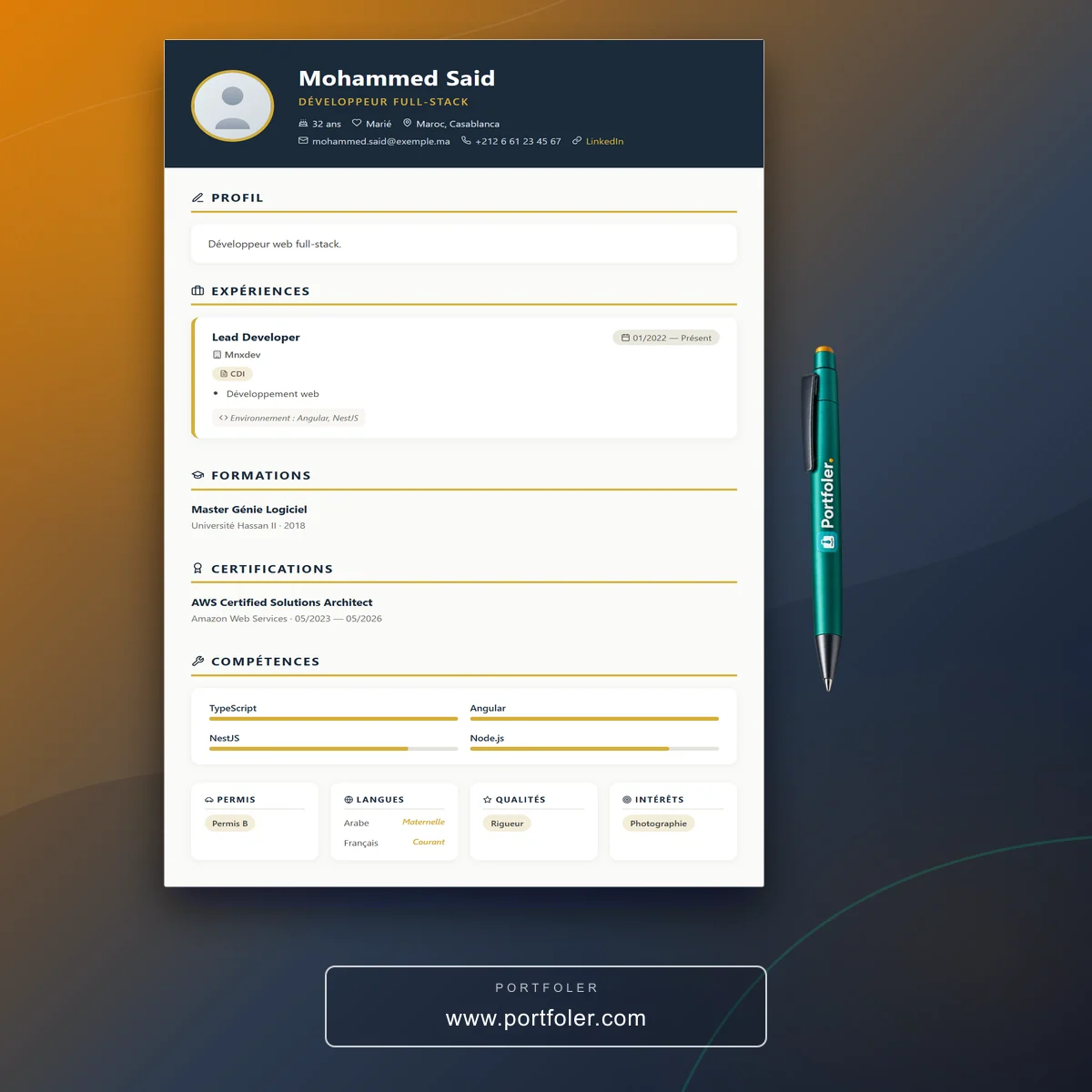
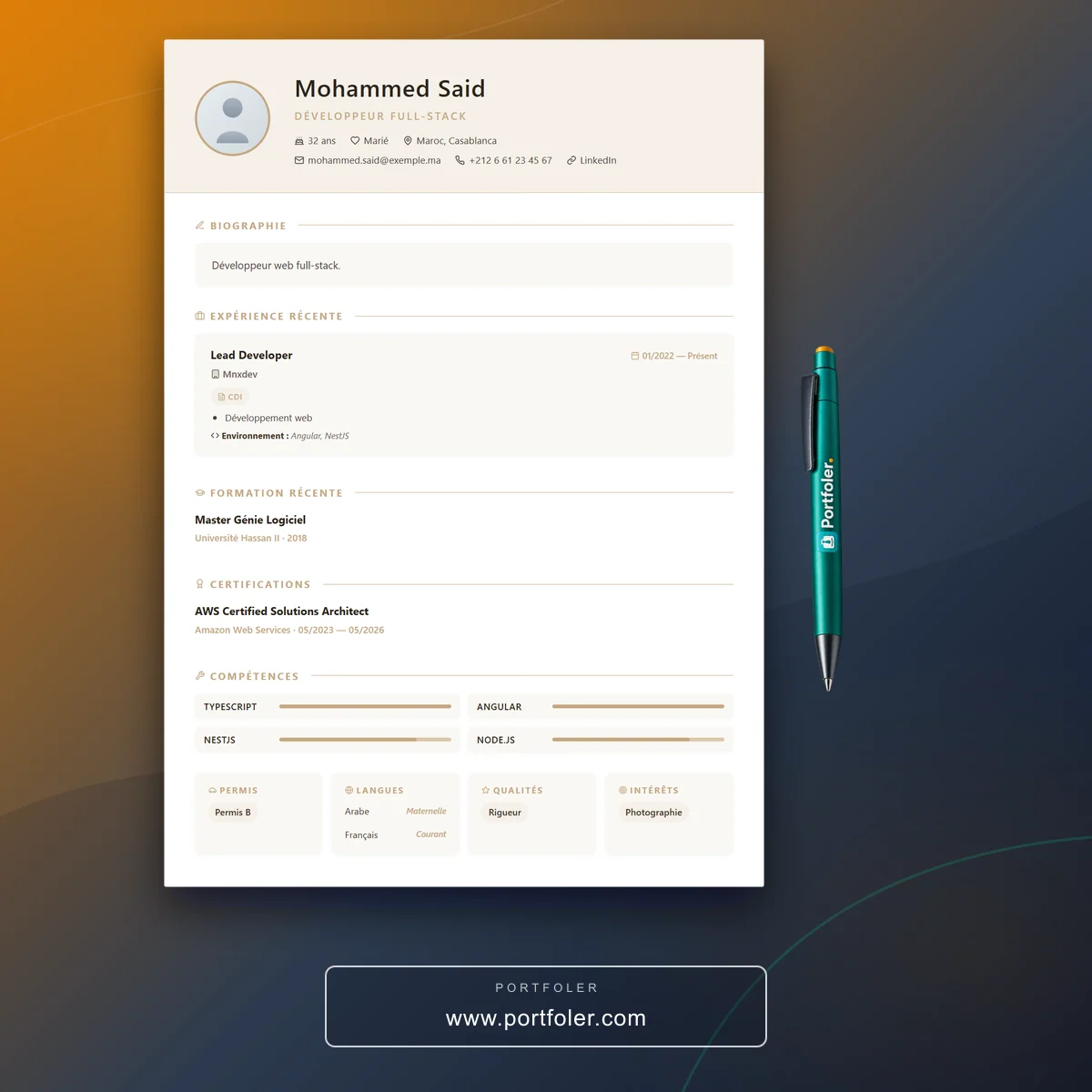
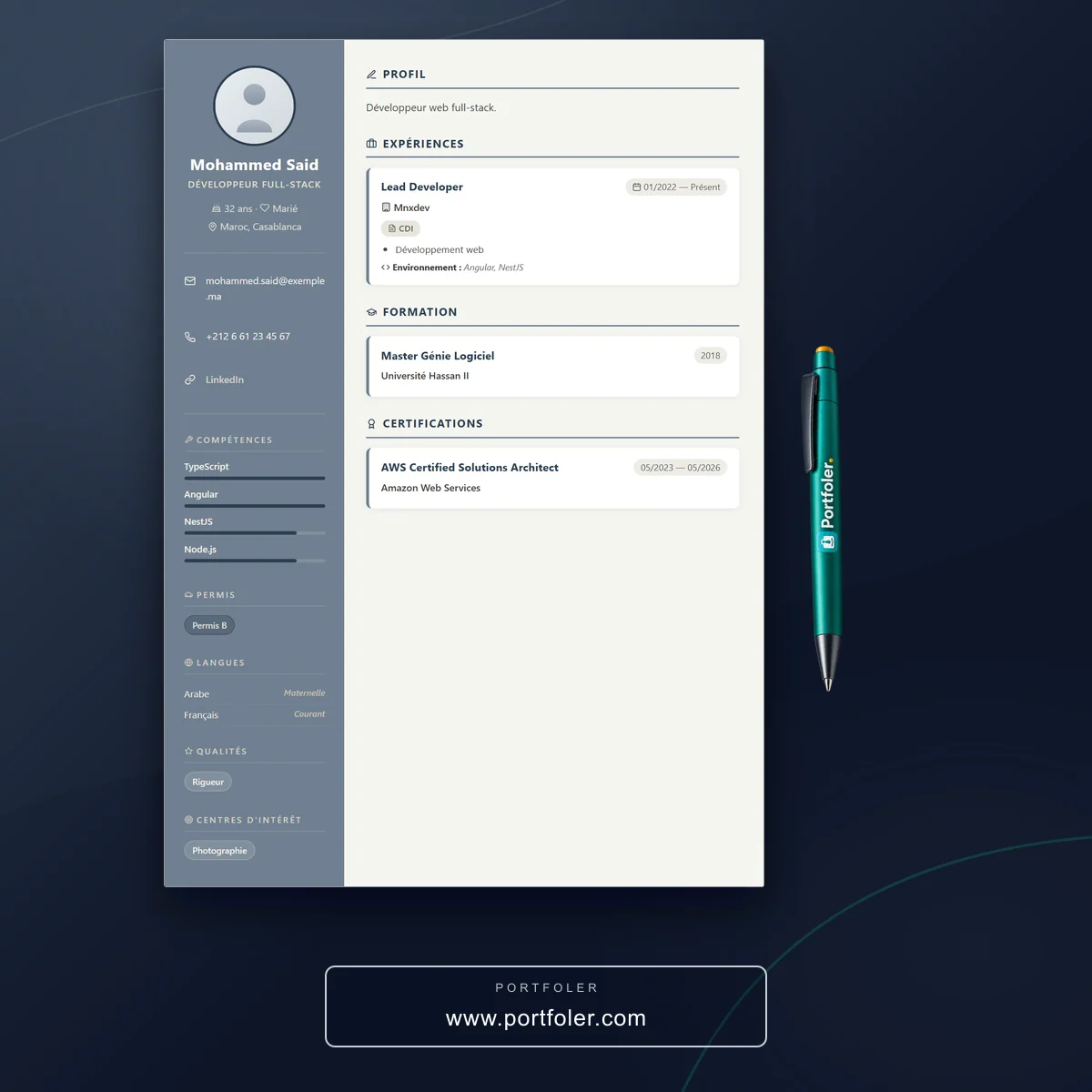
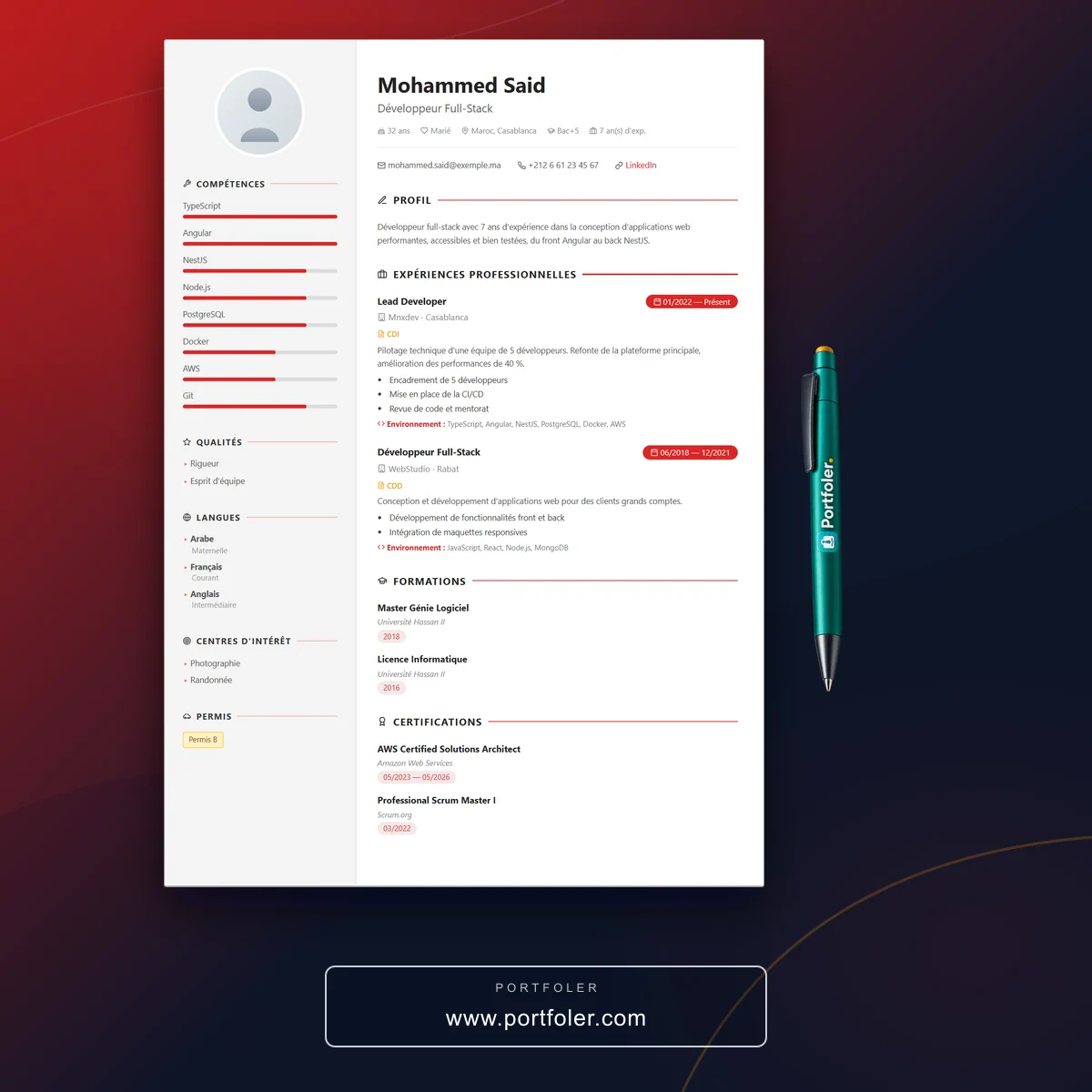
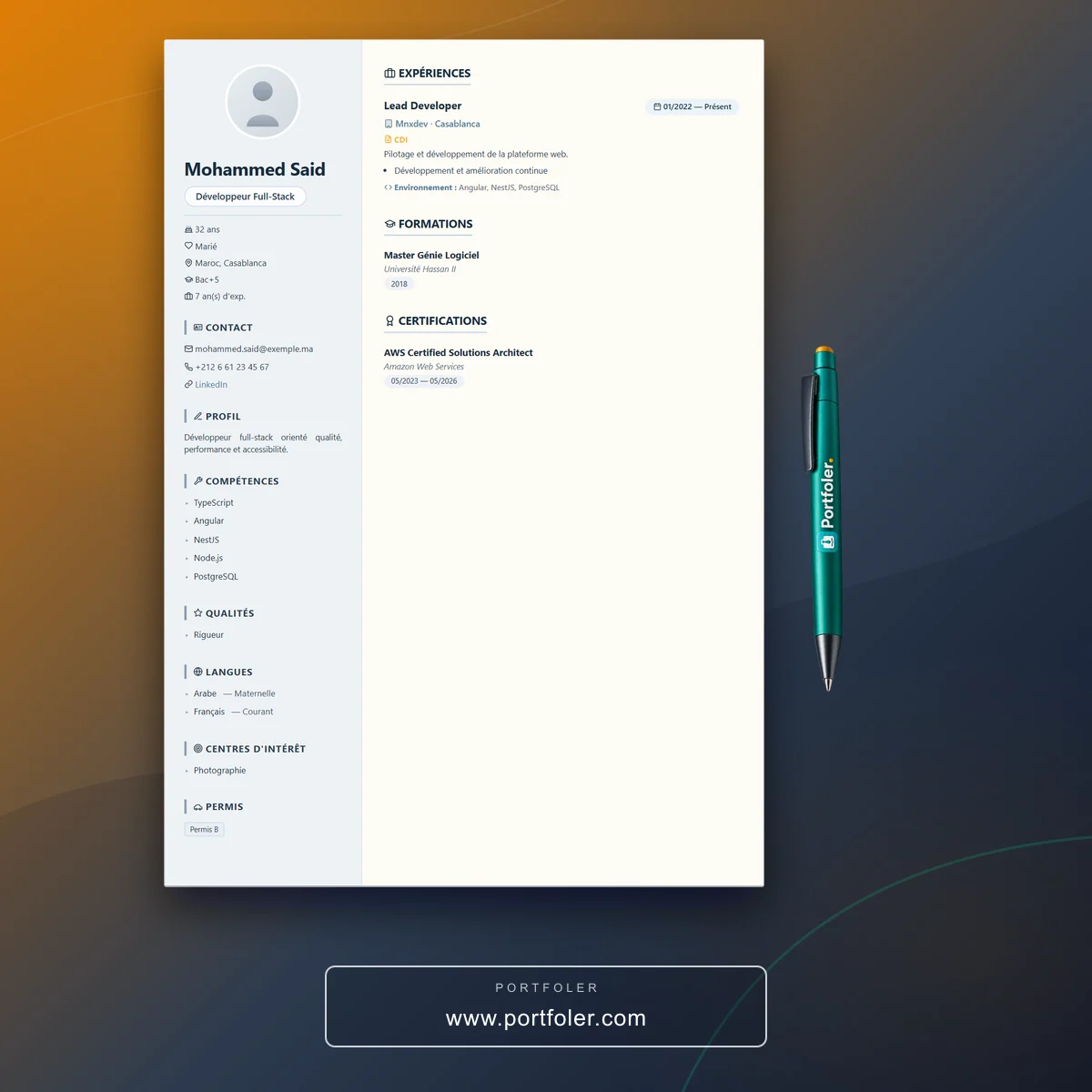
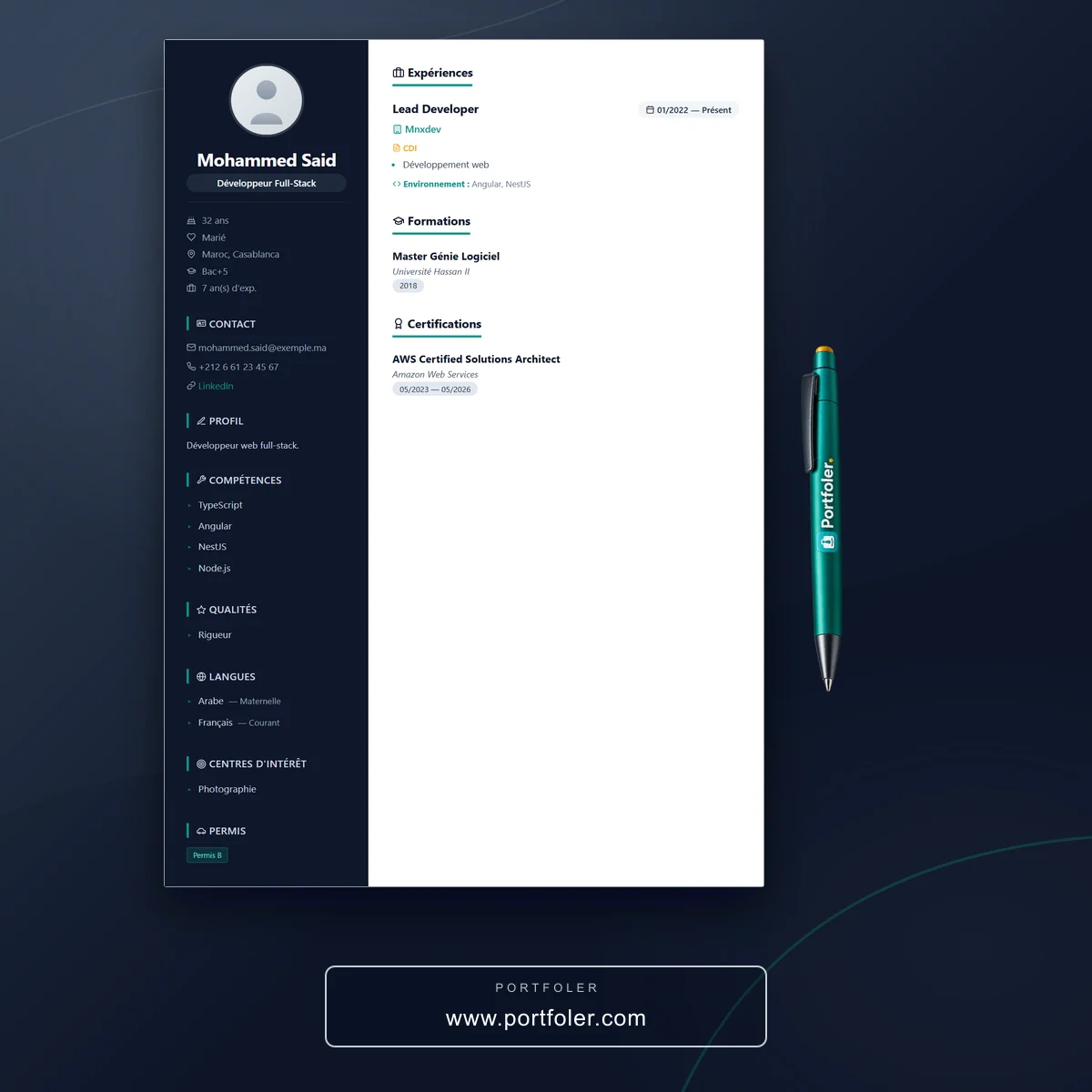
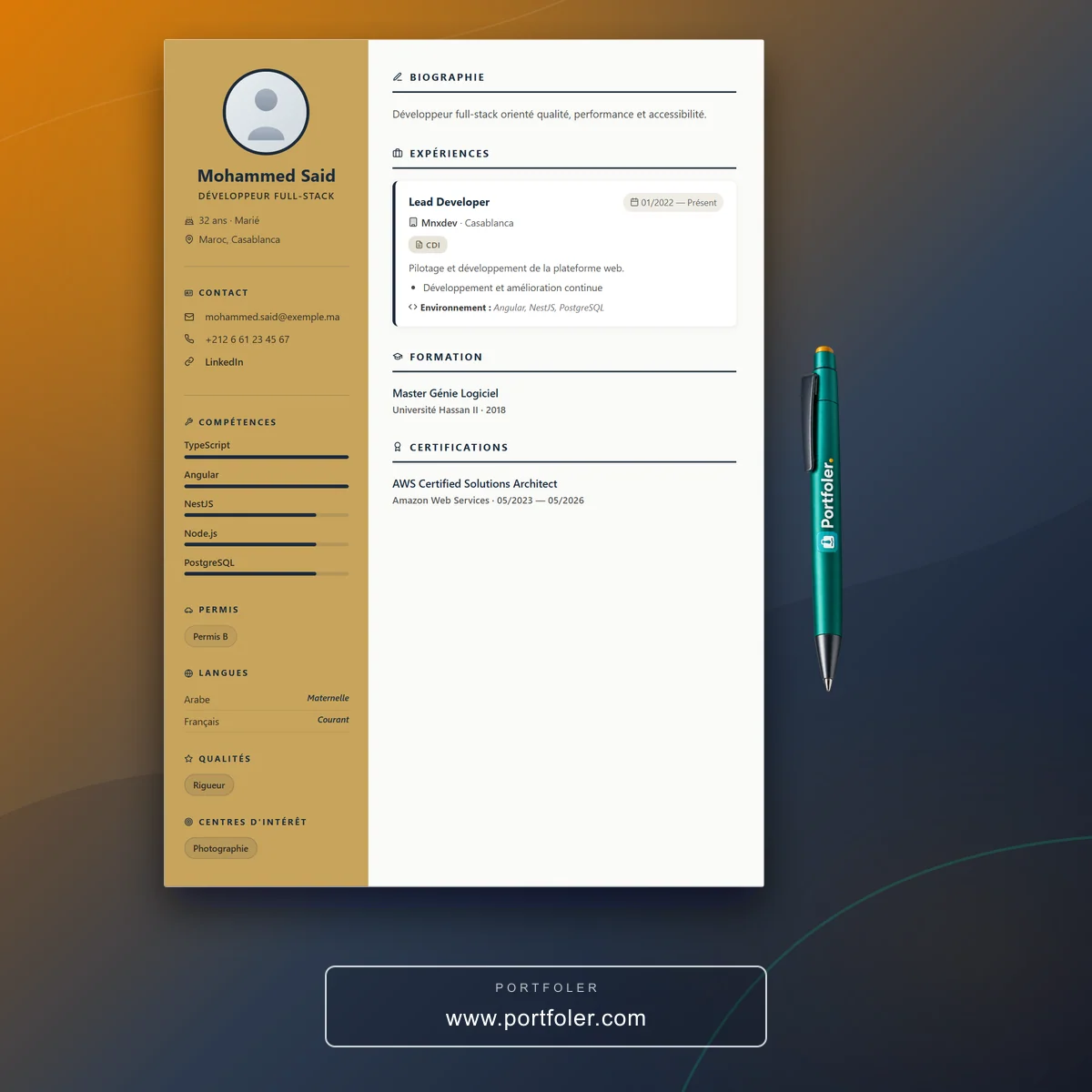
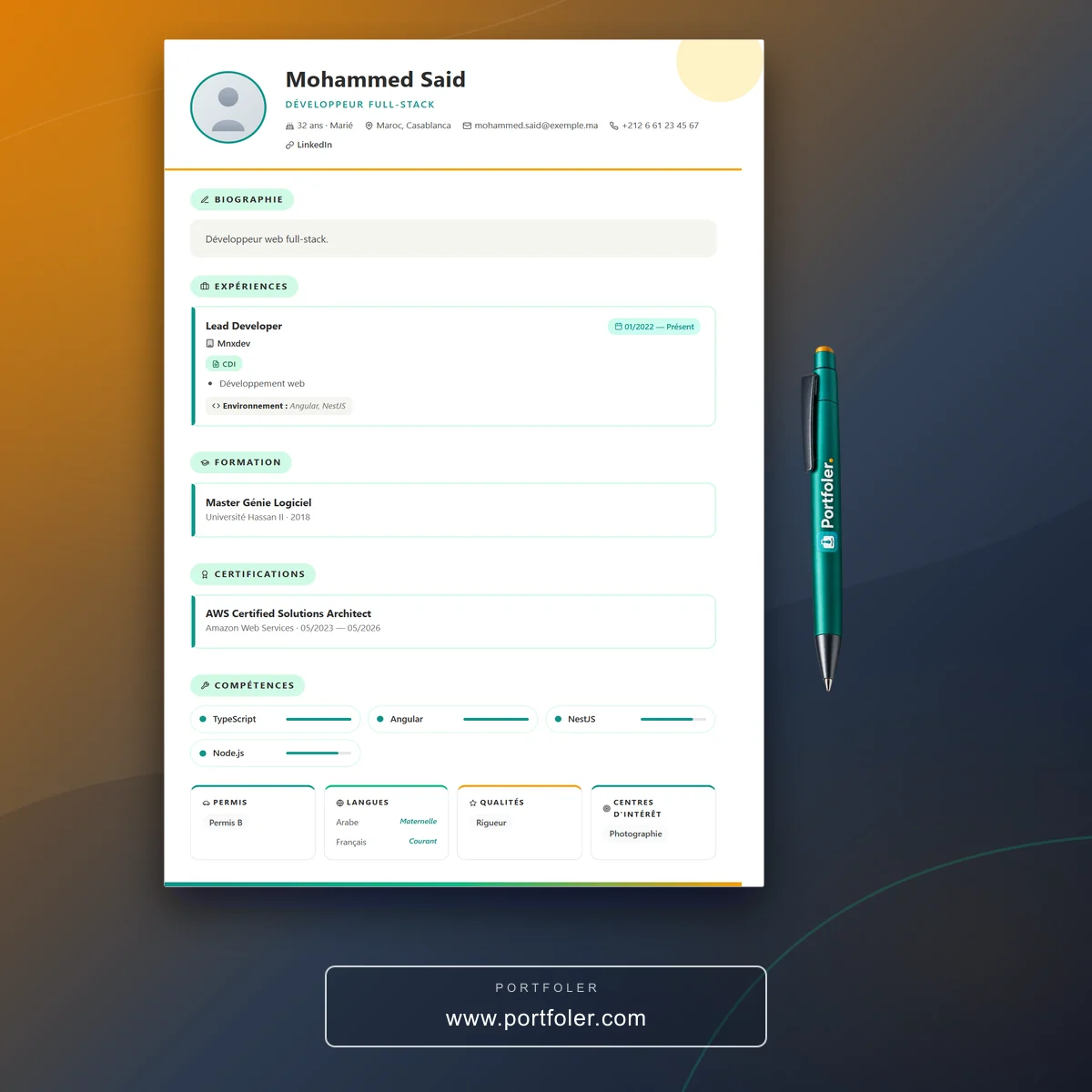
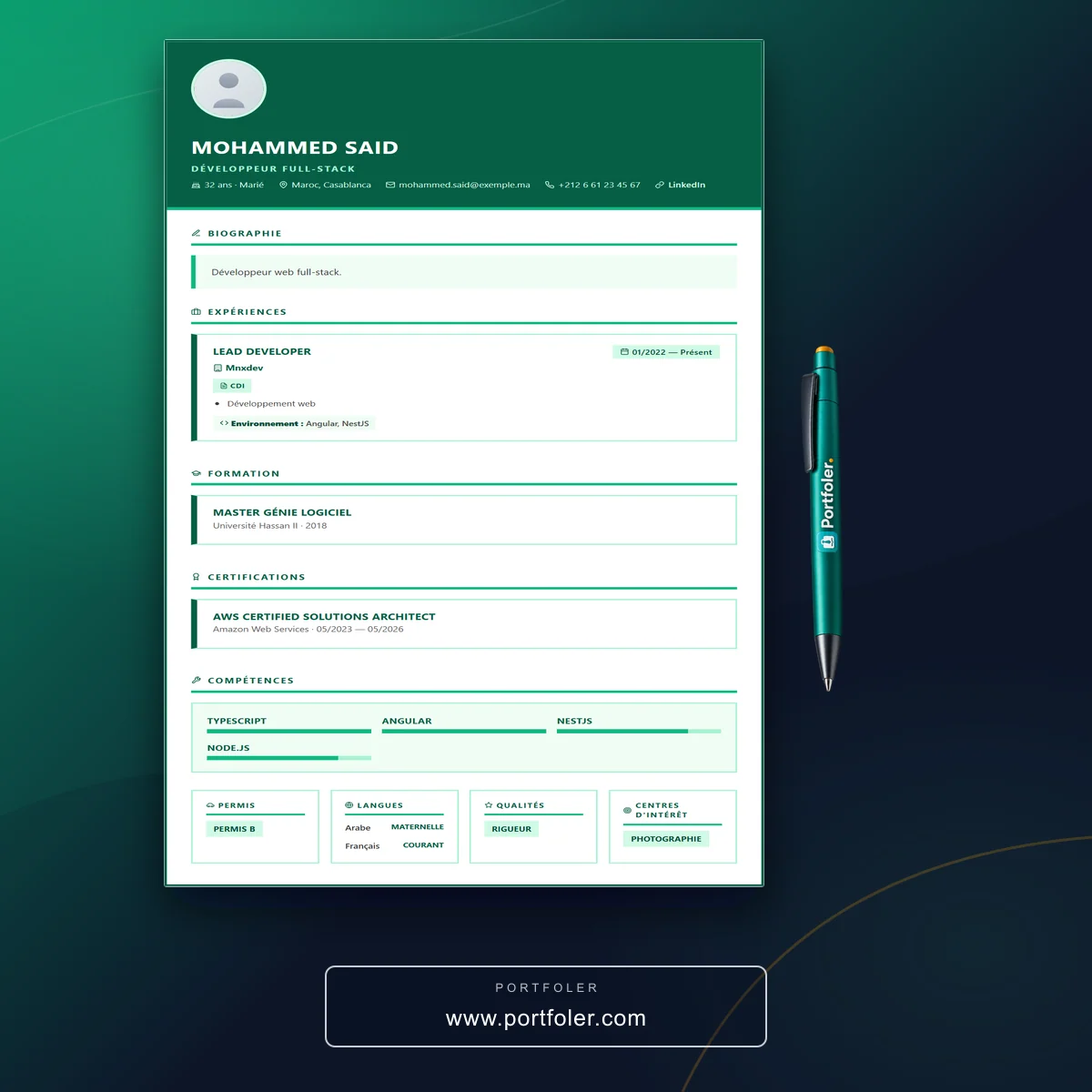
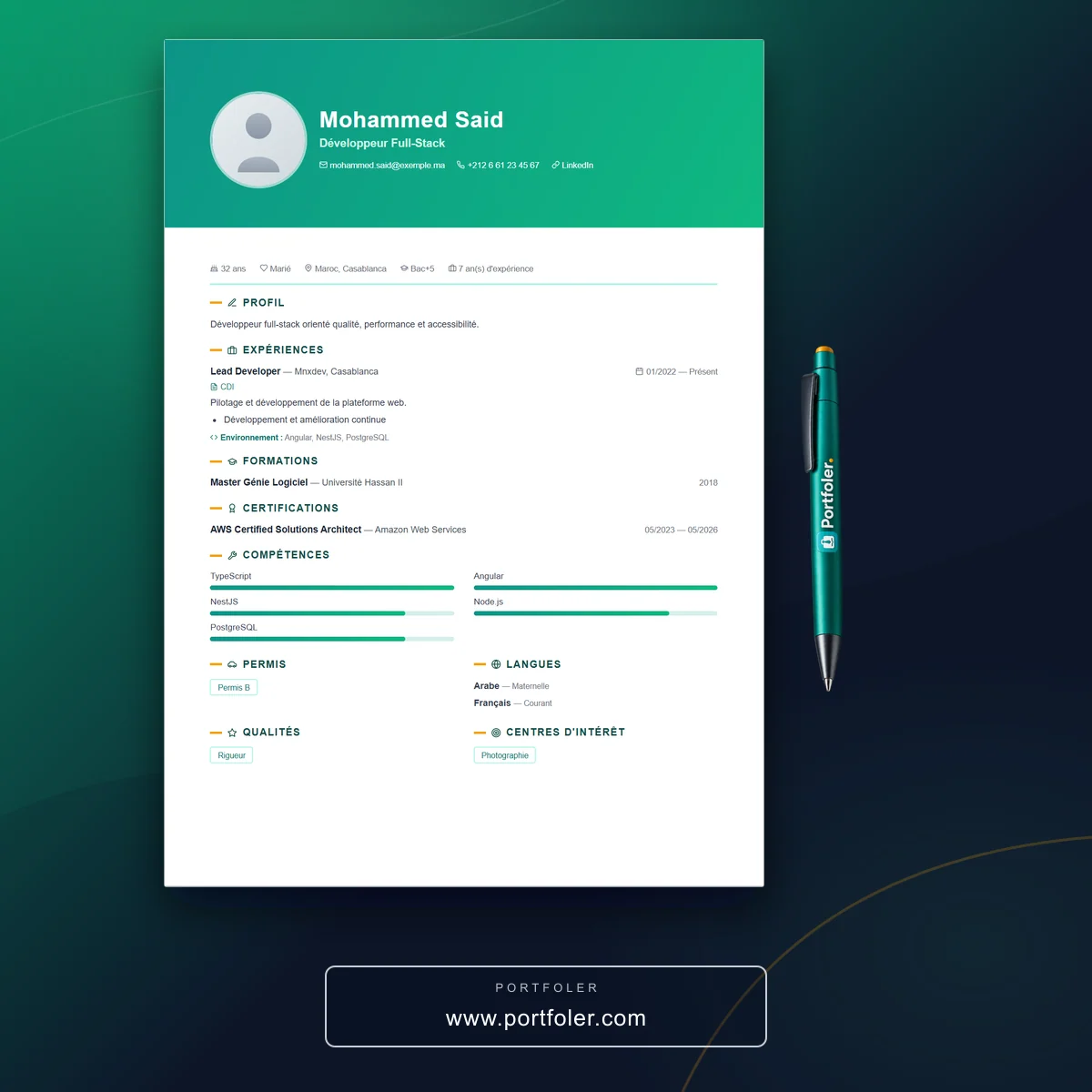
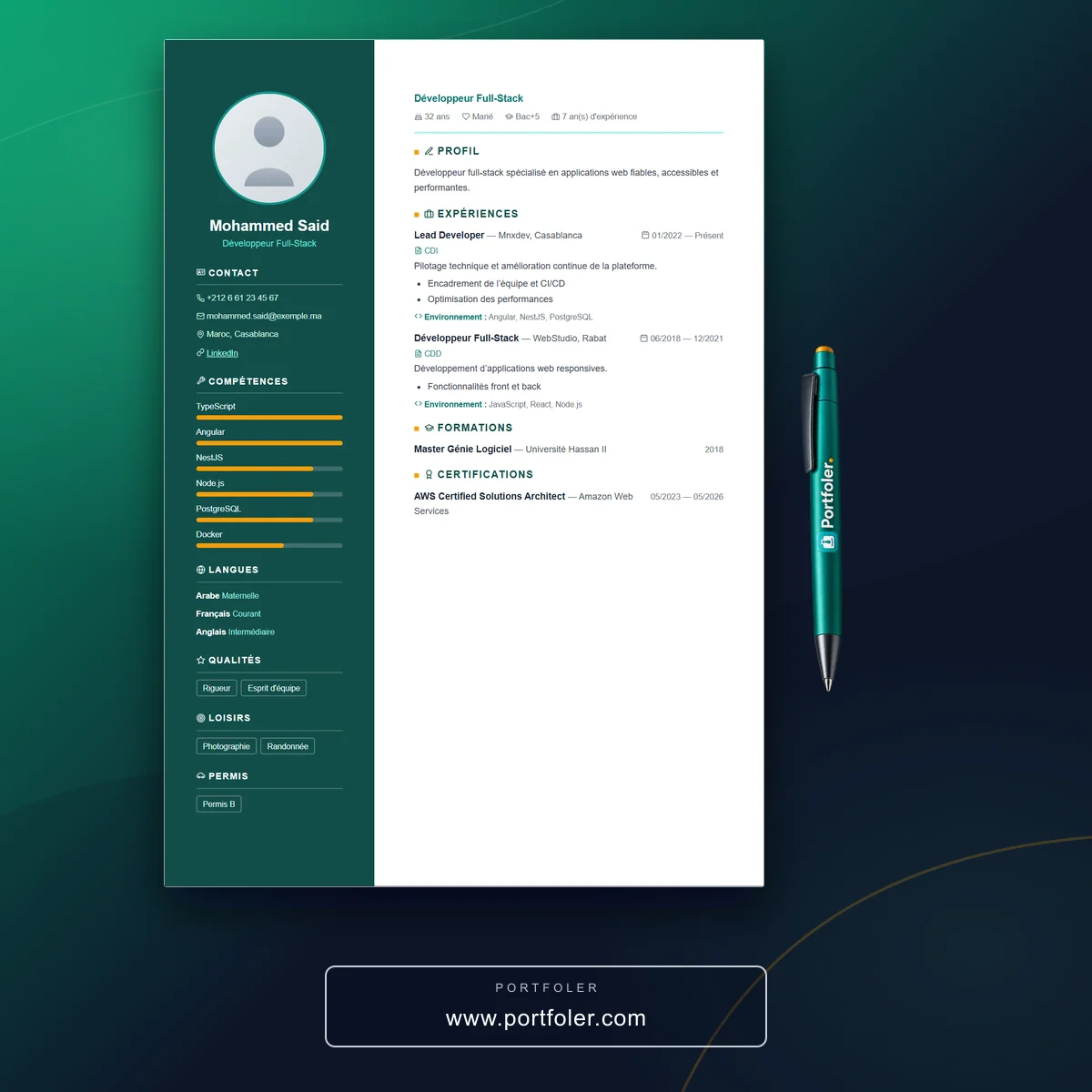
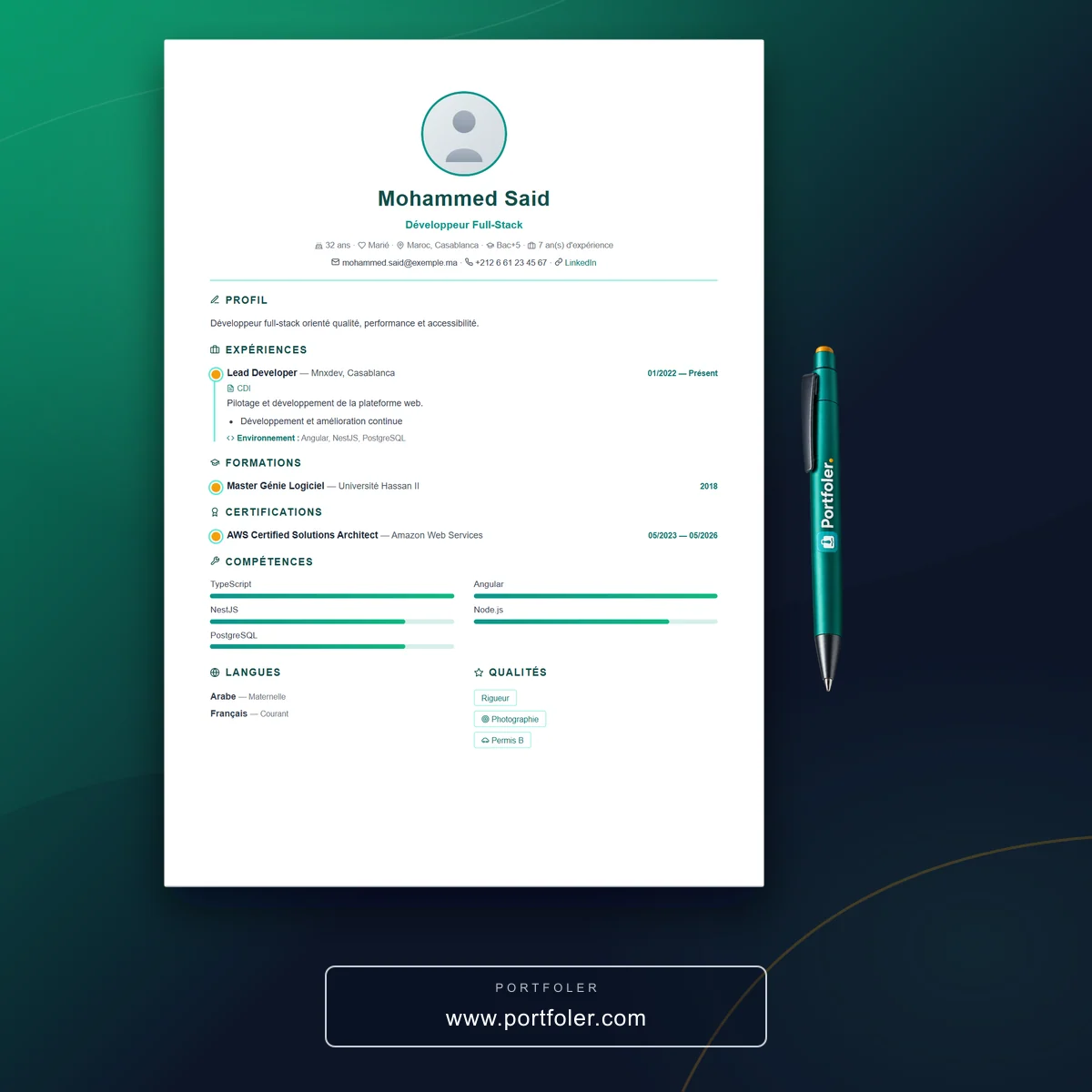
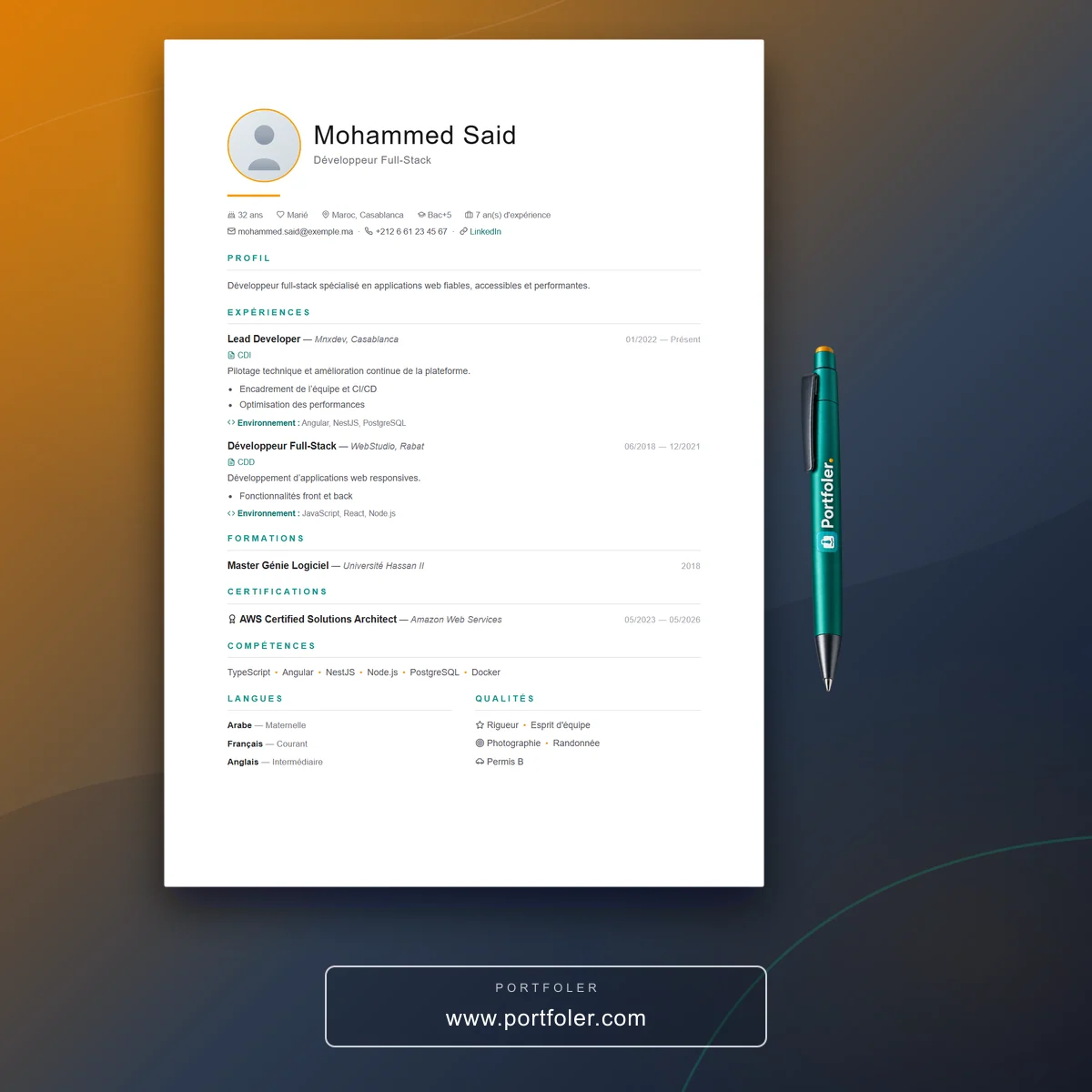
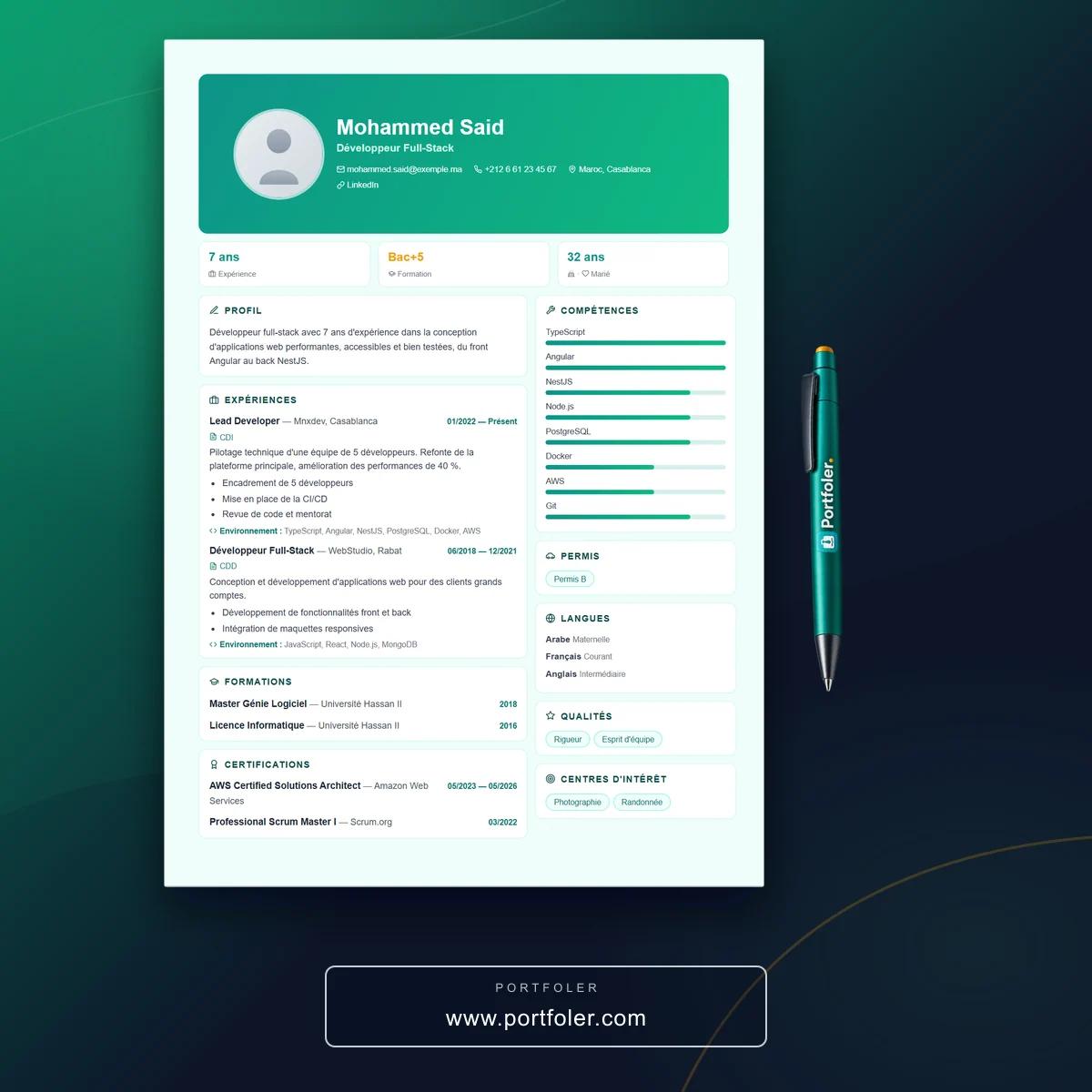
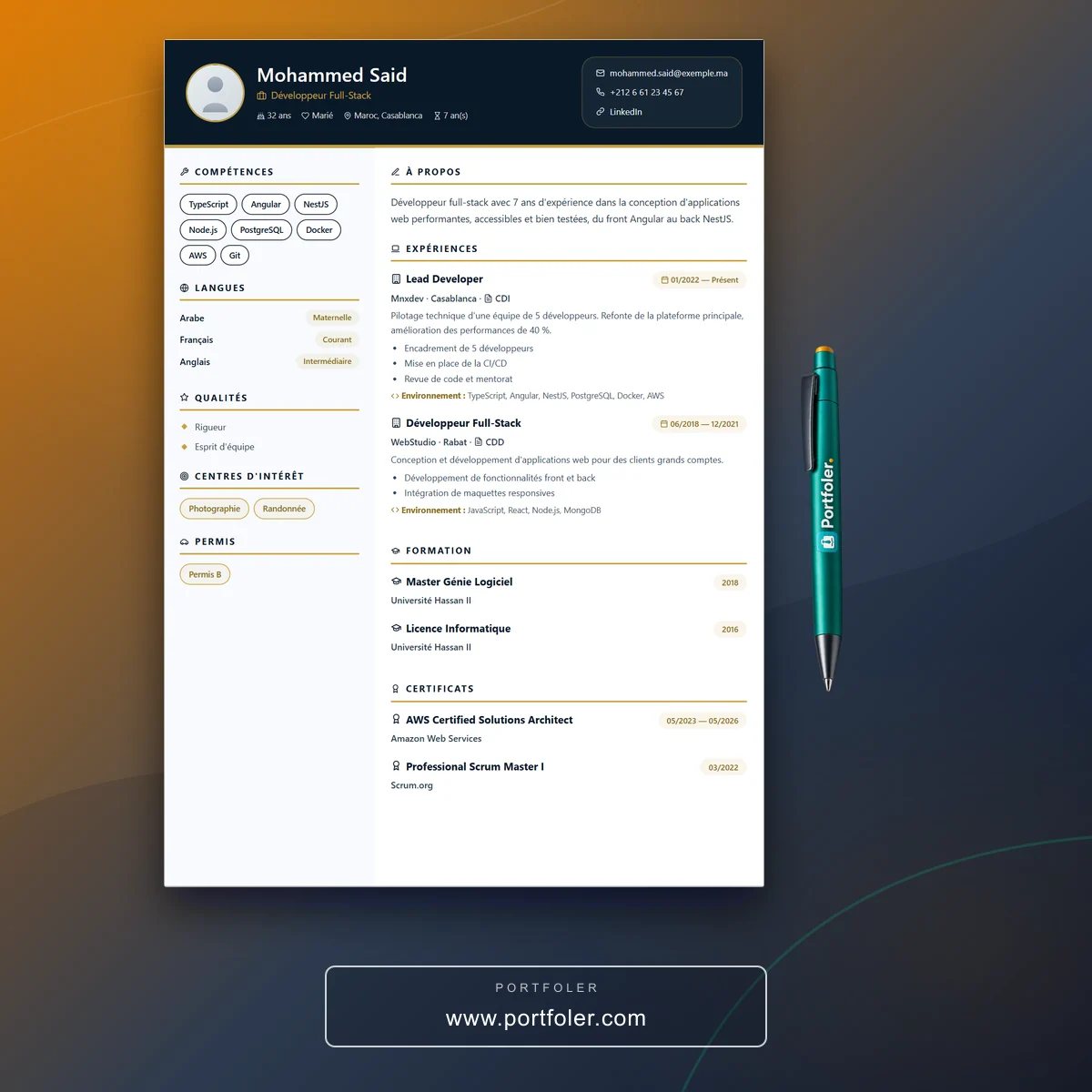
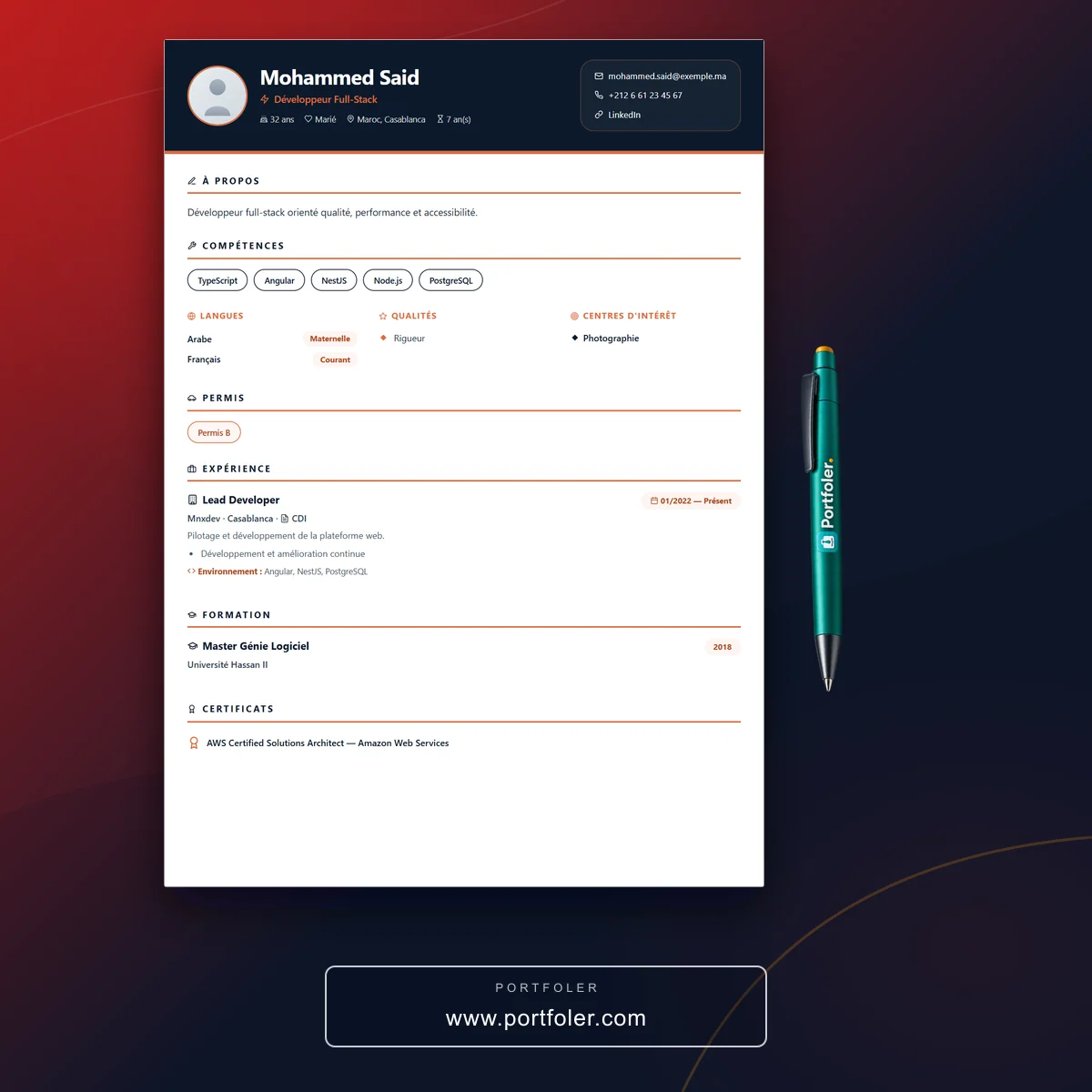
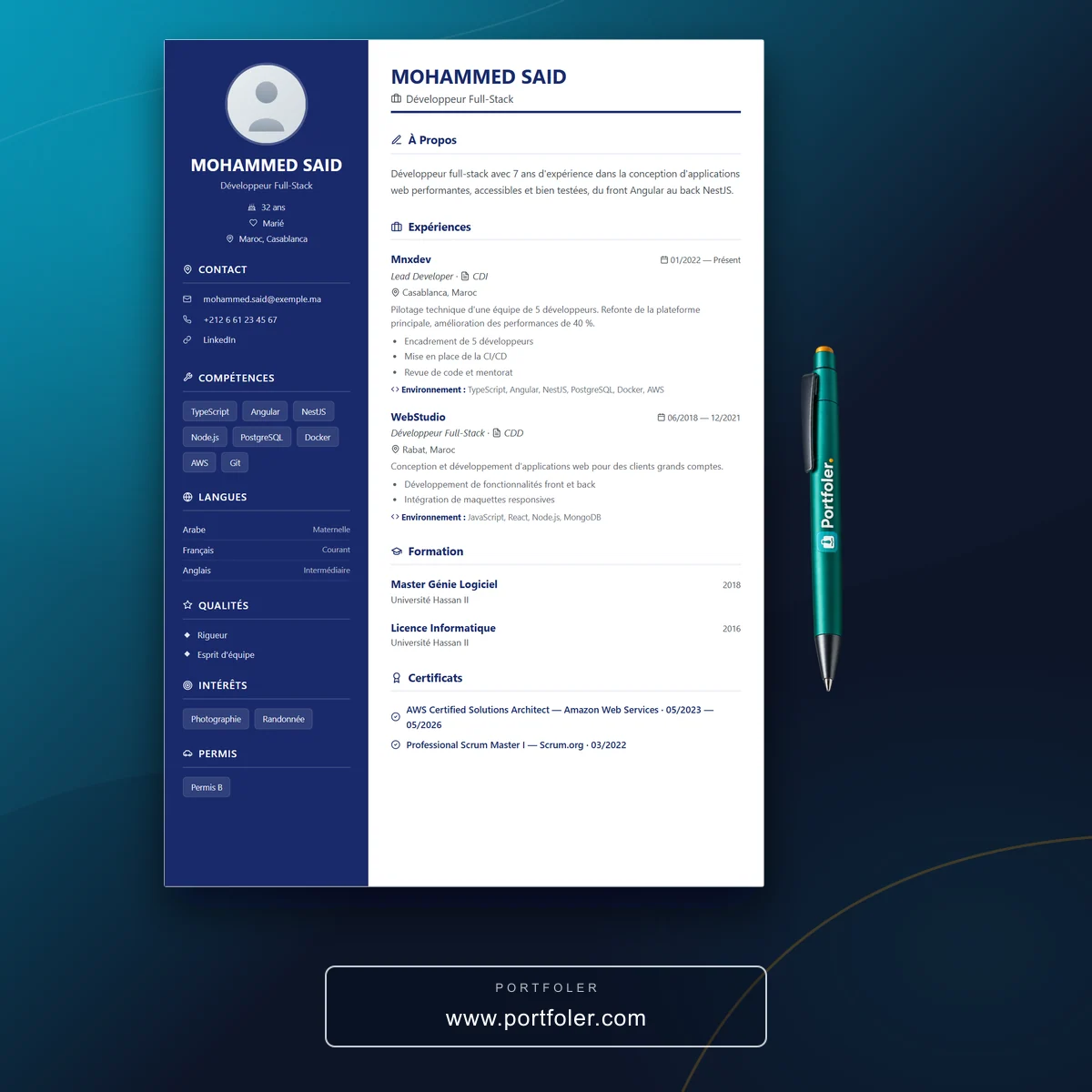
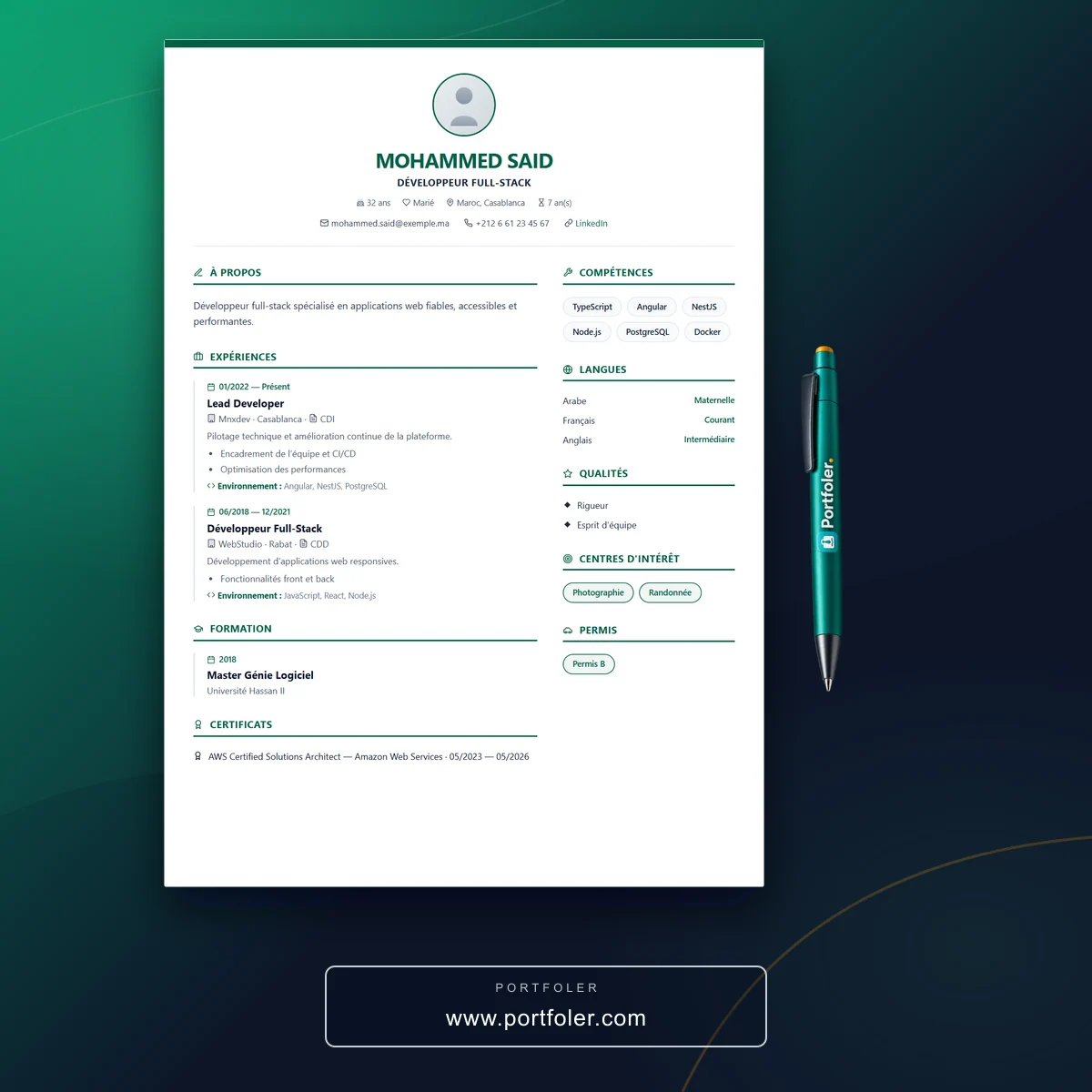
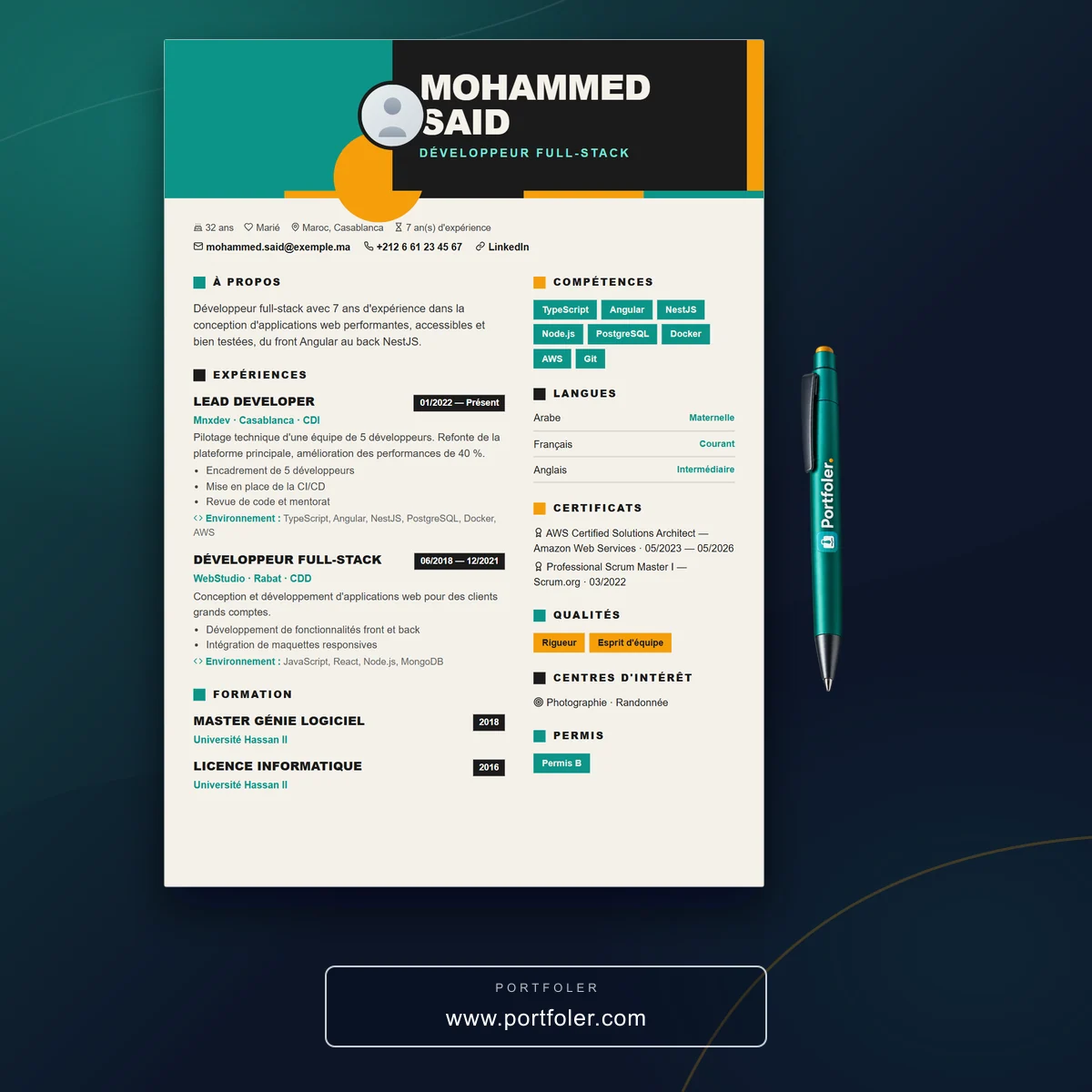
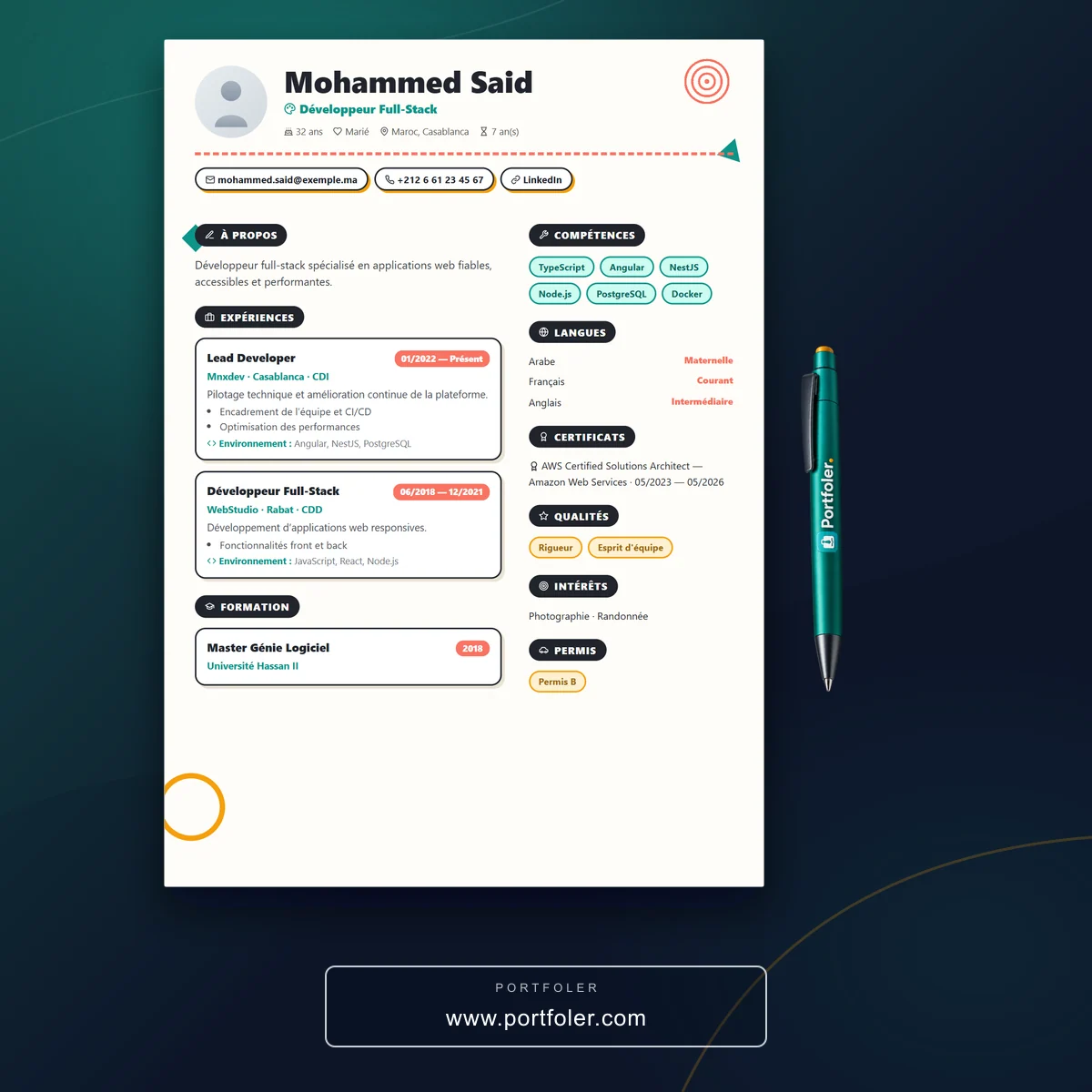
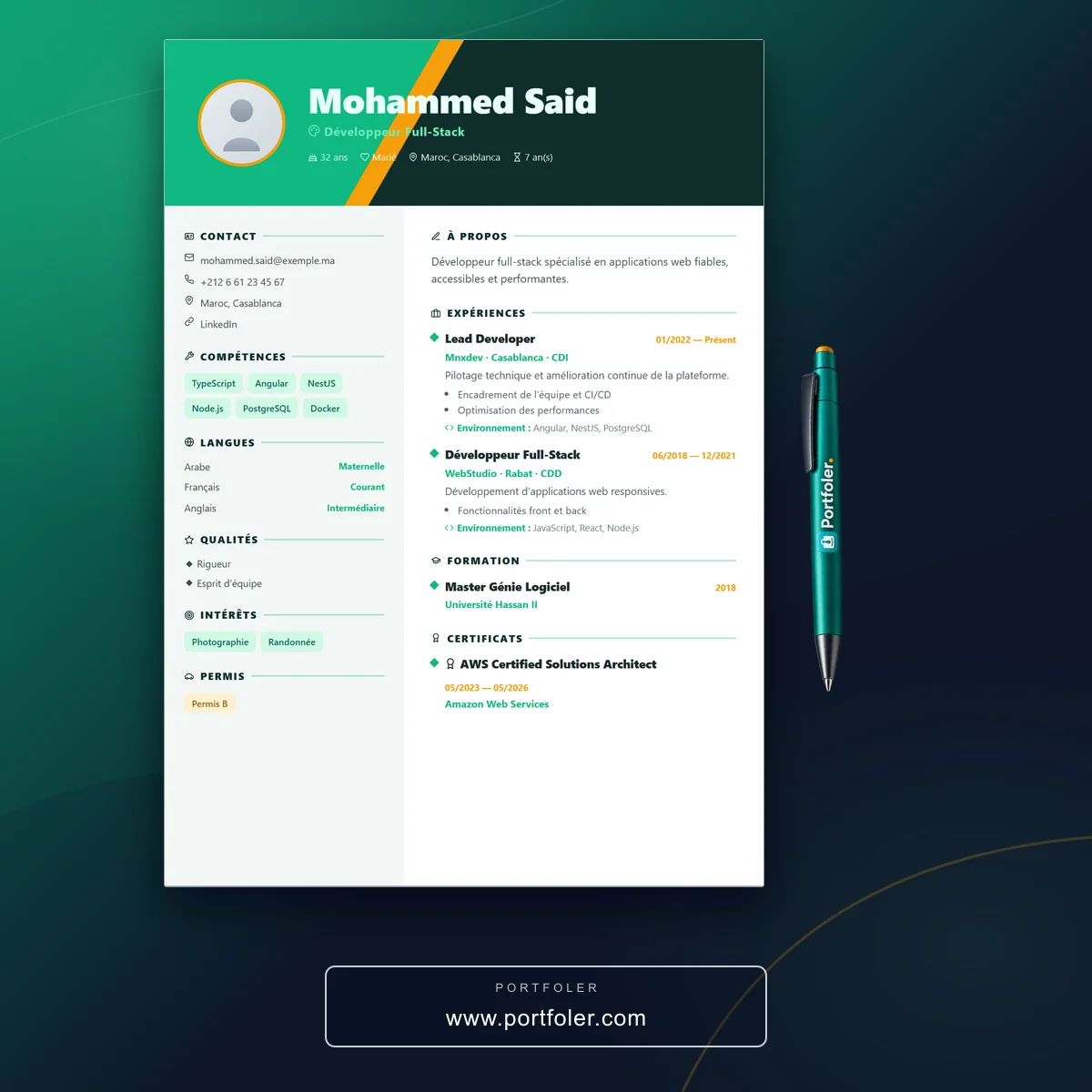
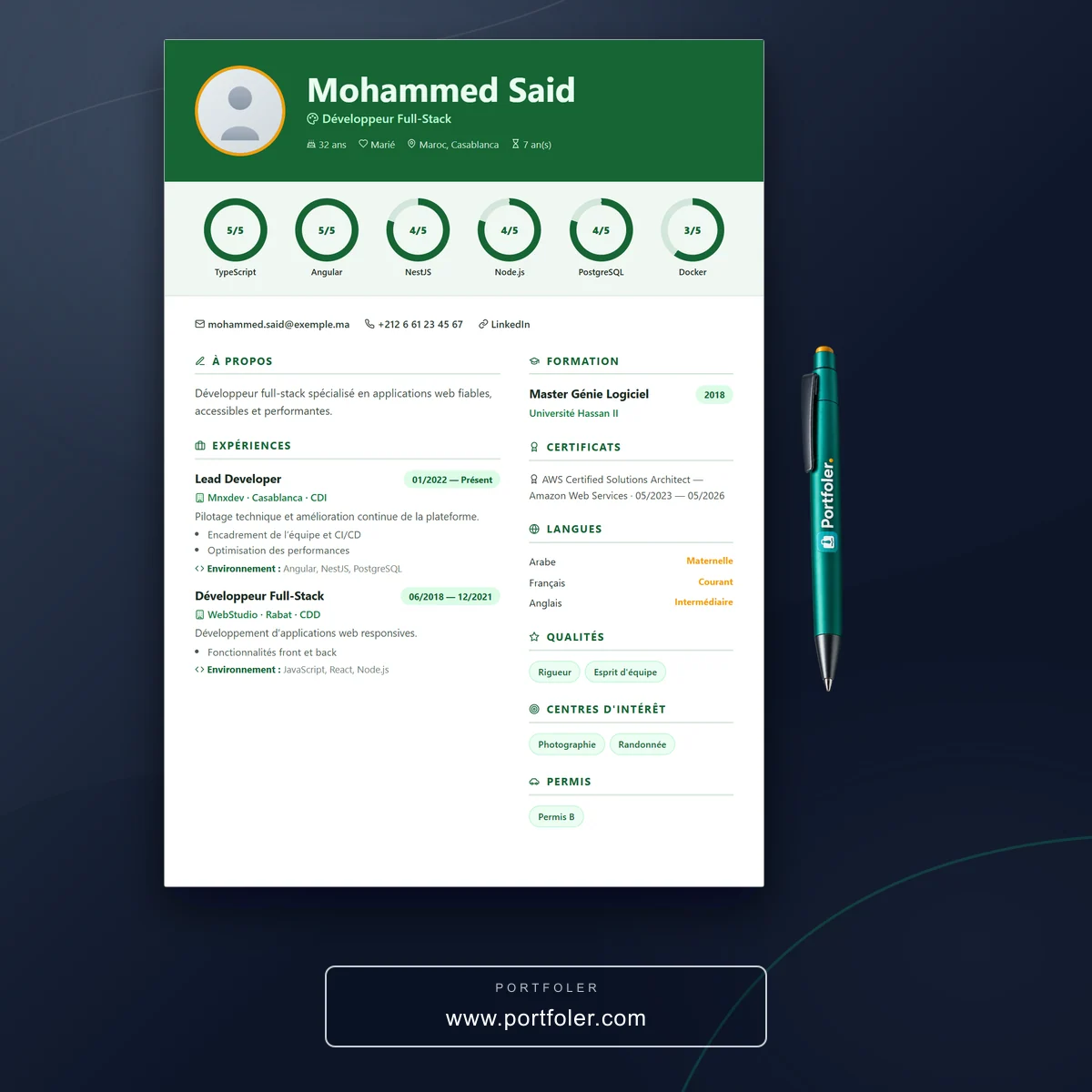
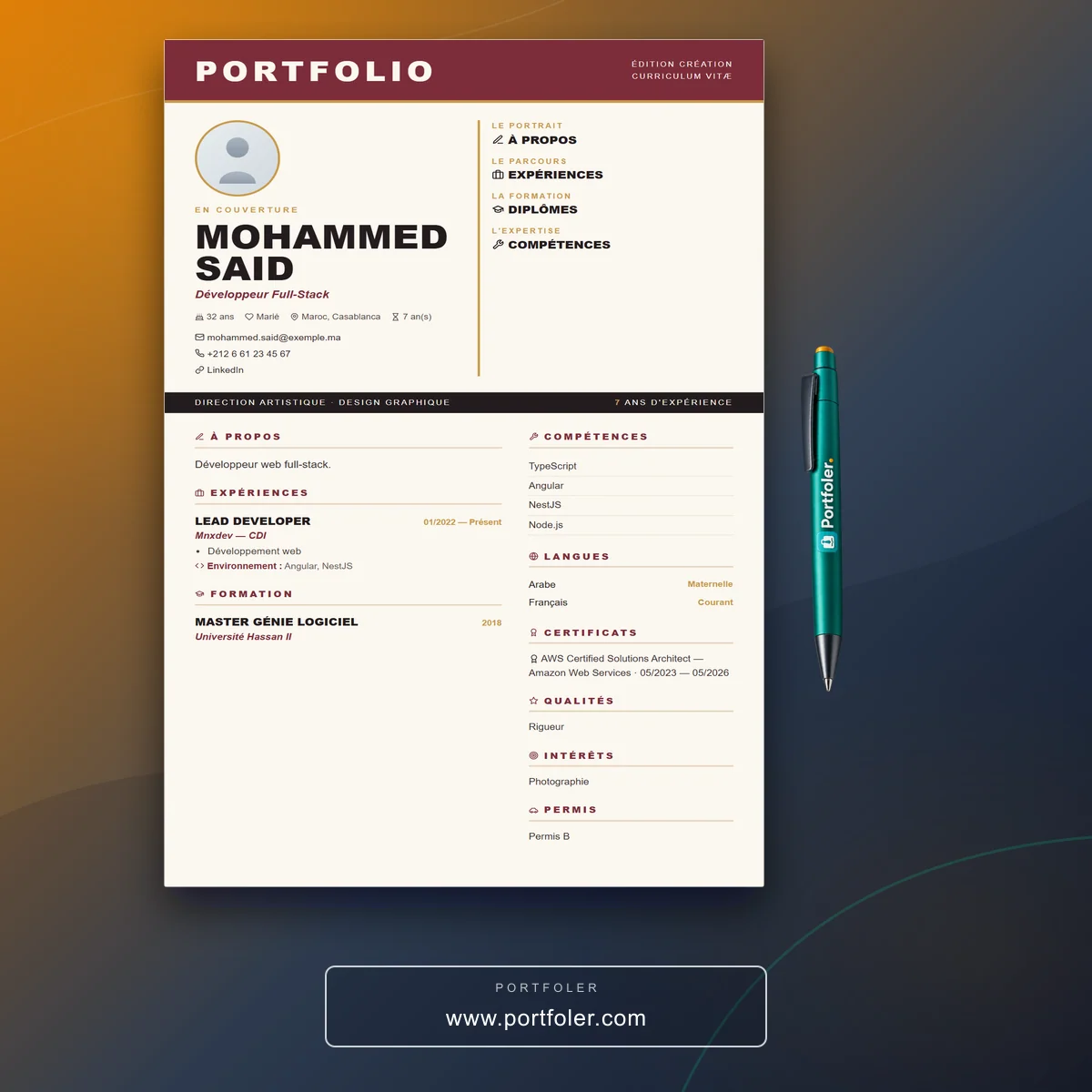
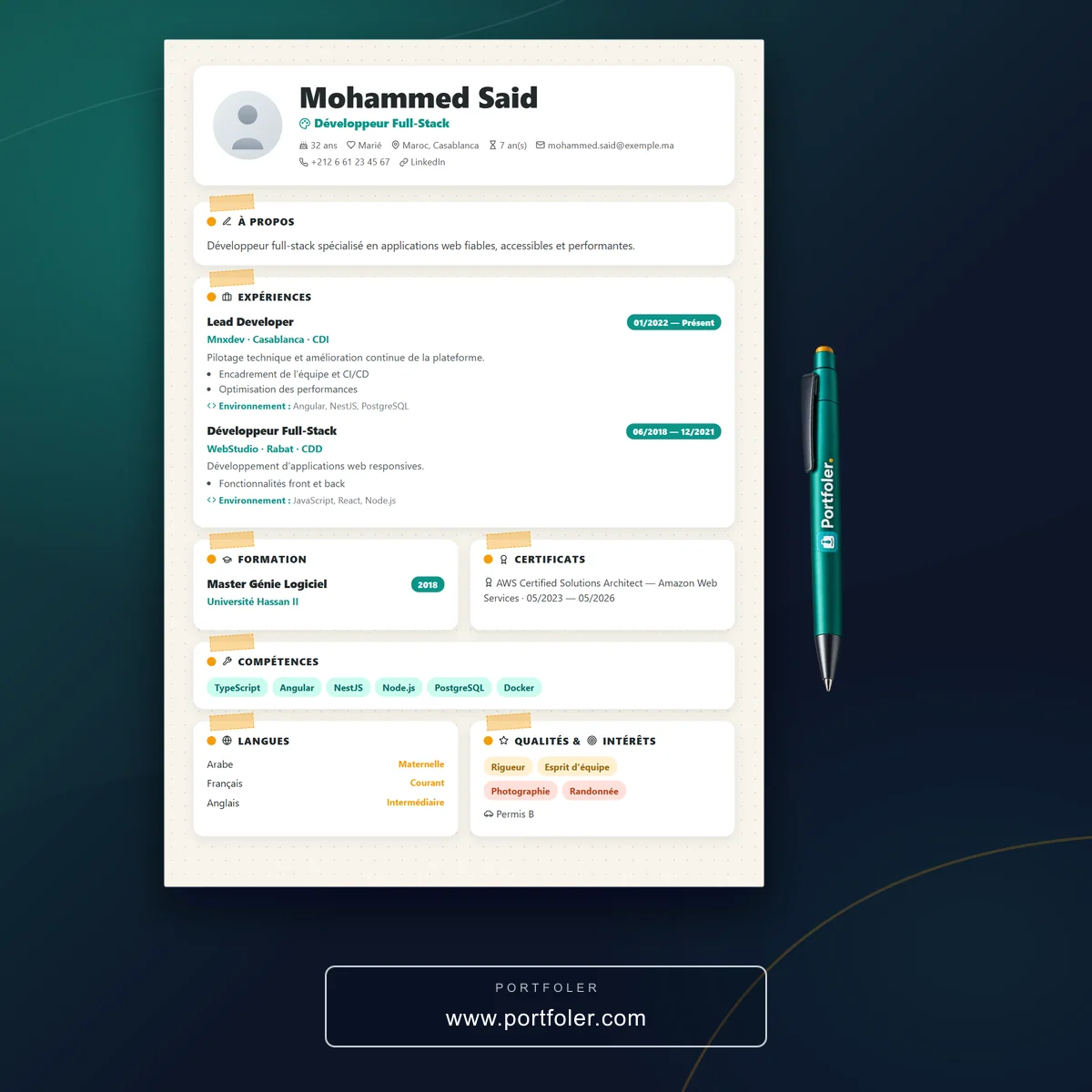
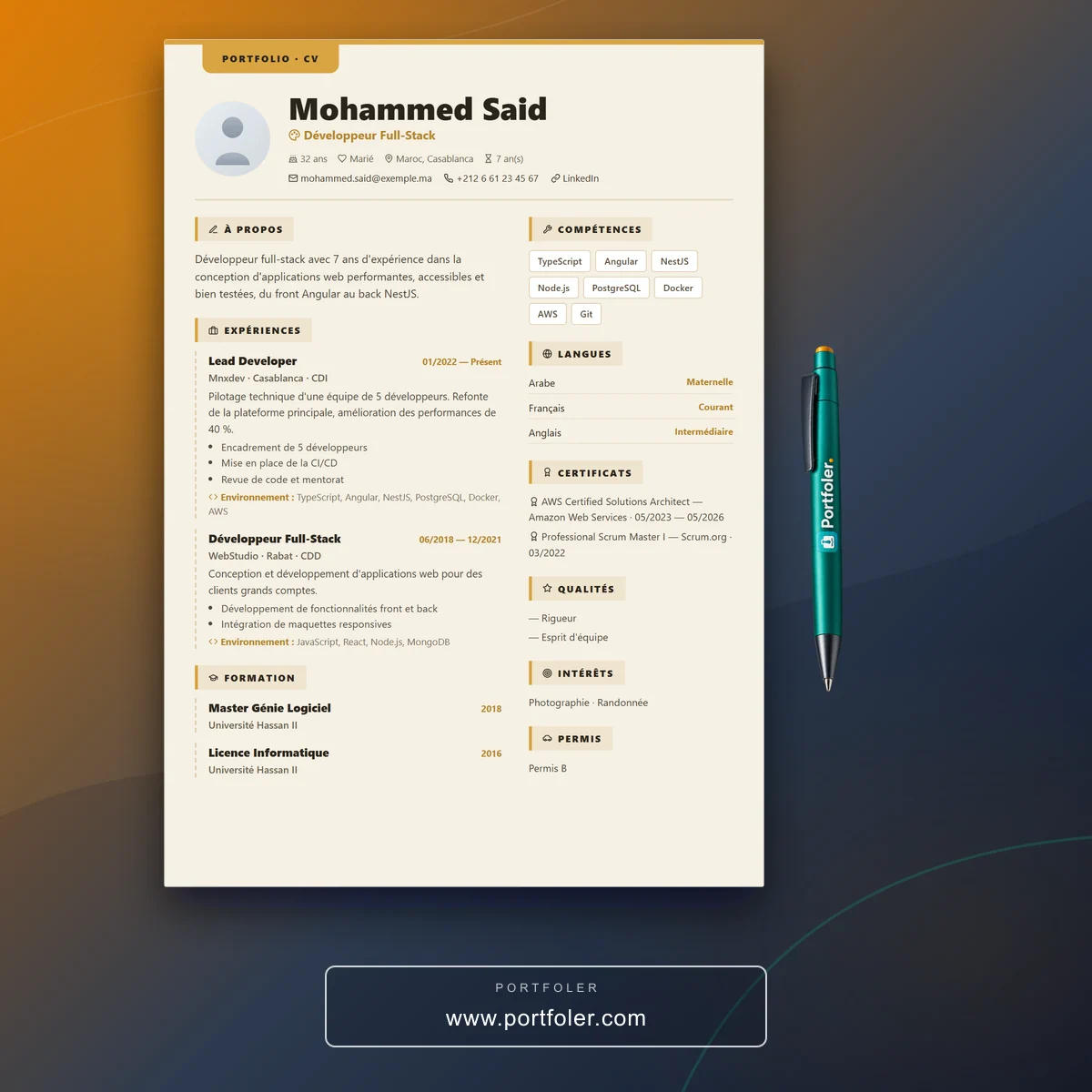
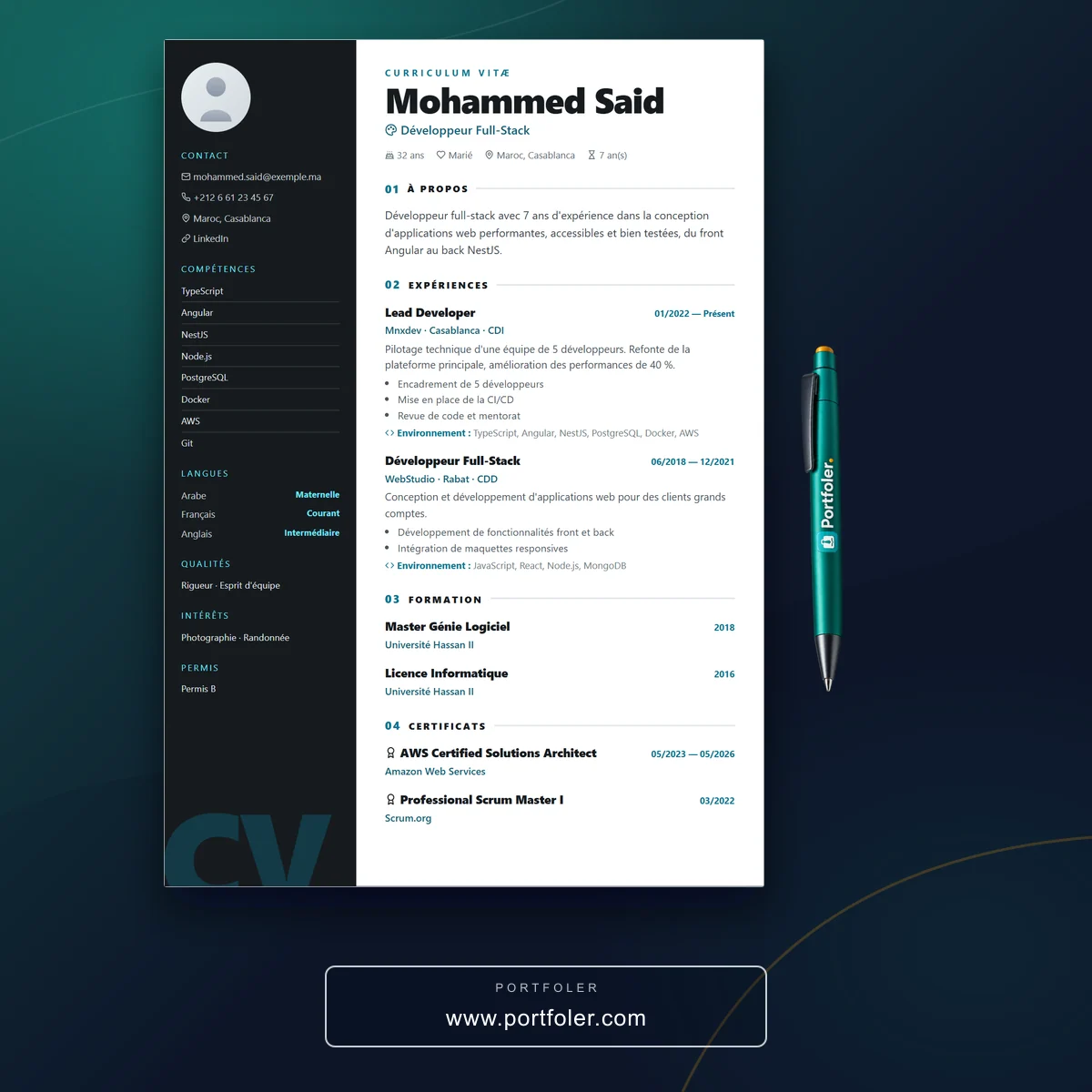
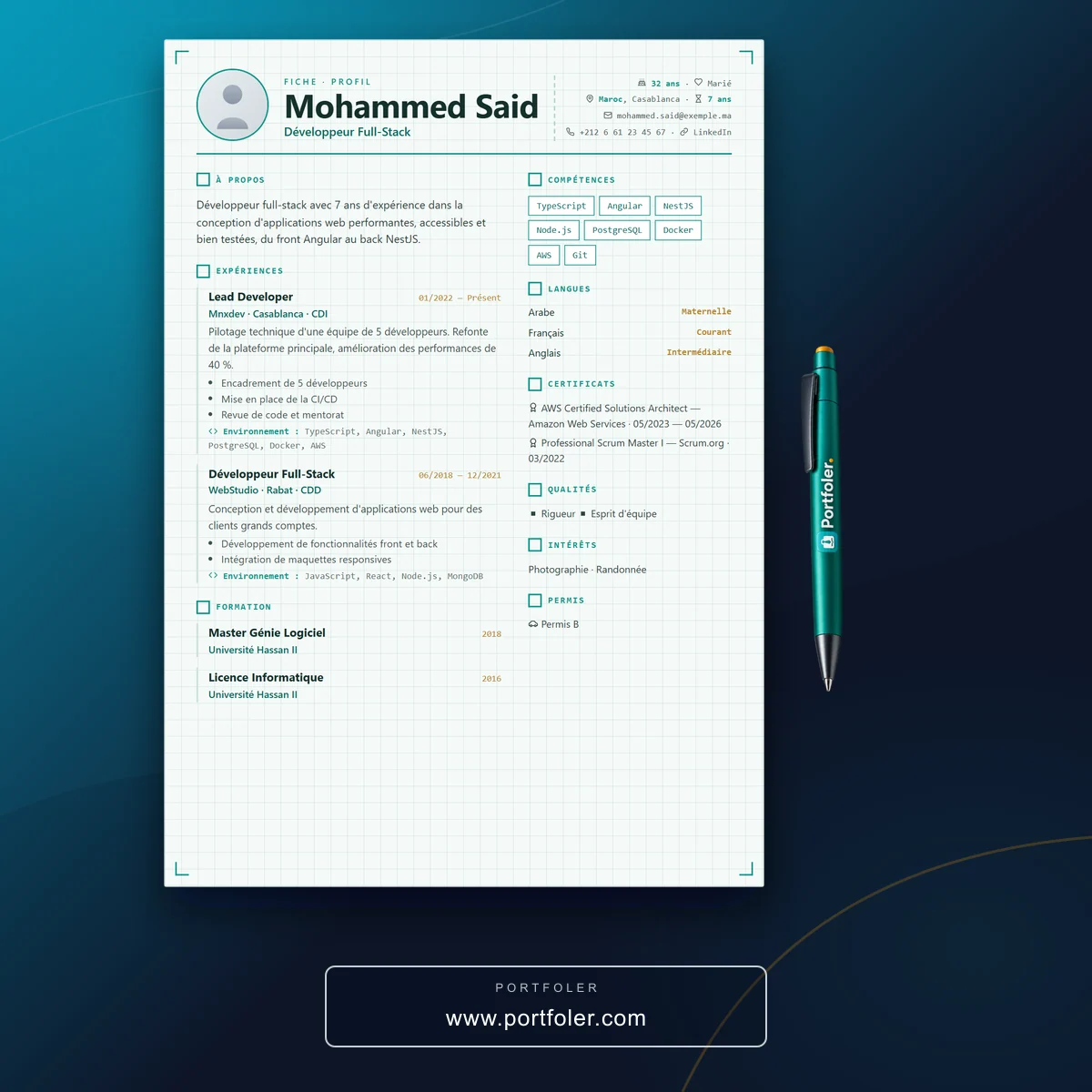
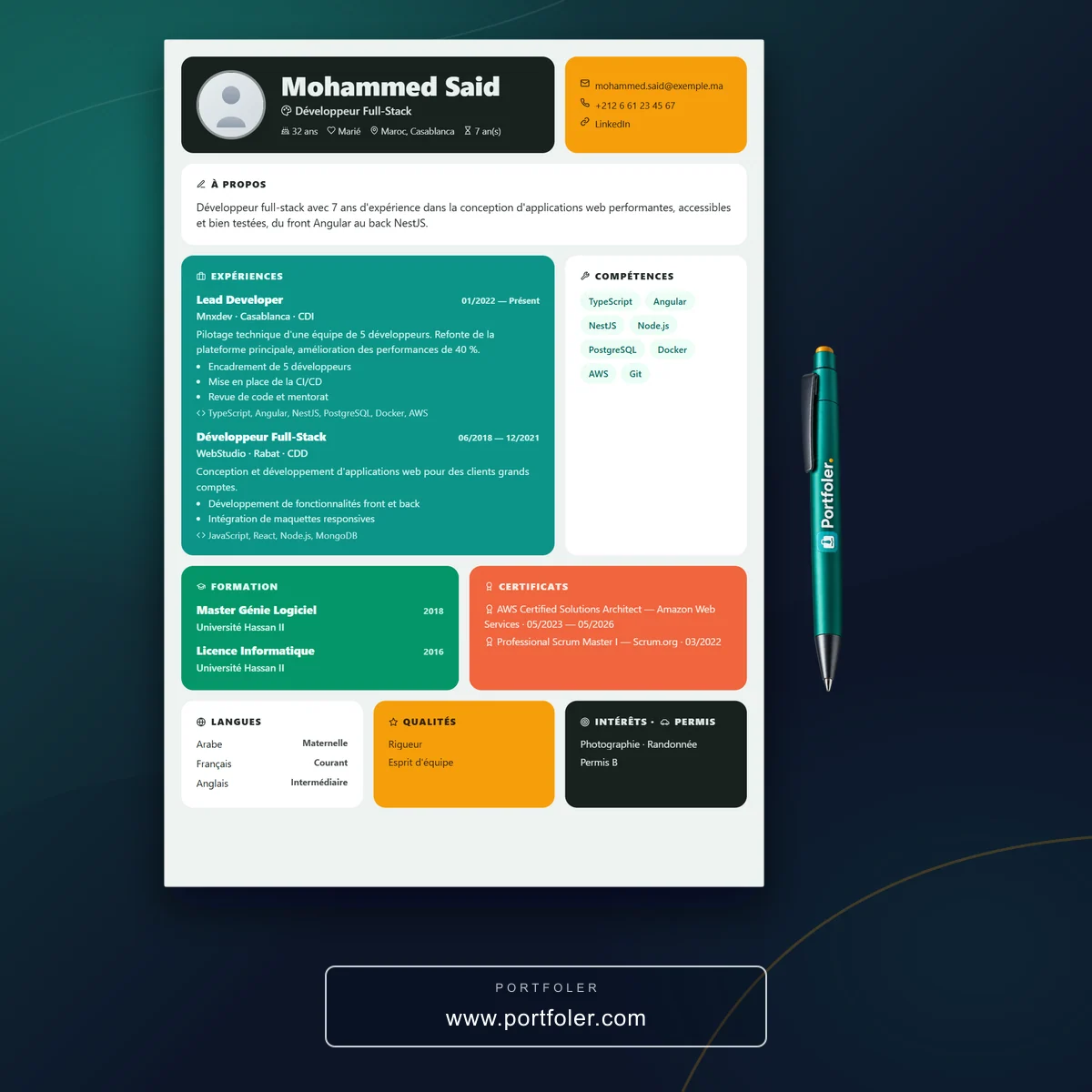
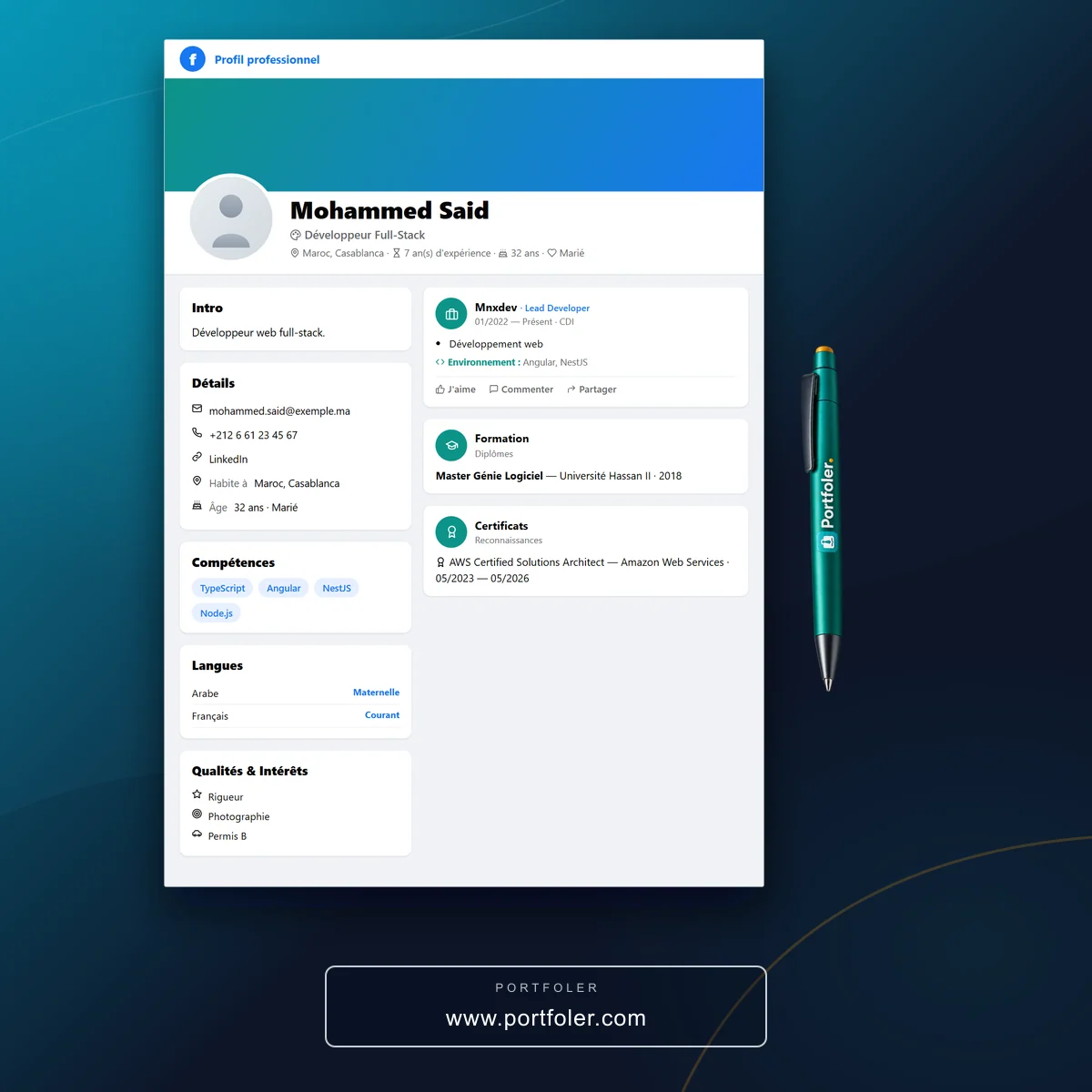
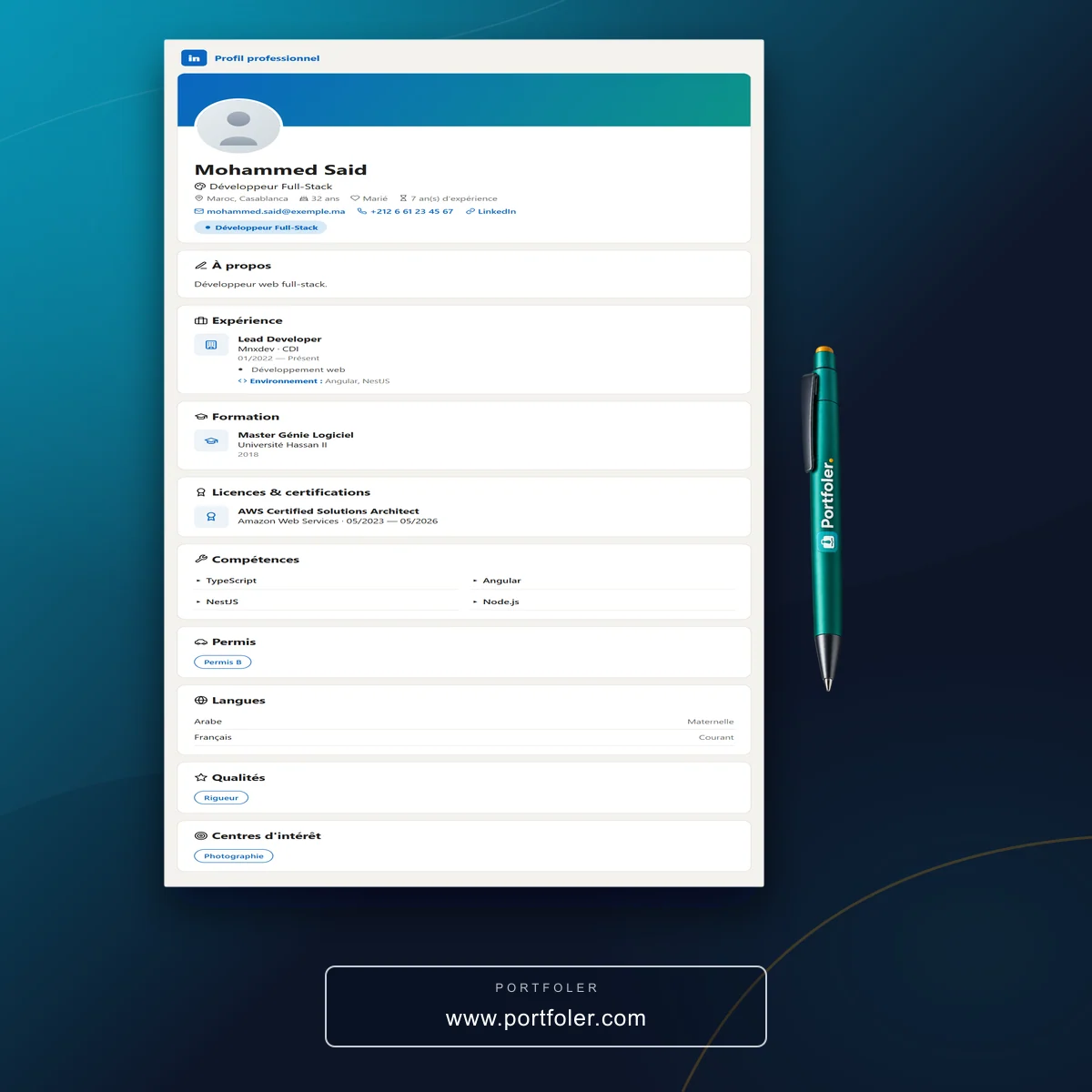
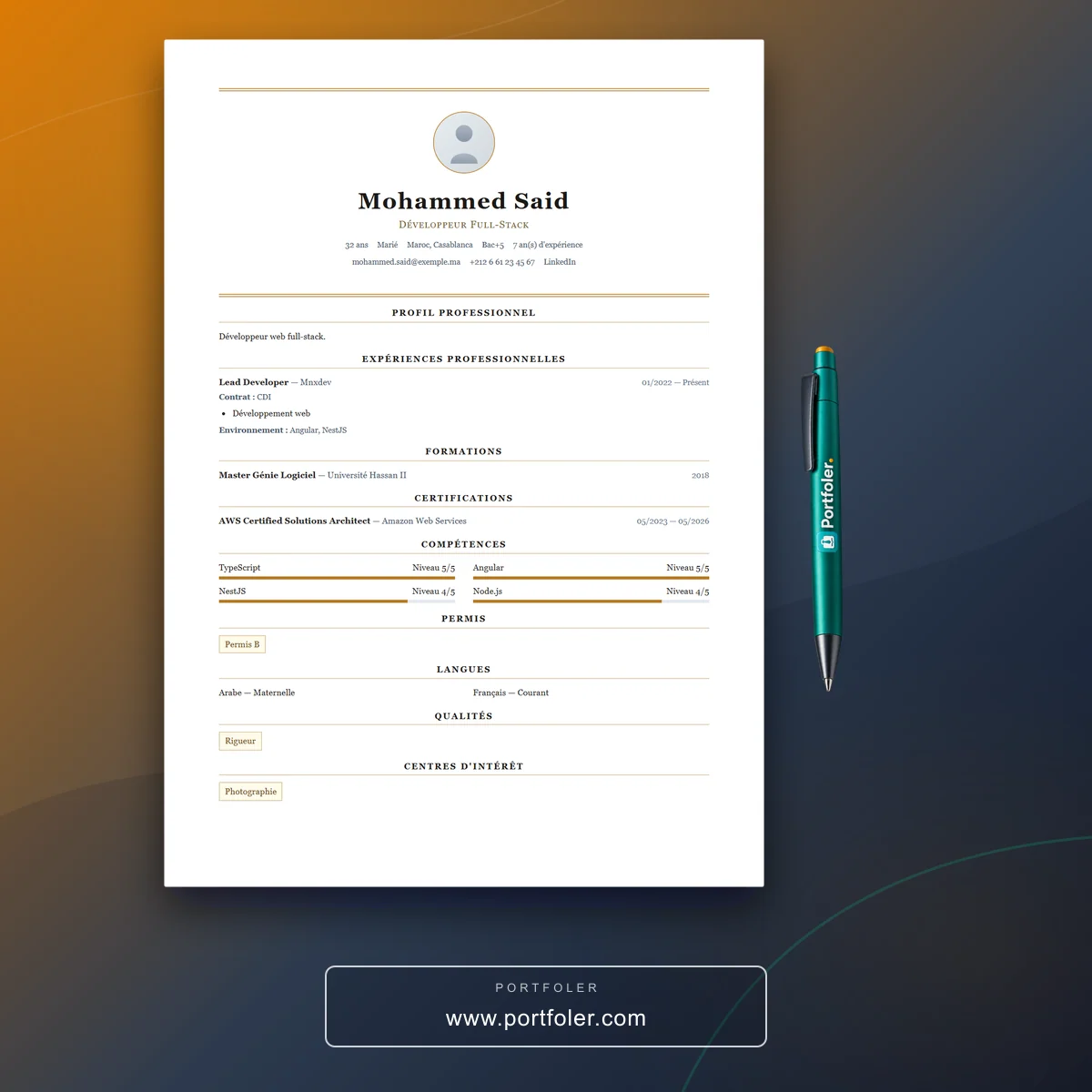
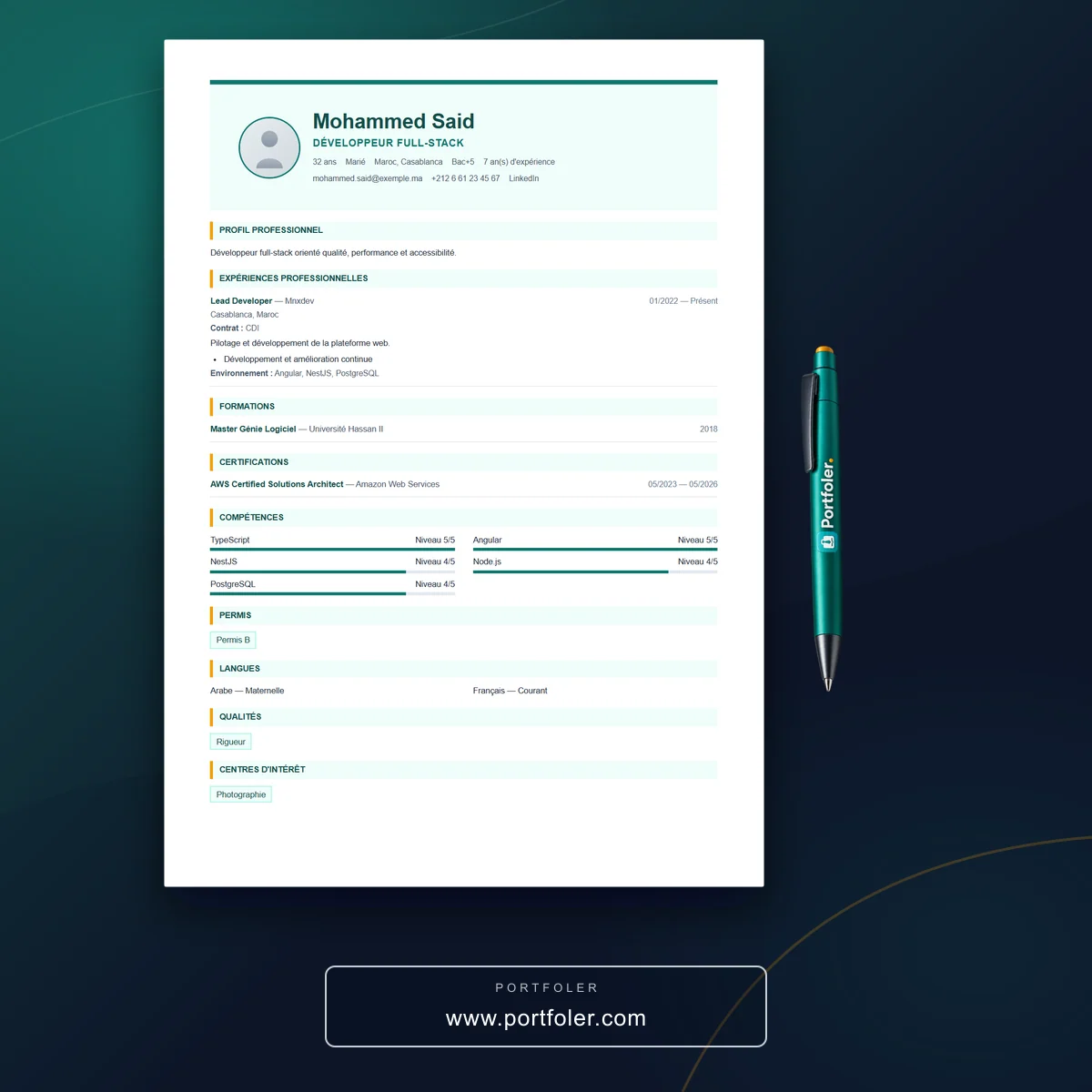
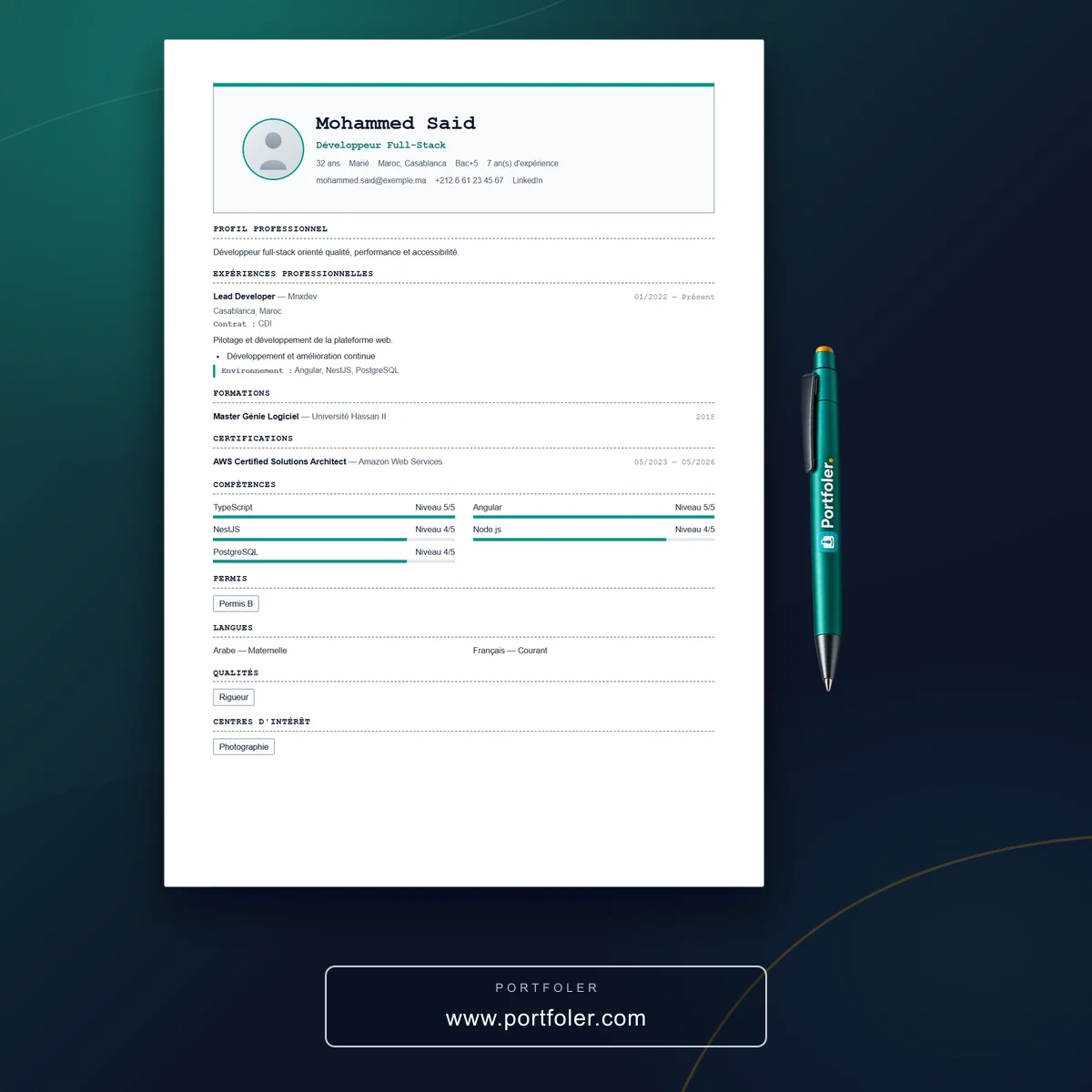
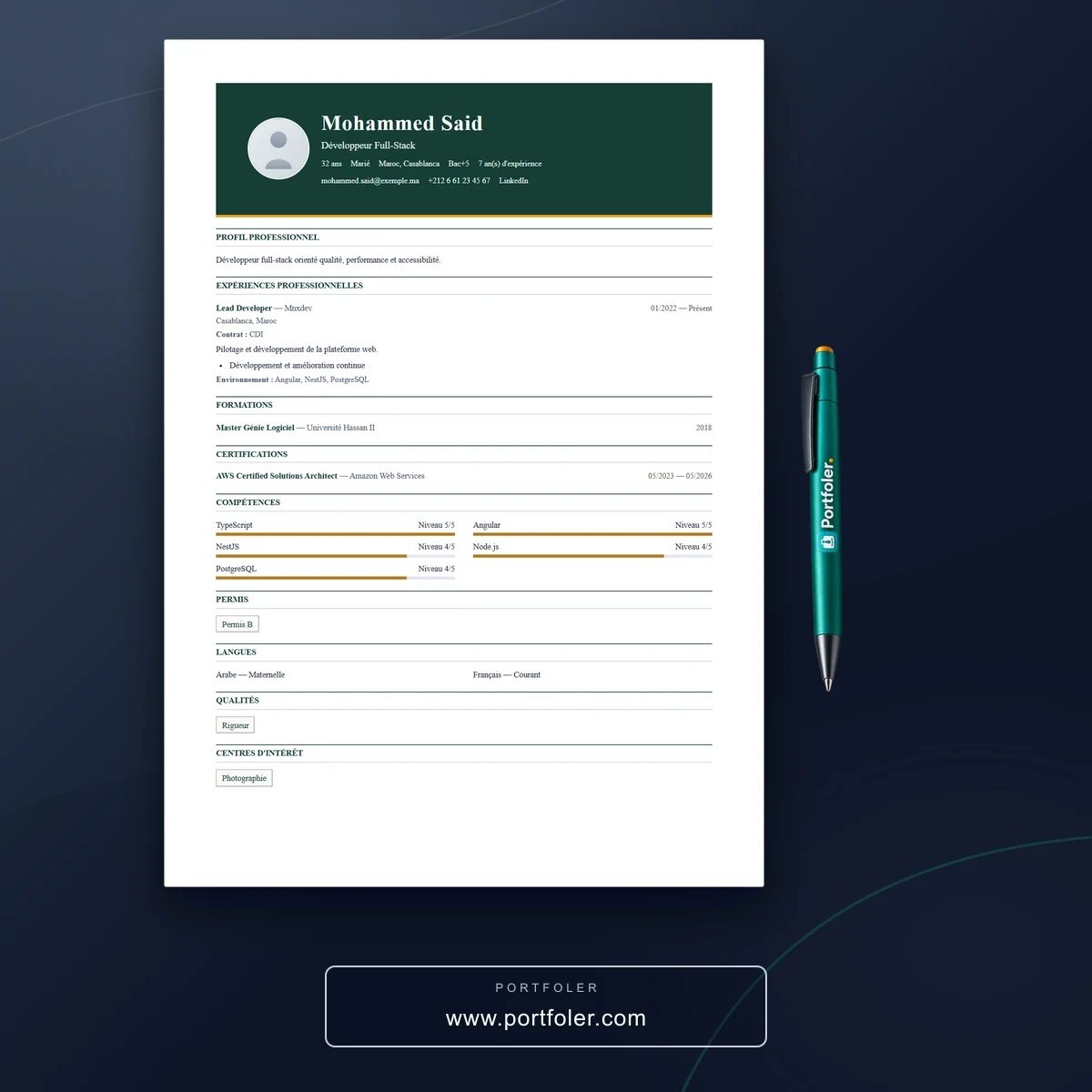
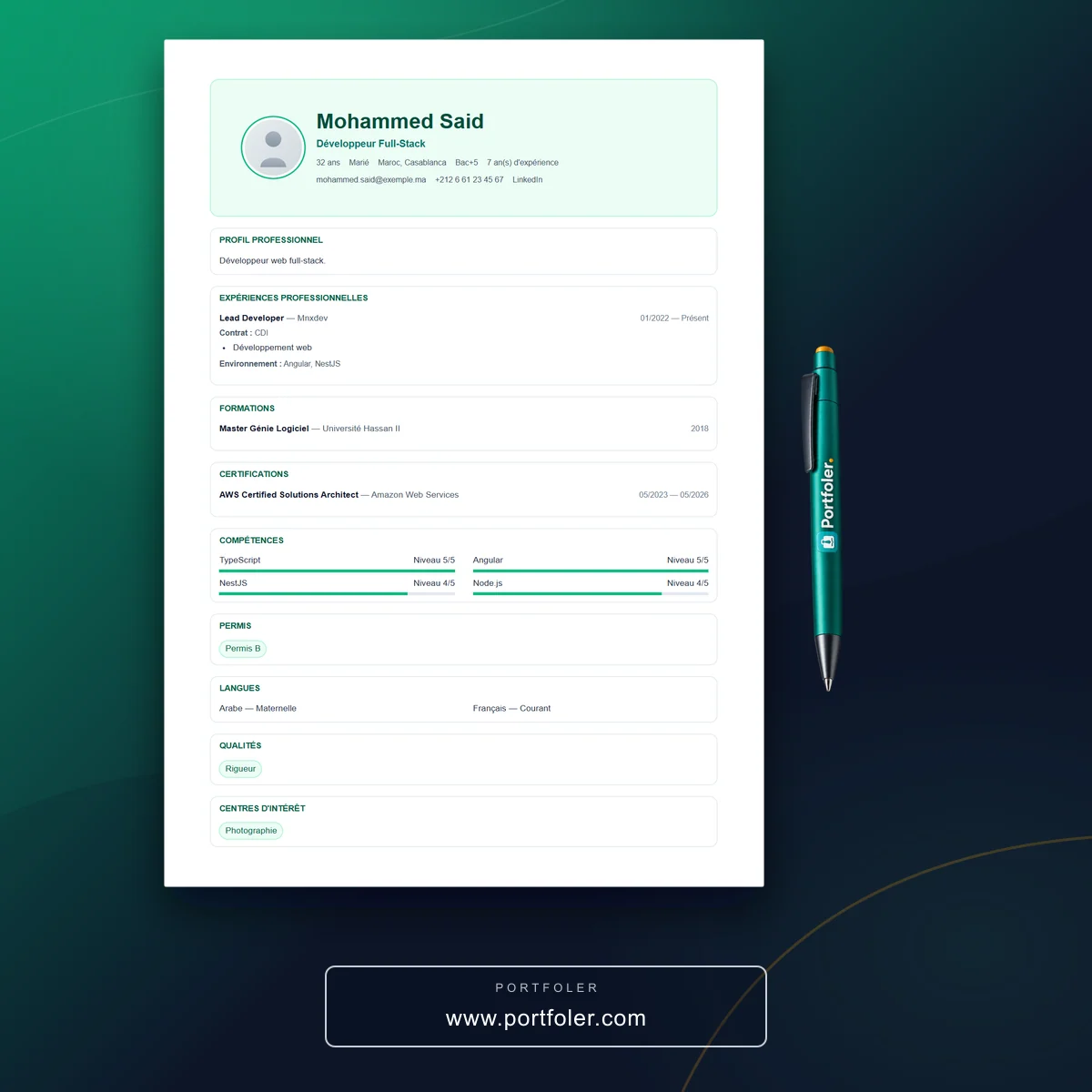
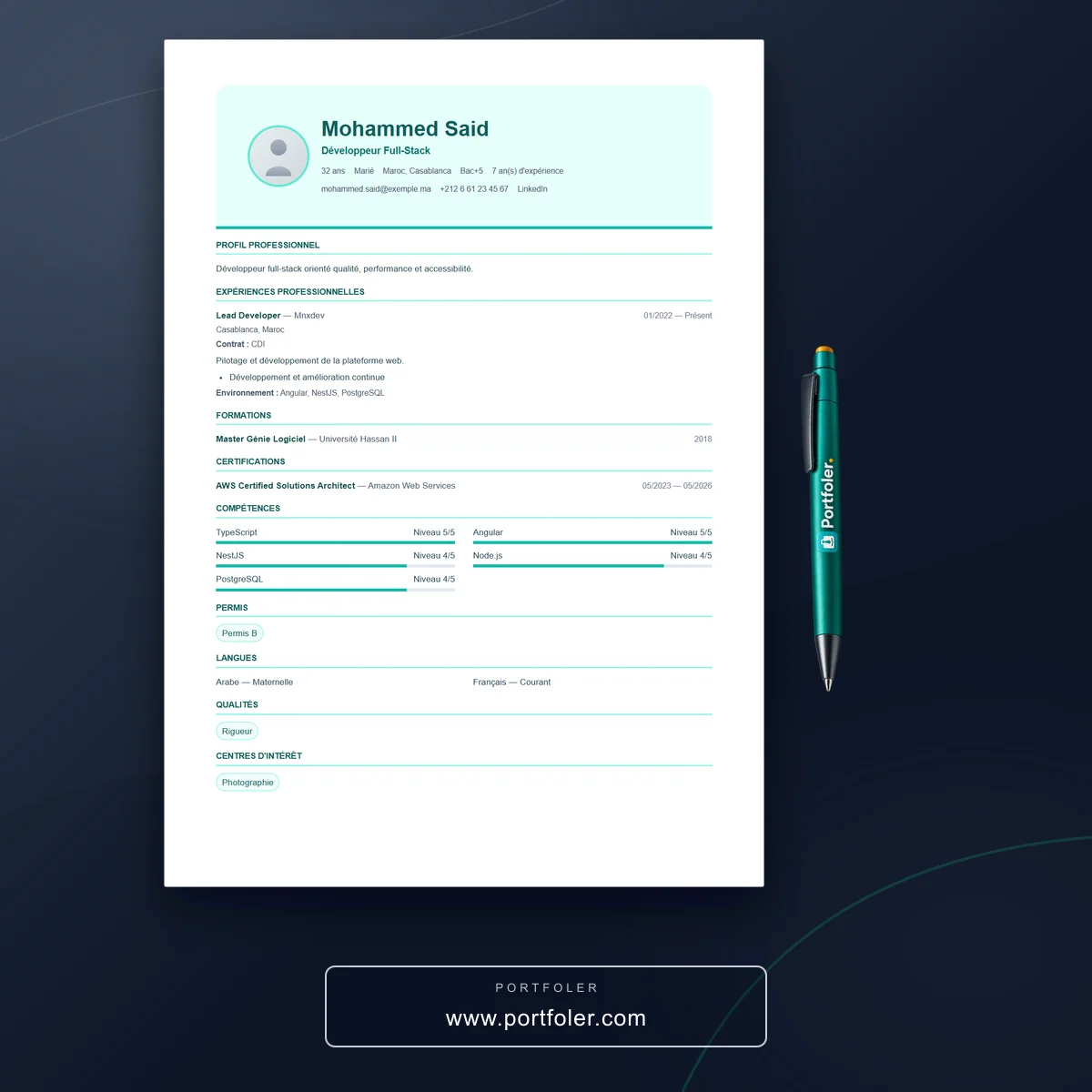
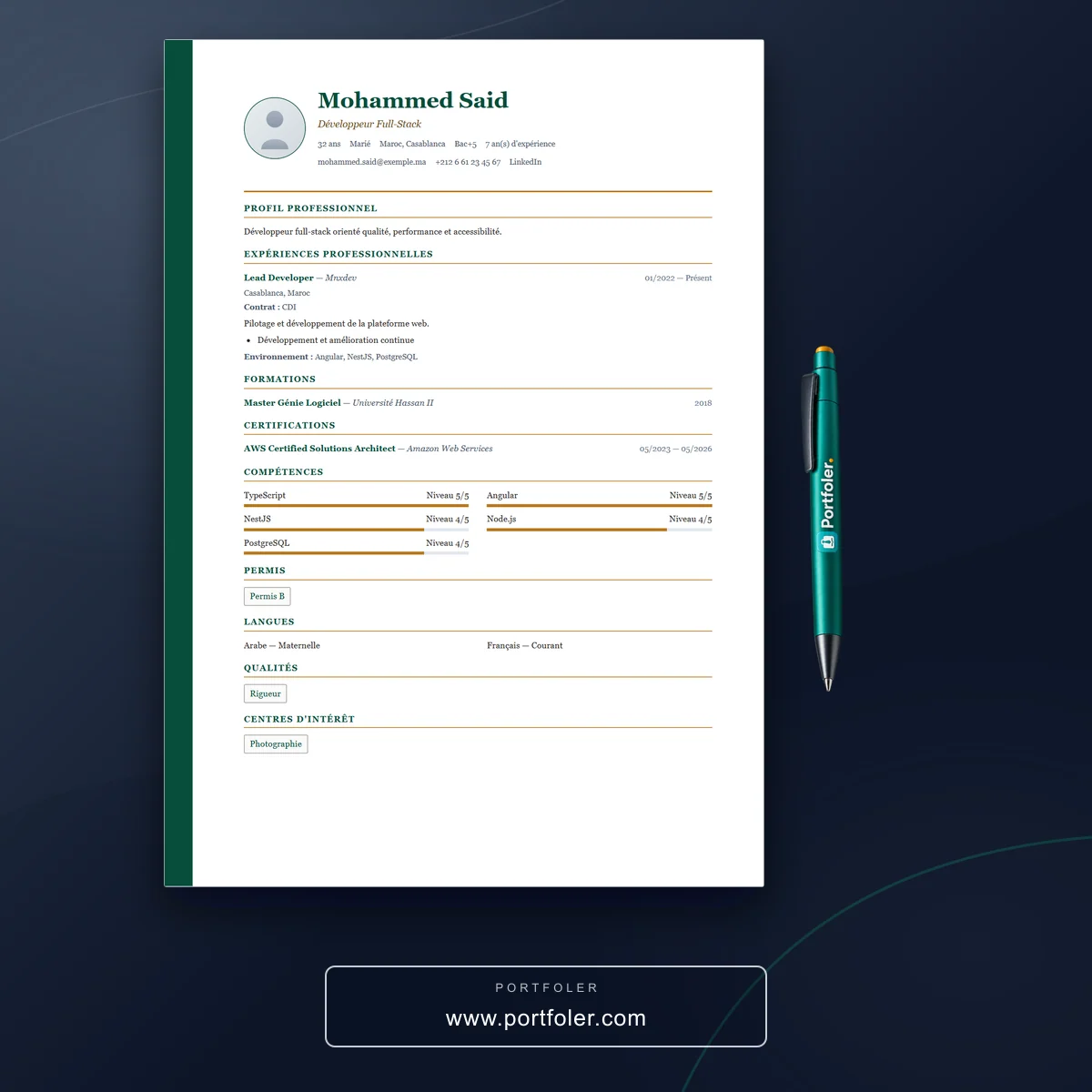
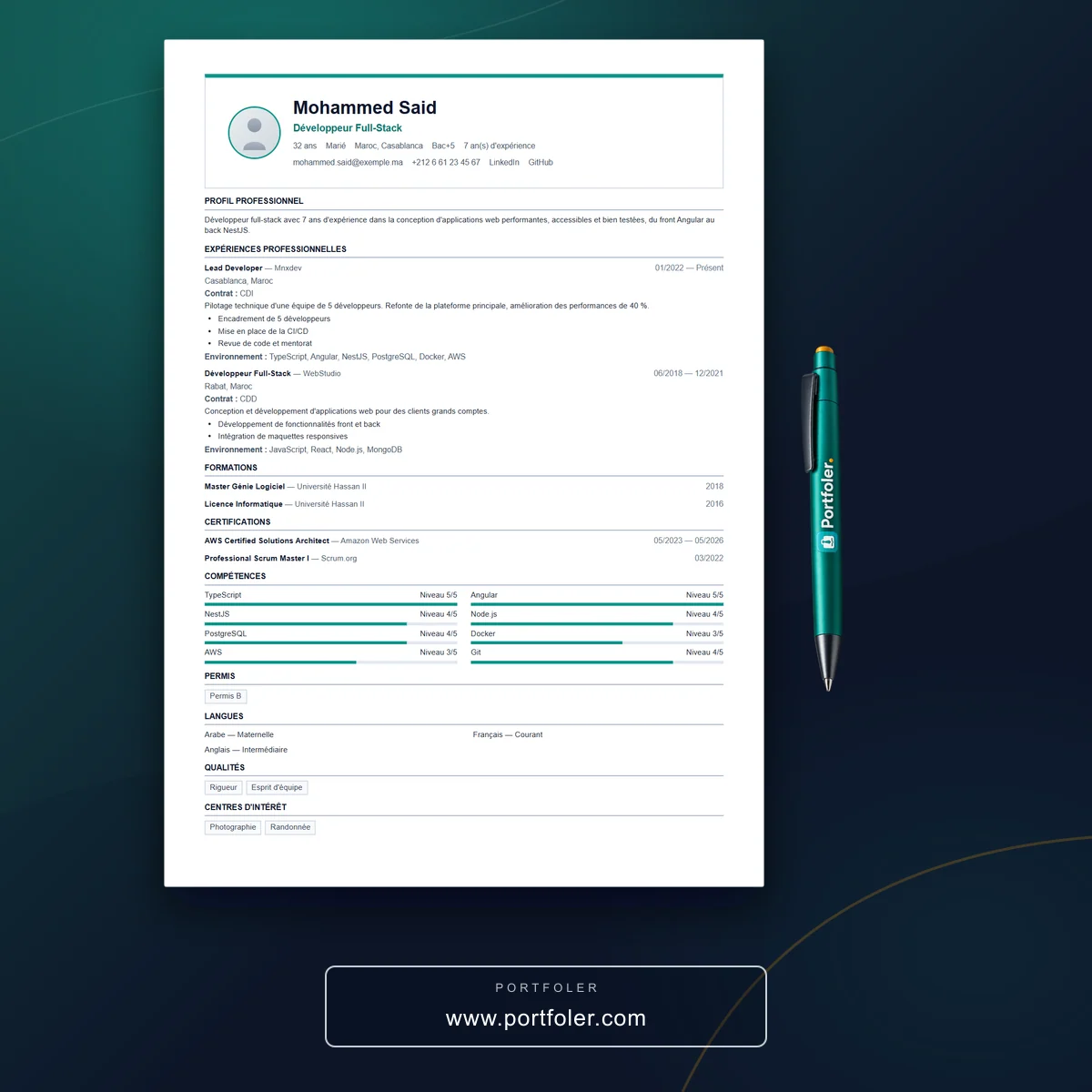
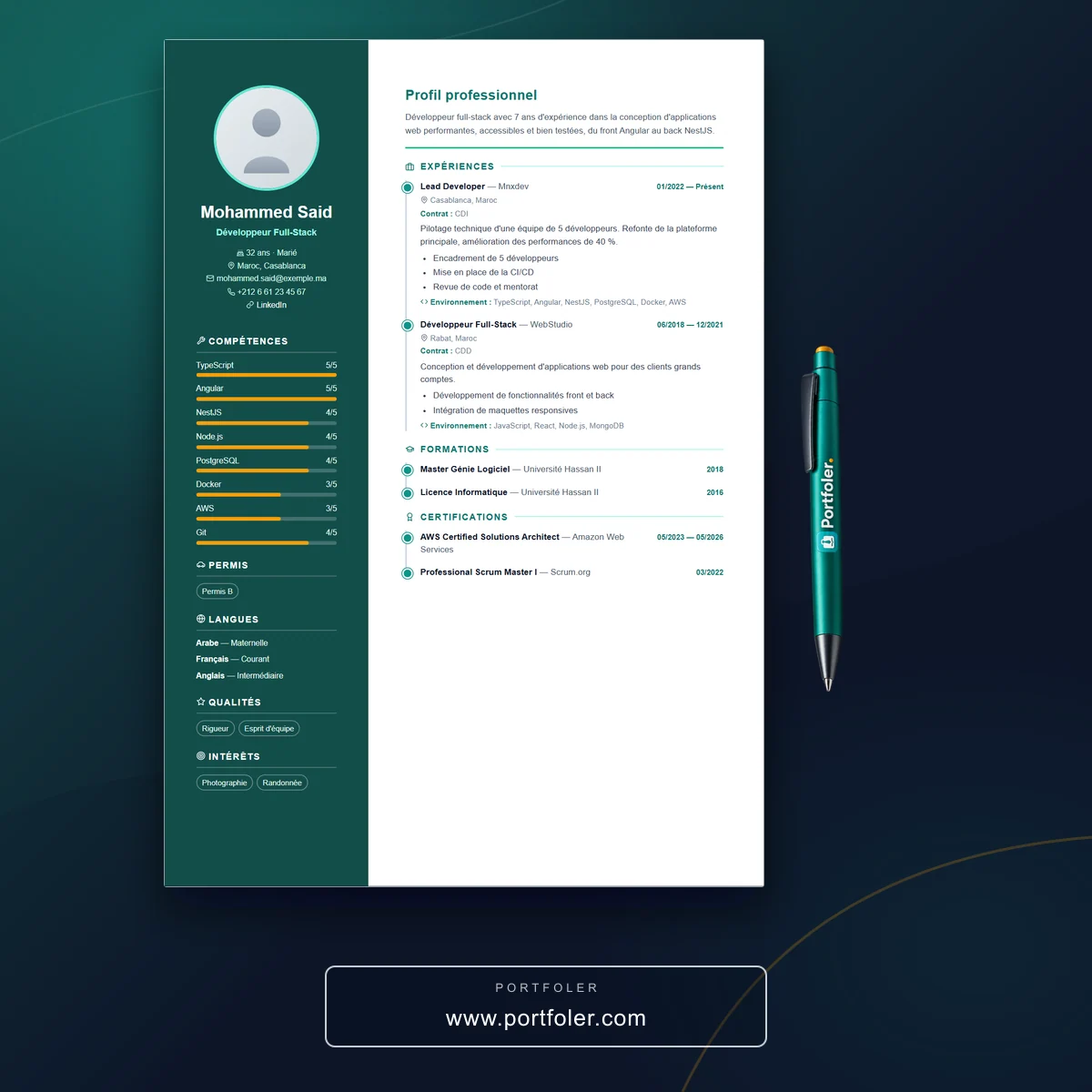
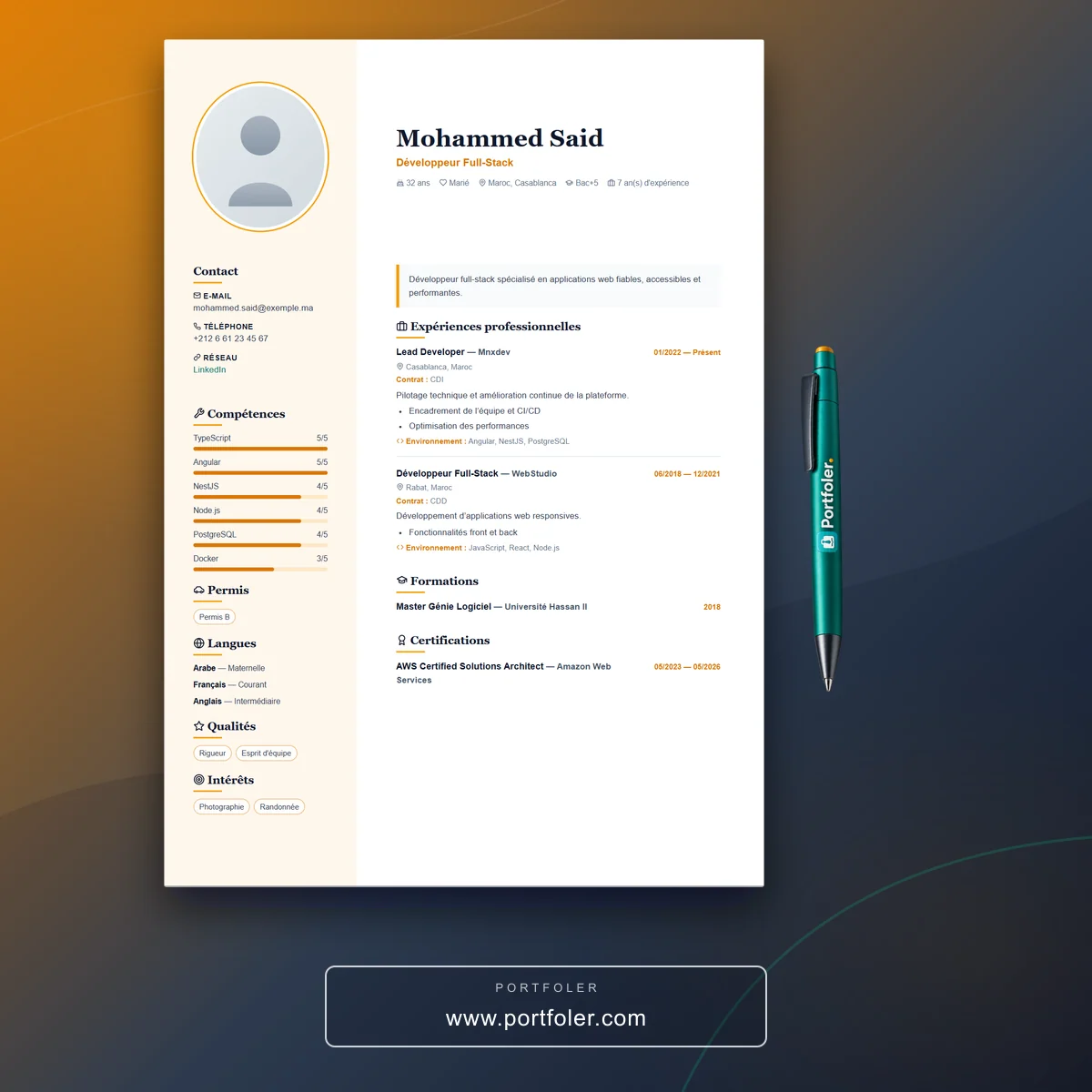
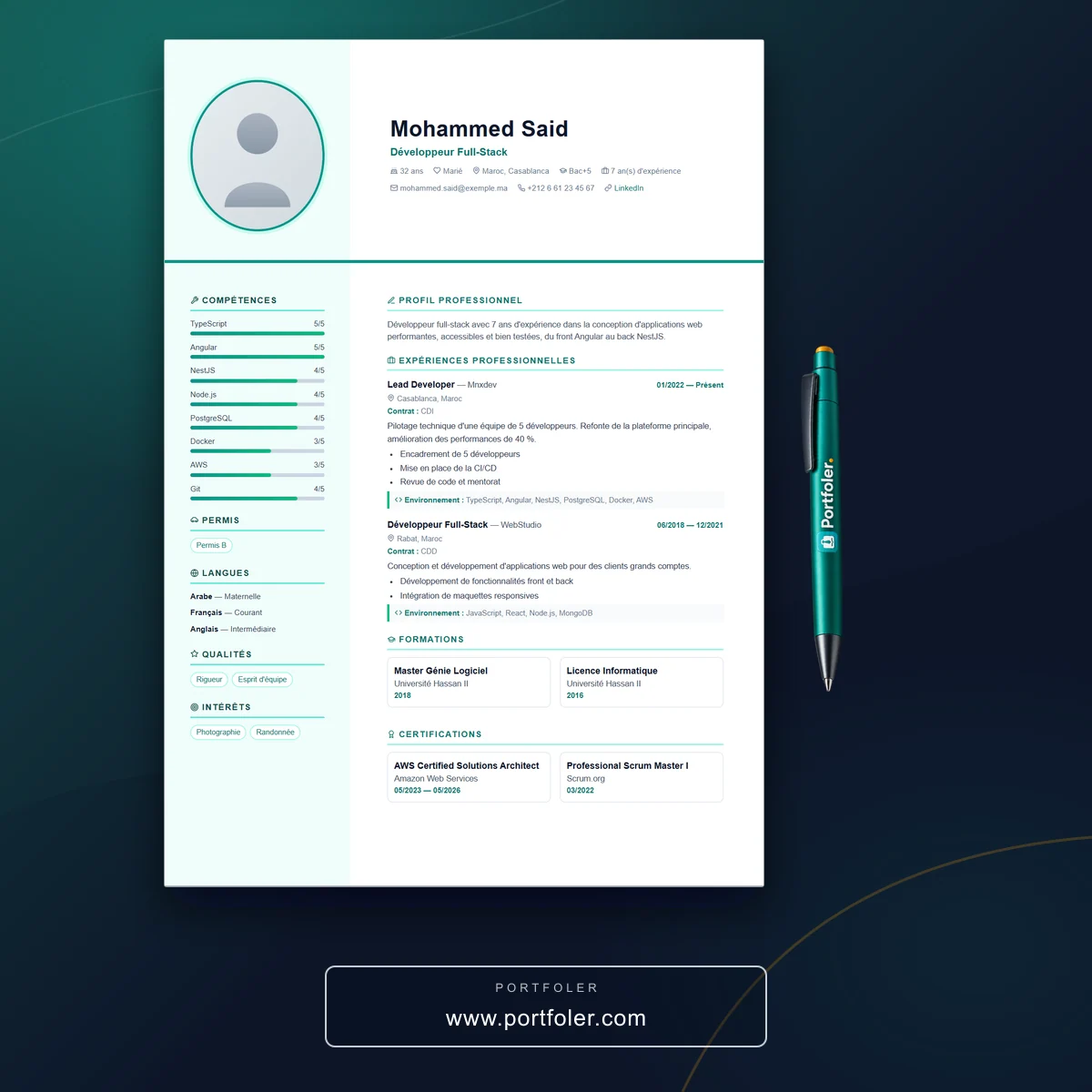
At launch, Portfoler.com offers three templates to choose from. Pick the one that best matches your world, then refine the look.
- Choose your template from the three on offer.
- Select the style and color that reflect your background and personality.
- Fill in your basic information: title, introduction, links and photo.
- Complete the dynamic sections of your profile, one by one:
- your education,
- your professional experiences,
- your languages,
- your projects,
- your skills and qualities.
Our advice: don't leave any section empty. The more complete your profile, the better it is featured in search, and the more trust it inspires. Take care with your photo and write clear, concrete descriptions — a few precise lines are worth more than one long, vague paragraph.
Preview, adjust and share
Your portfolio is taking shape, but nothing is set in stone: you stay in control at all times.
You can view your profile as it will appear to the public, then adjust your information by returning to the sections through the left-hand menu. Feel free to move back and forth between previewing and editing until you achieve a result that looks like you:
- check the order and consistency of your sections,
- try different colors or another style if needed,
- proofread your text and fix any mistakes.
Once you are satisfied, all that's left is to grab your unique public address and share it: in your applications, on your professional networks, in your email signature or on a business card. Every update to your profile is automatically reflected on this page — no need to share the link again.
In summary
Creating a professional portfolio on Portfoler.com comes down to a few simple steps:
- Create your account and confirm it through the confirmation email.
- Log in and open "Edit my information".
- Choose a template, a style and a color.
- Complete every section of your profile.
- Preview, adjust, then share your public address.
In just a few minutes, you have a professional mini-site that works for you, around the clock. So go ahead and get started: your next opportunity might begin with sharing a single link.