All tools
41 result(s)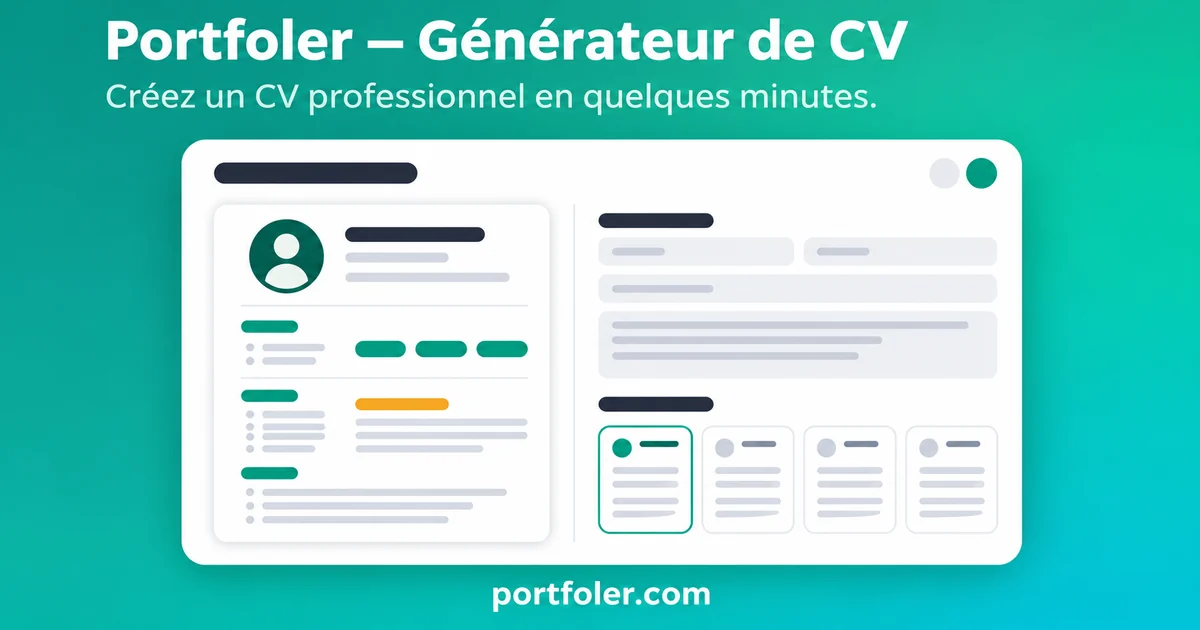
Modern CV generator
Build a modern, personalised CV from your profile, with all the templates reserved for Portfoler accounts. Account required.
TalentsFreelancers
Log in to access it 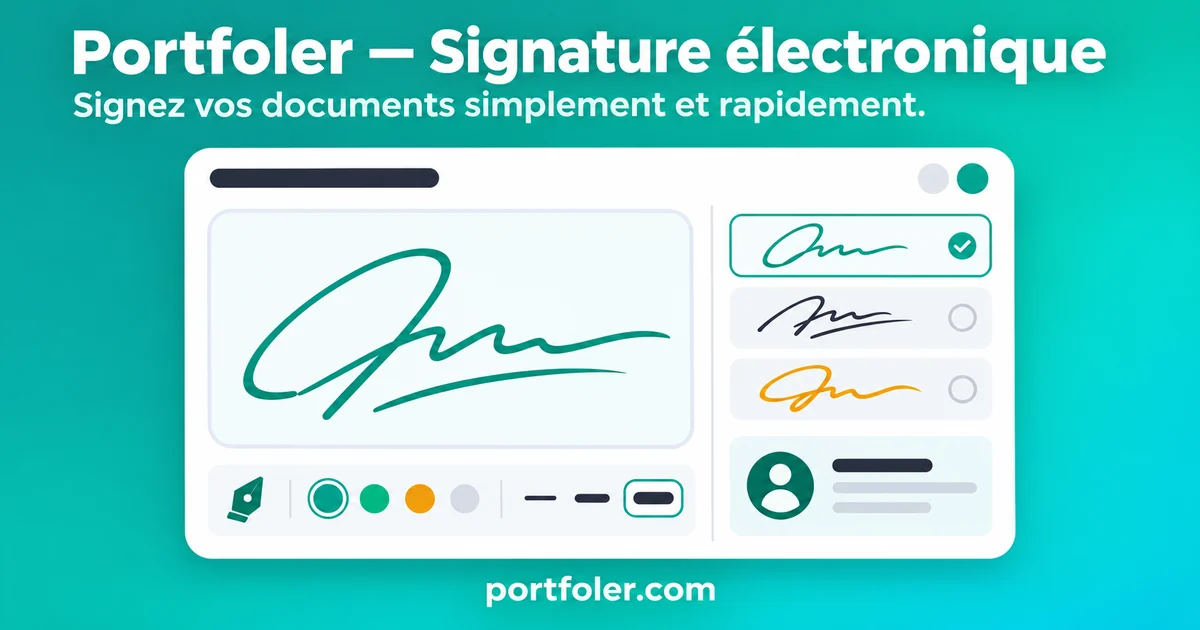
Electronic signature
Generate a professional electronic signature from your profile. Portfoler account required.
TalentsFreelancers
Log in to access it 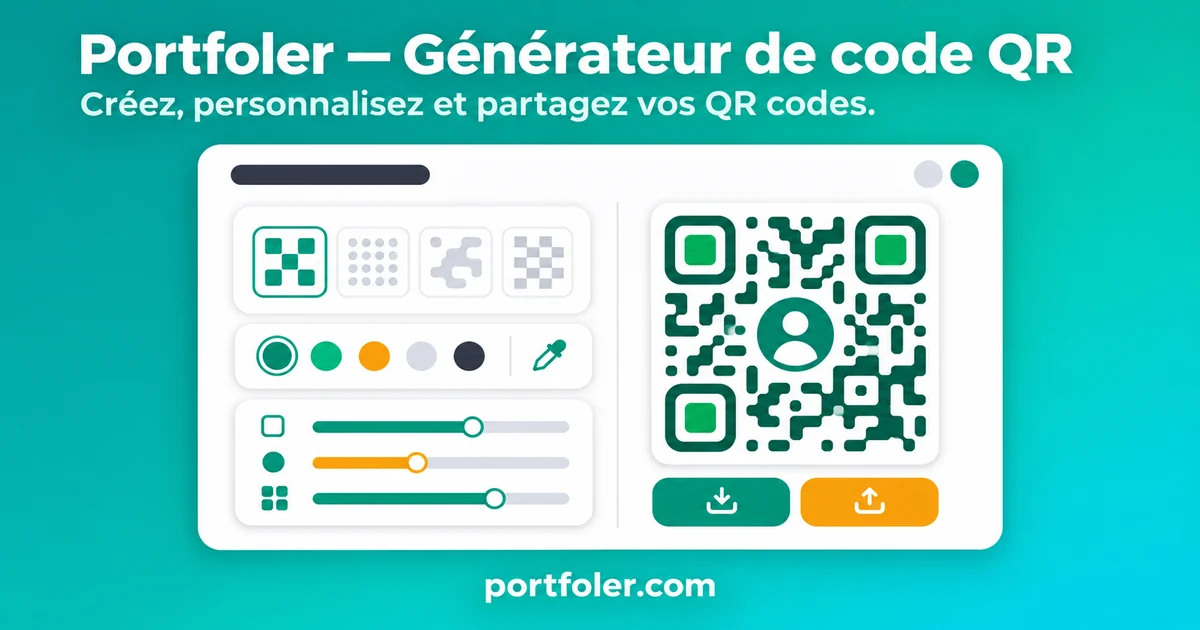
QR code generator
Create a QR code that links to your Portfoler profile, to print or share. Portfoler account required.
TalentsFreelancers
Log in to access it 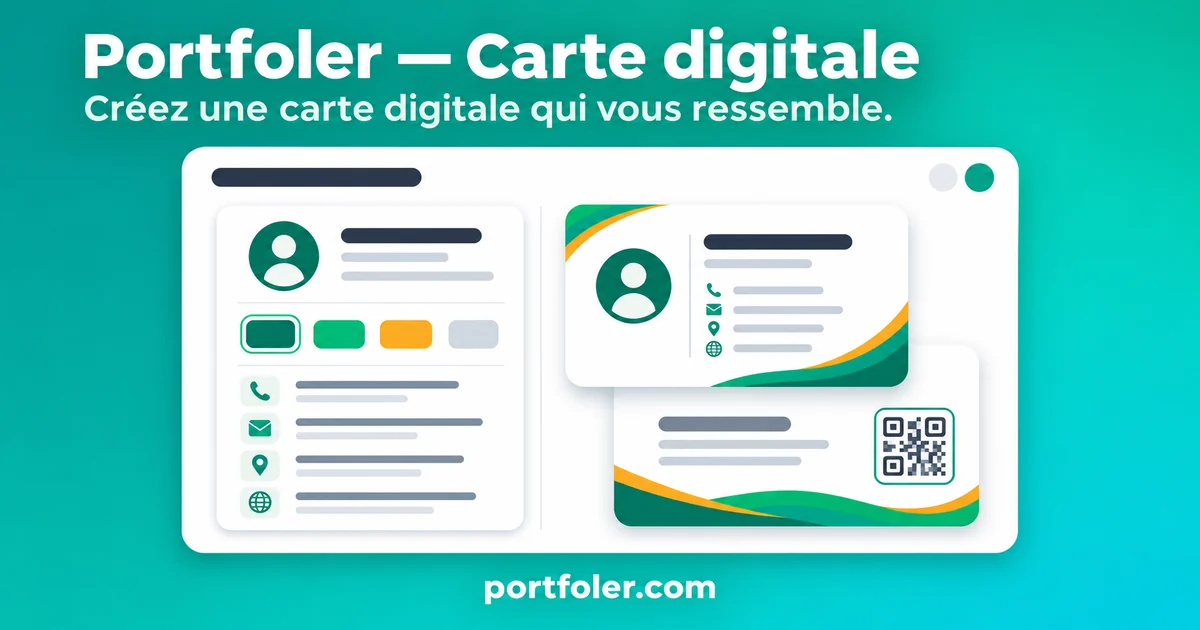
Business card
Create your digital business card from templates. Portfoler account required.
TalentsFreelancers
Log in to access it 
Calendar
Online professional calendar: plan appointments, meetings and deadlines in one place, with automatic reminders so nothing slips through. Portfoler account required.
TalentsFreelancersCompanies
Log in to access it 
Meet
One-to-one audio and video calls right from Portfoler: start a video call in one click or schedule your meetings, with no software to install. Portfoler account required.
TalentsFreelancersCompanies
Log in to access it 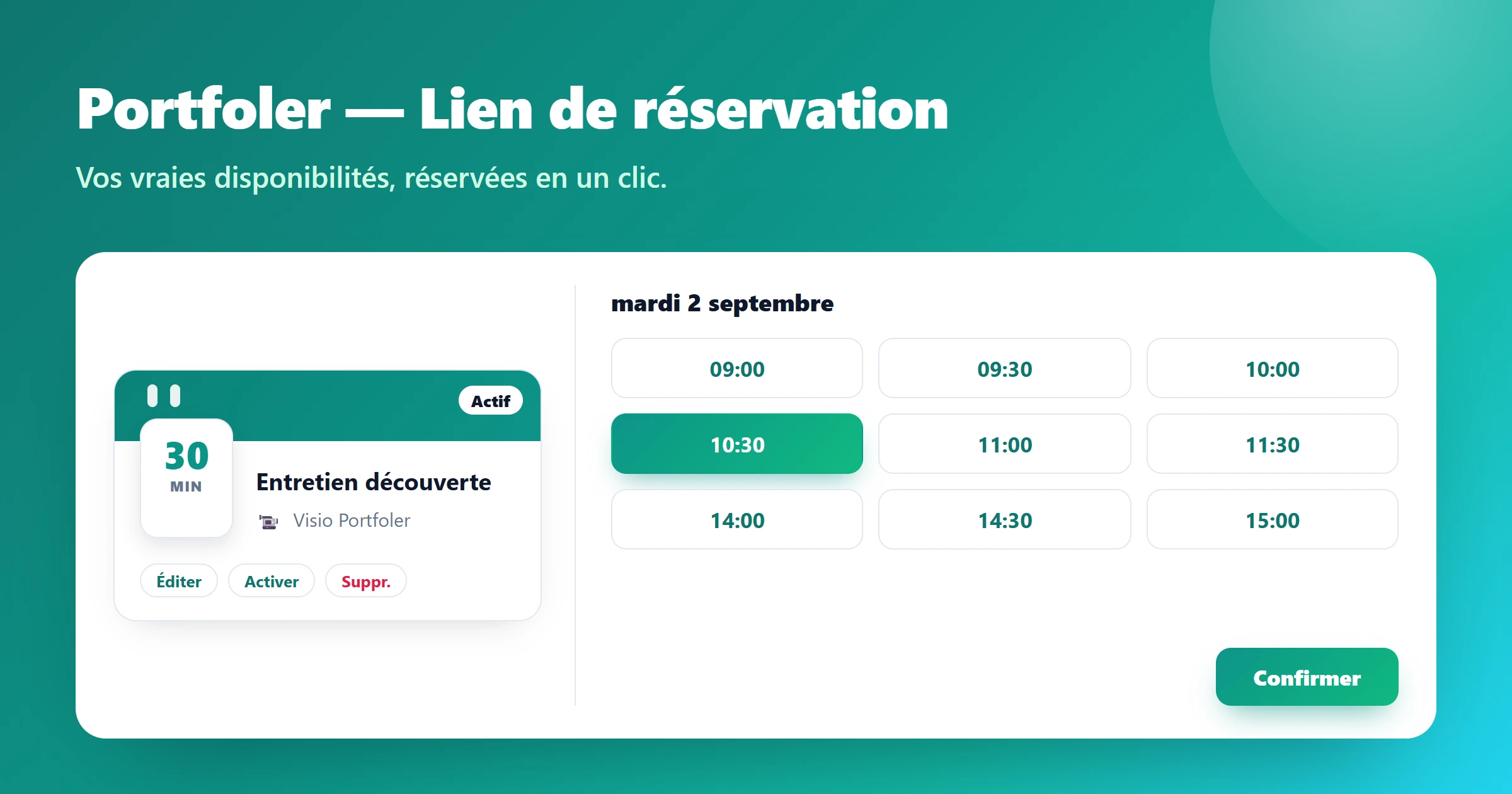
Booking link
Online booking page, Calendly-style: publish your real availability and let contacts book a slot that adds itself to your calendar automatically. Portfoler account required.
TalentsFreelancersCompanies
Log in to access it 
Messaging
Built-in professional messaging: chat with talents, companies and project owners, sort your conversations by service, offer or event, and switch to a call in one click. Portfoler account required.
TalentsFreelancersCompanies
Log in to access it 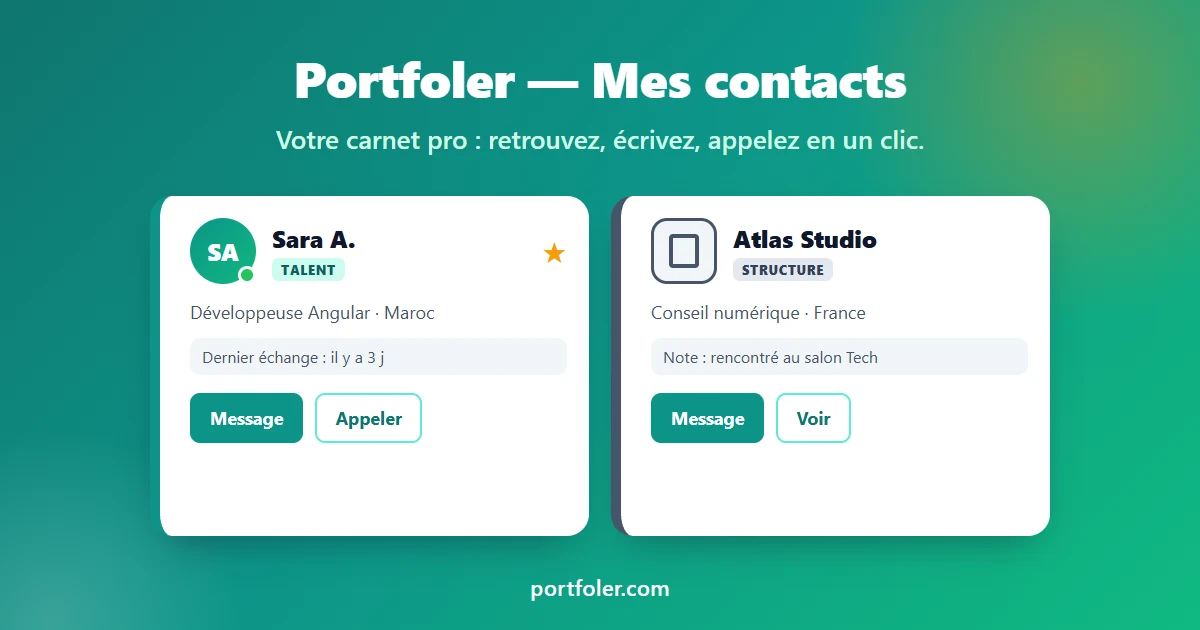
My contacts
Professional address book: save the talents and organizations that matter, find them instantly, message them, call them or schedule a call in one click. Portfoler account required.
TalentsFreelancersCompanies
Log in to access it 
1–20 of 41
Frequently asked questions about the free tools
Simulators, calculators and document generators: how to use them.
Which free tools does Portfoler offer?
More than 35 tools. For talent: CV generator, CV checker (ATS), cover letter, interview preparation, salary simulator, notice period calculator. For freelancers: day rate calculator, “Freelance or employee?”, quote generator. For companies: true cost of an employee, job description, recruitment cost and time-to-hire, interview scorecard.
Can I use the tools without creating an account?
Yes. Each tool can be used 3 times without an account, and the number of remaining uses is shown in the tool. A free account removes this limit. Only the modern CV generator, electronic signature, QR code generator and business card require an account from the start.
How do I calculate my net salary from gross?
The gross-to-net converter works both ways, for an employee, a freelancer or umbrella (portage) employment, depending on the country selected. It breaks down social contributions, health insurance and income tax, in the country’s currency.
How do I calculate my freelance day rate?
The freelance day rate calculator starts from your target net income, your contributions, your annual expenses and your billable days to give your day rate and your break-even rate. The “Freelance or employee?” comparison then helps you decide.
Can I download the generated documents?
Yes. The document generators export to PDF and PNG: CV, cover letter, quote, email signature, interview scorecard, service listing, training program, case study, STAR answer and request for proposal.
Are the tools adapted to my country?
Salary and cost tools use the currency and rules of the selected country. All tools are available in French, English, Spanish and Arabic.
