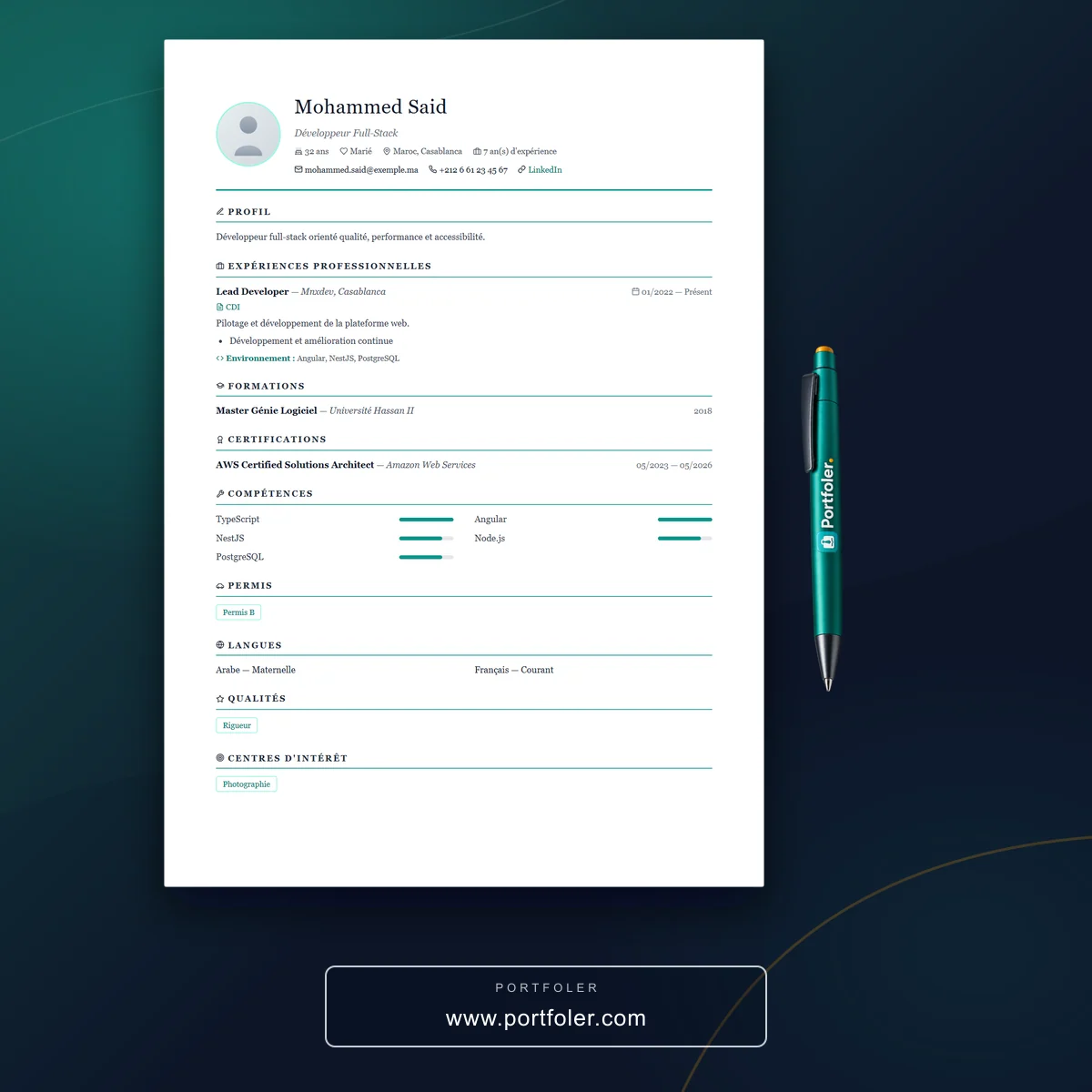
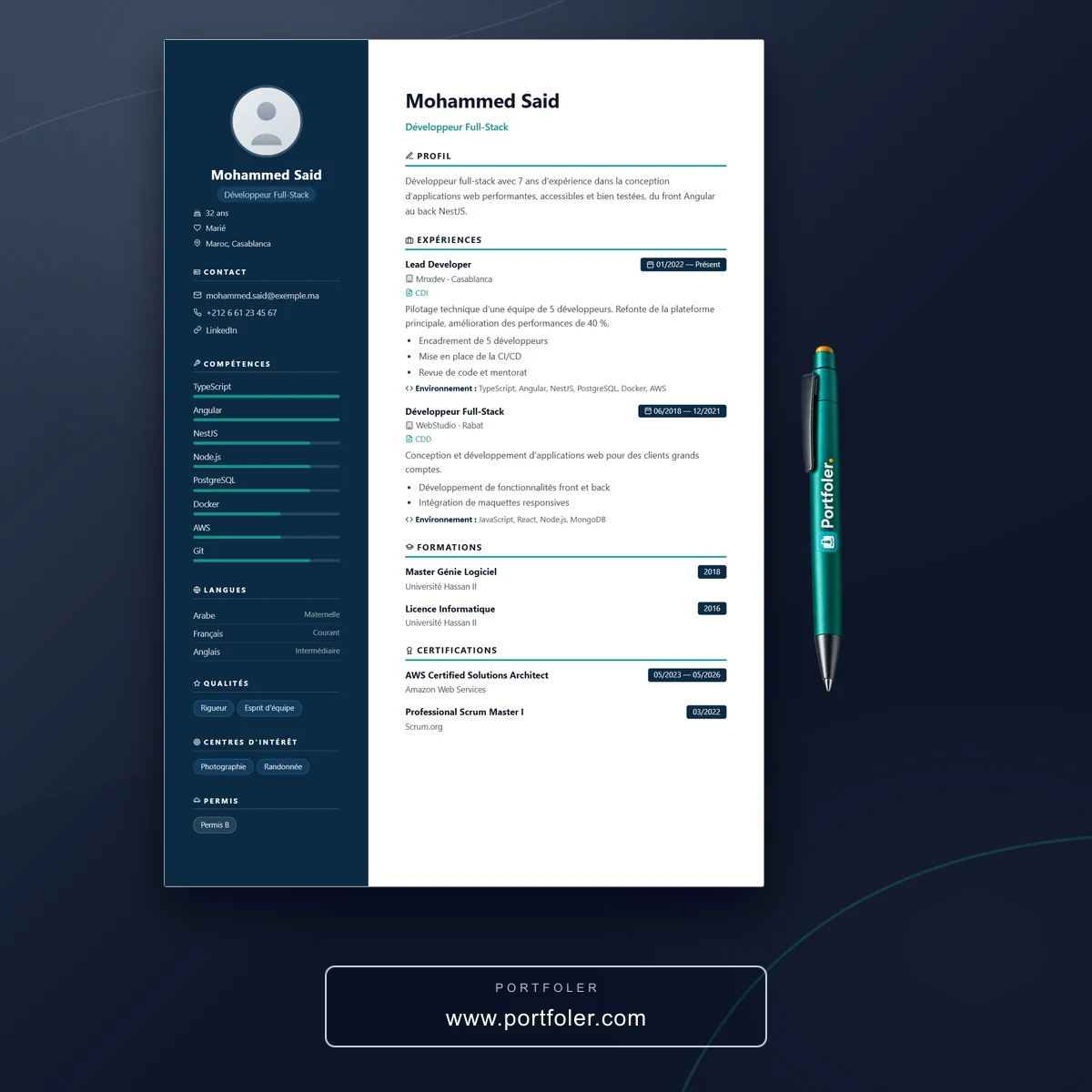
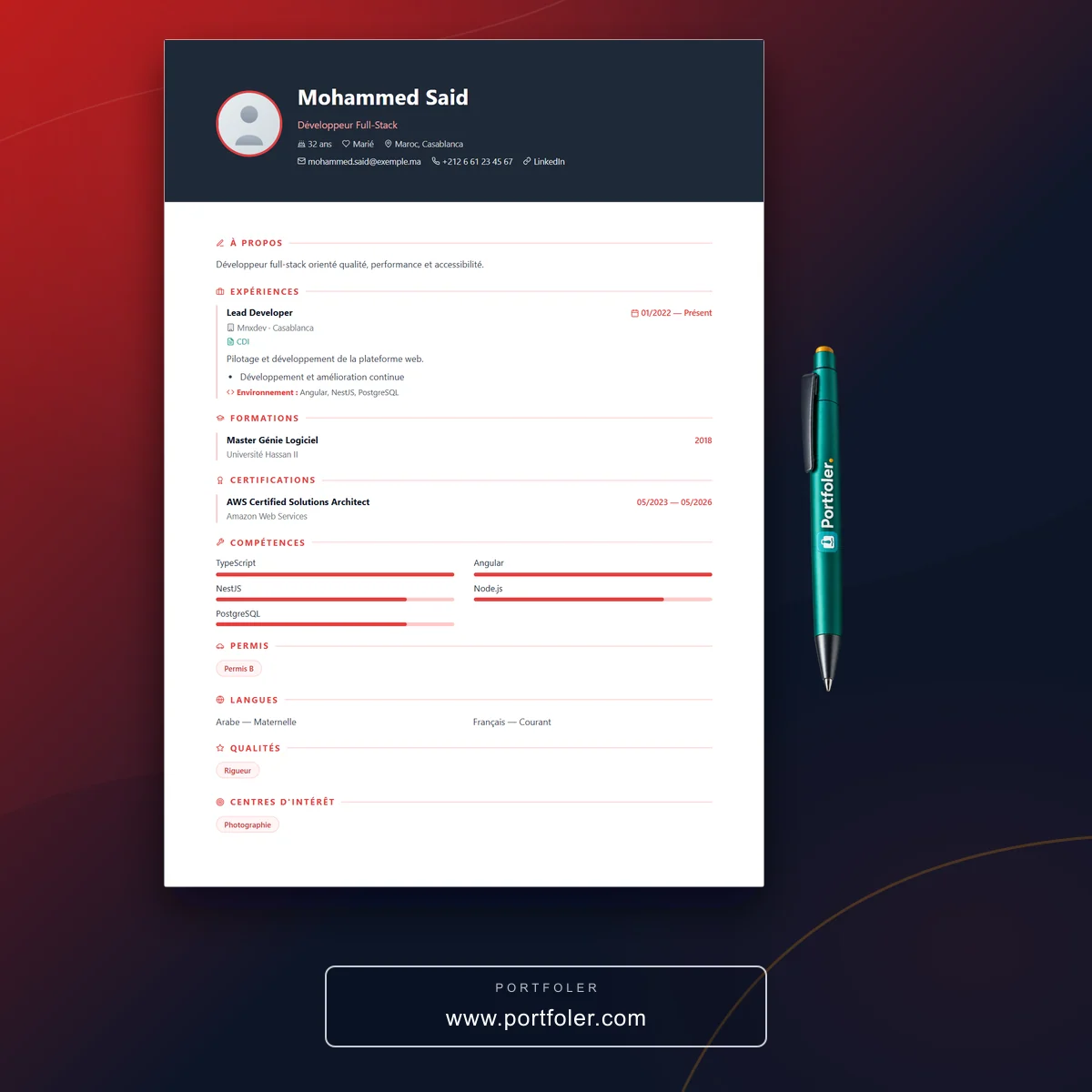
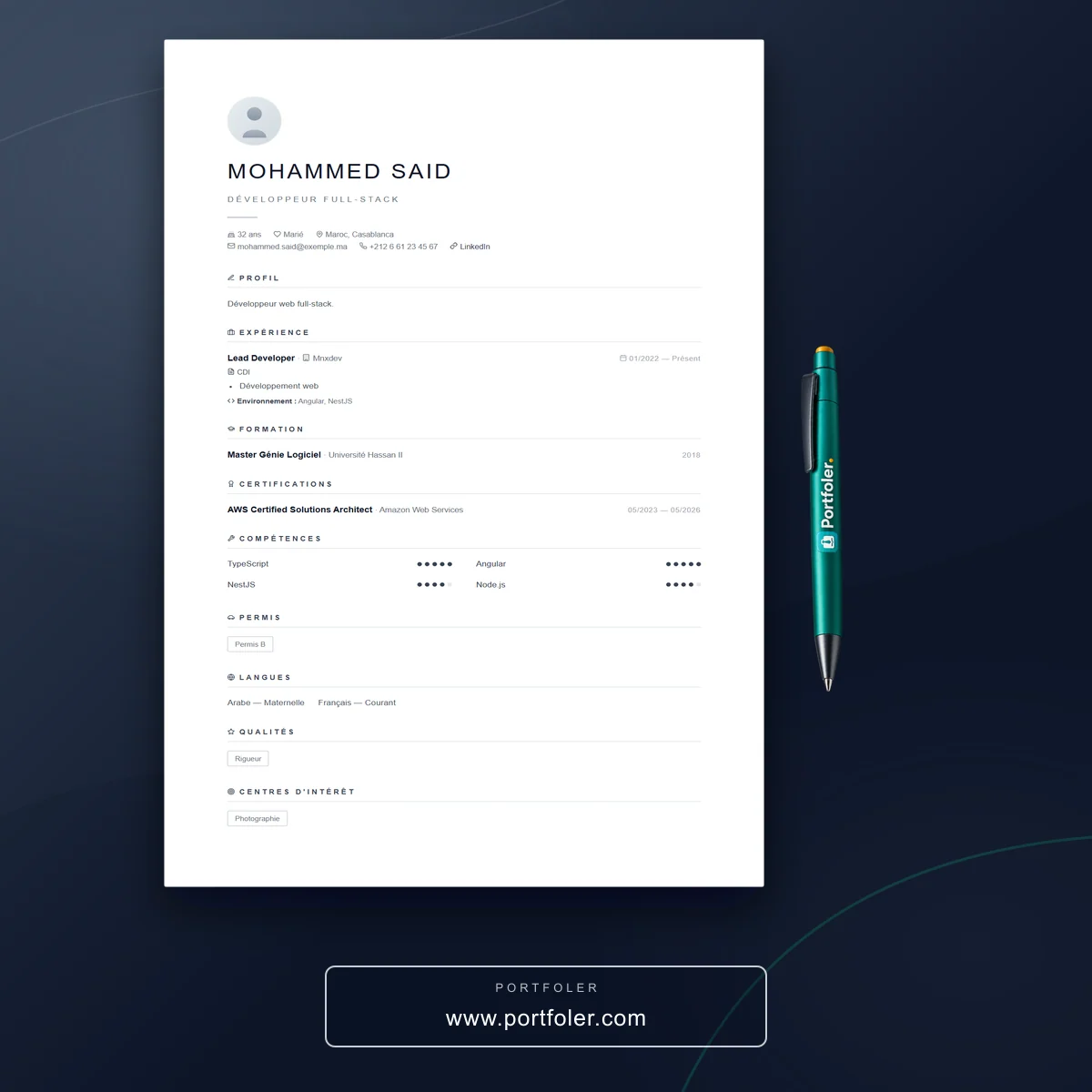
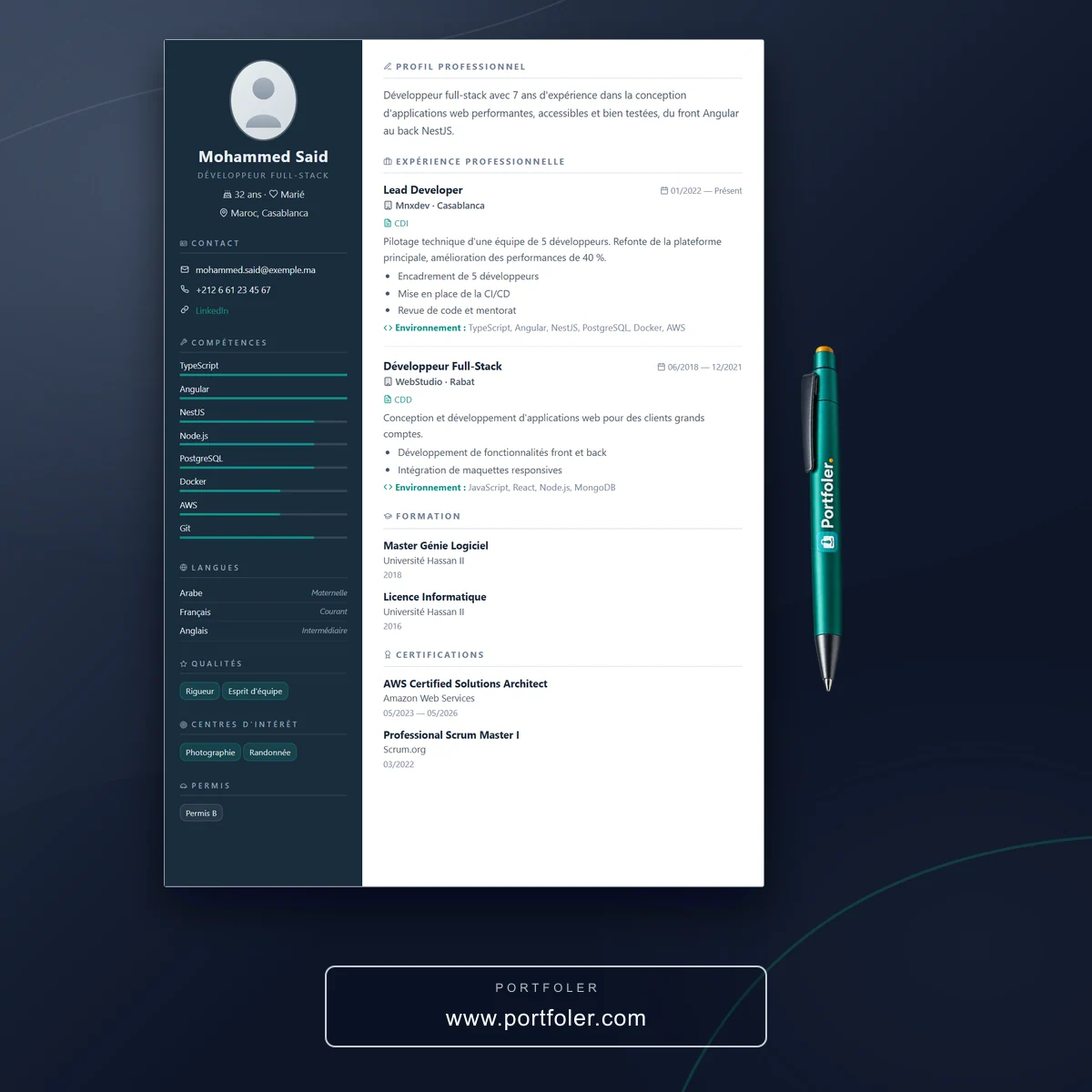
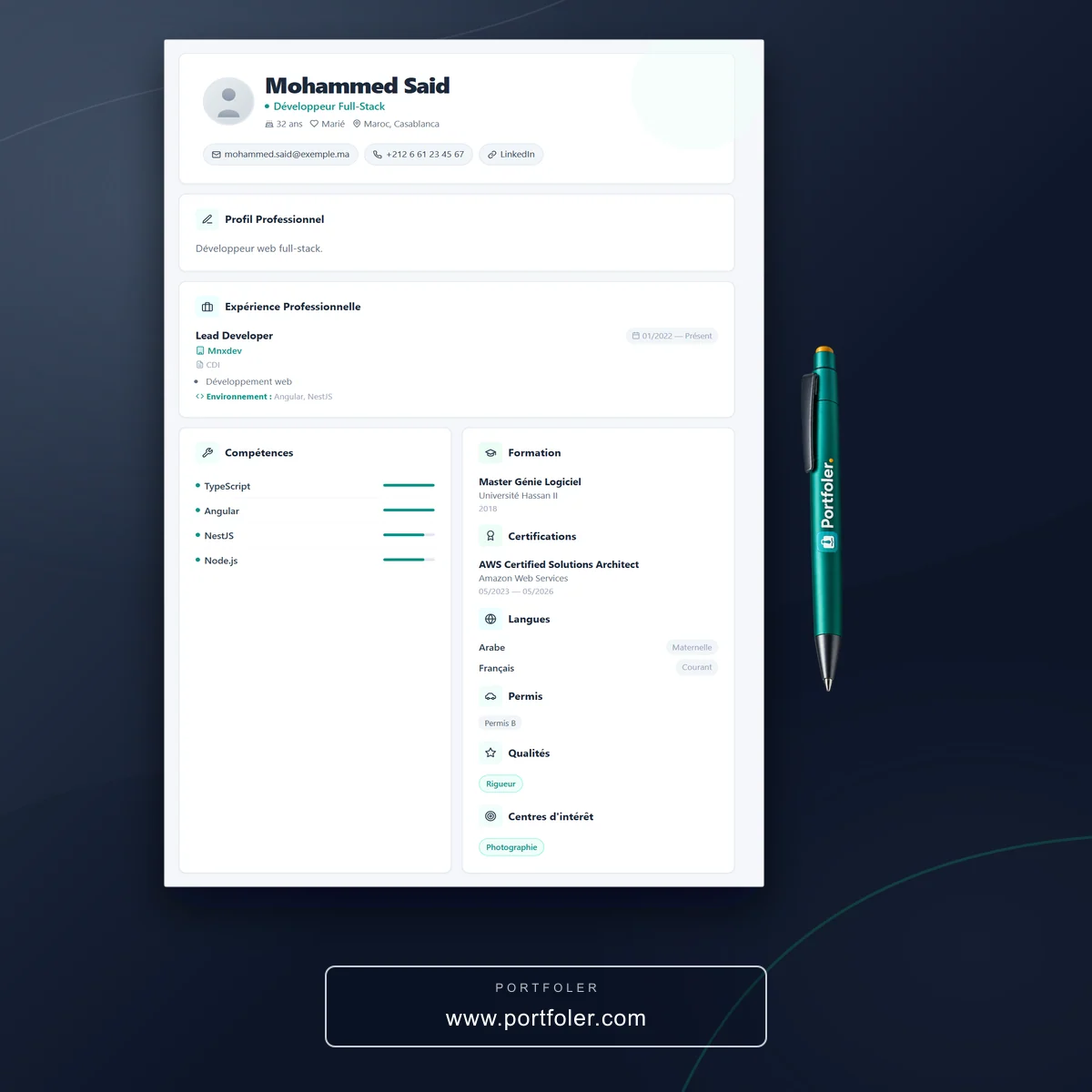
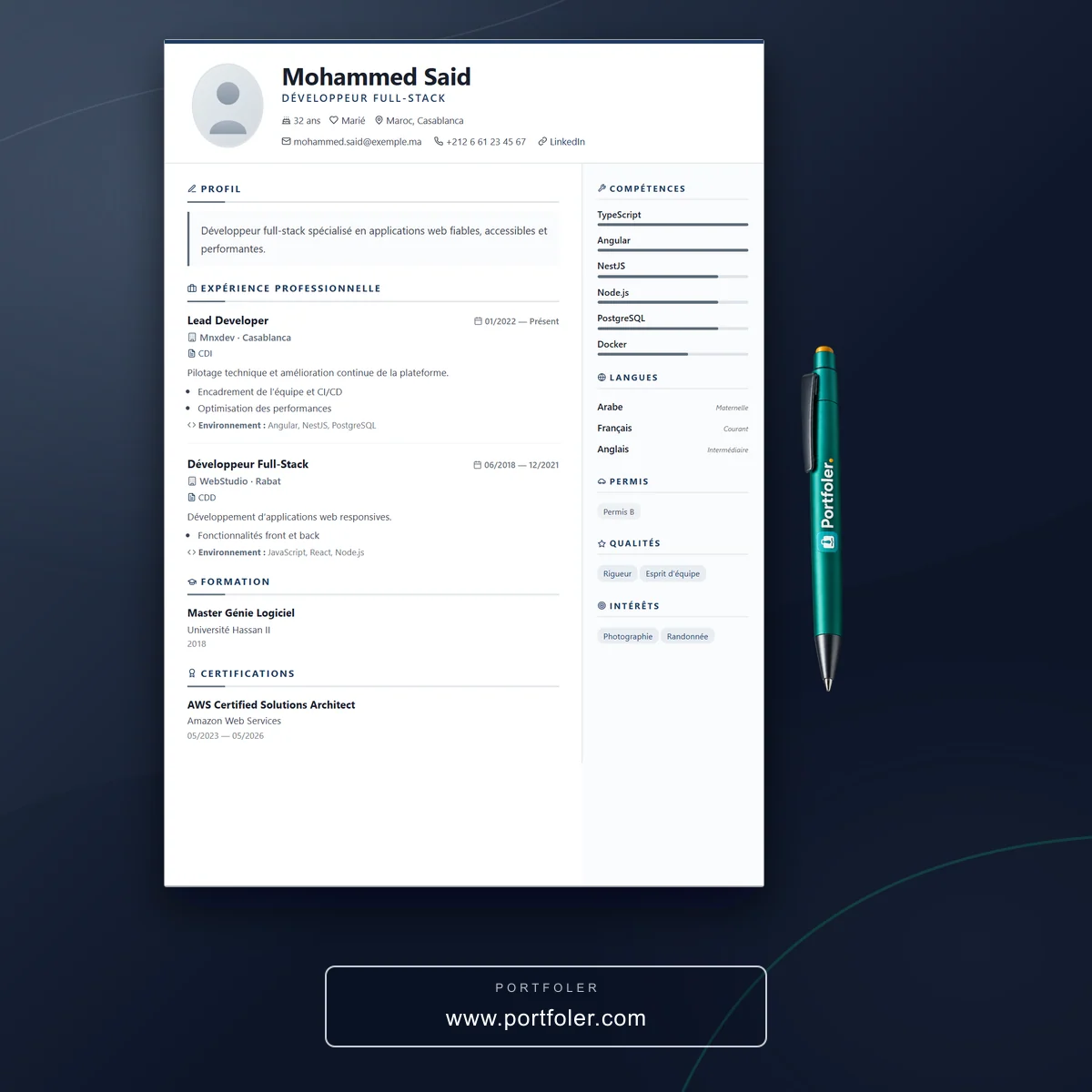
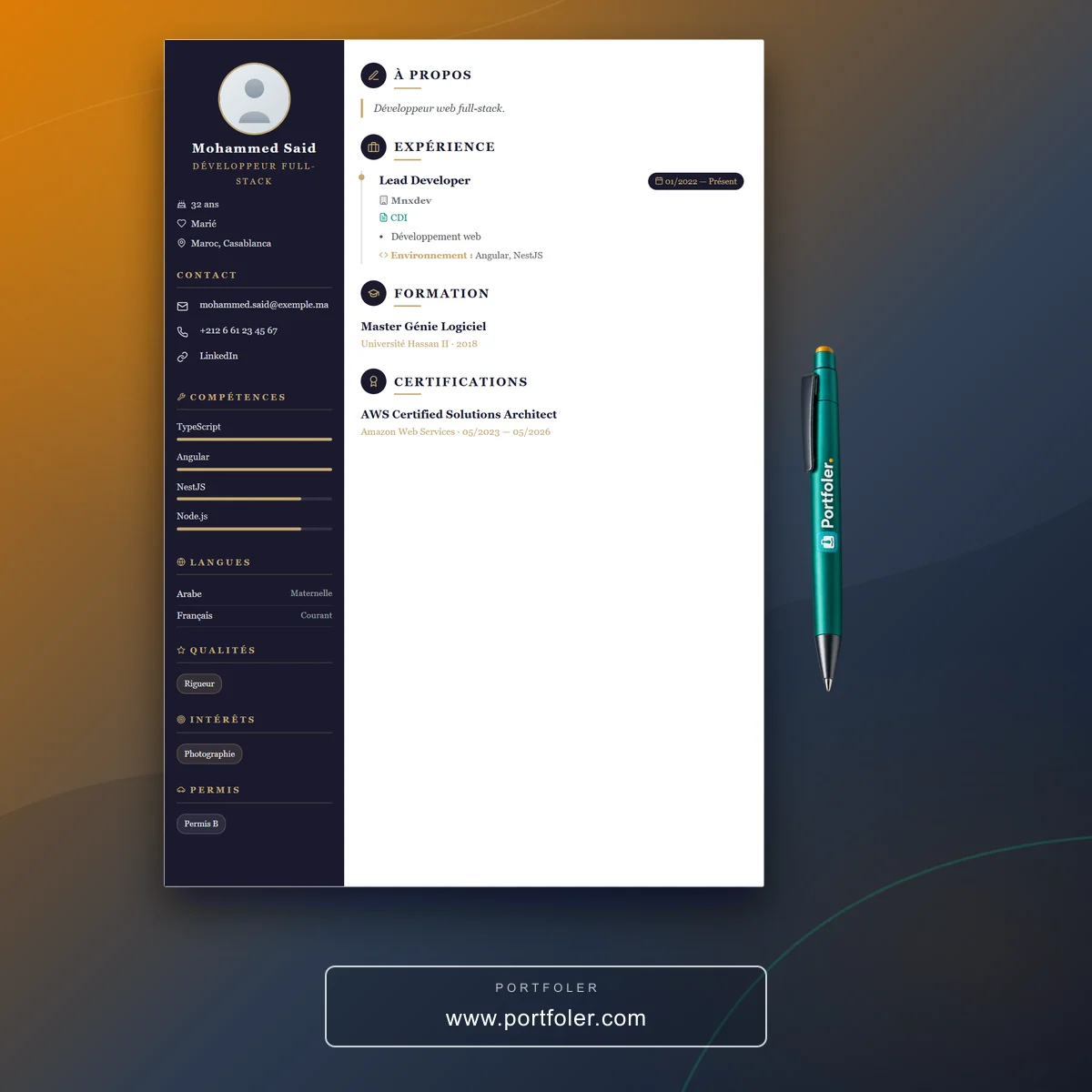
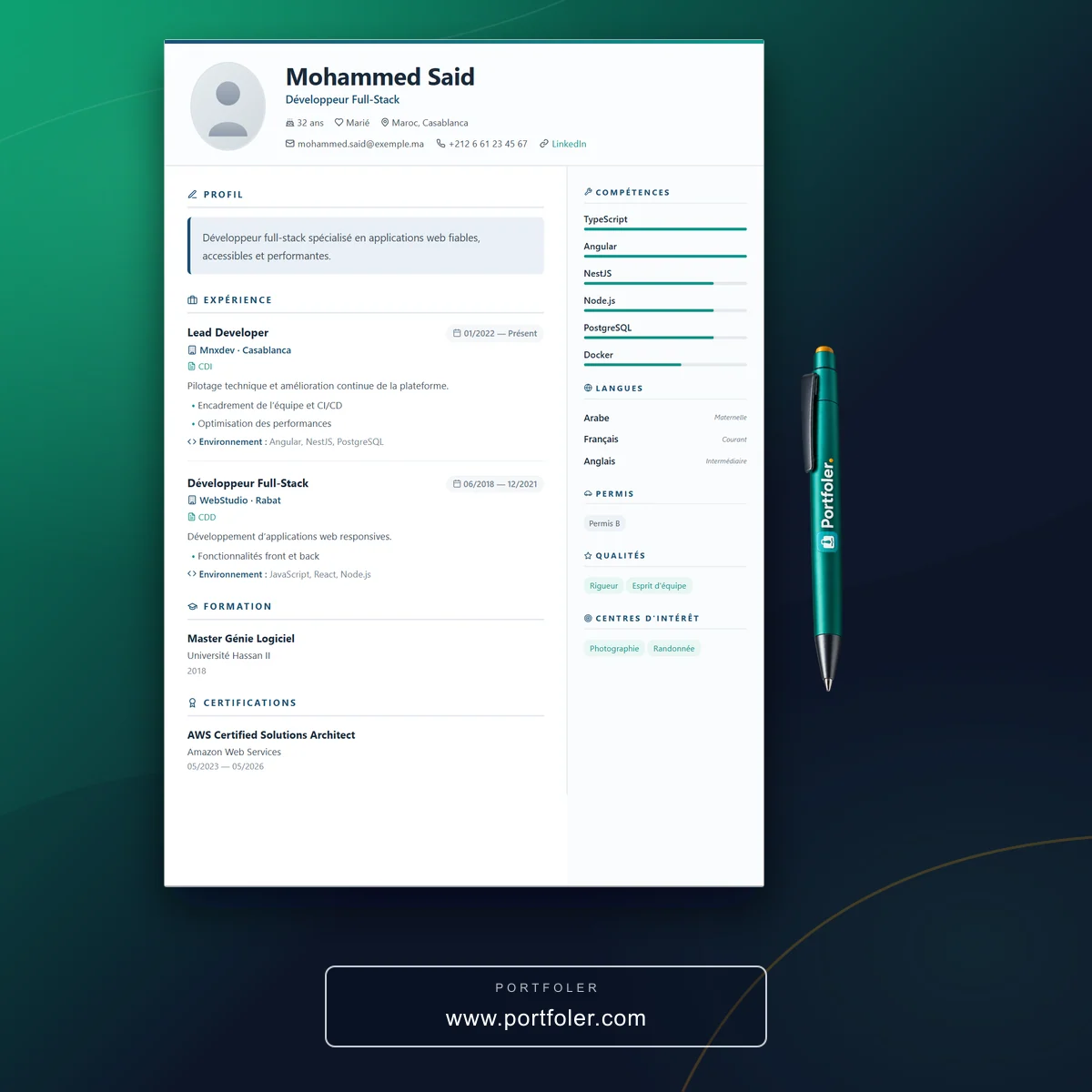
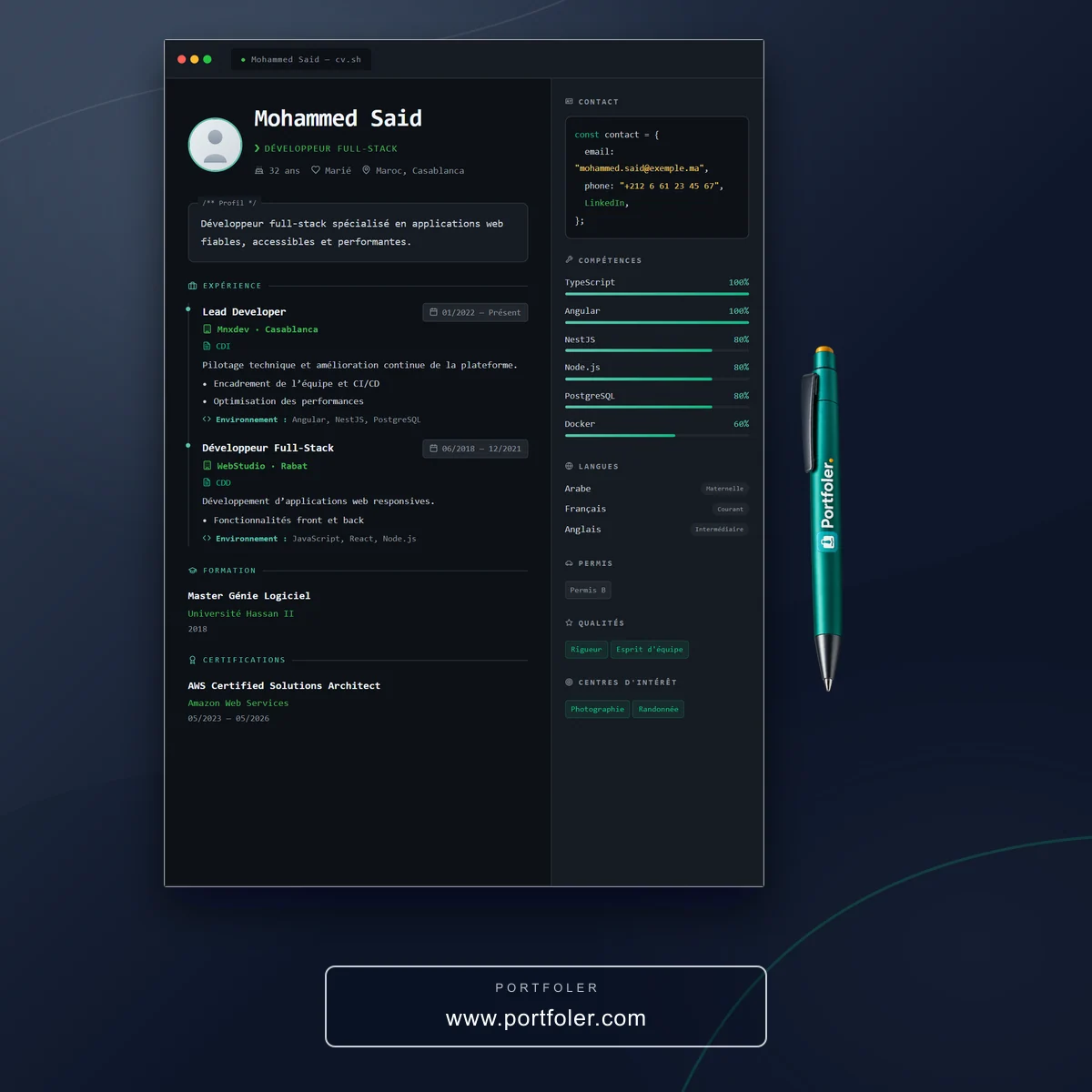
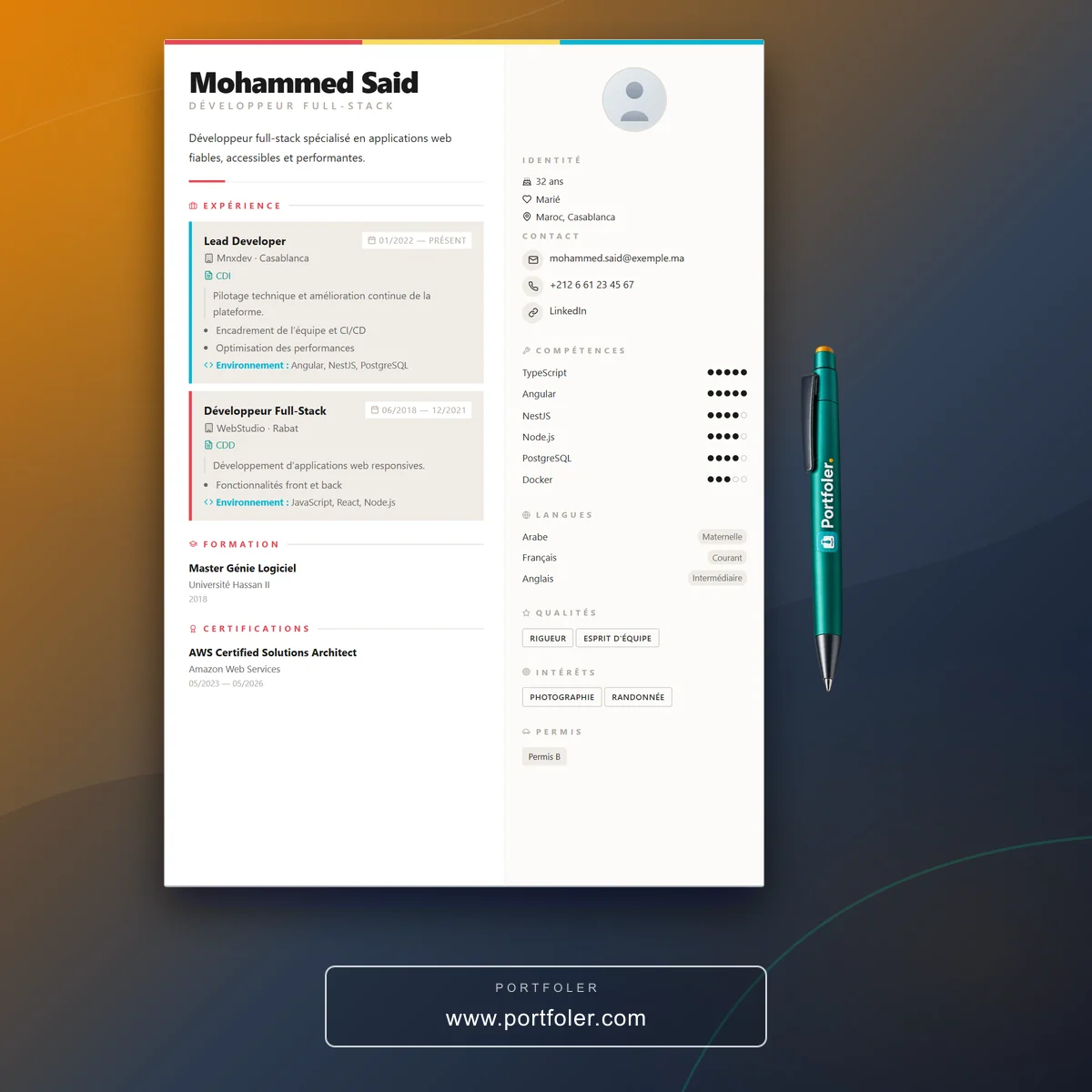
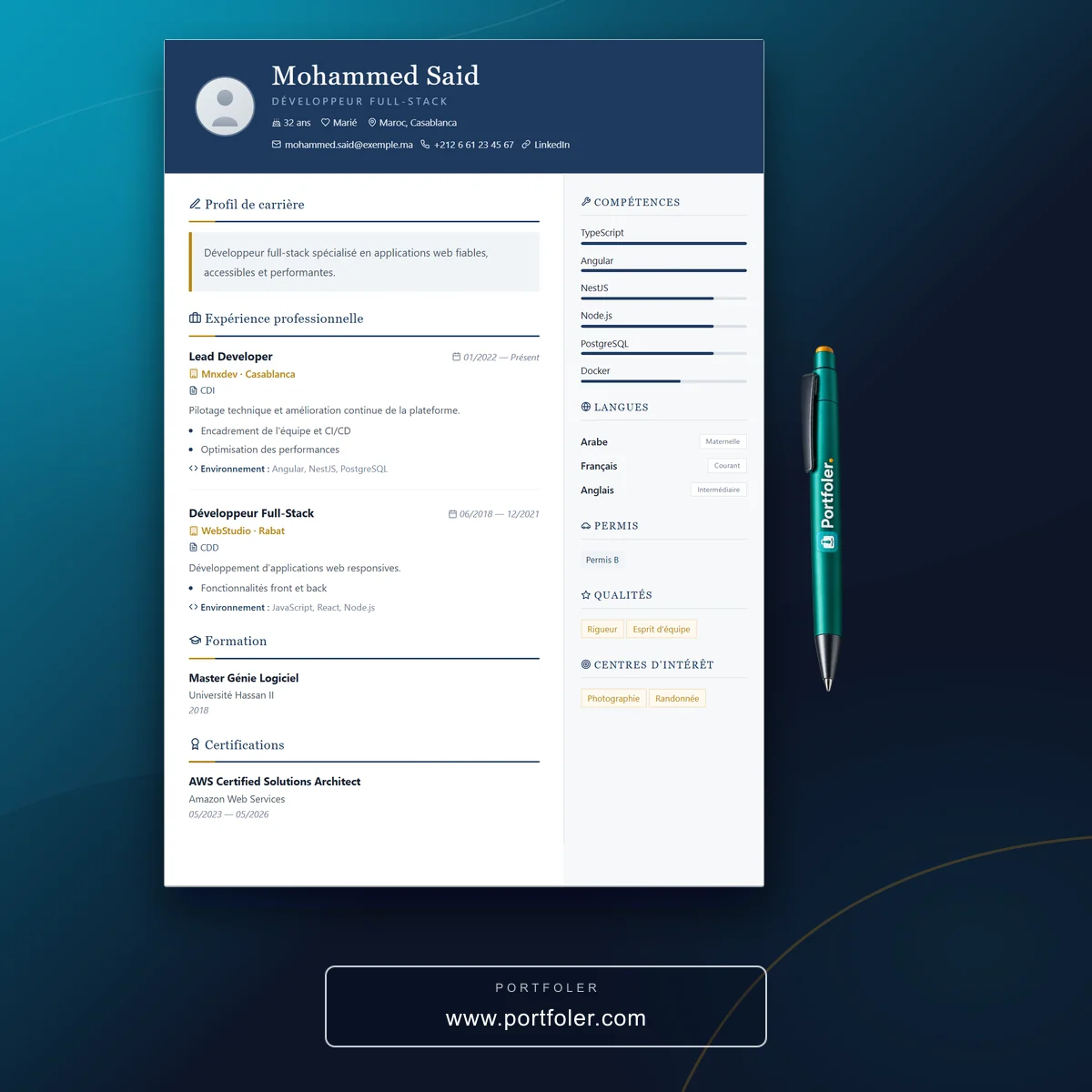
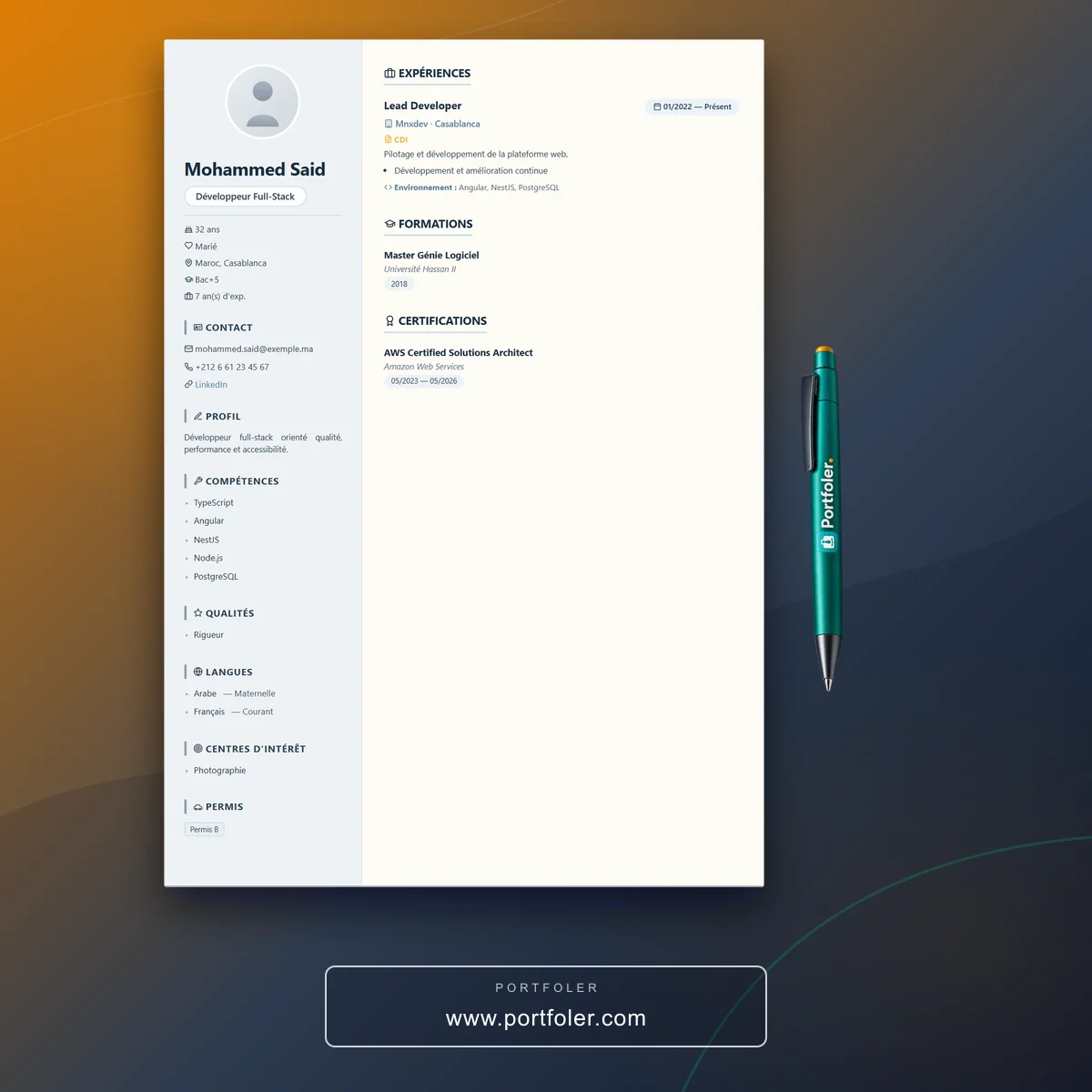
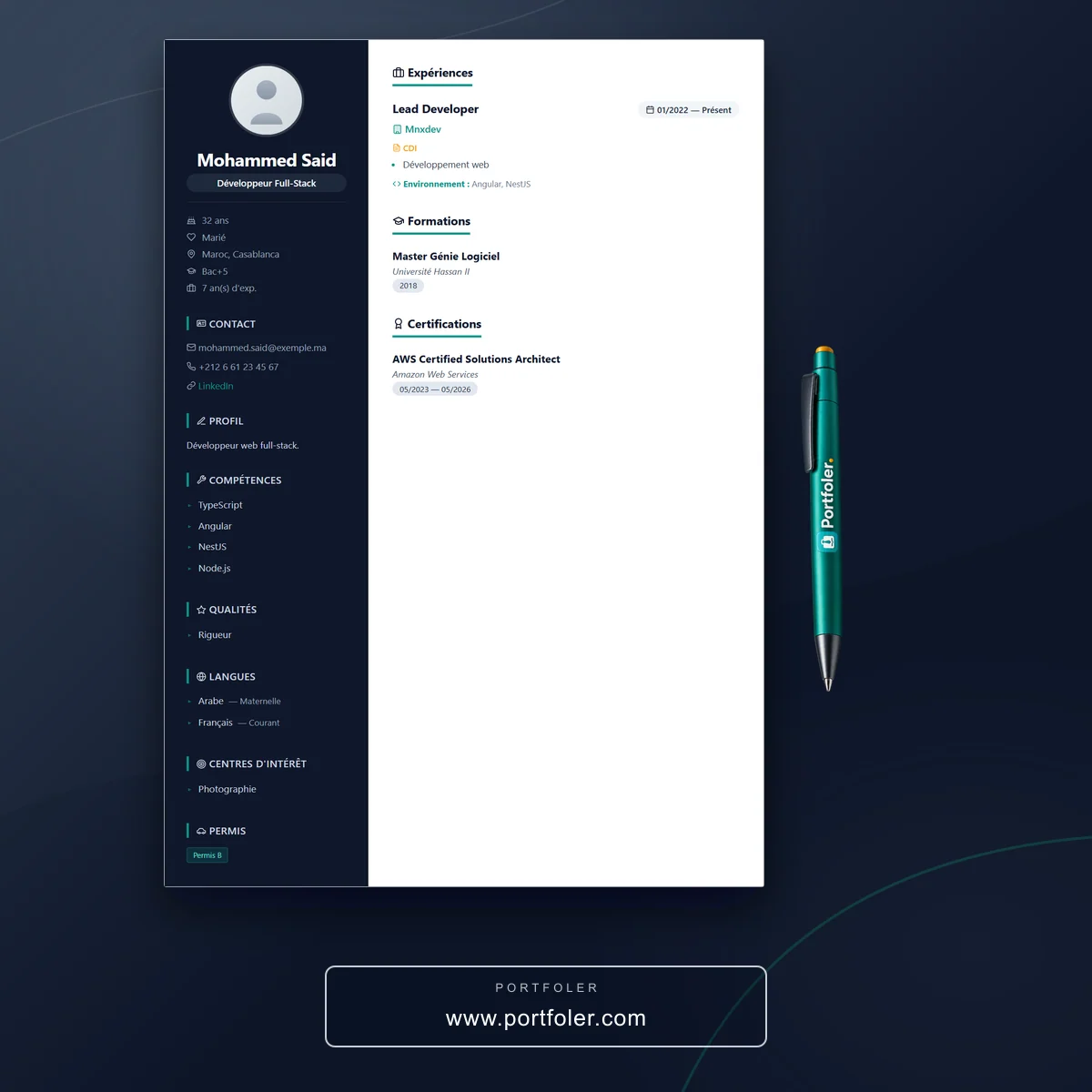
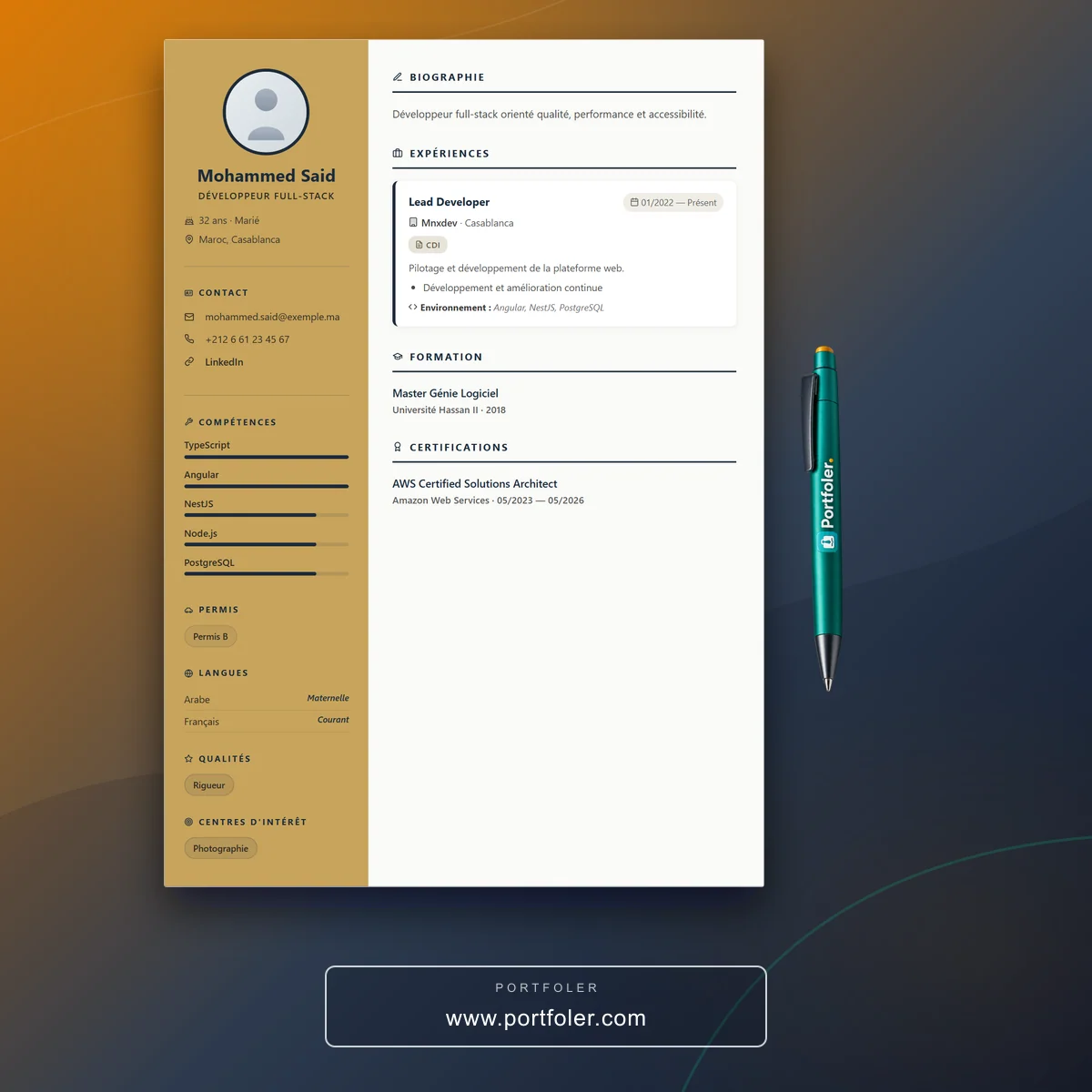
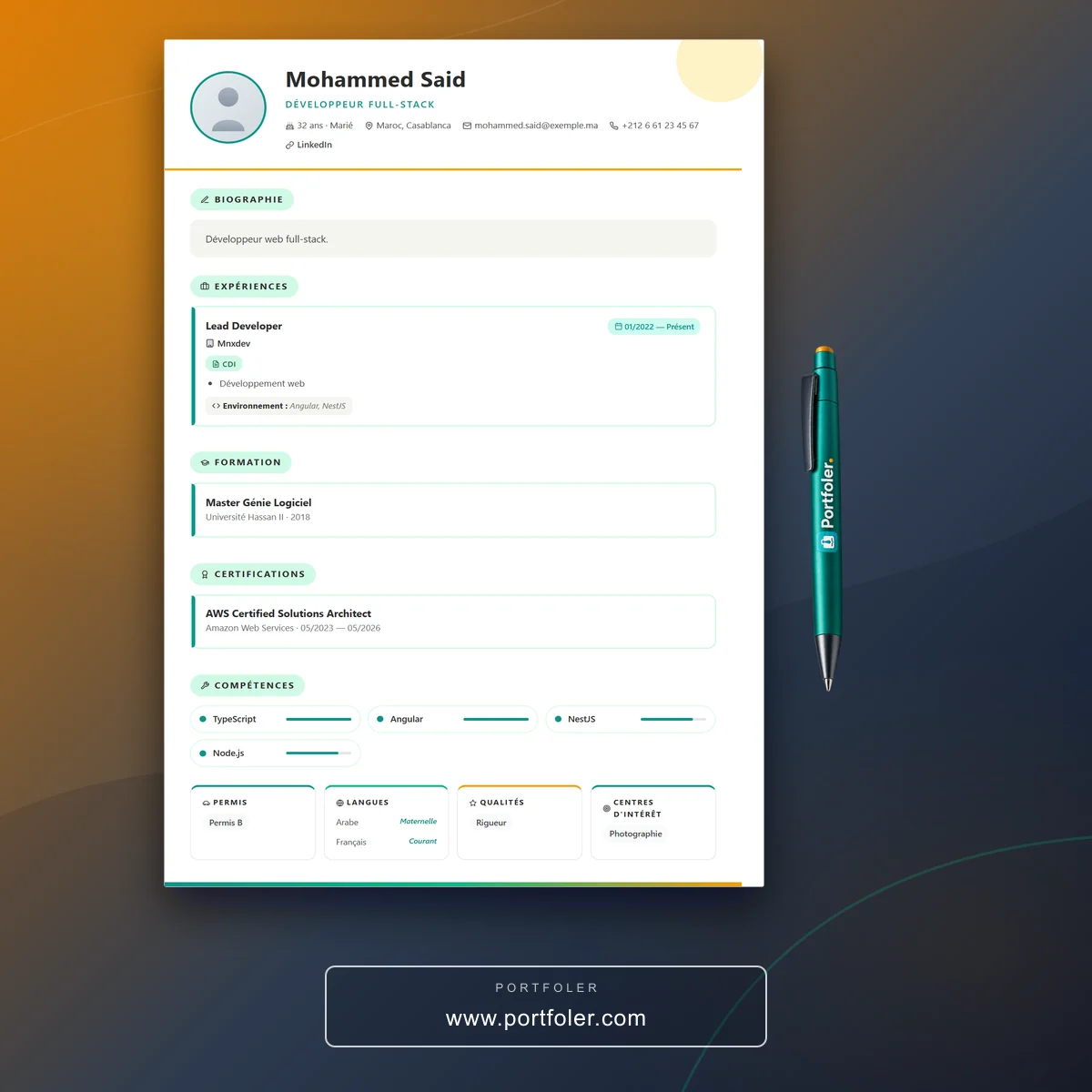
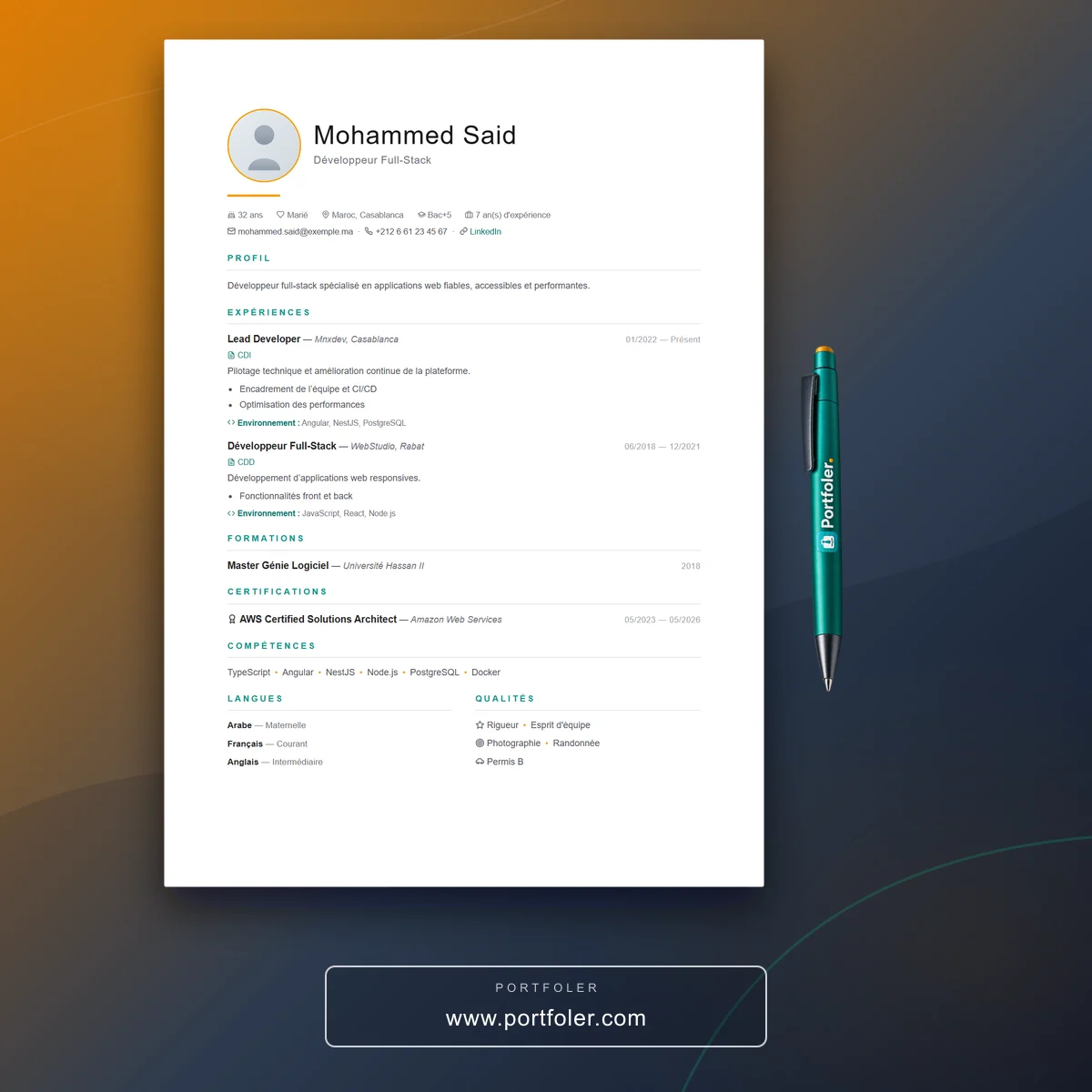
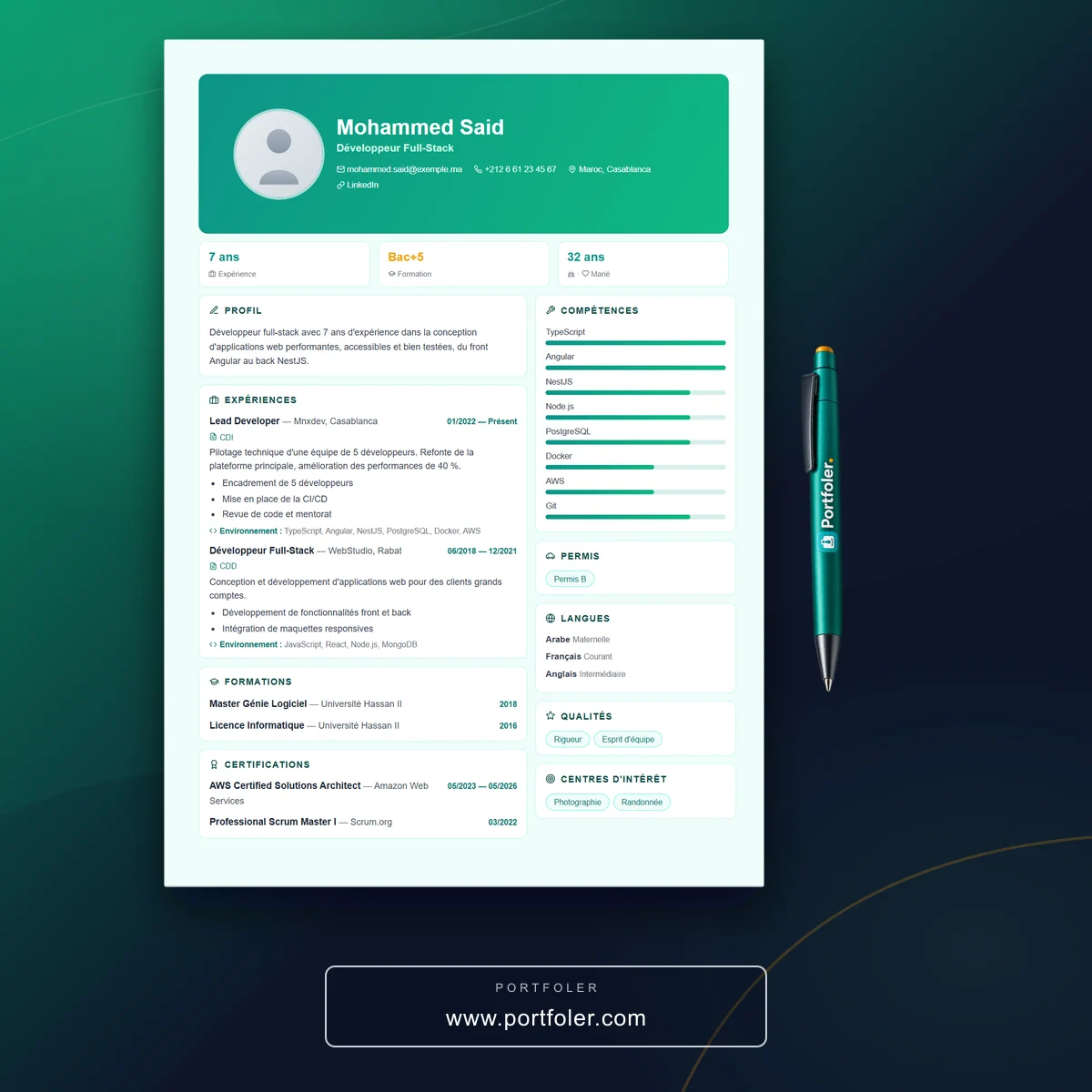
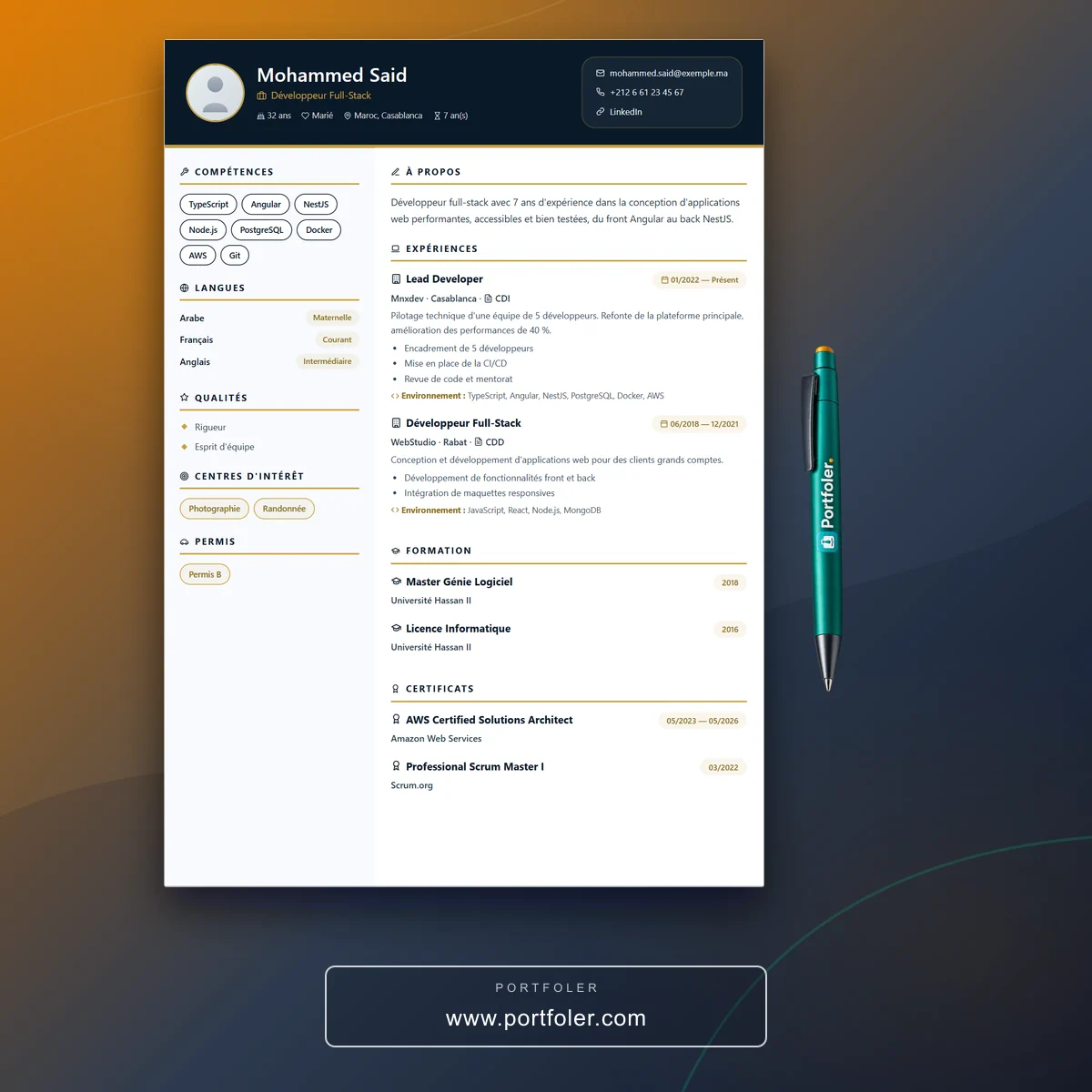
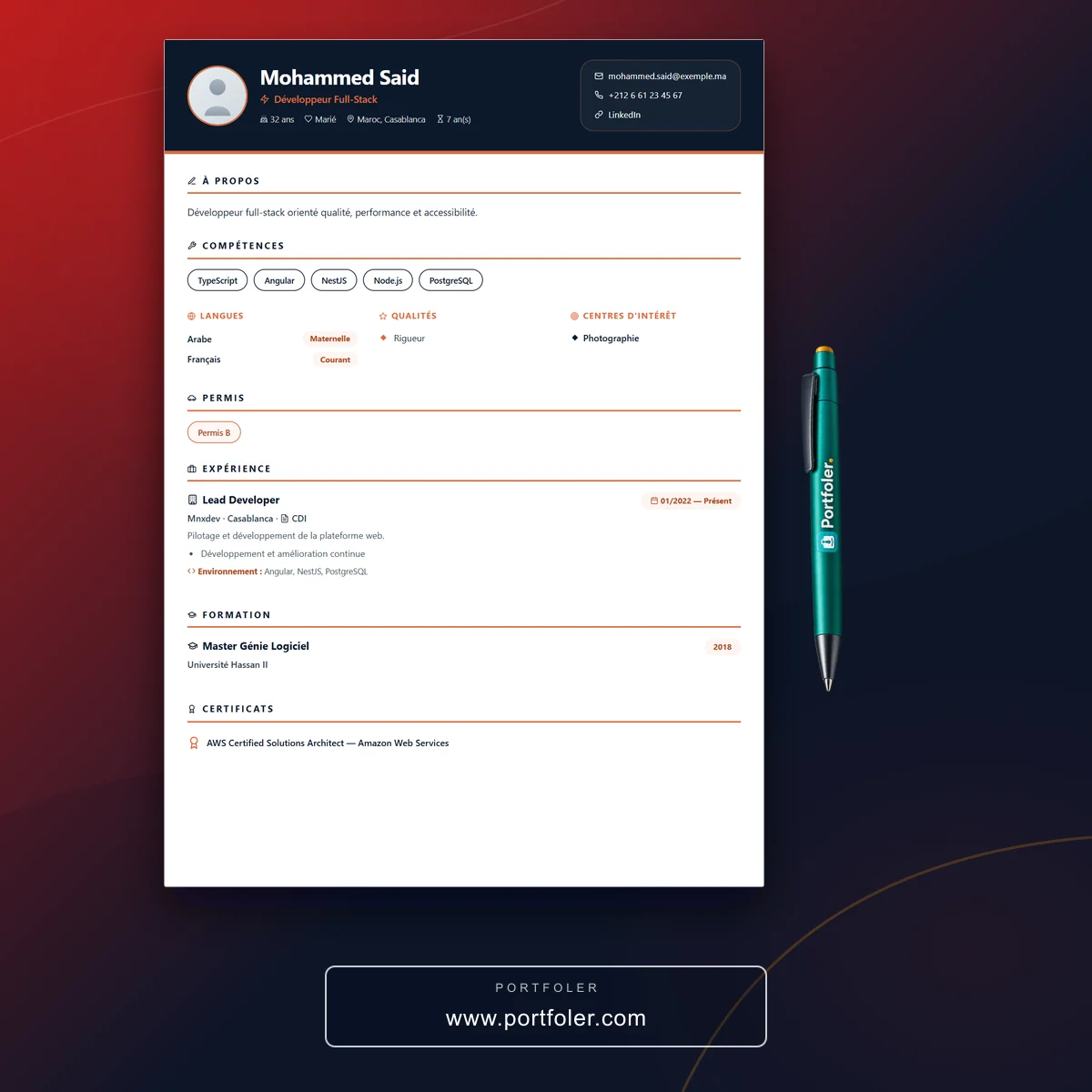
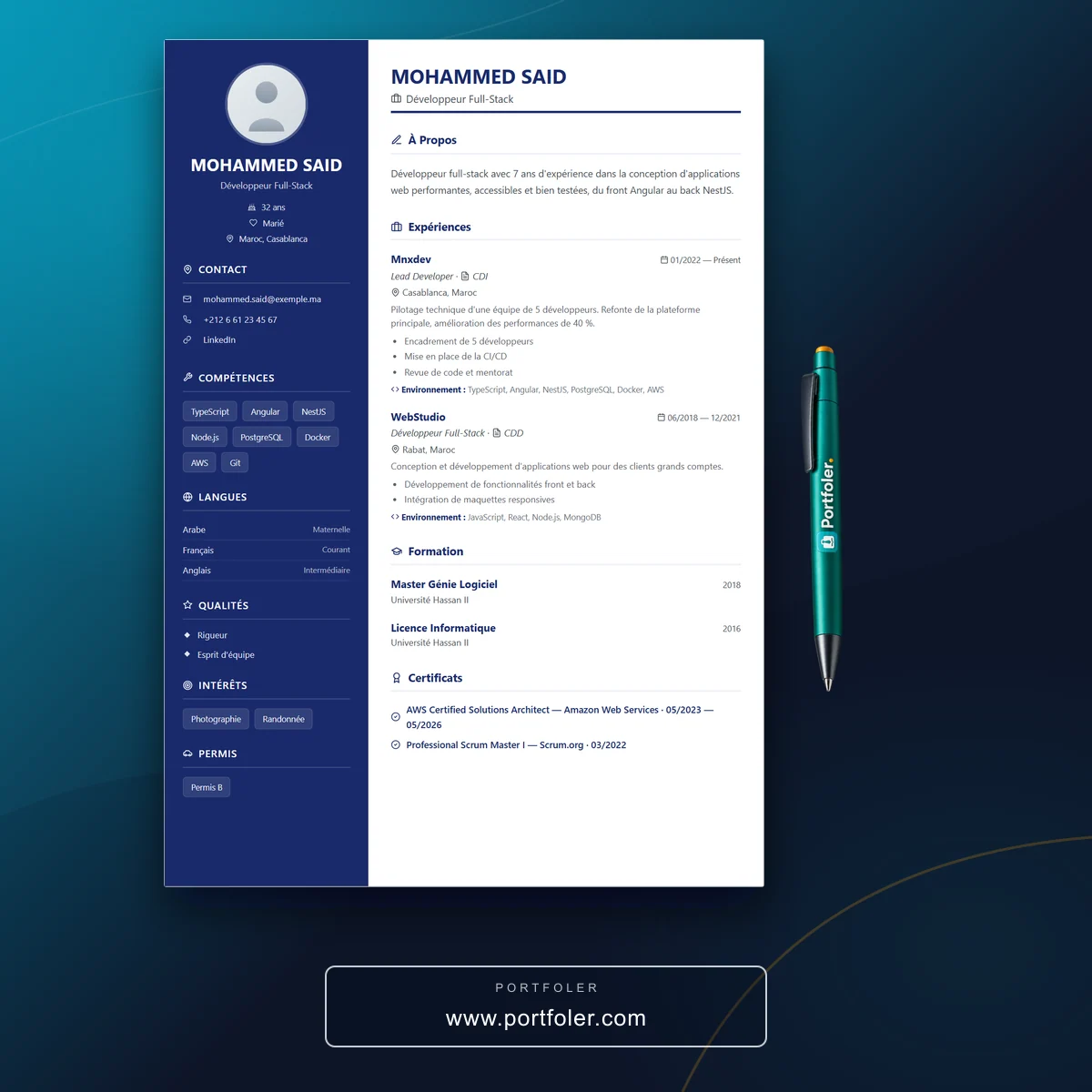
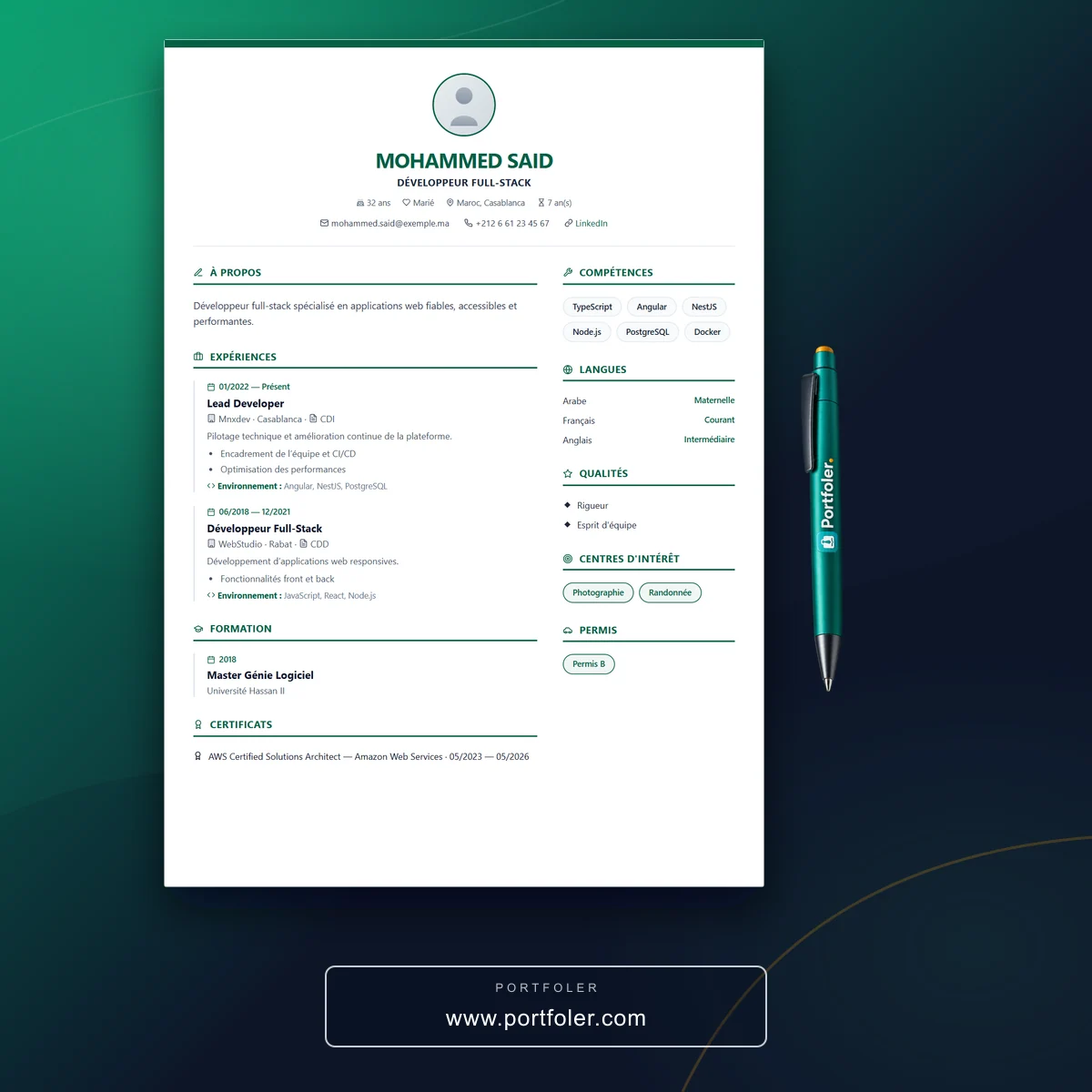
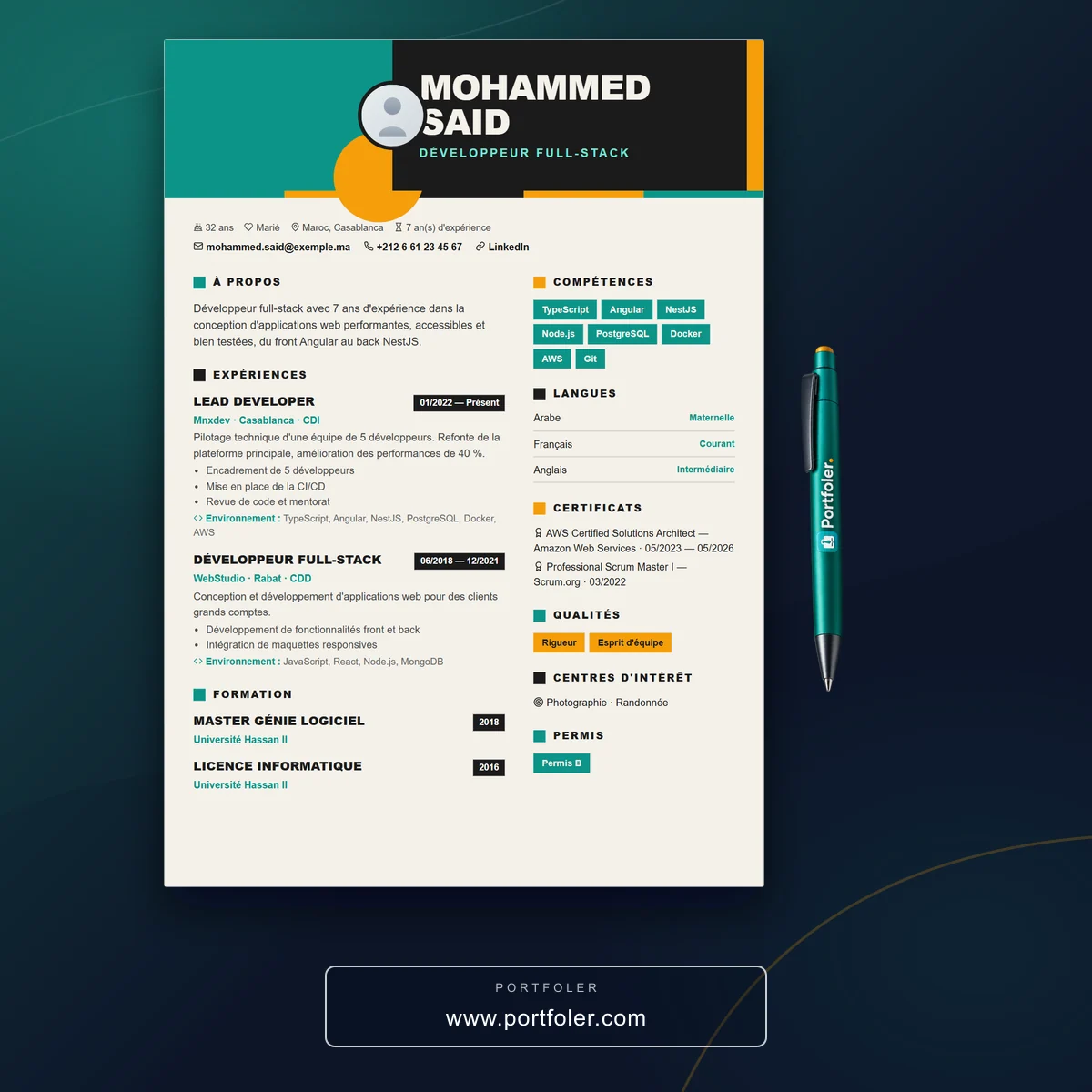
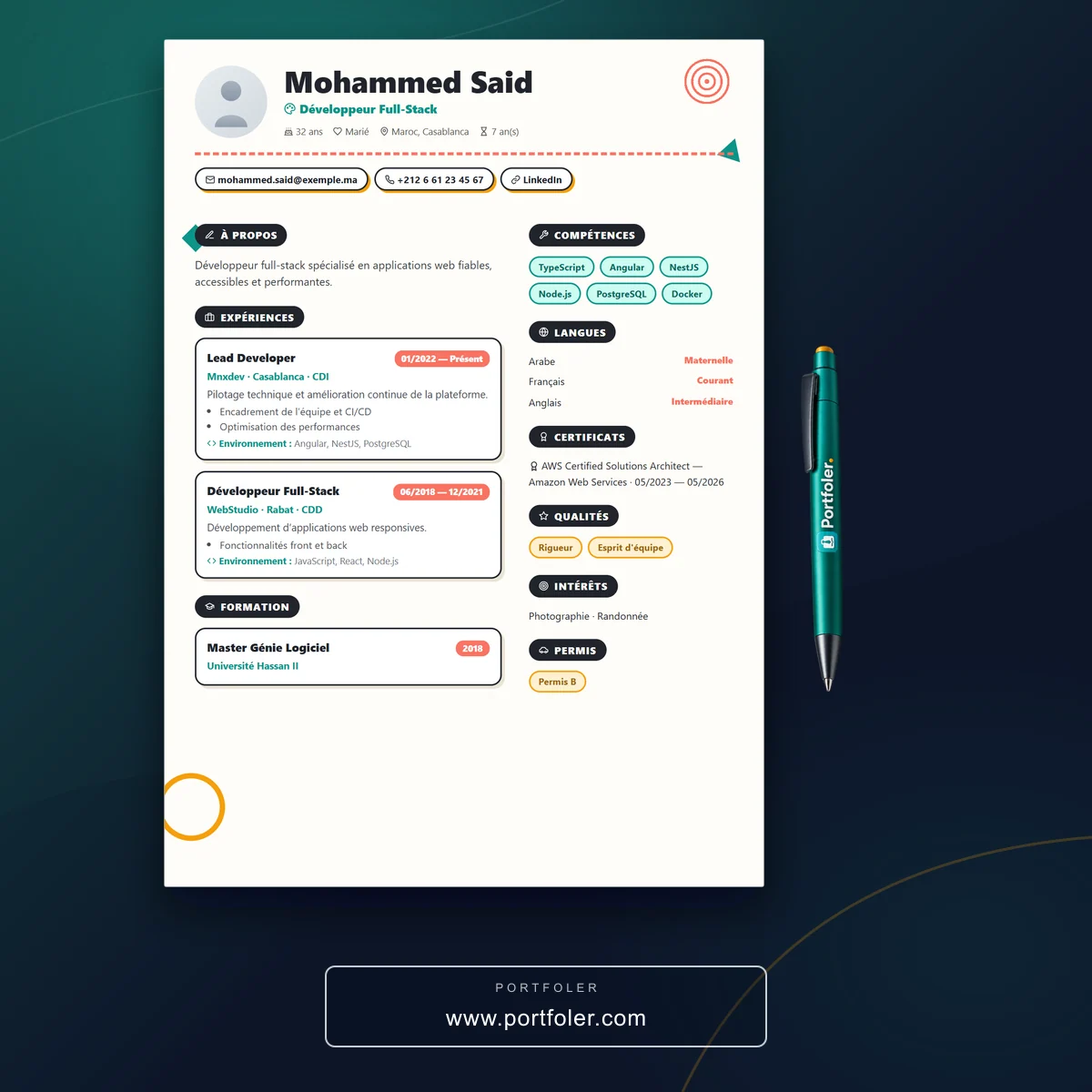
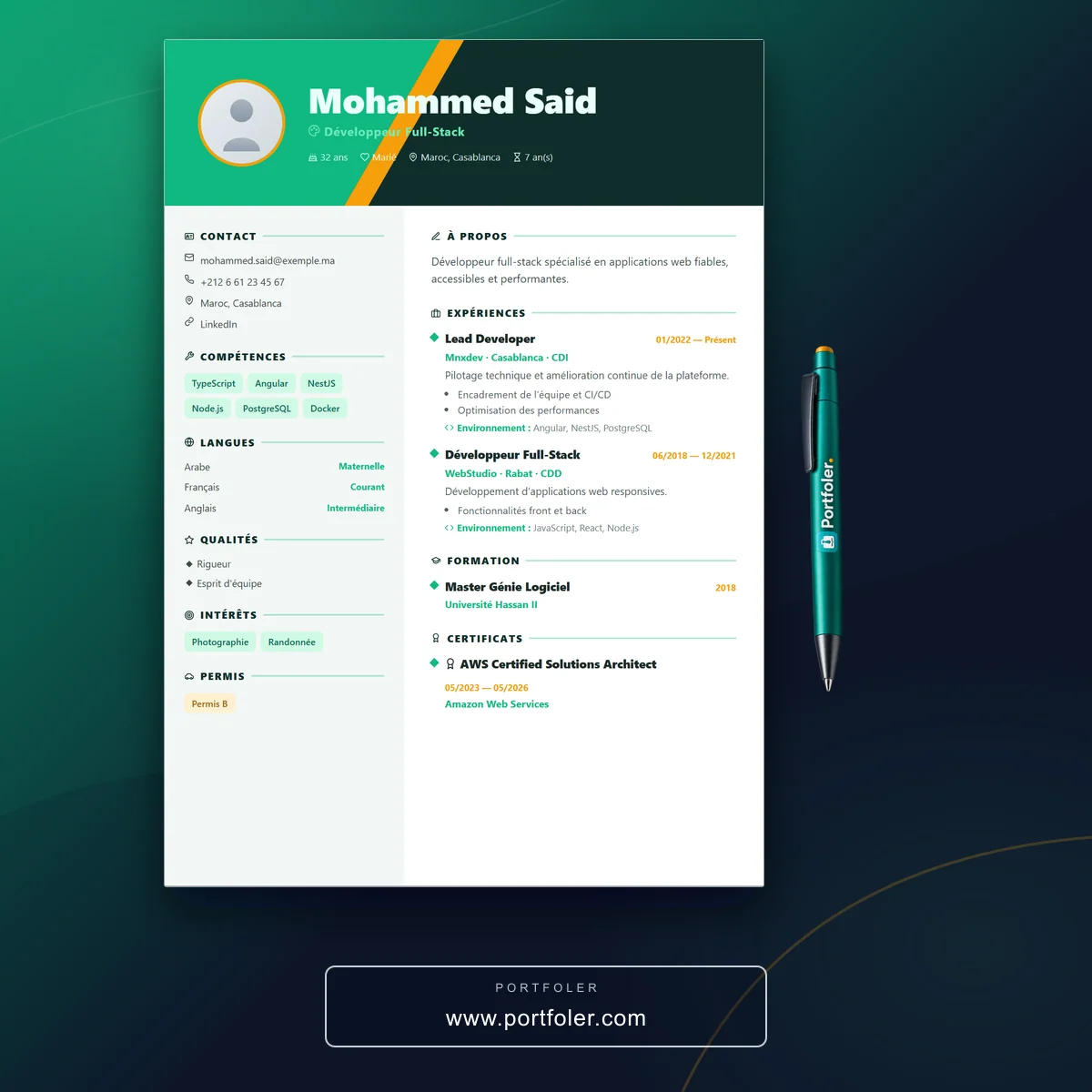
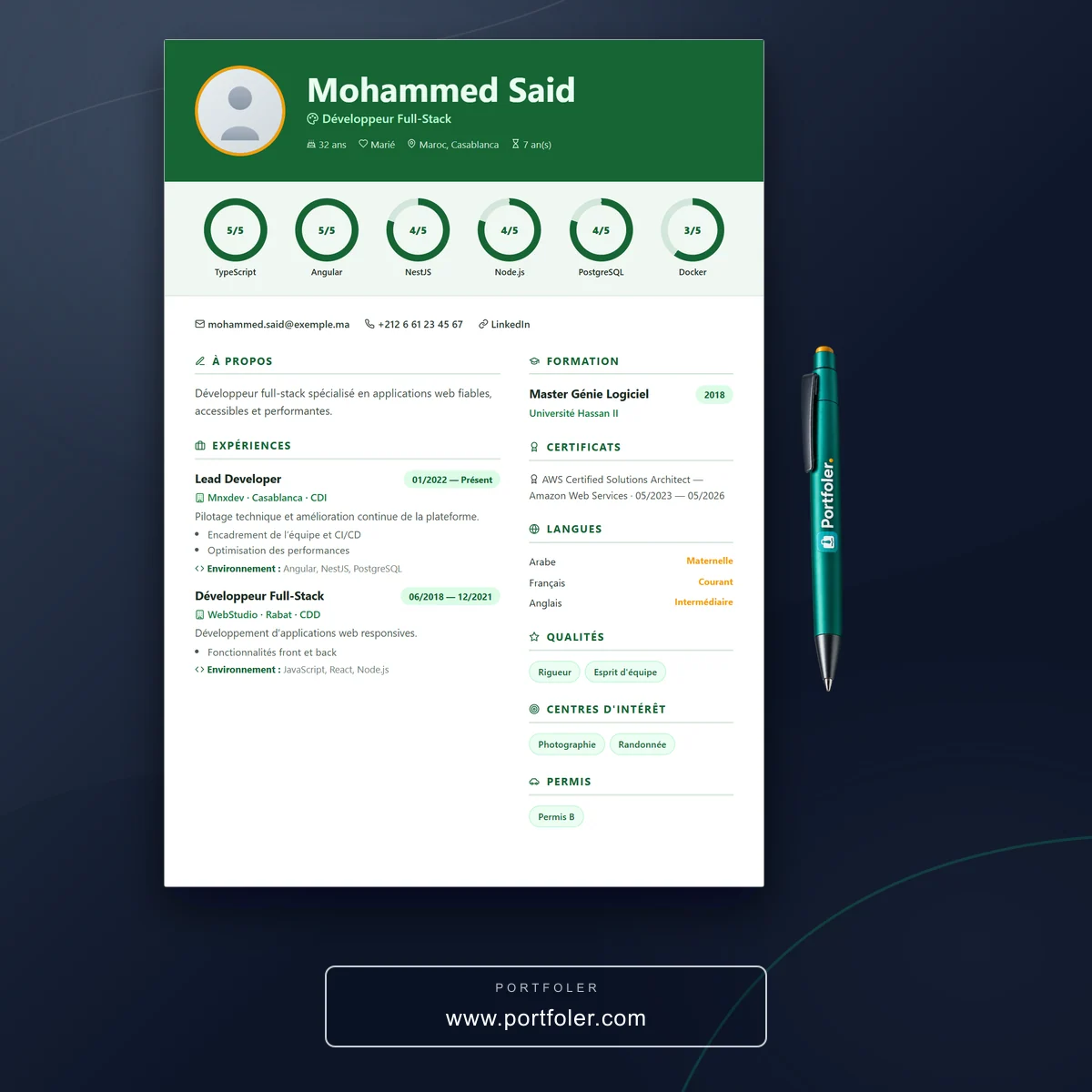
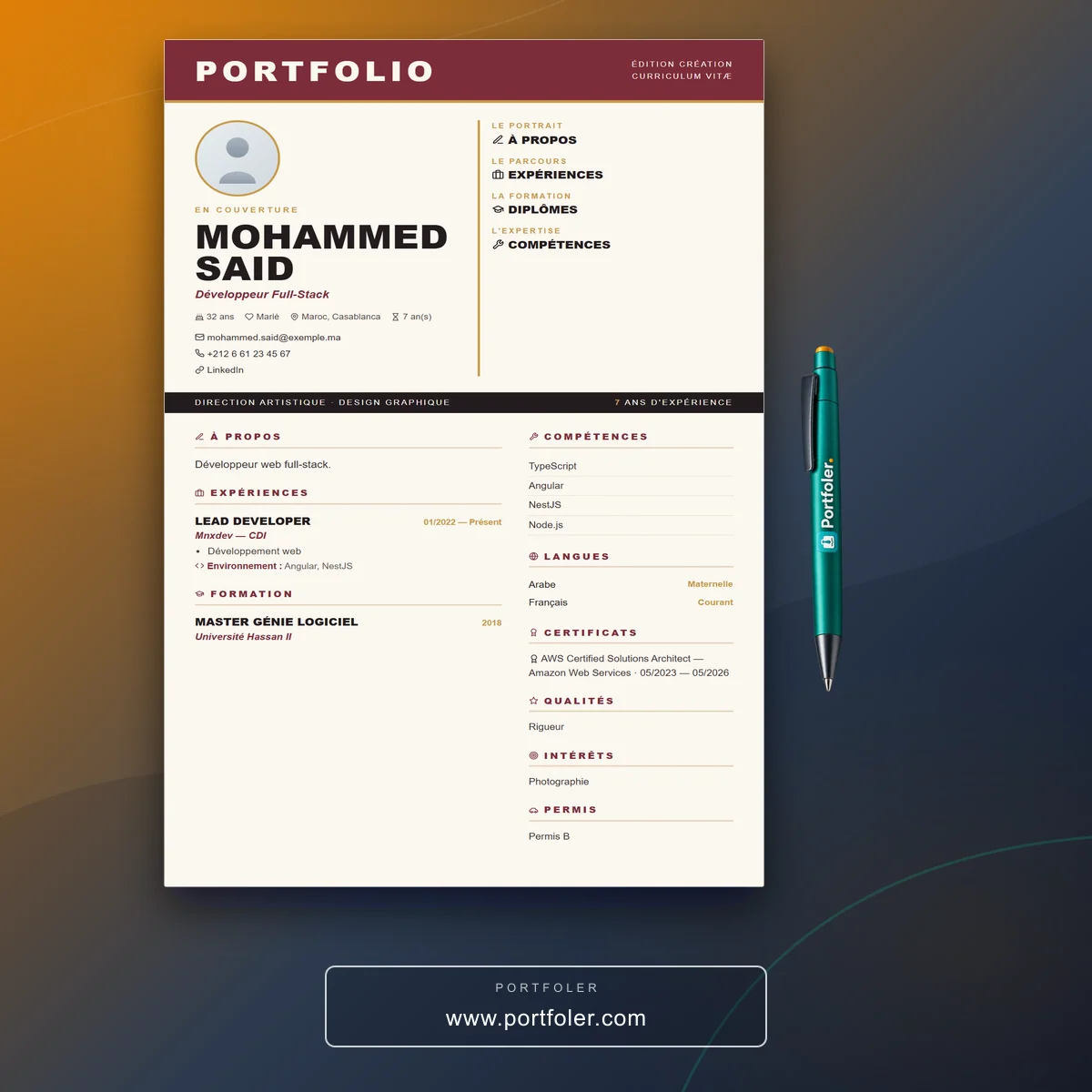
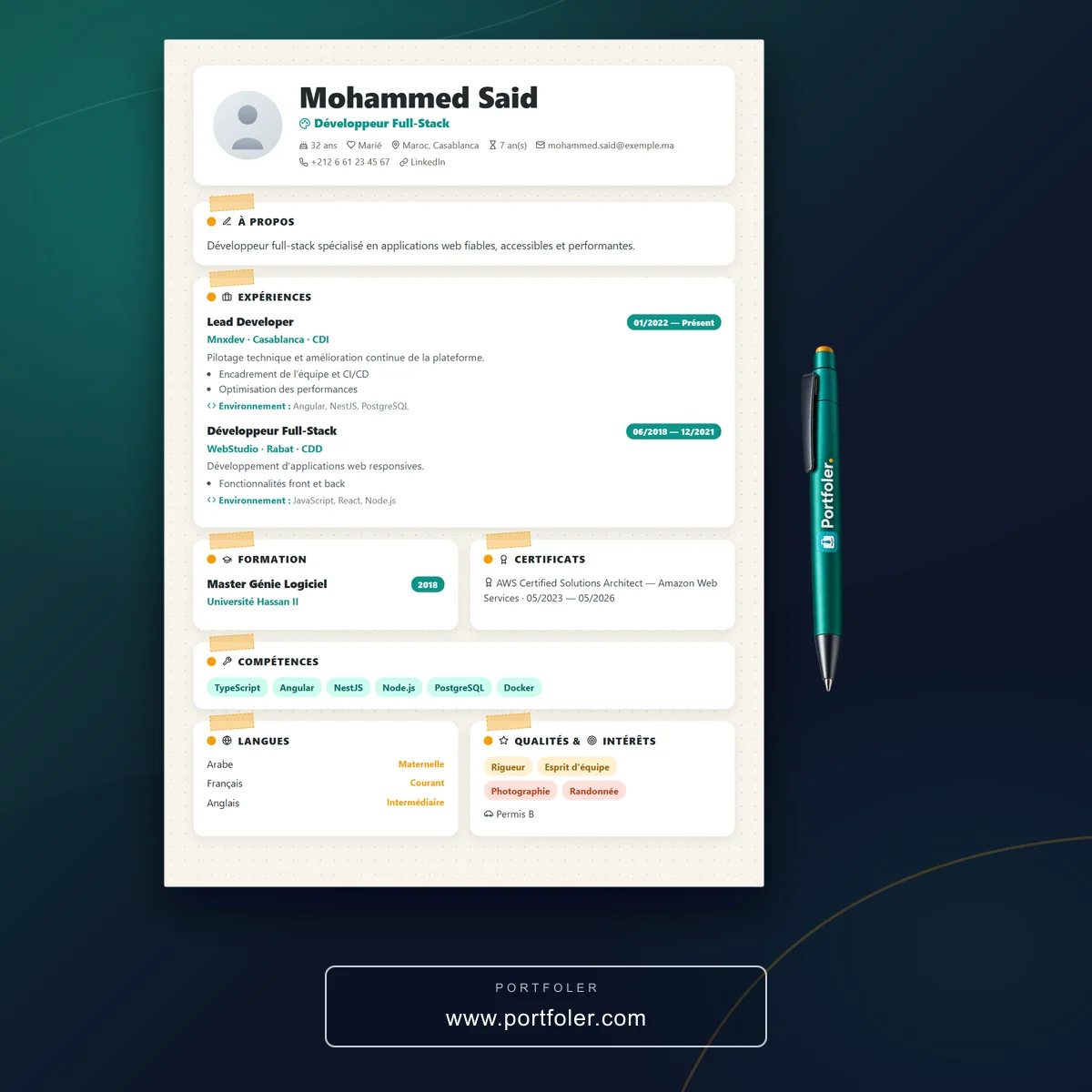
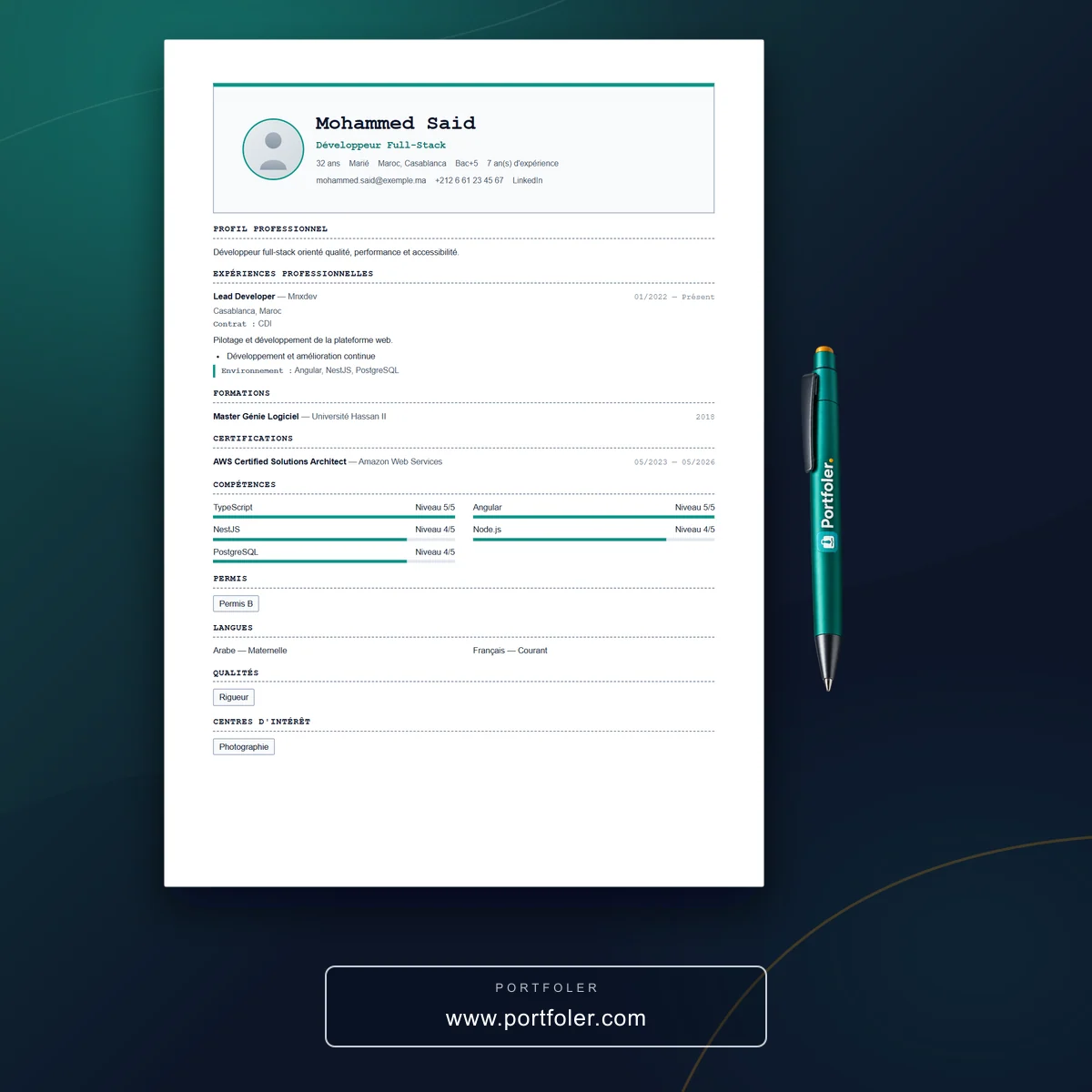
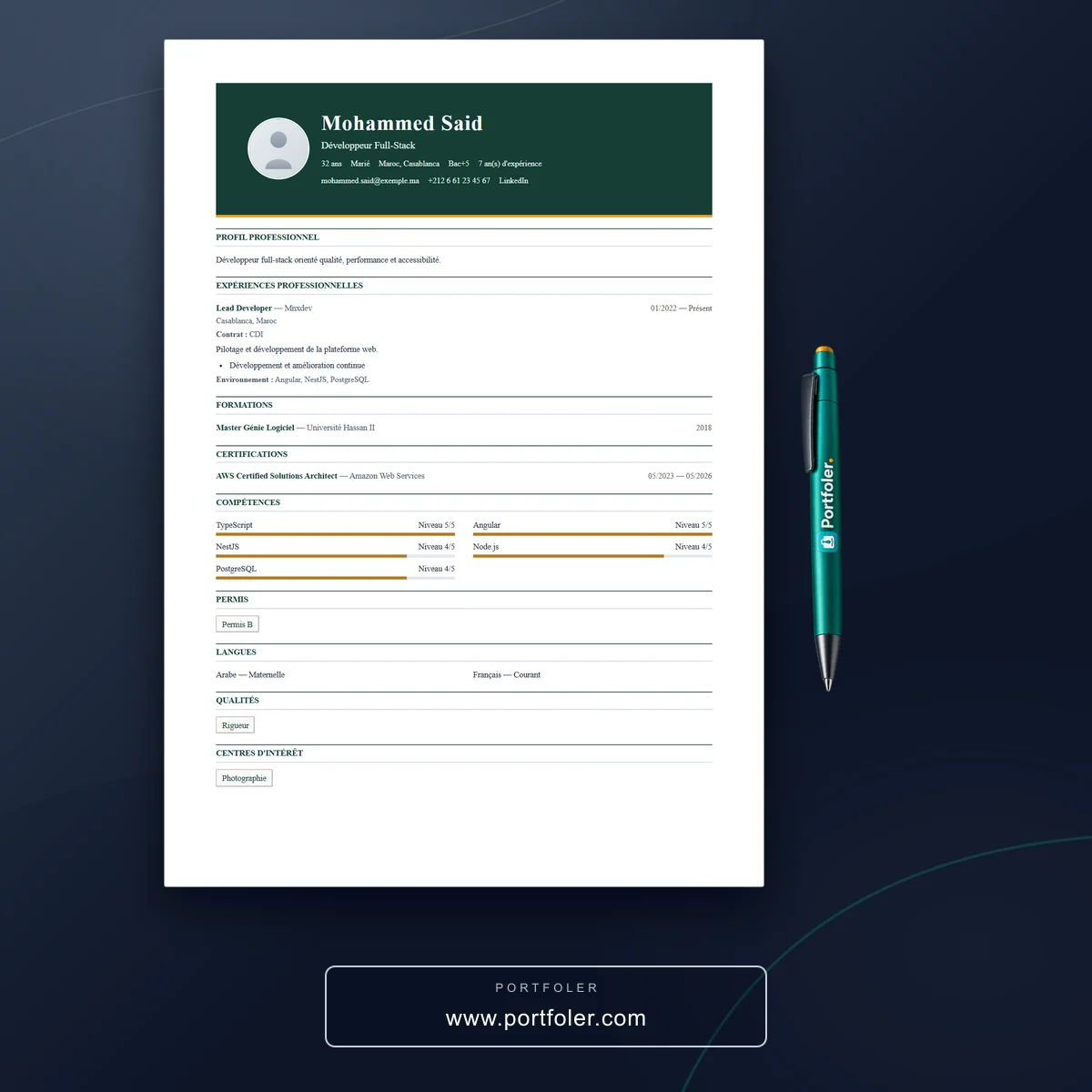
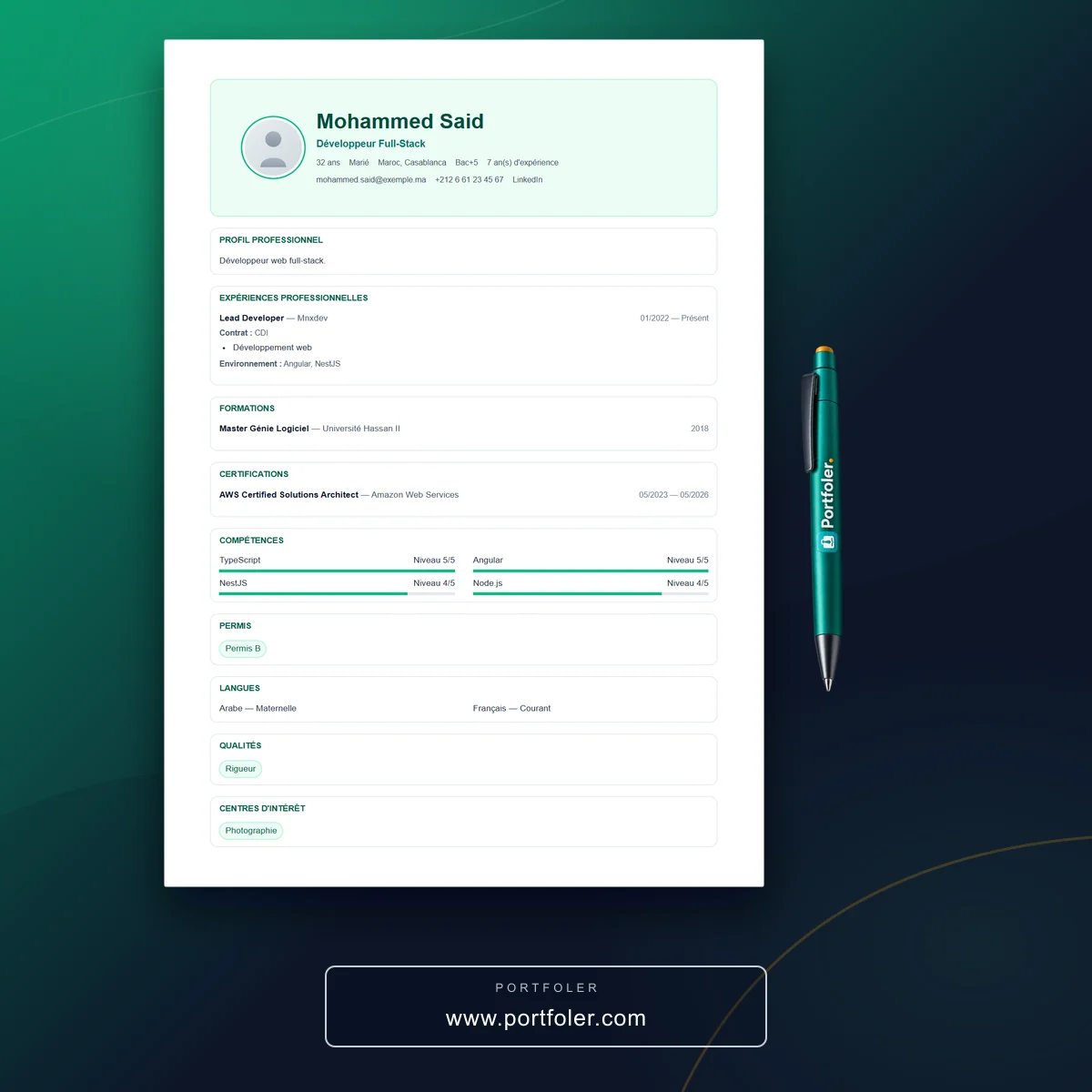
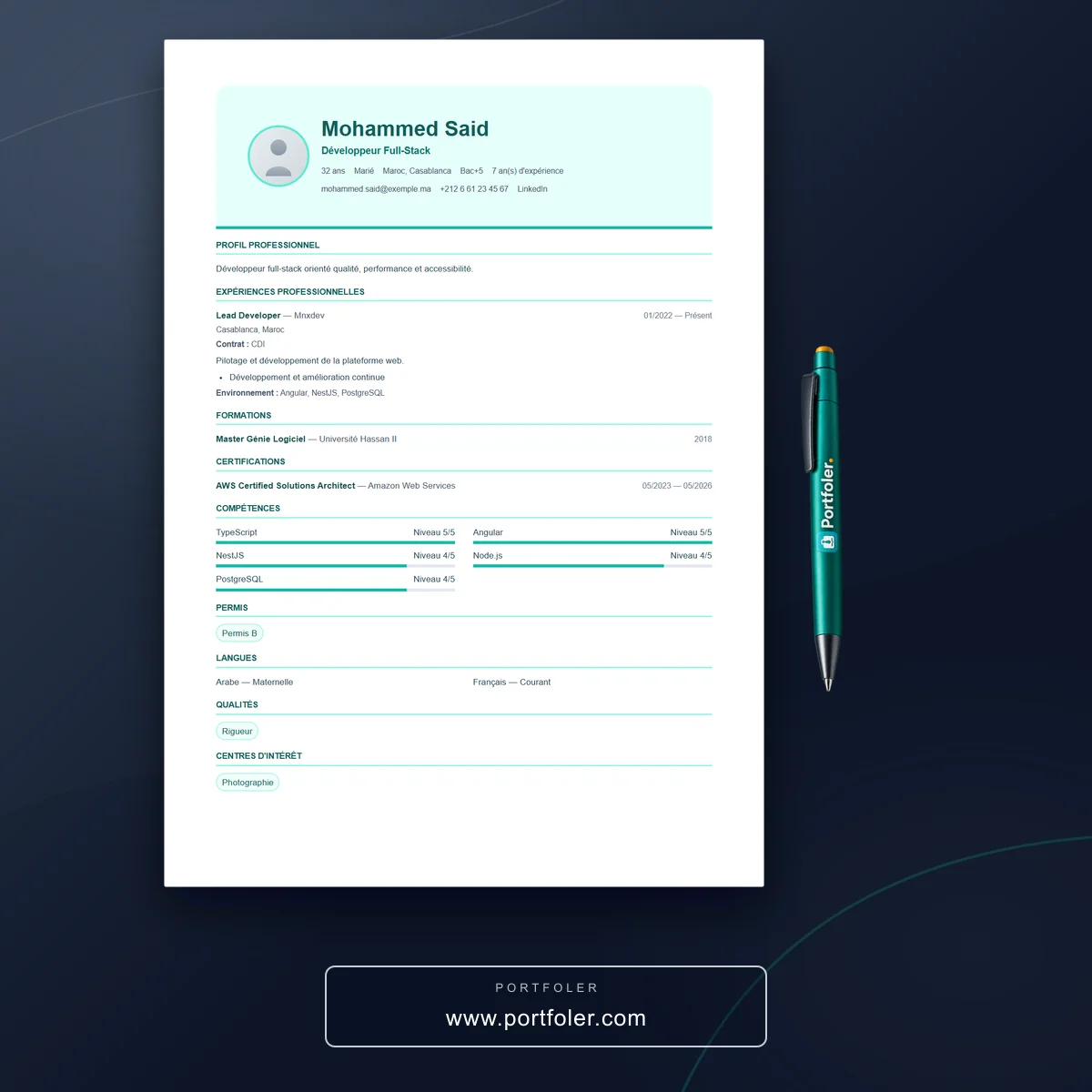
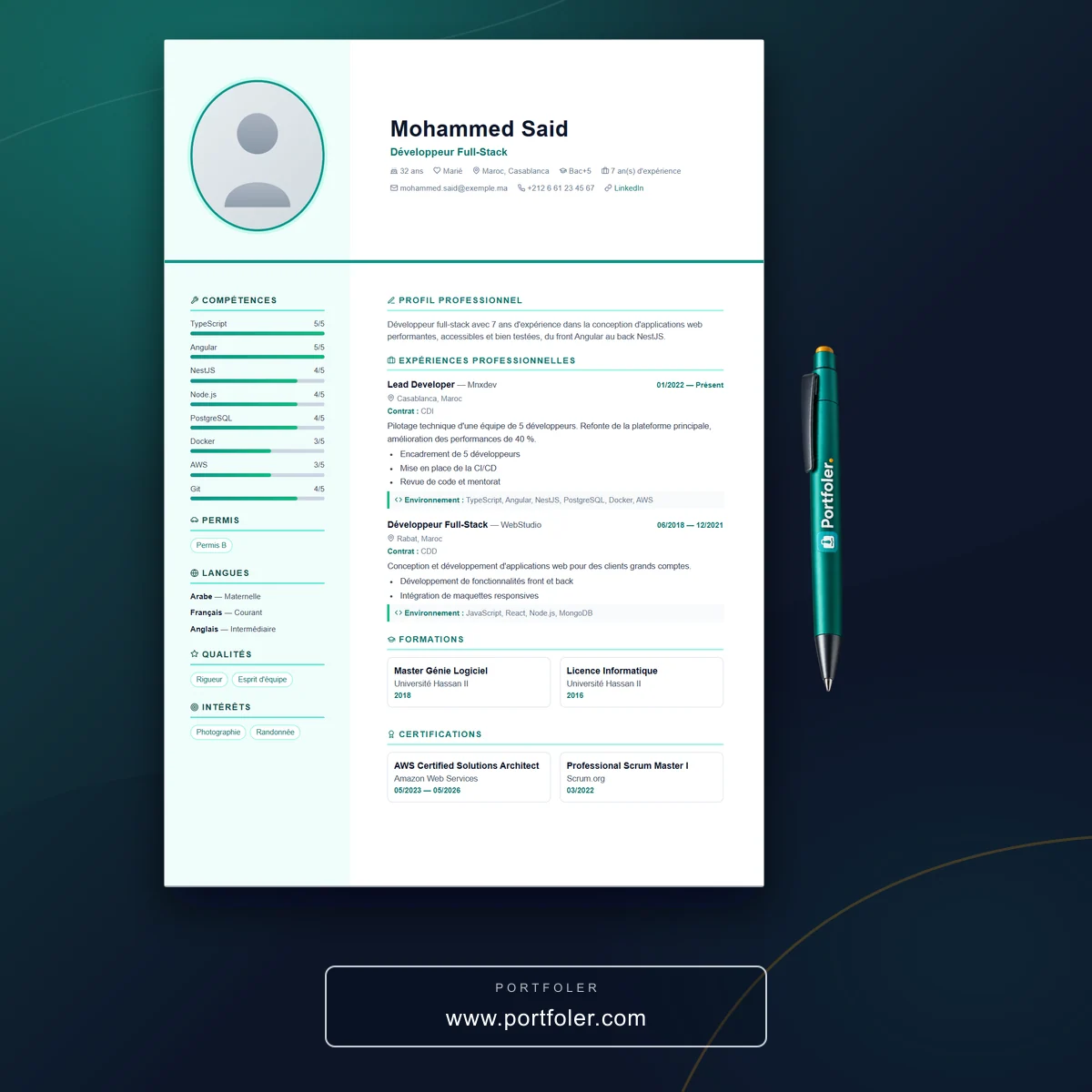
Frequently asked questions about CV templates
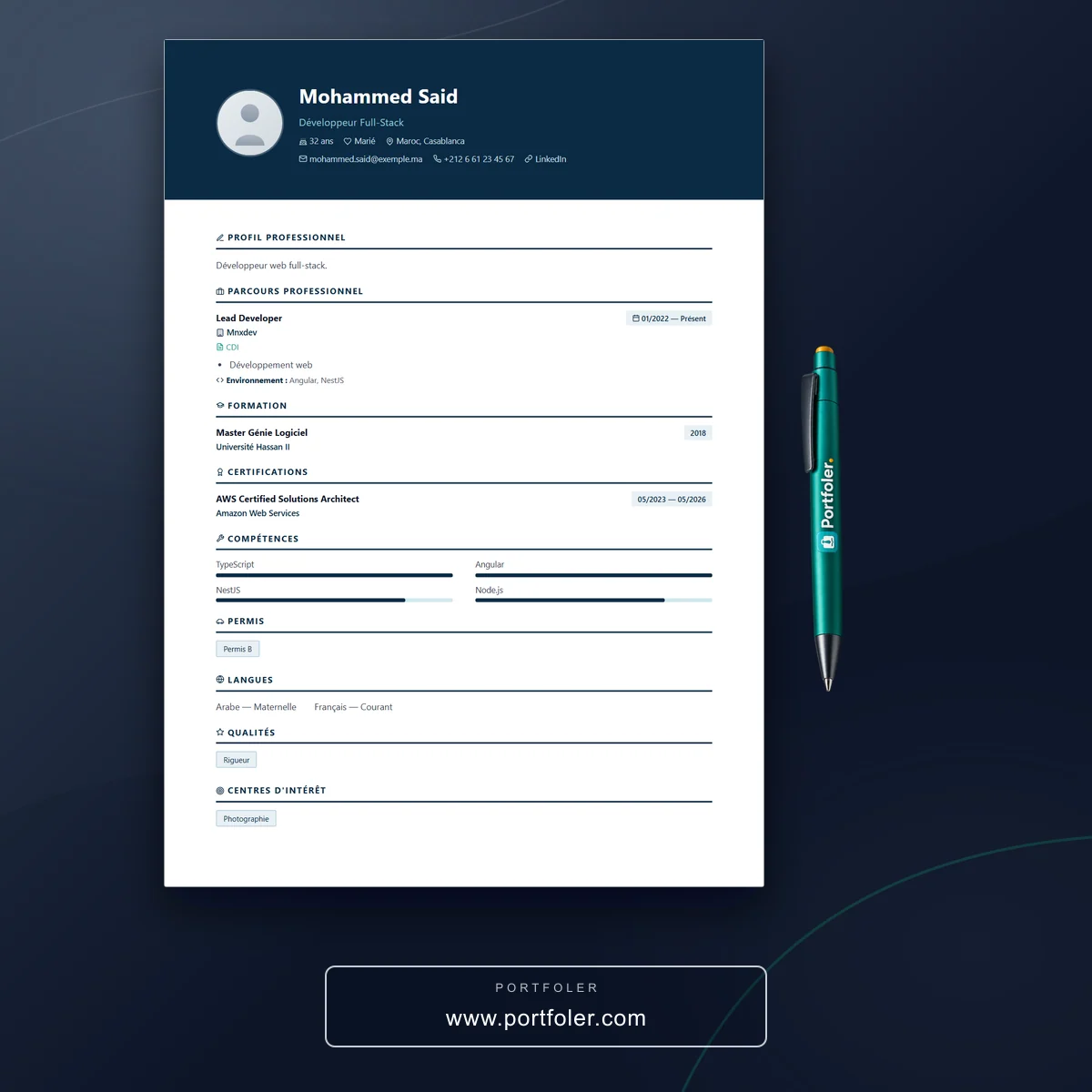
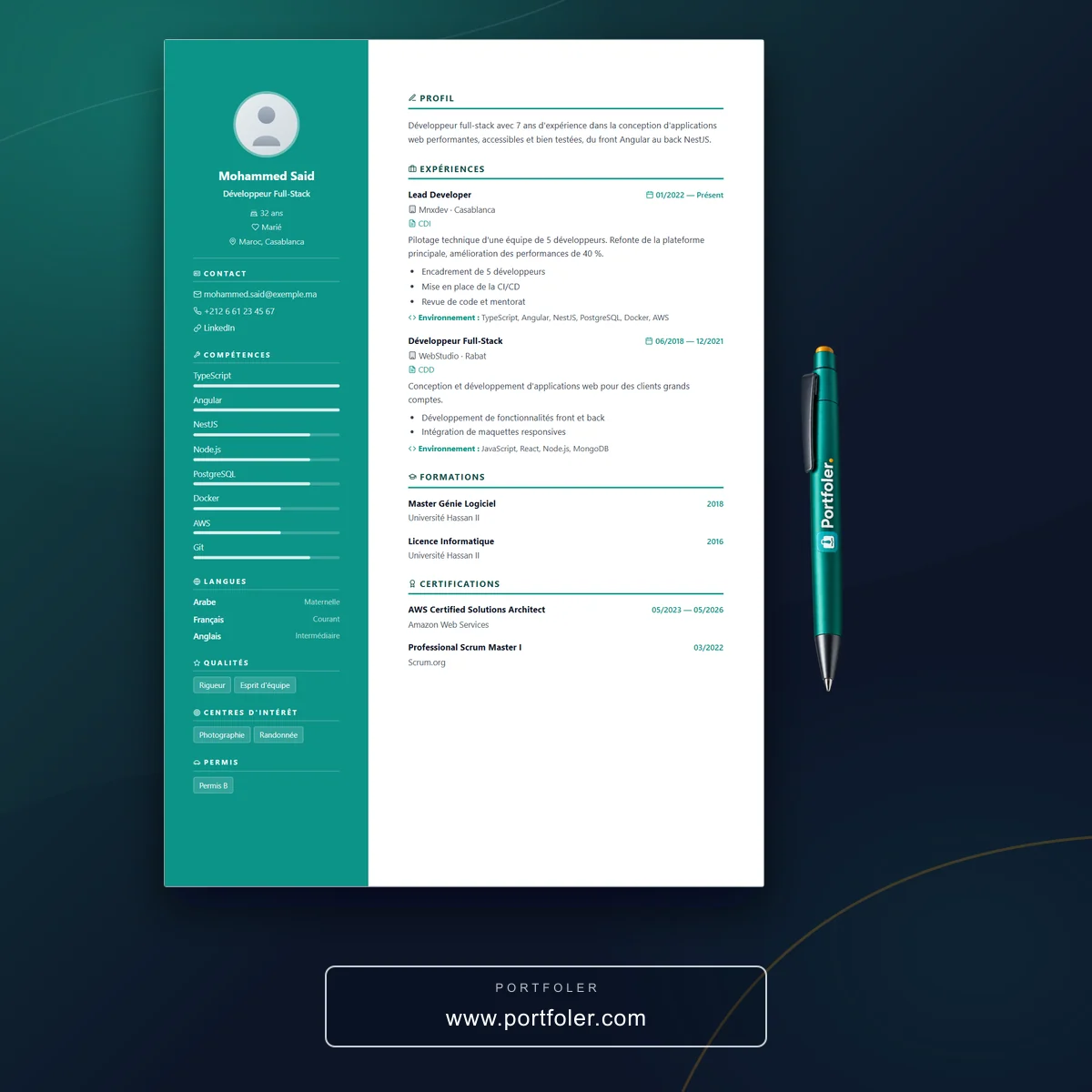
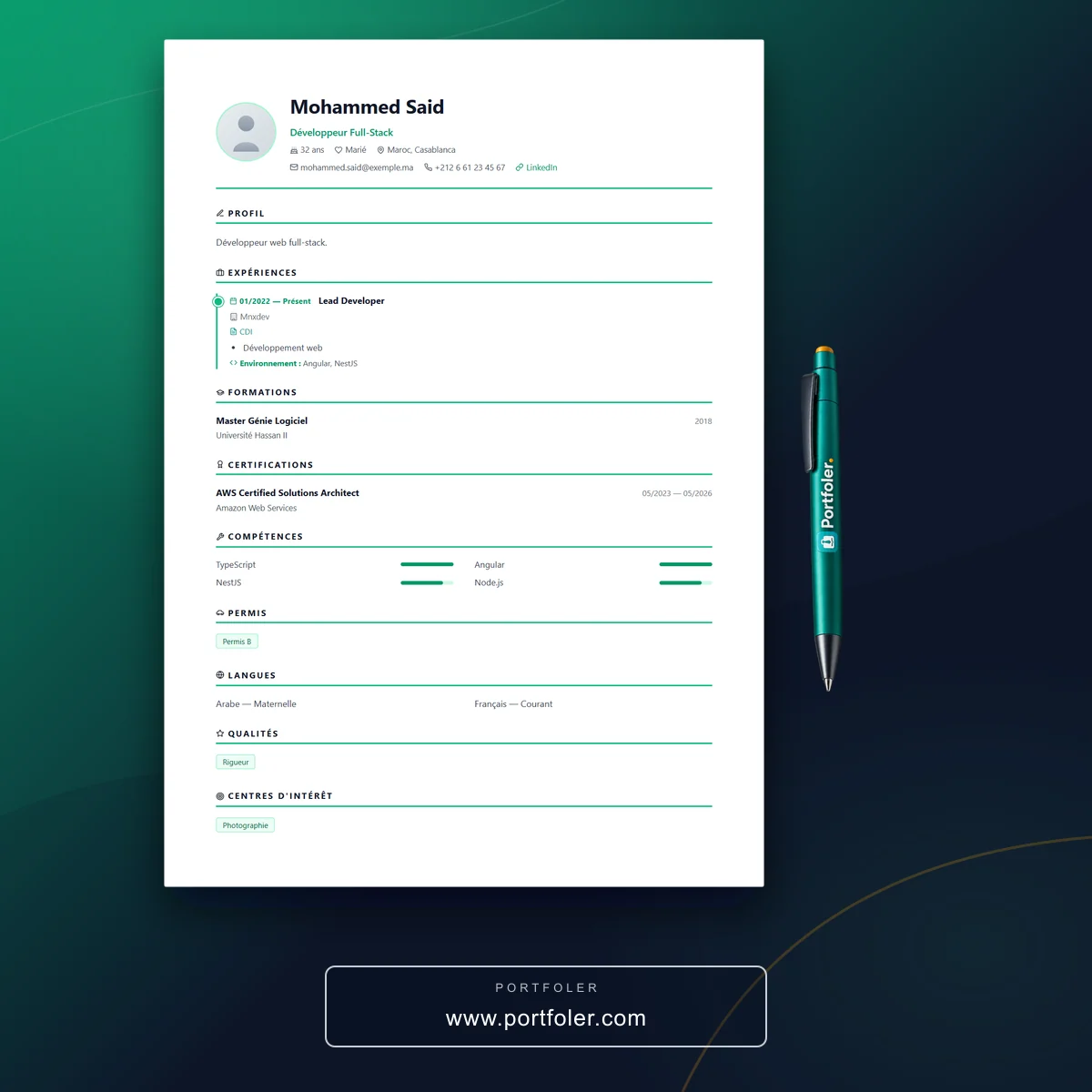
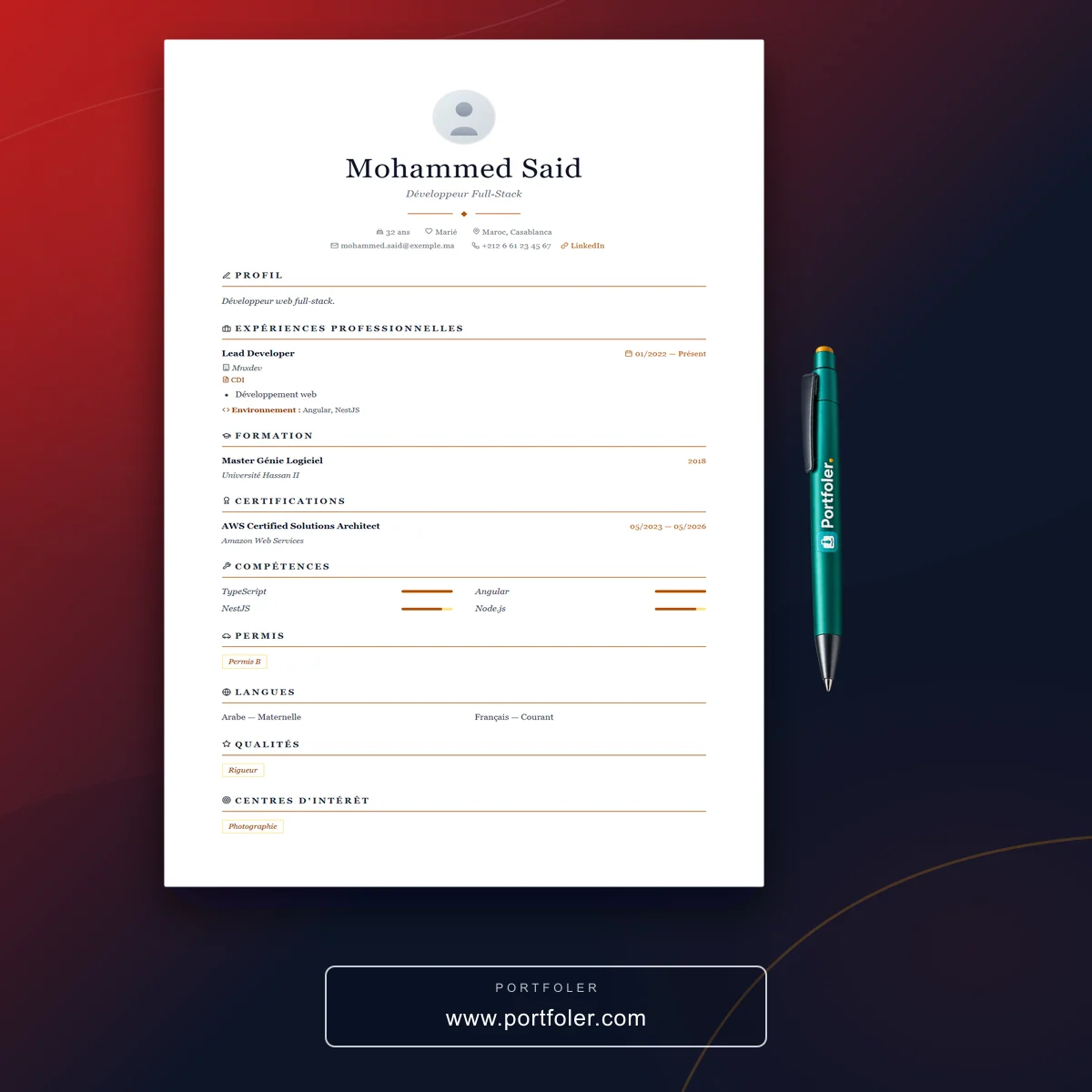
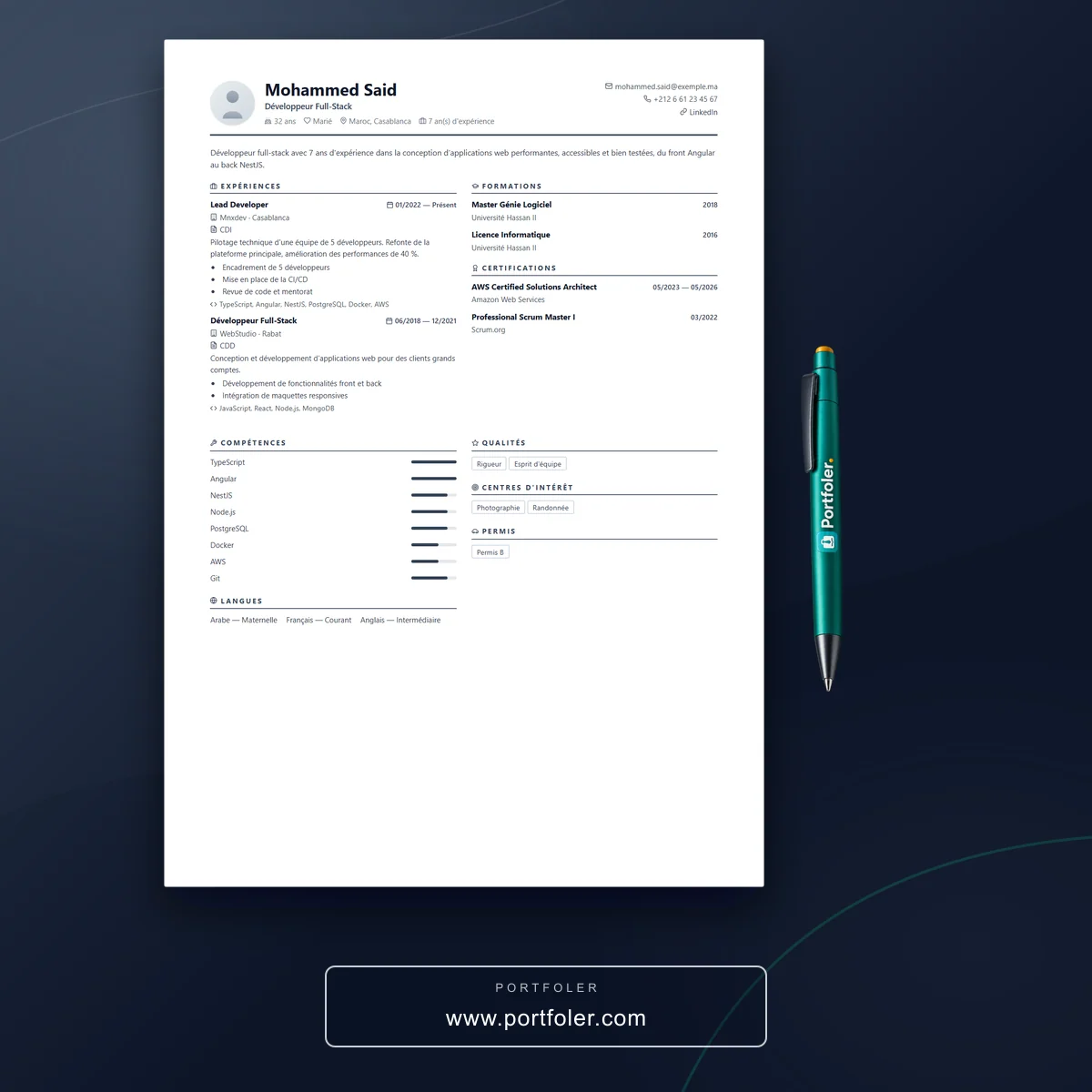
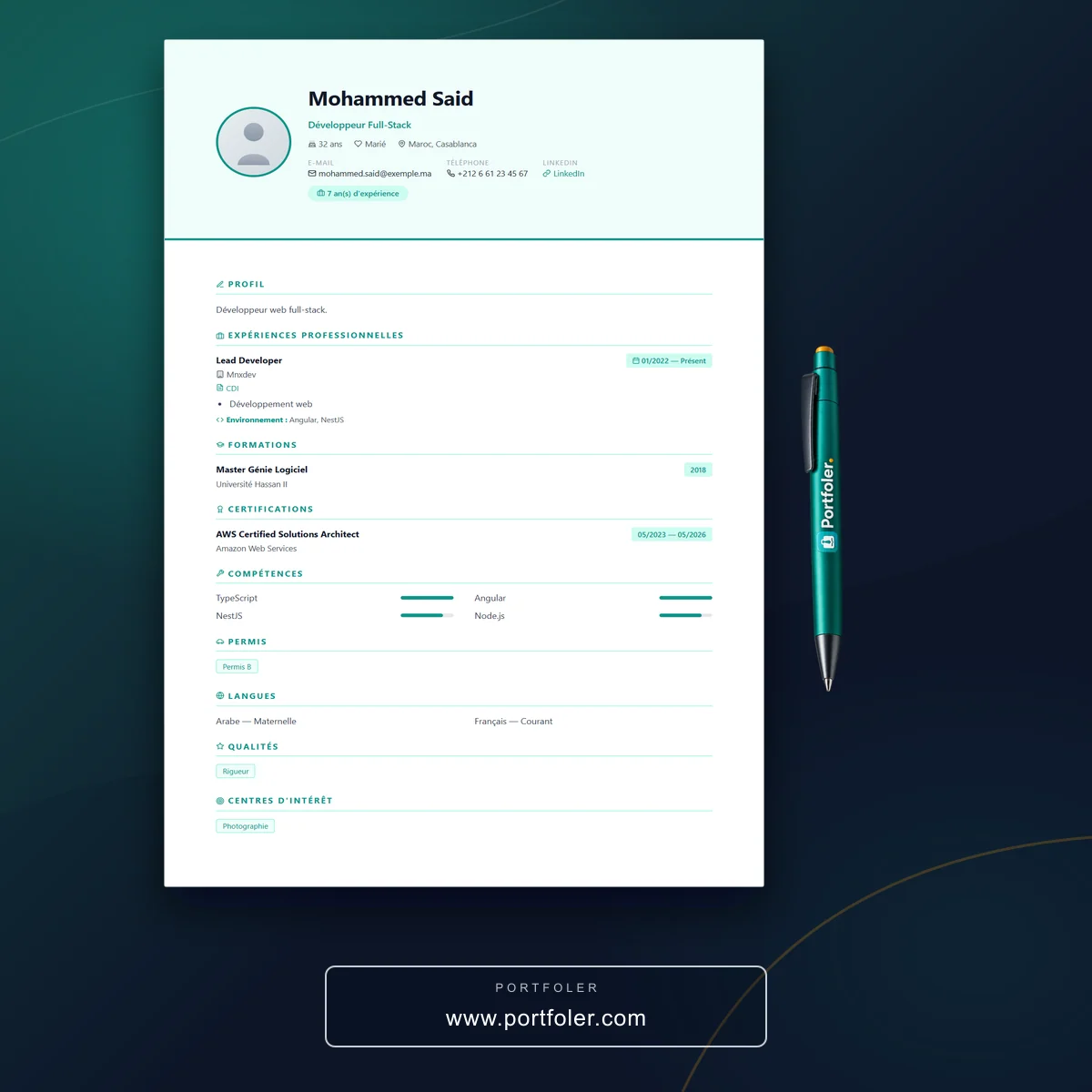
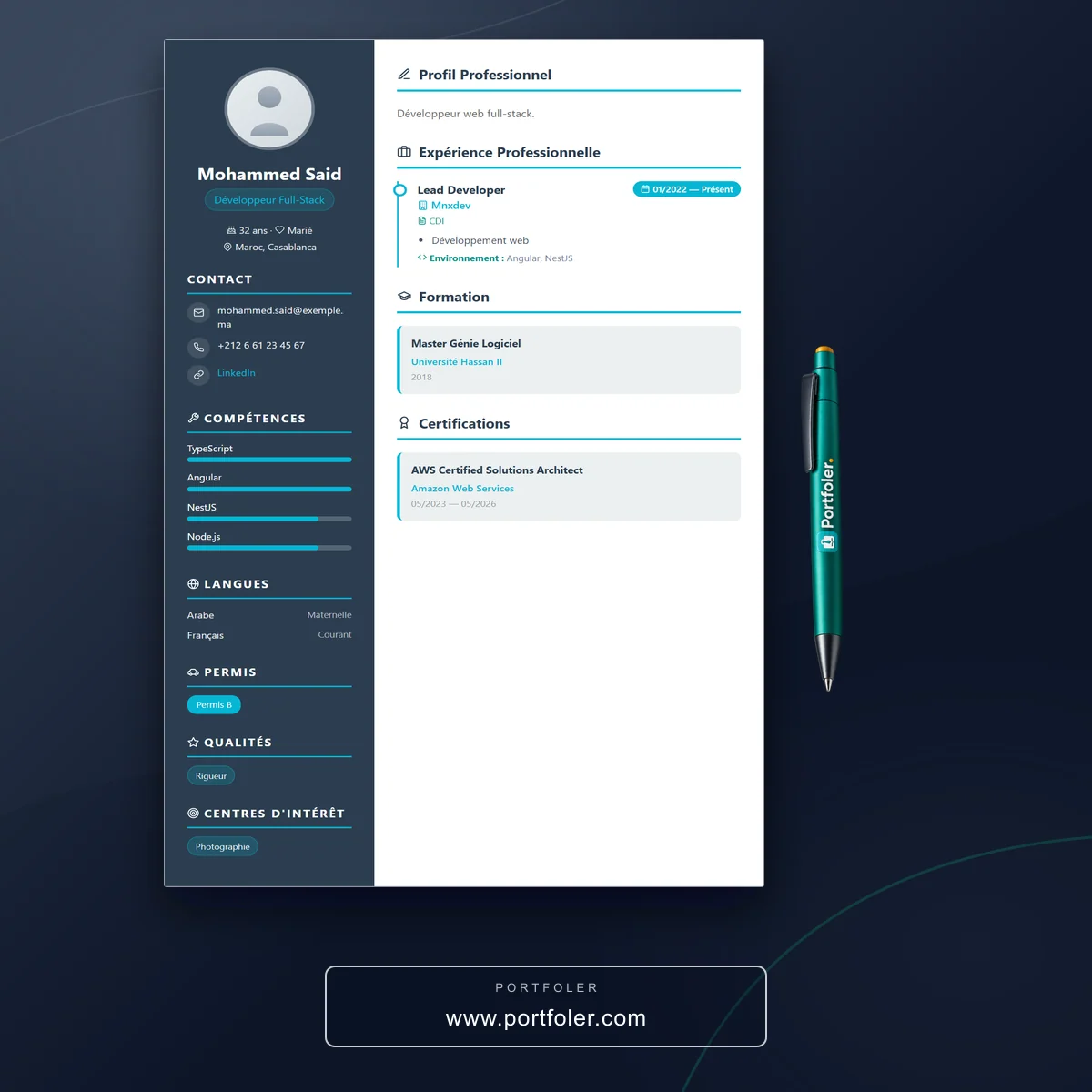
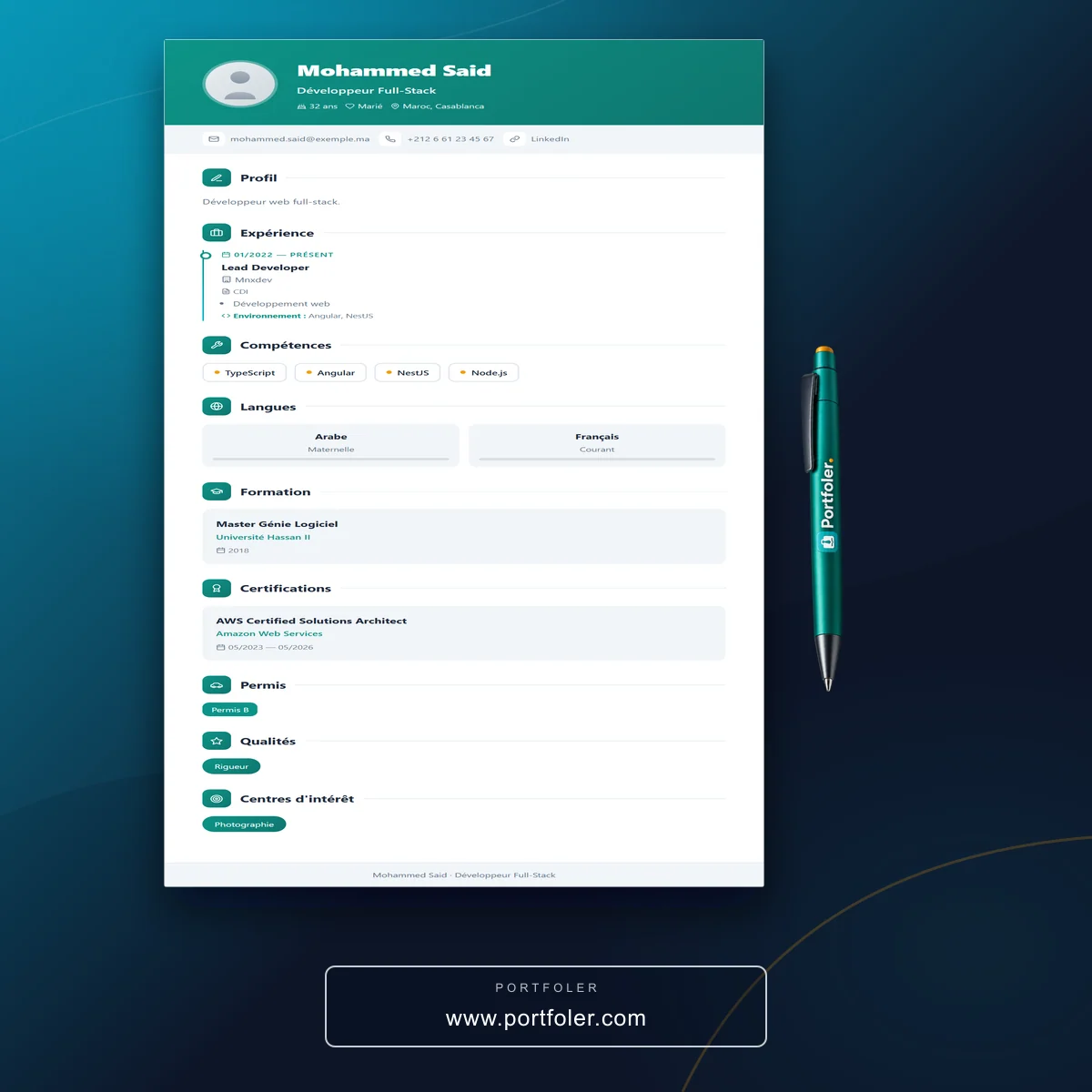
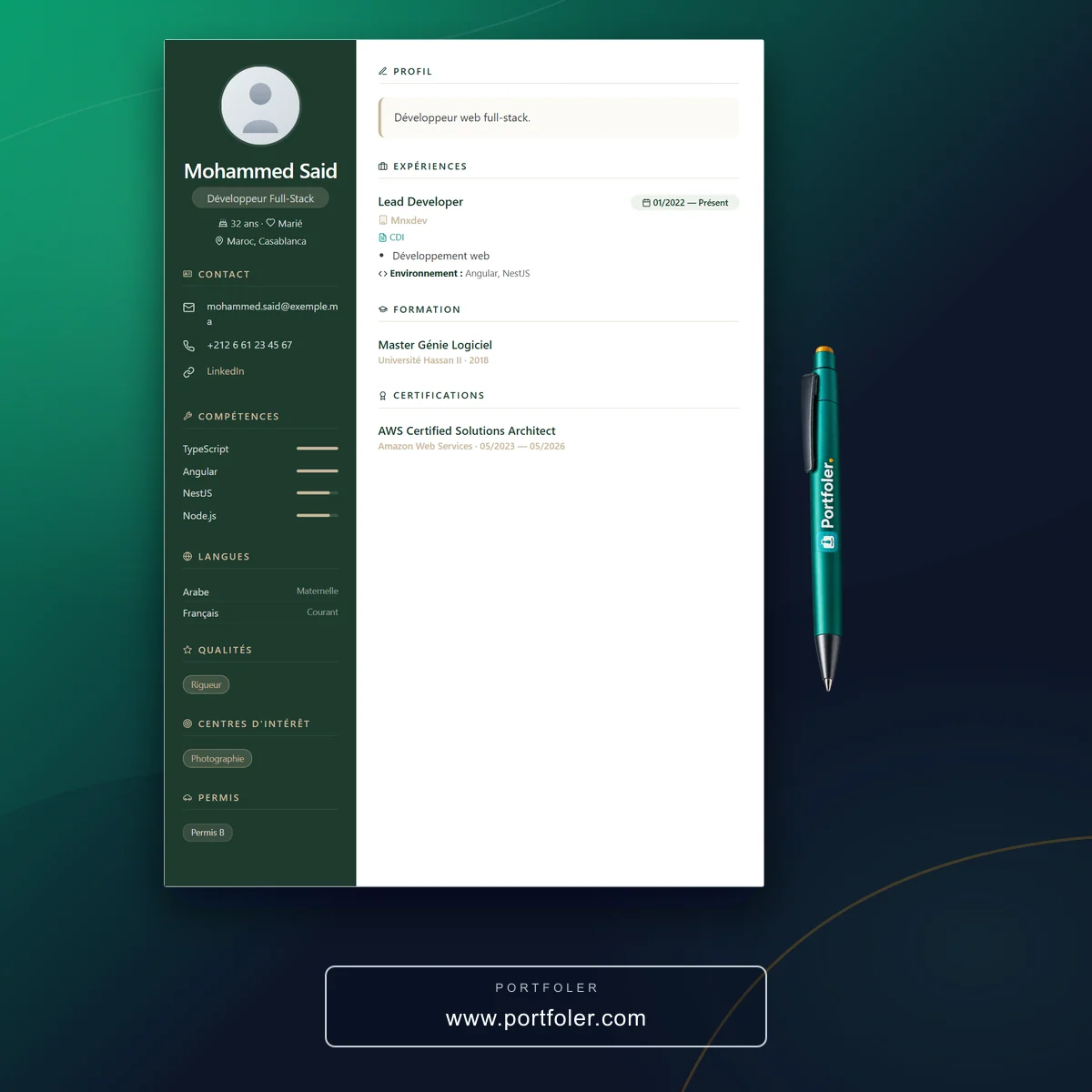
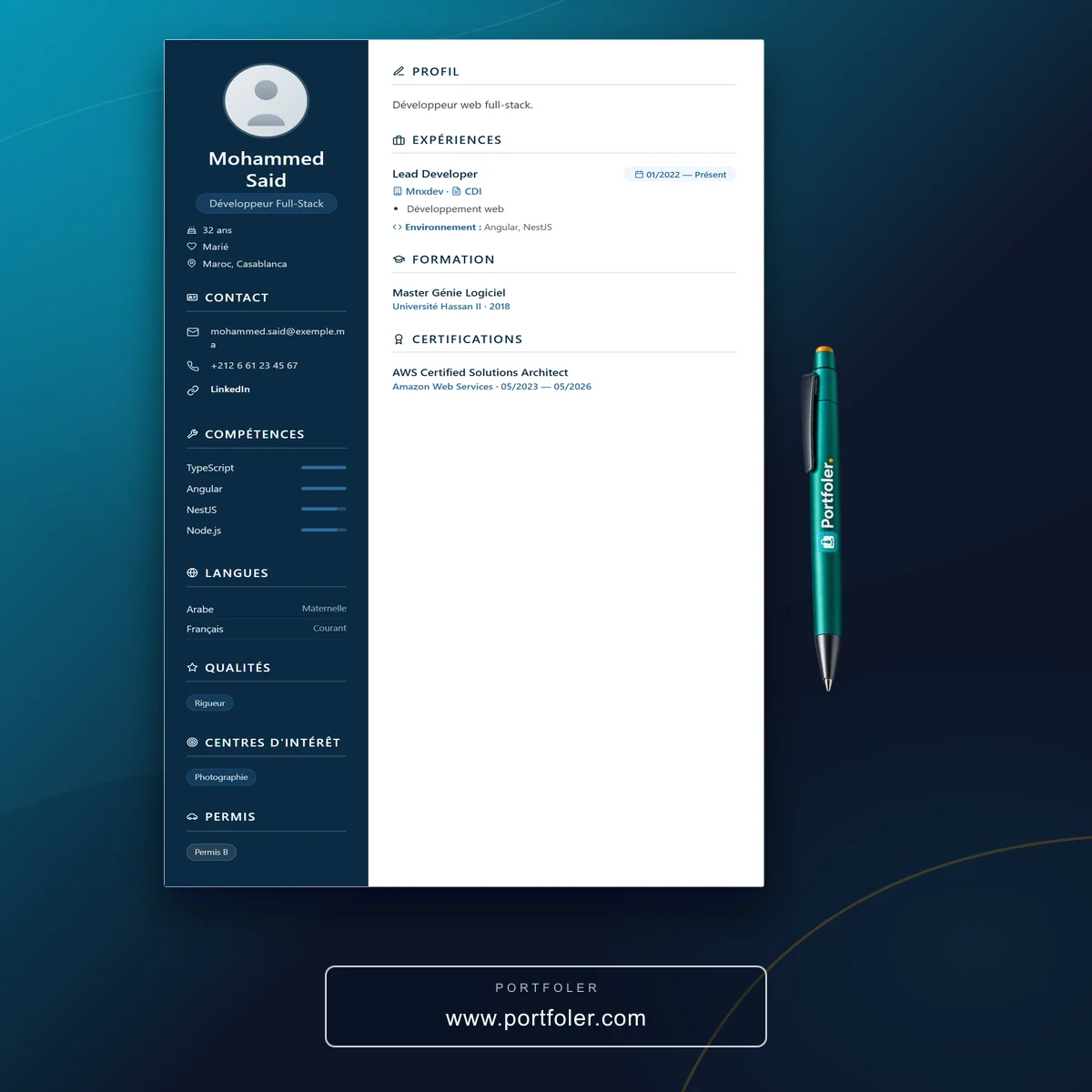
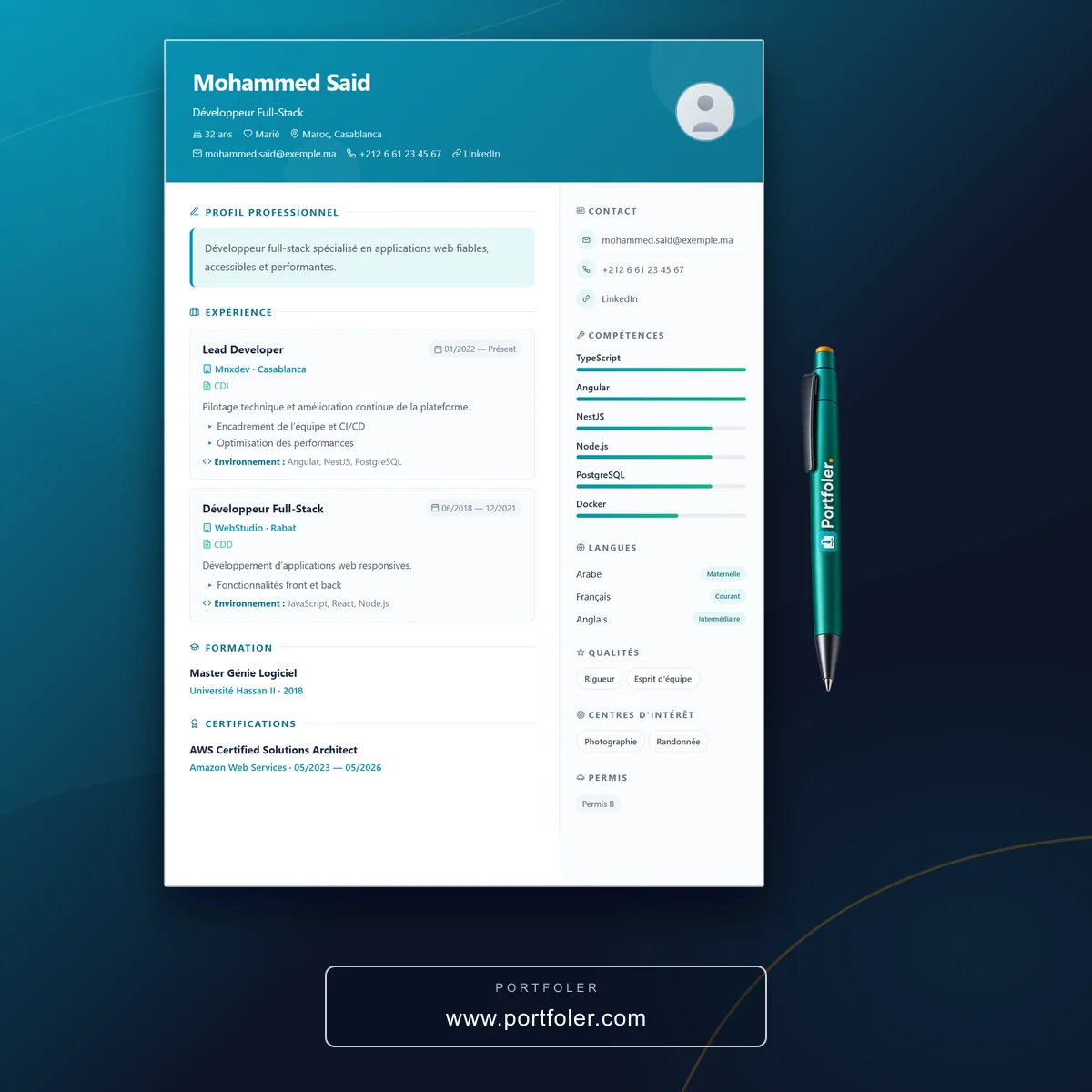
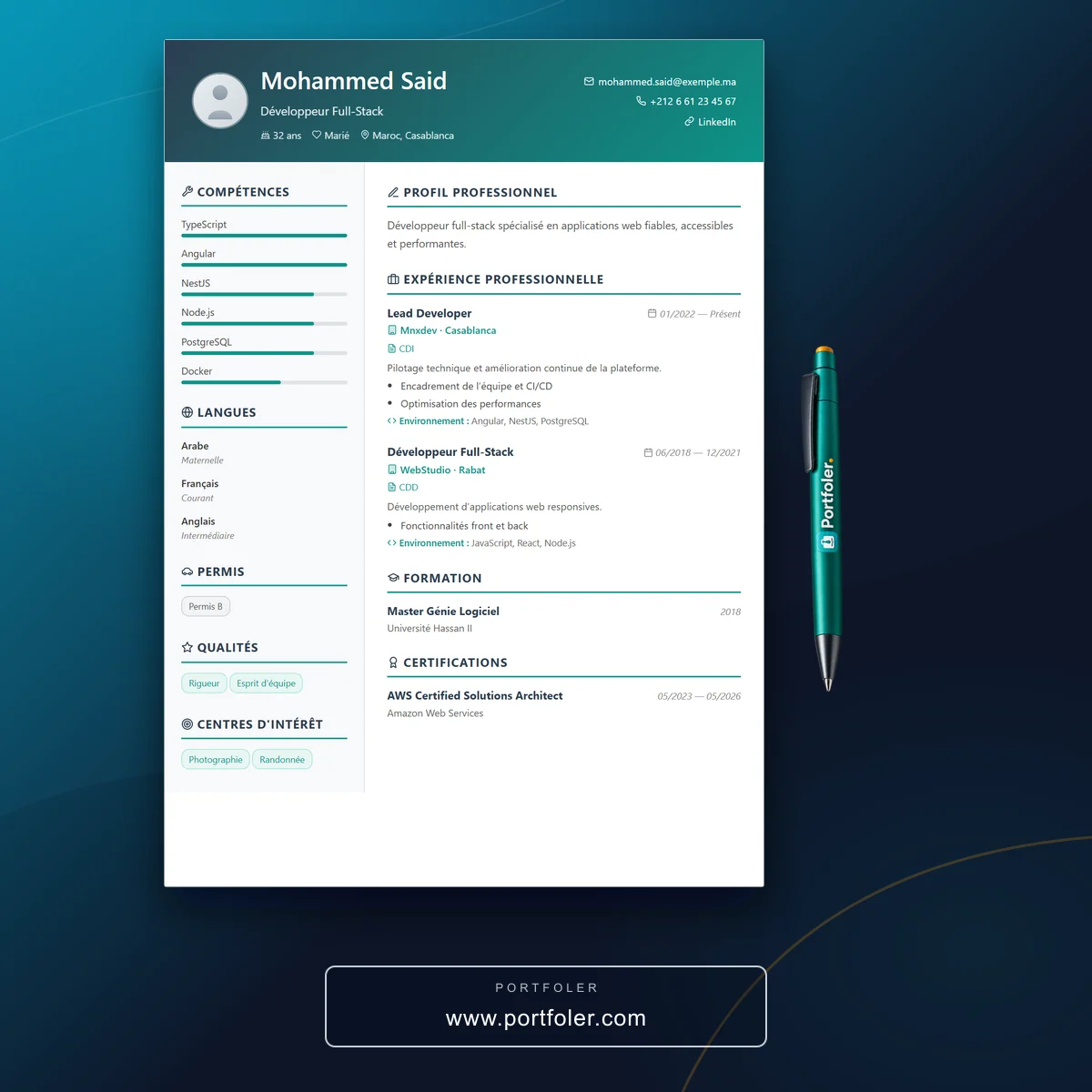
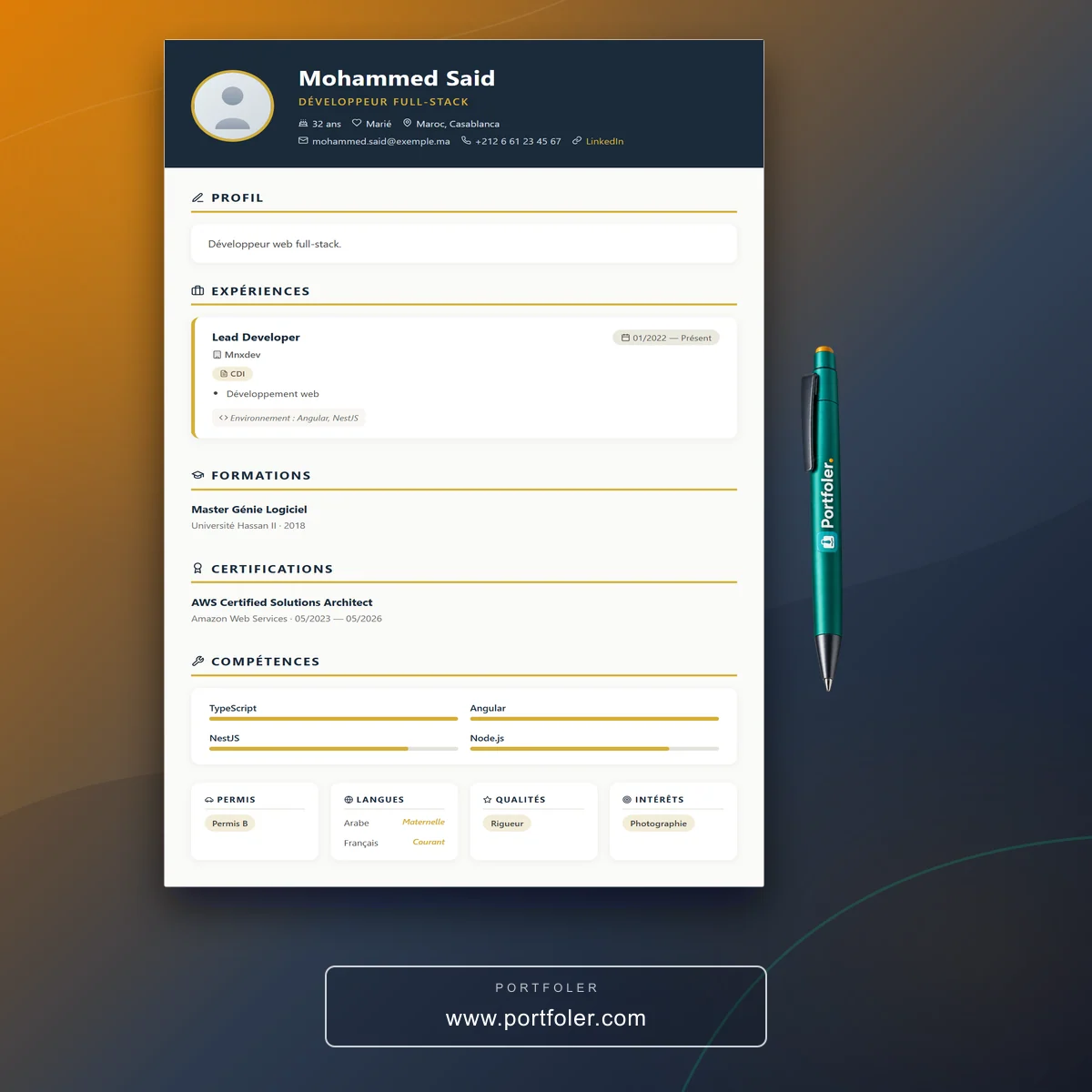
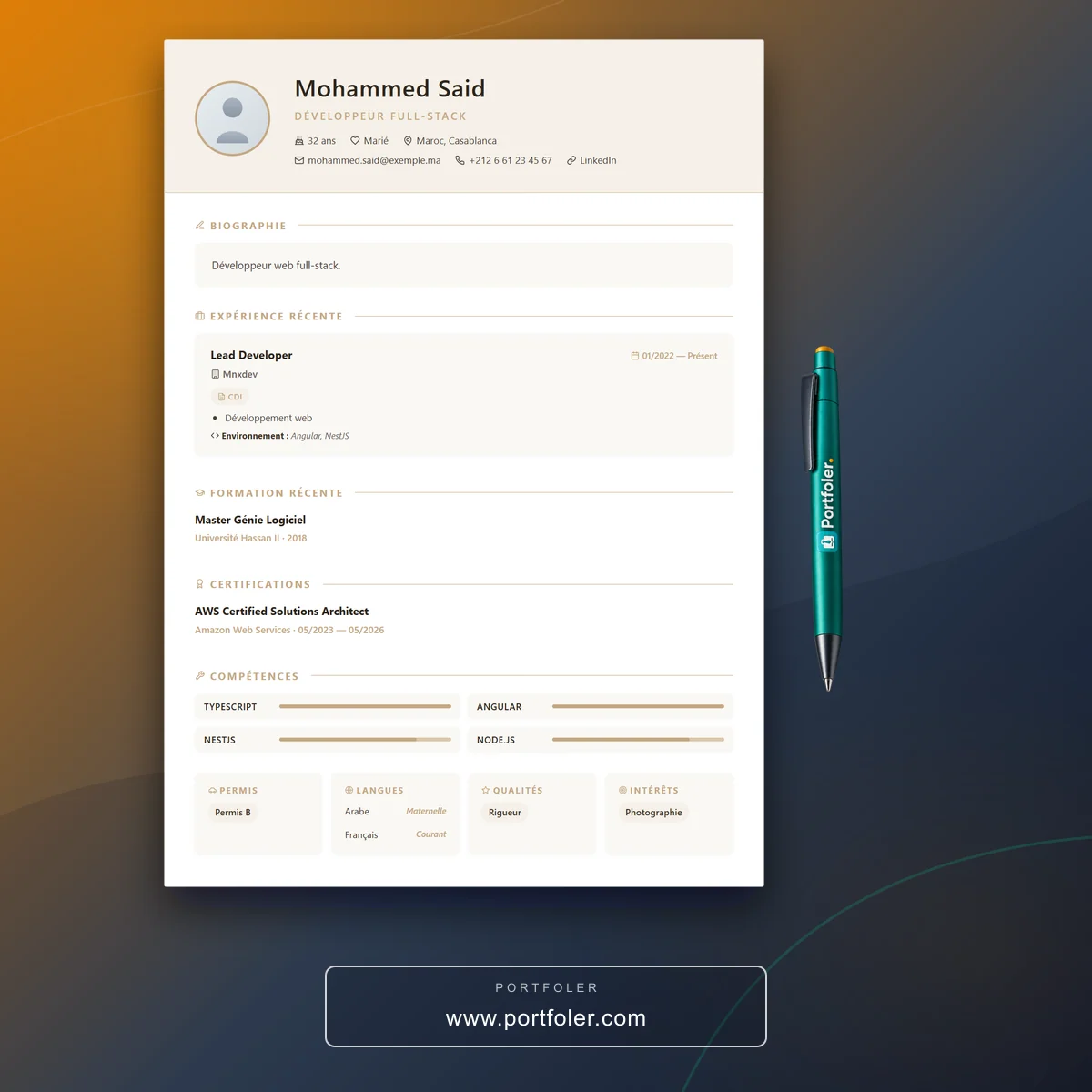
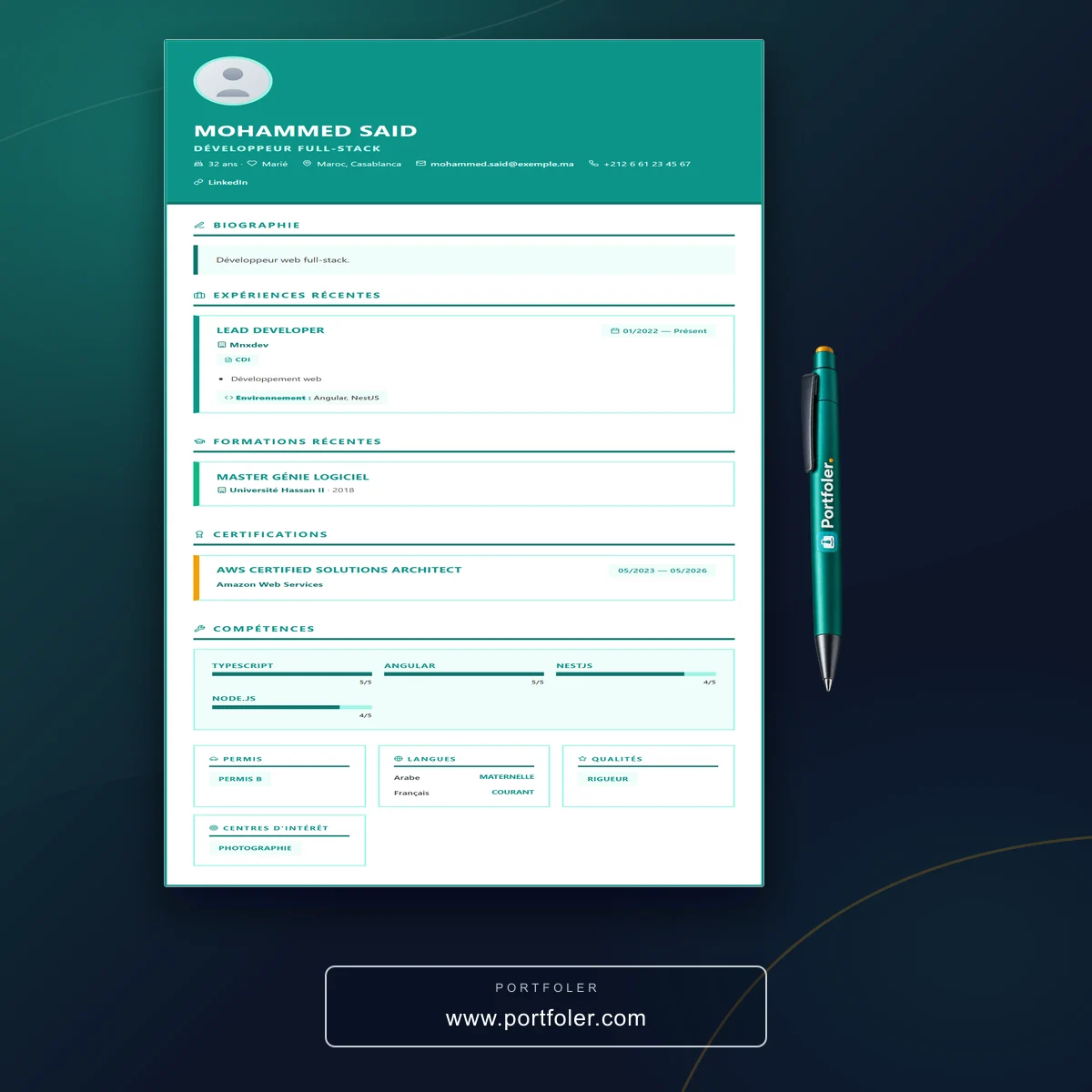
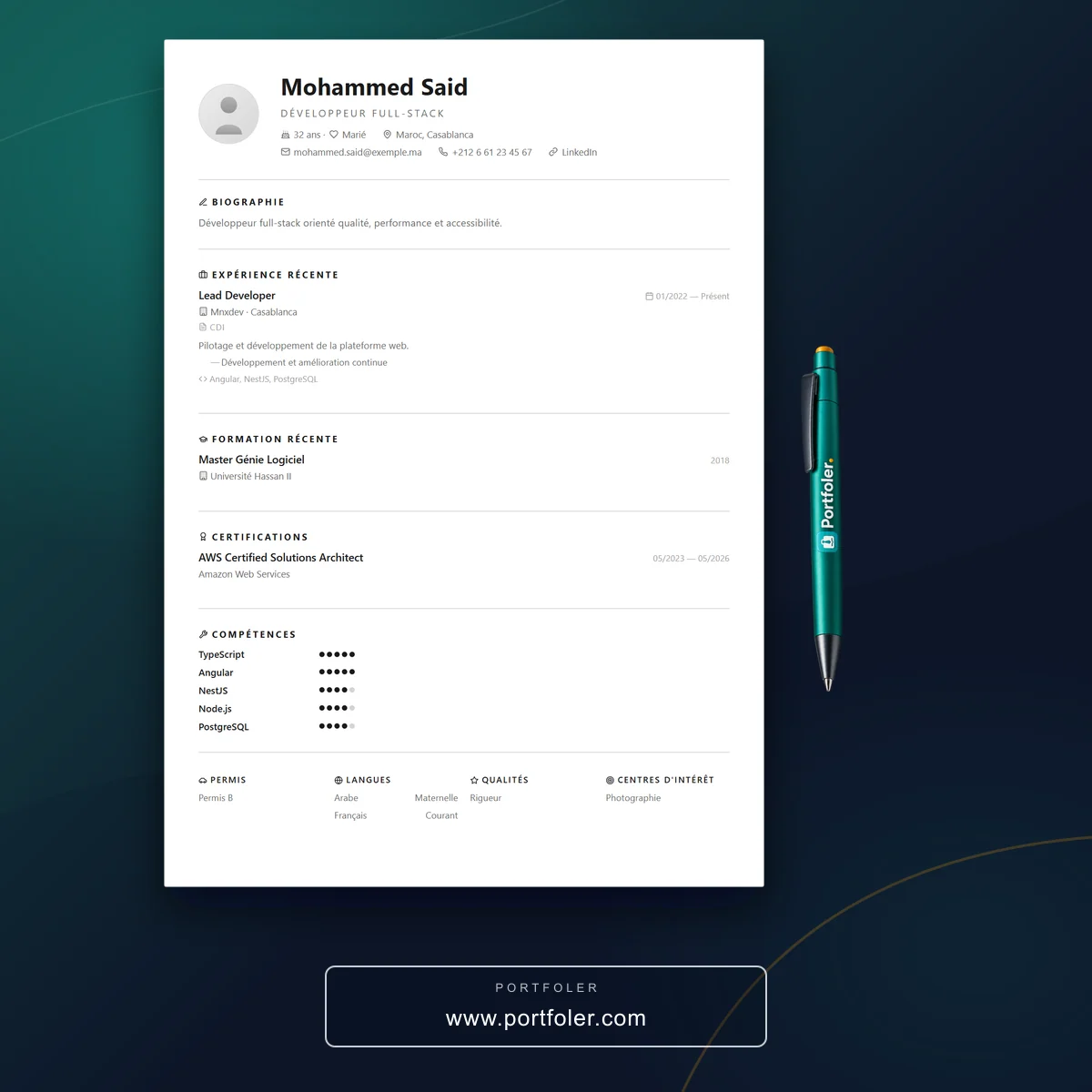
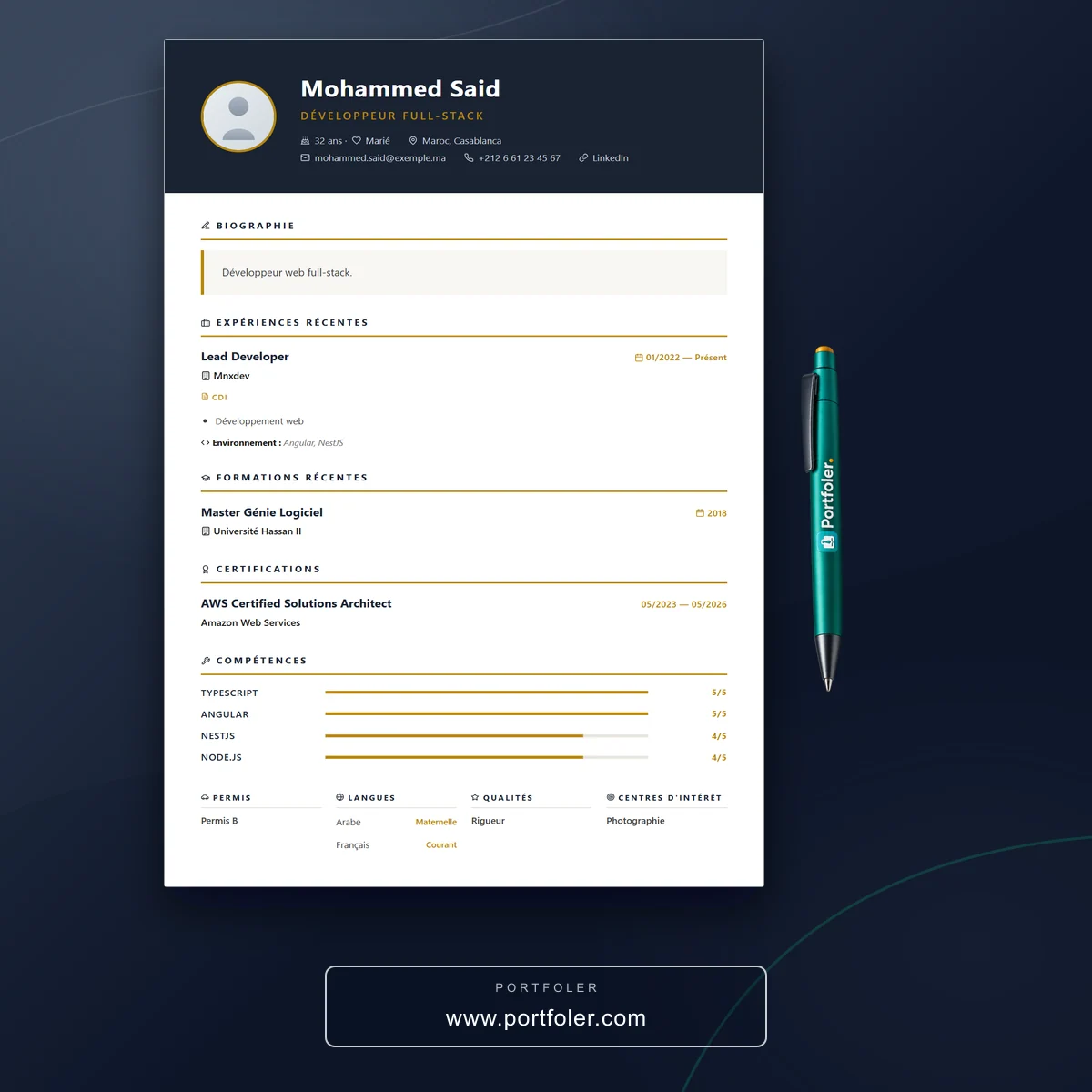
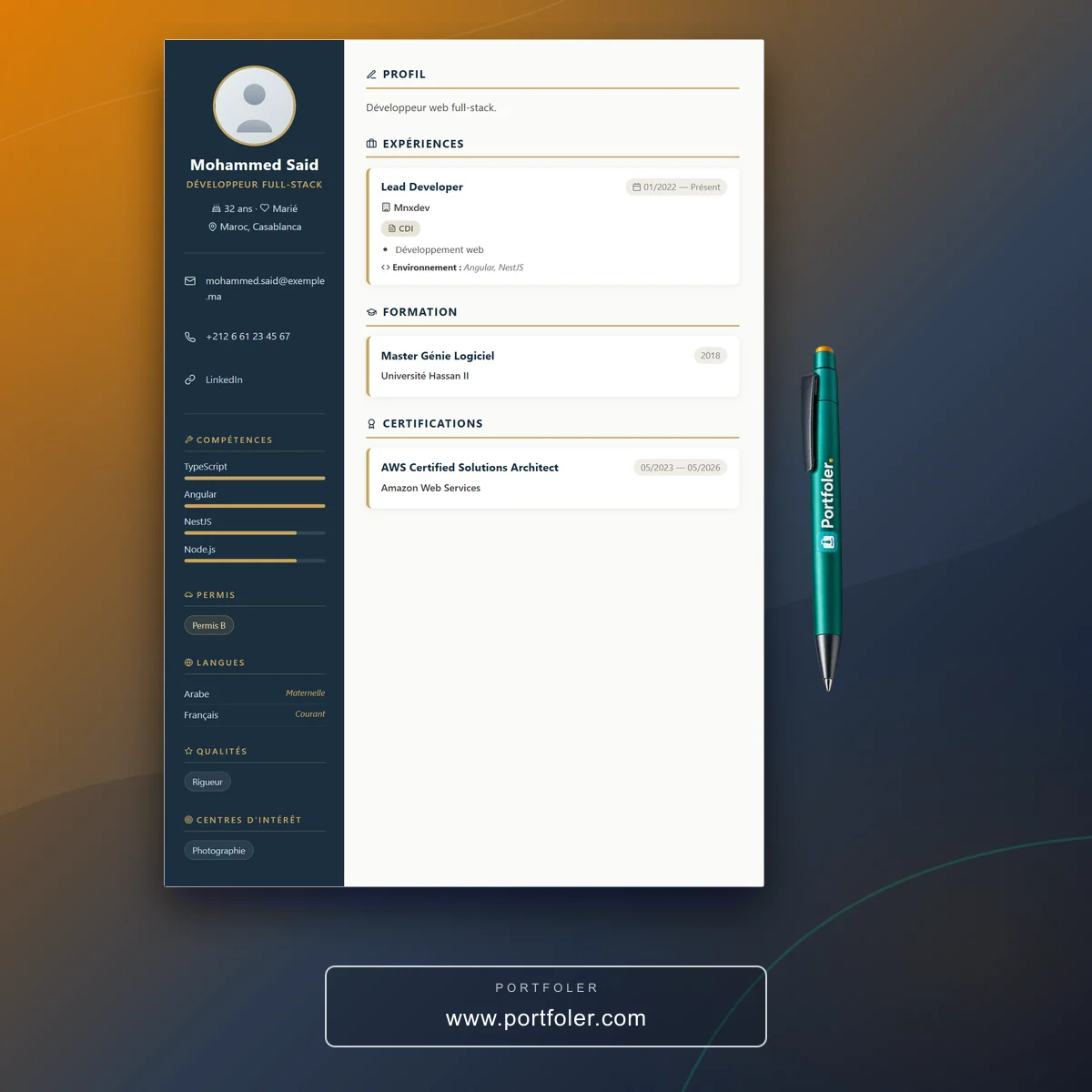
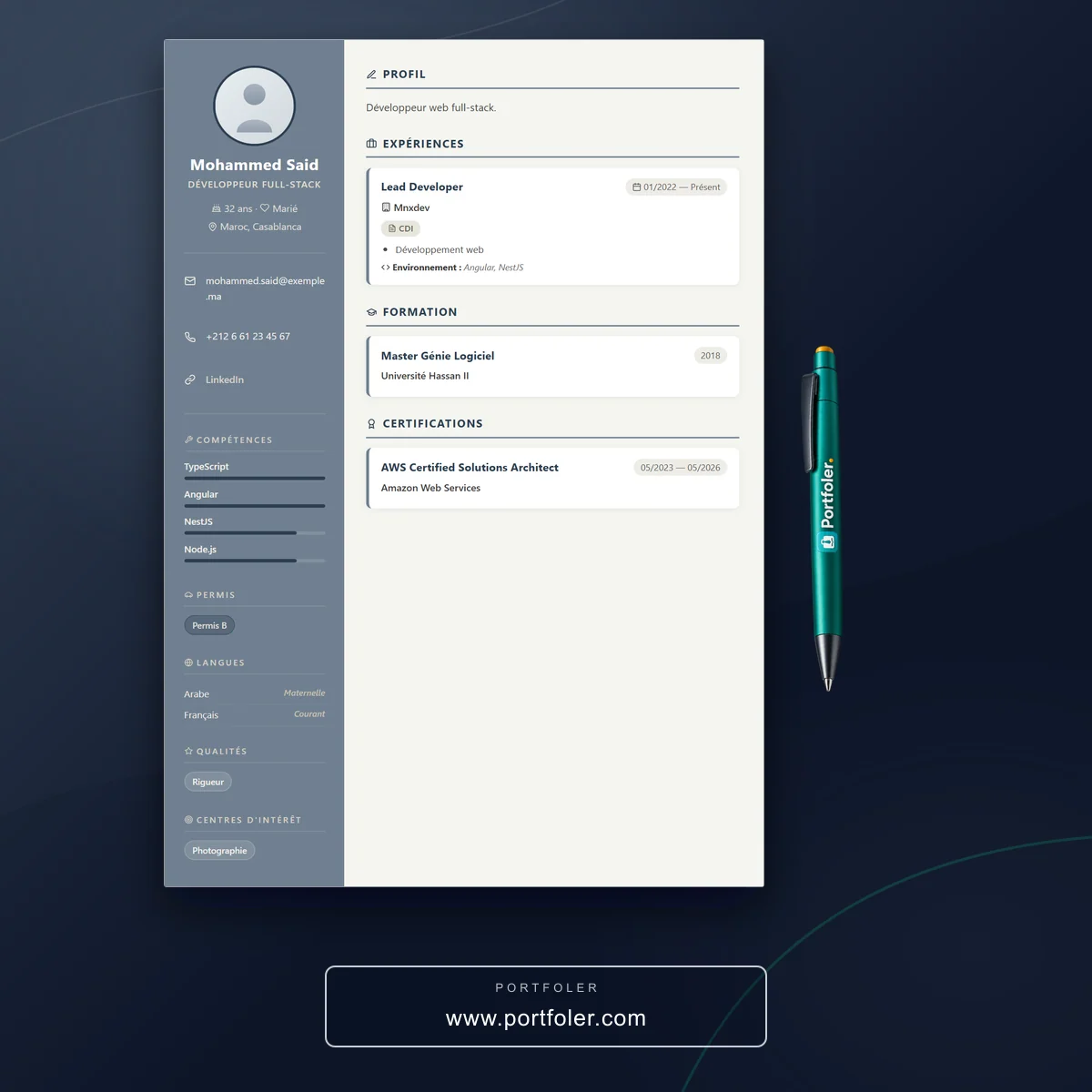
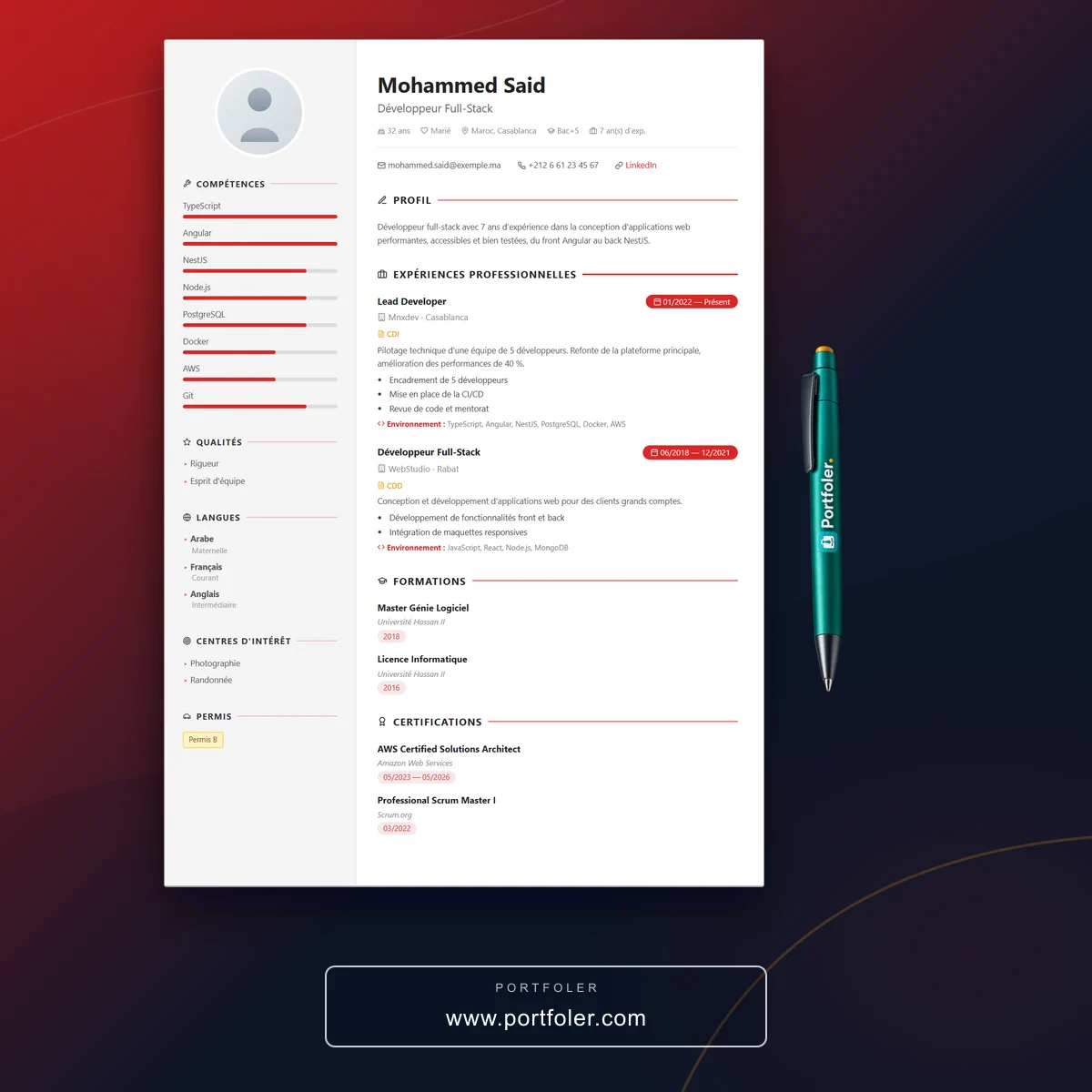
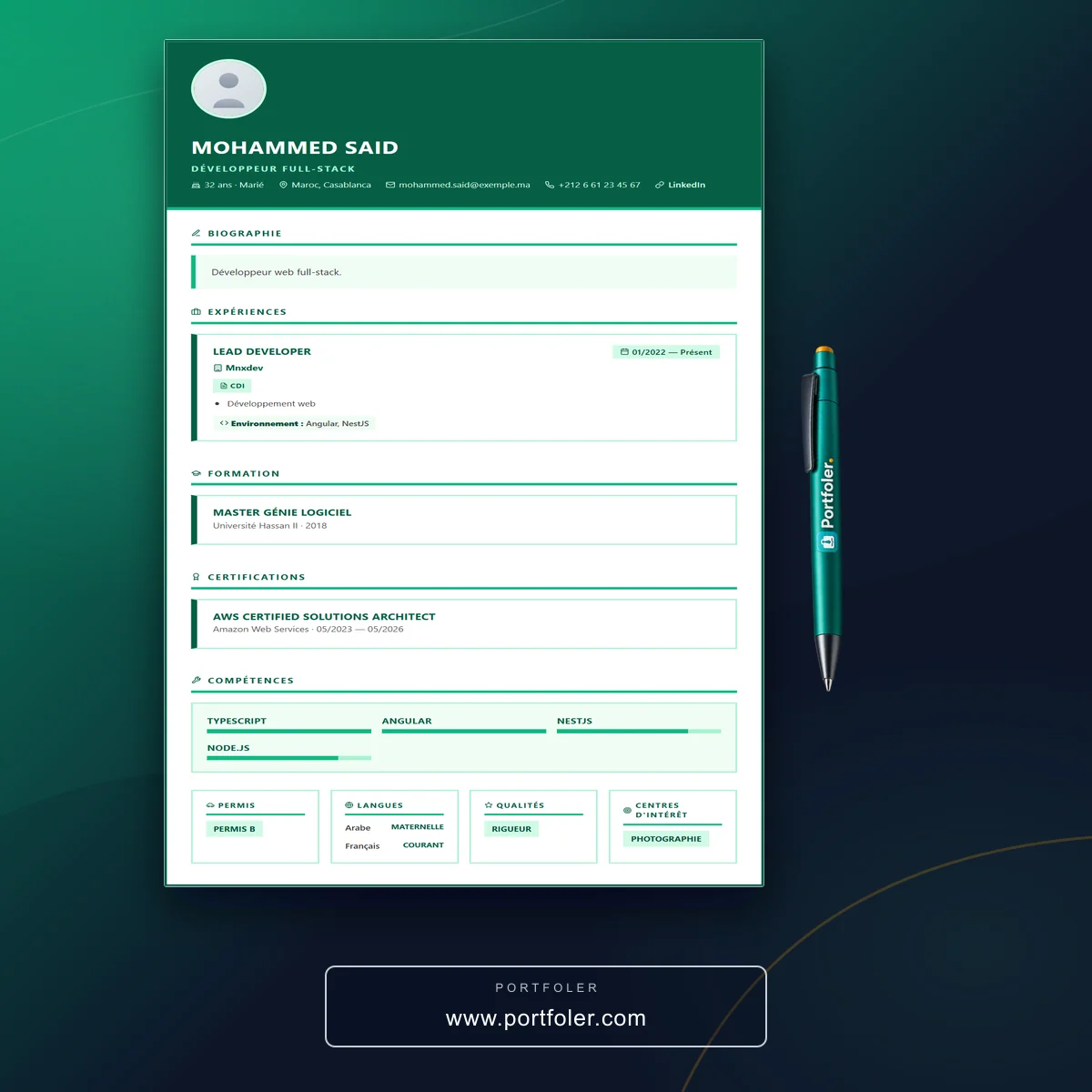
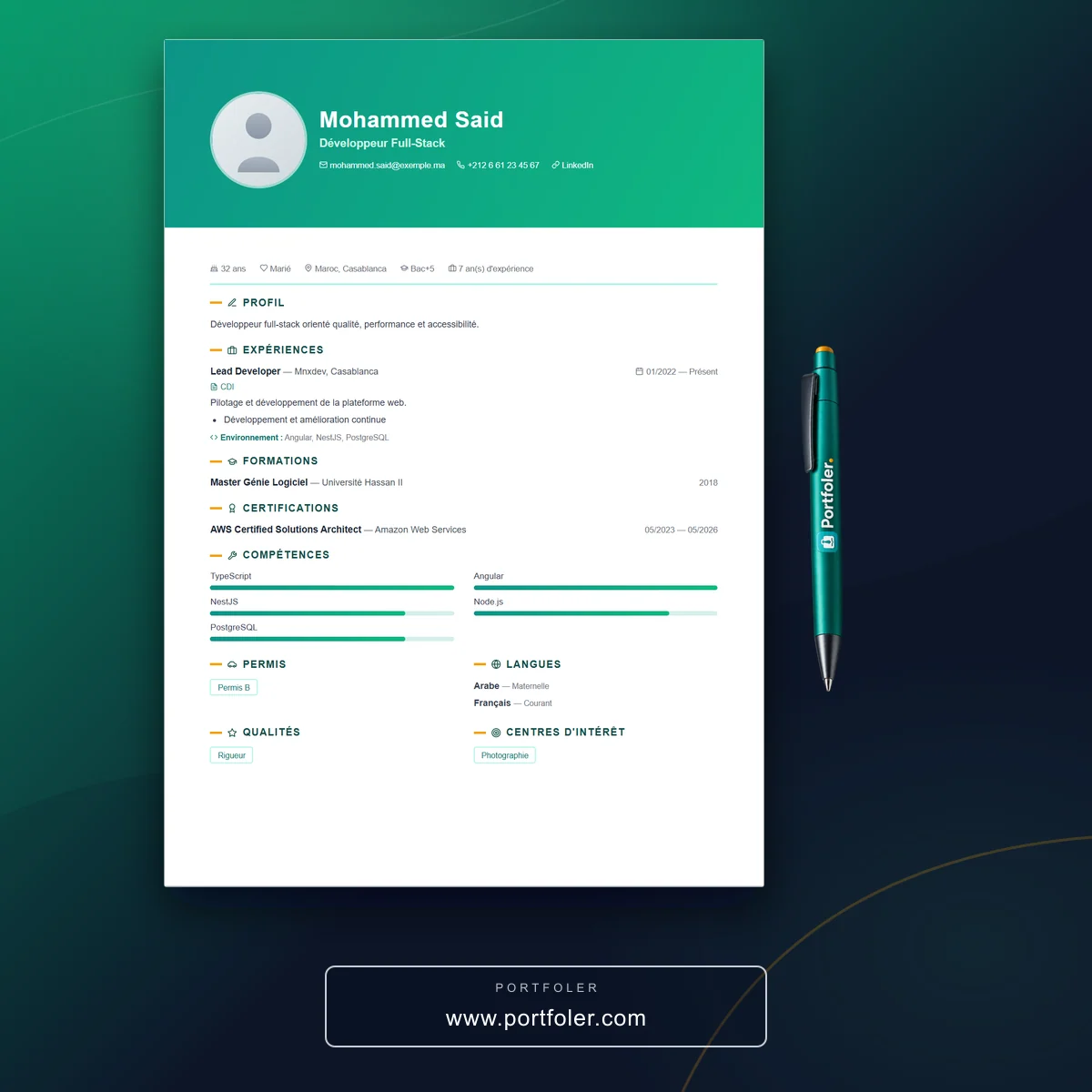
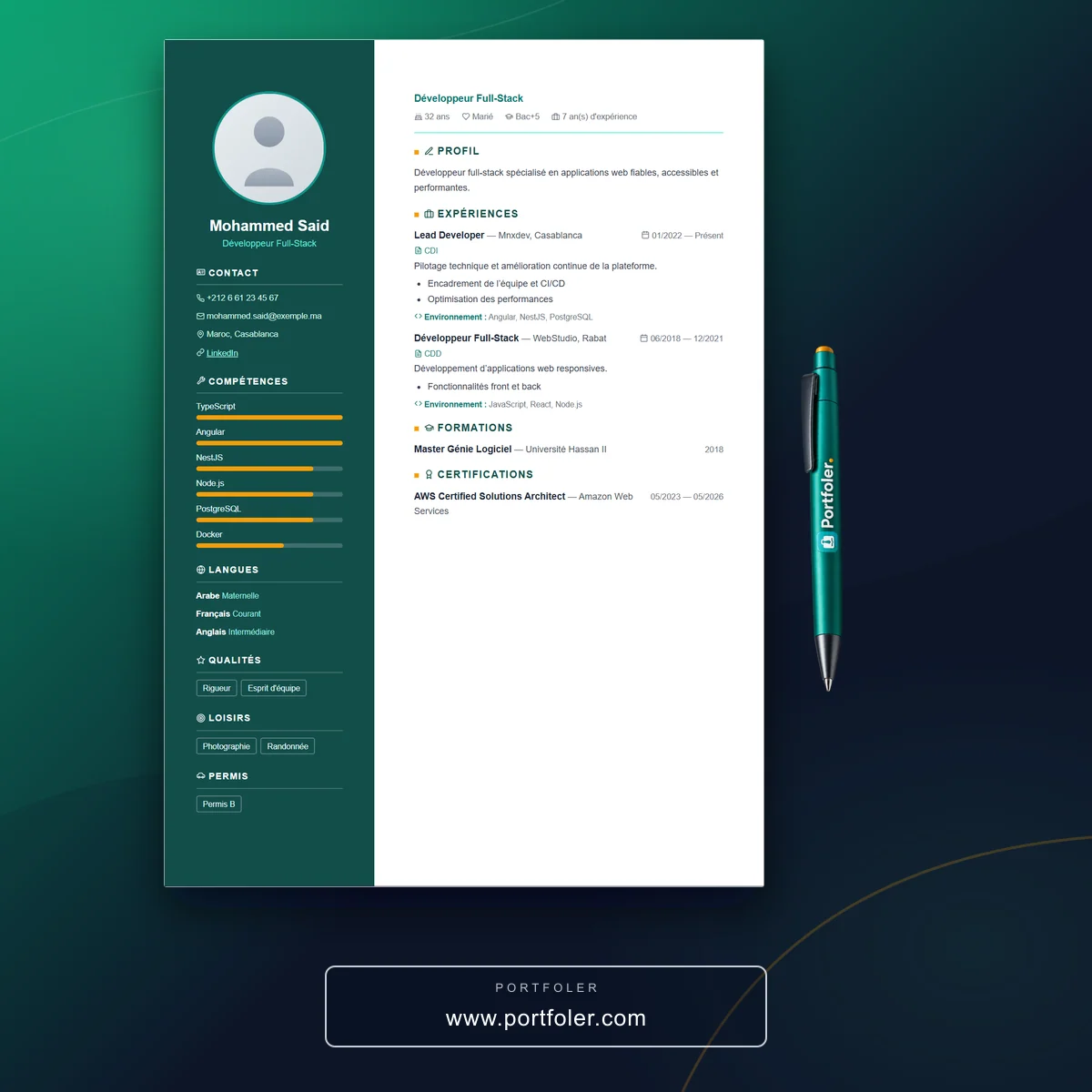
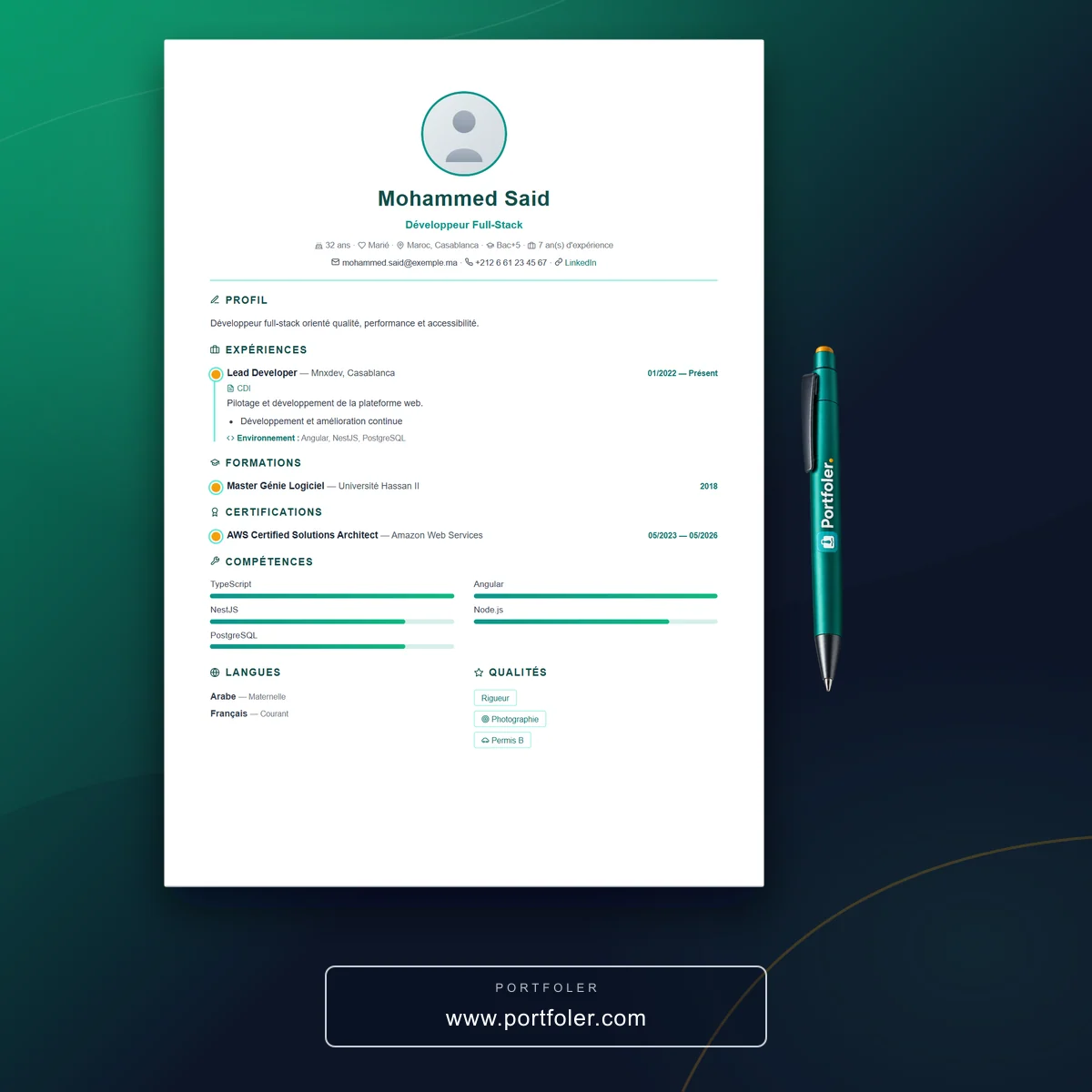
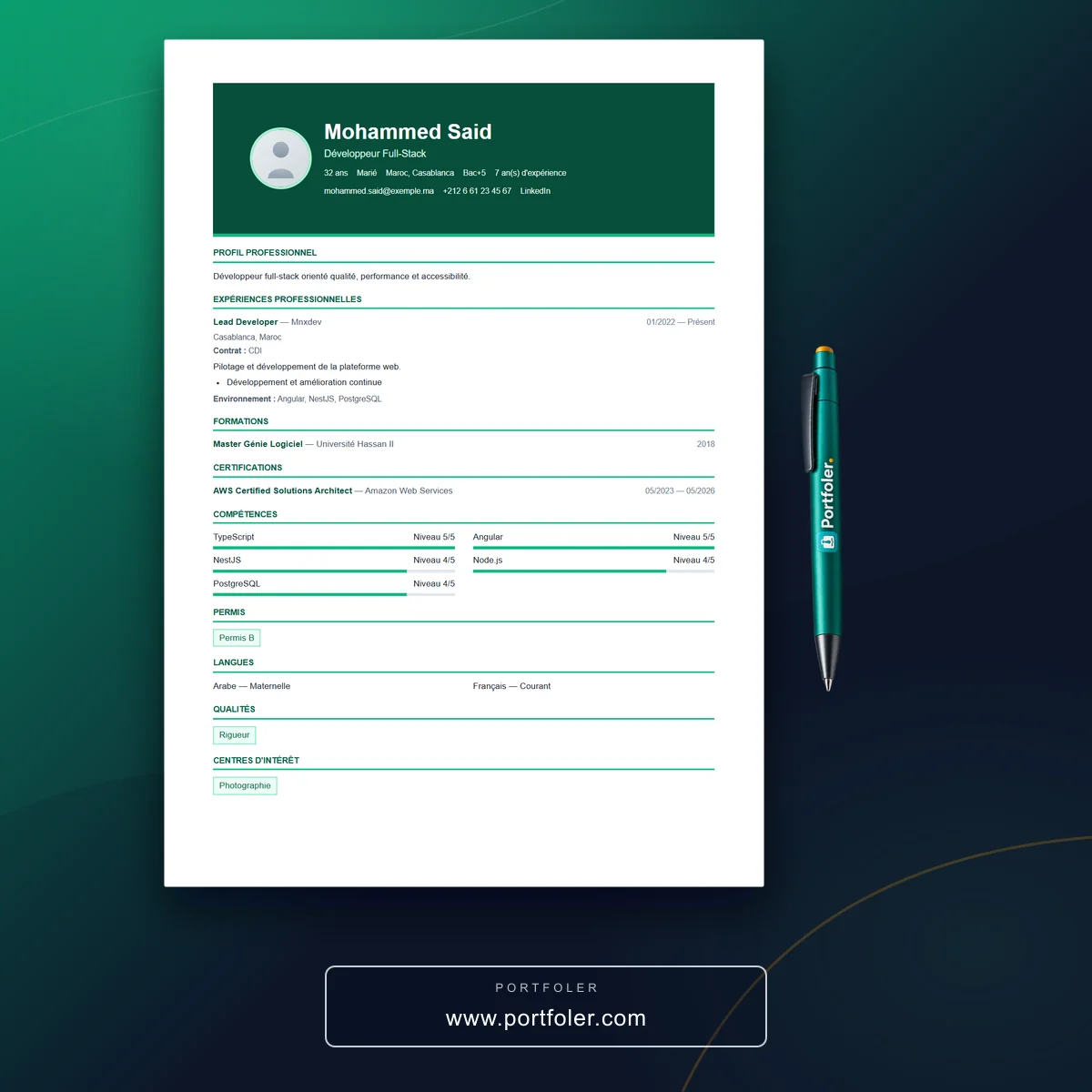
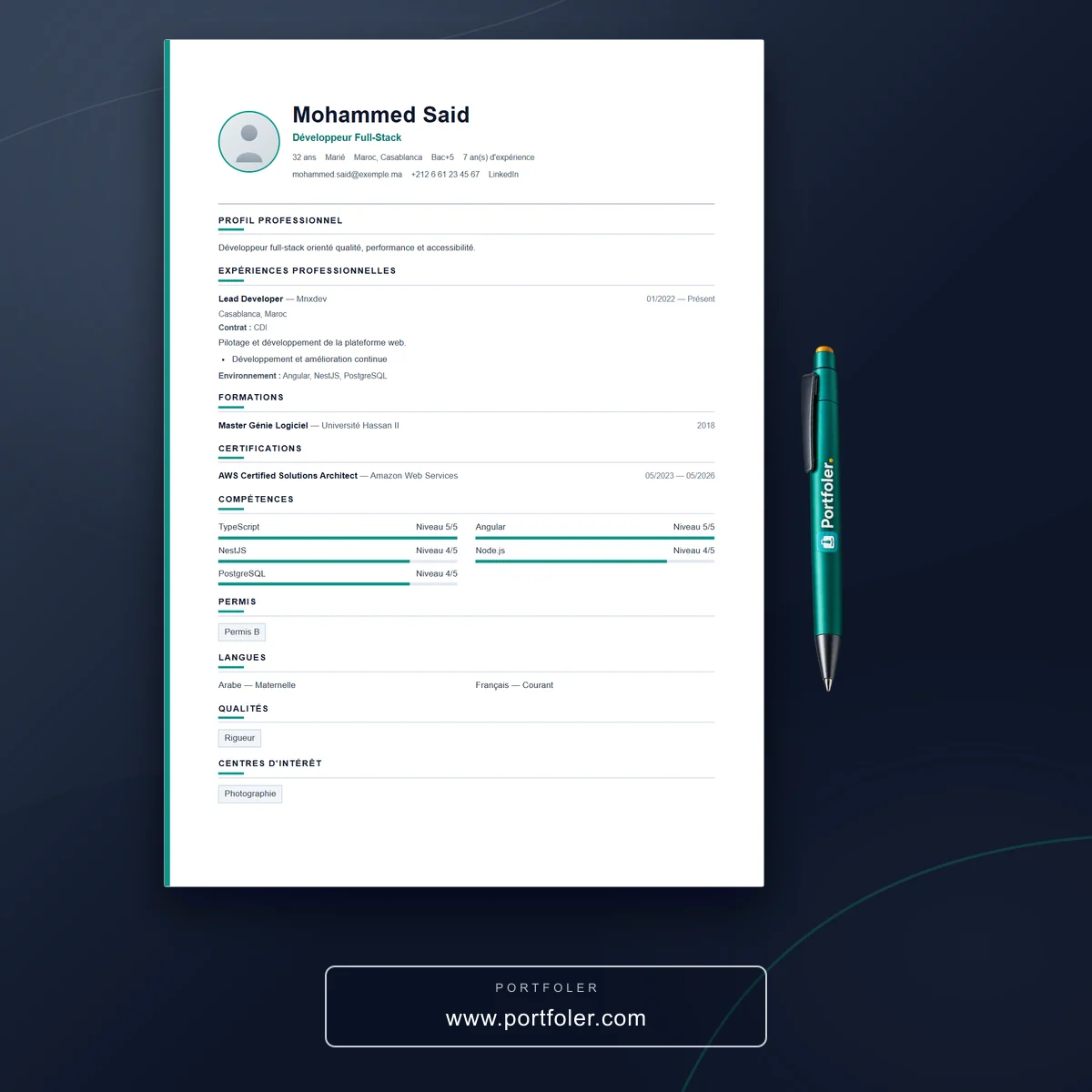
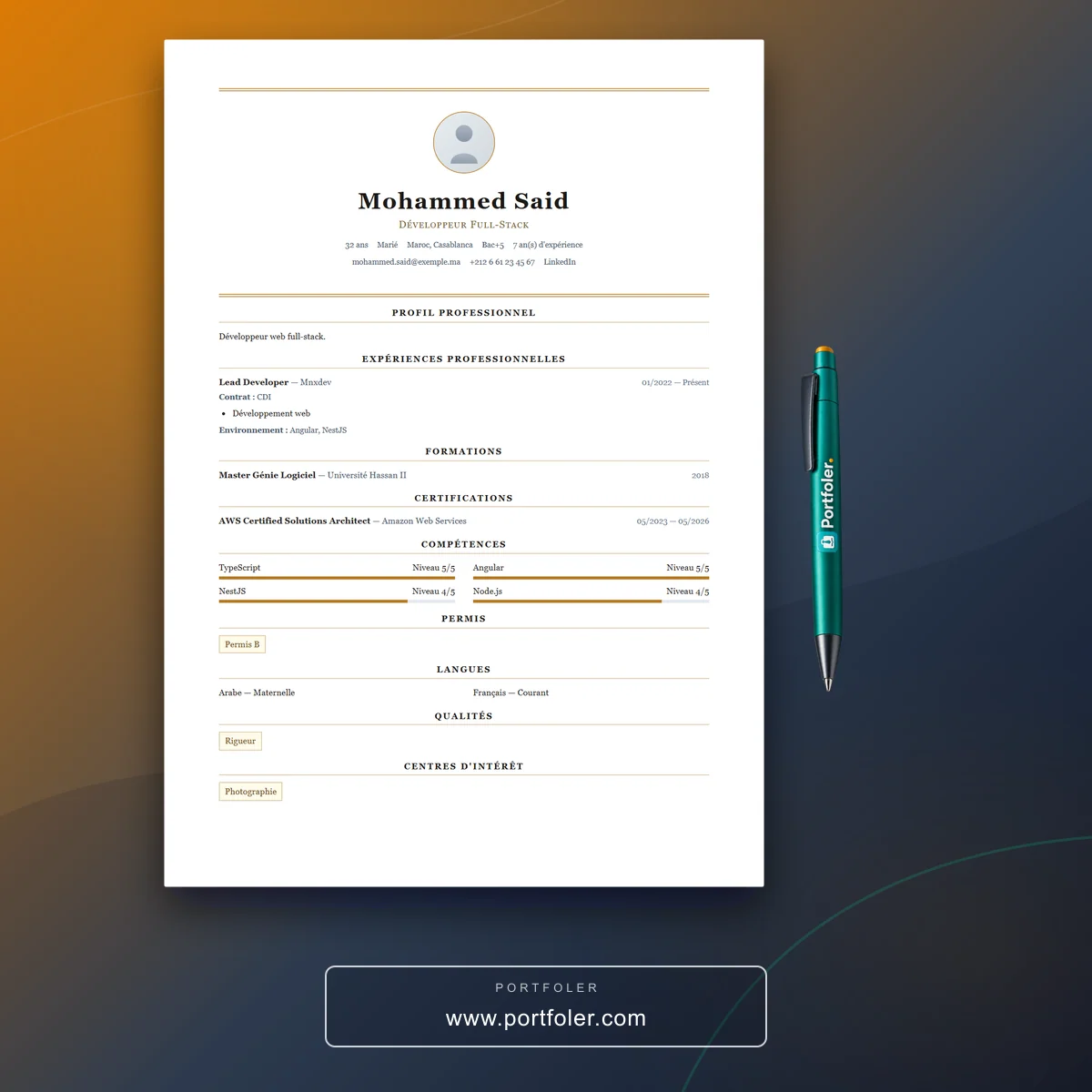
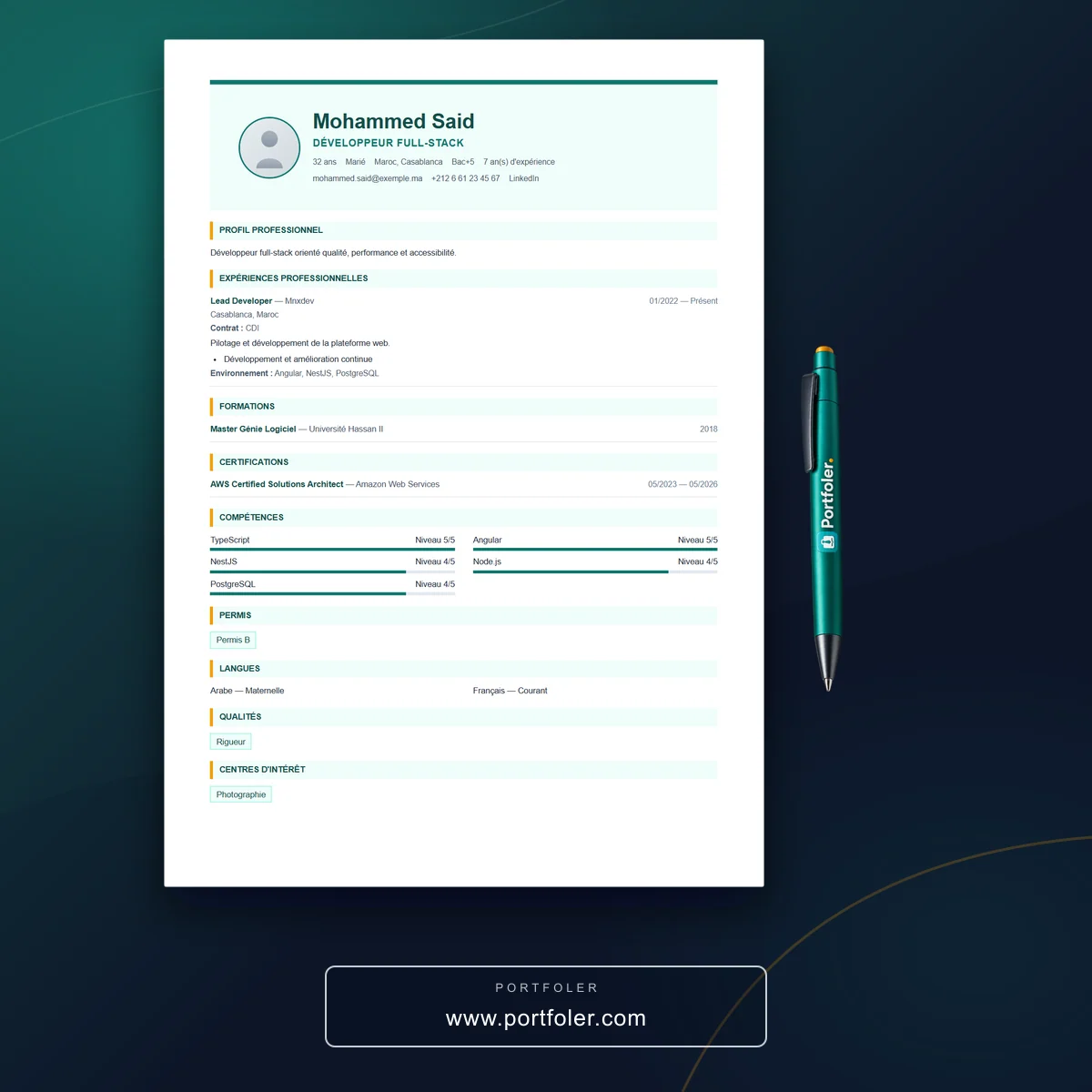
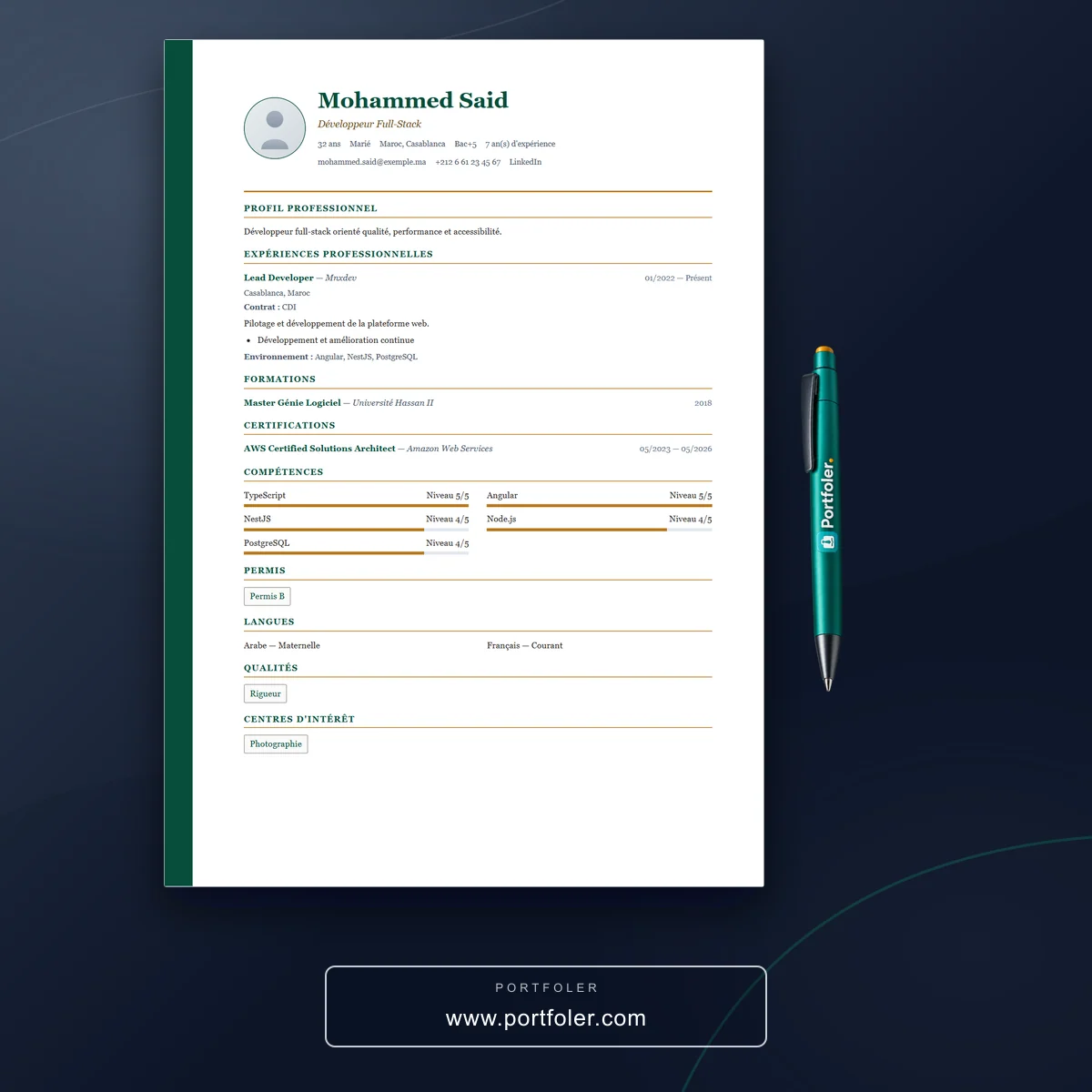
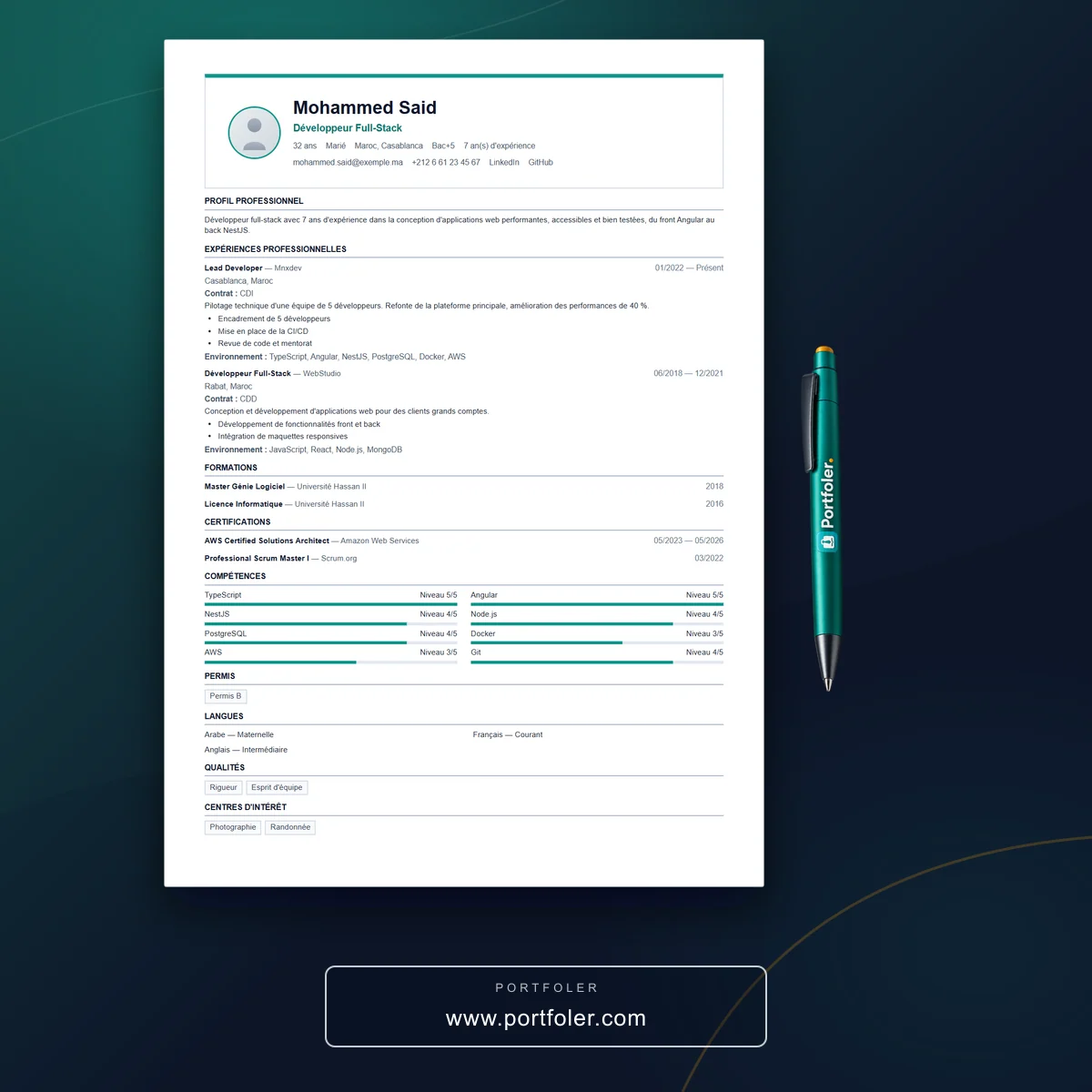
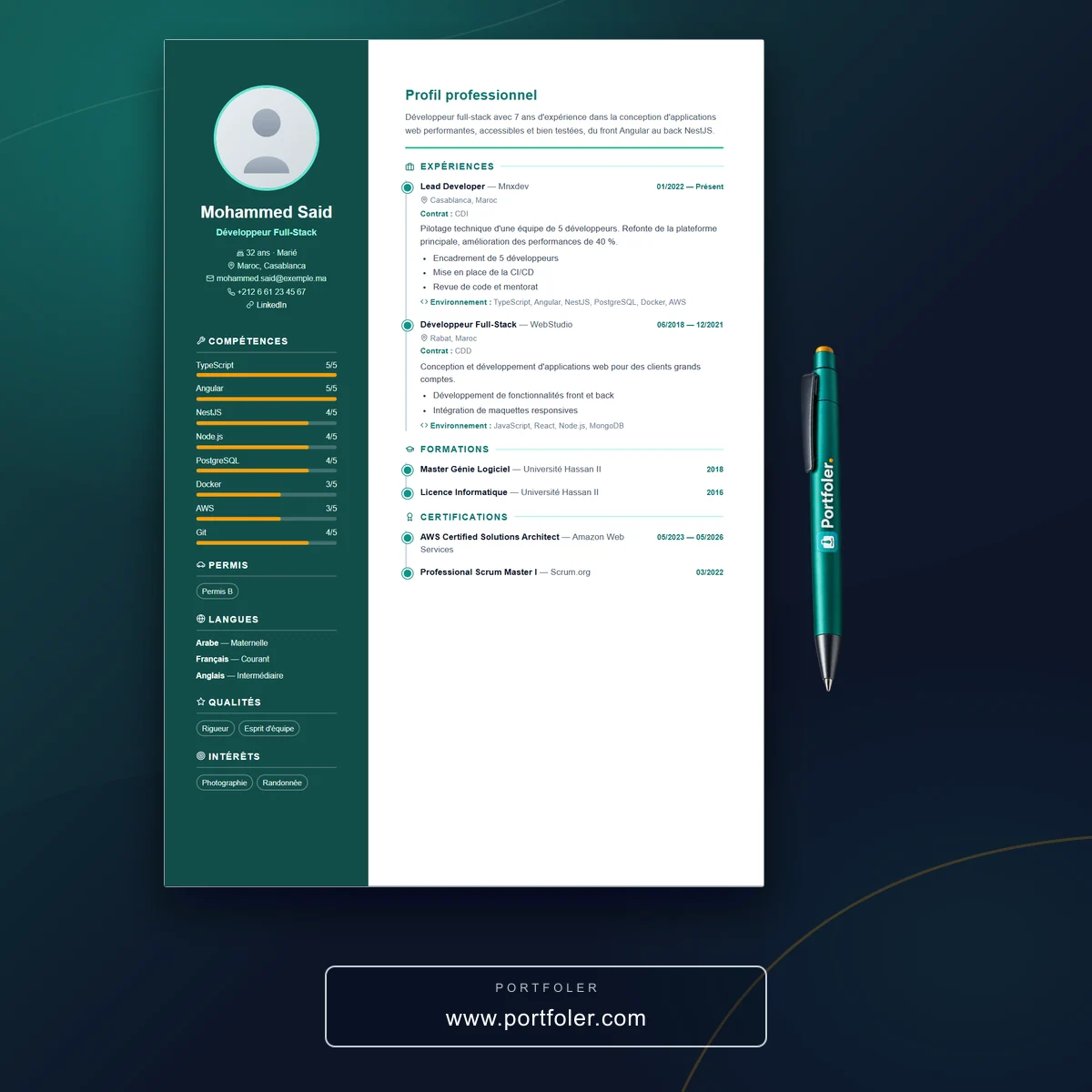
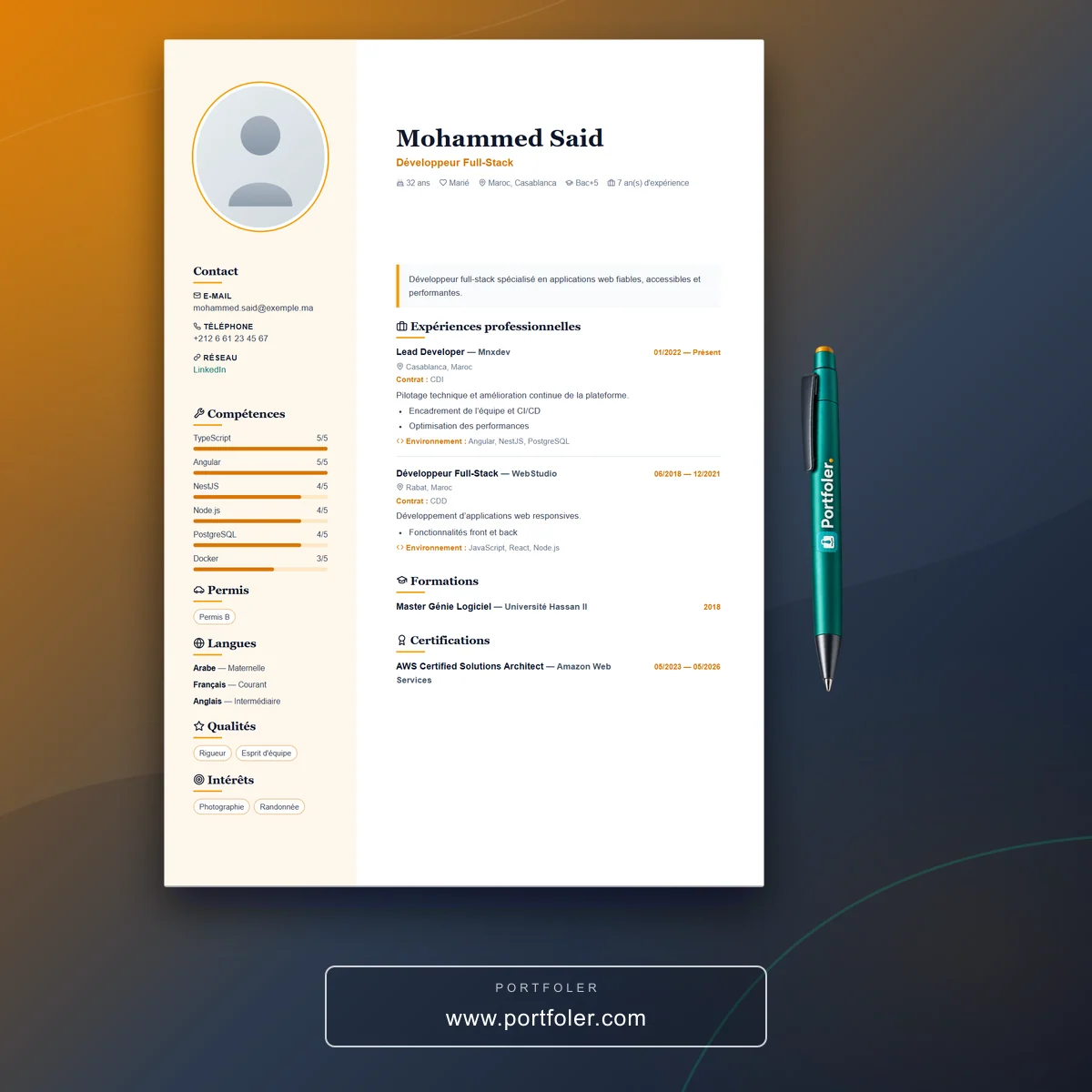
Choose a template, generate your CV as a PDF and share it.
How do I create a CV online for free?
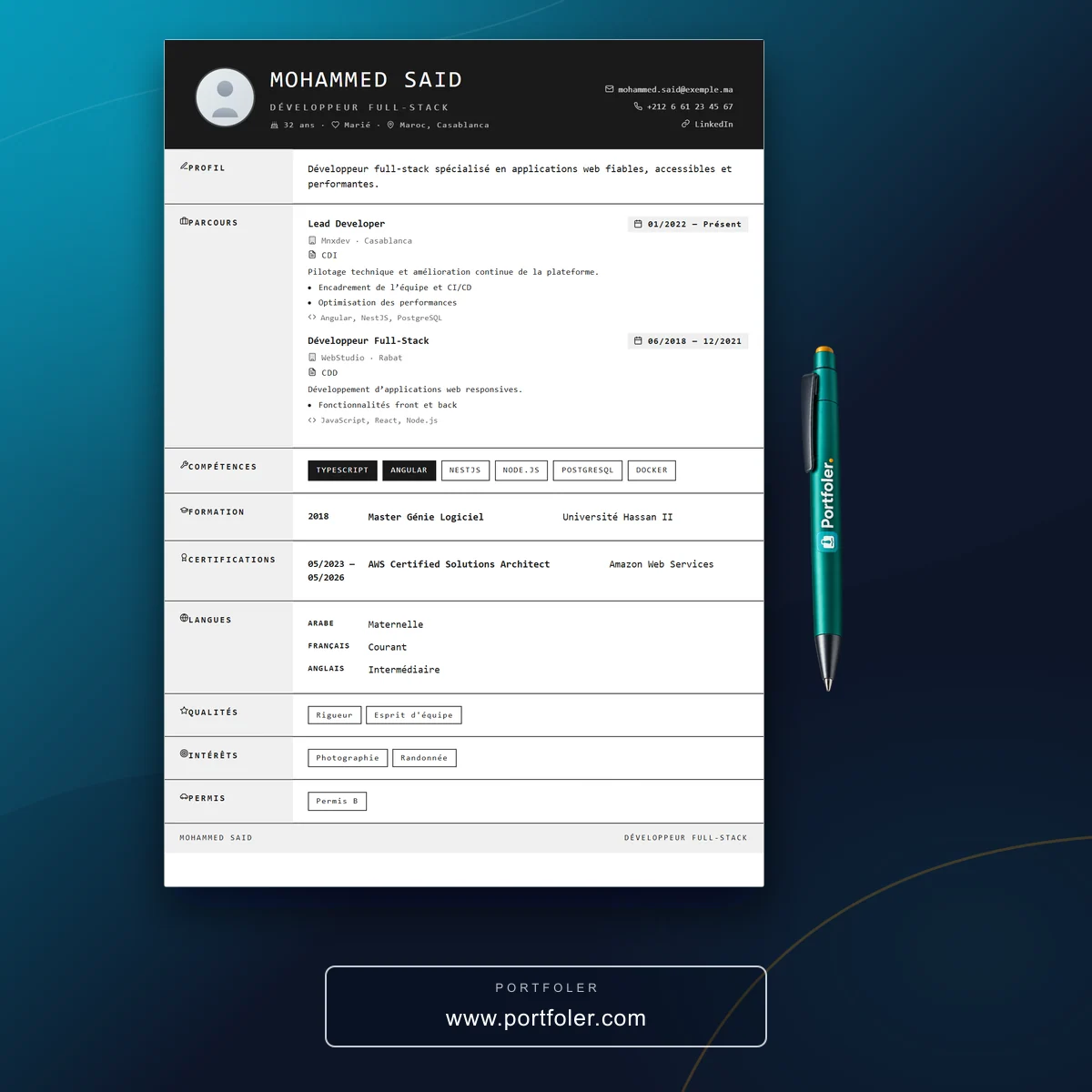
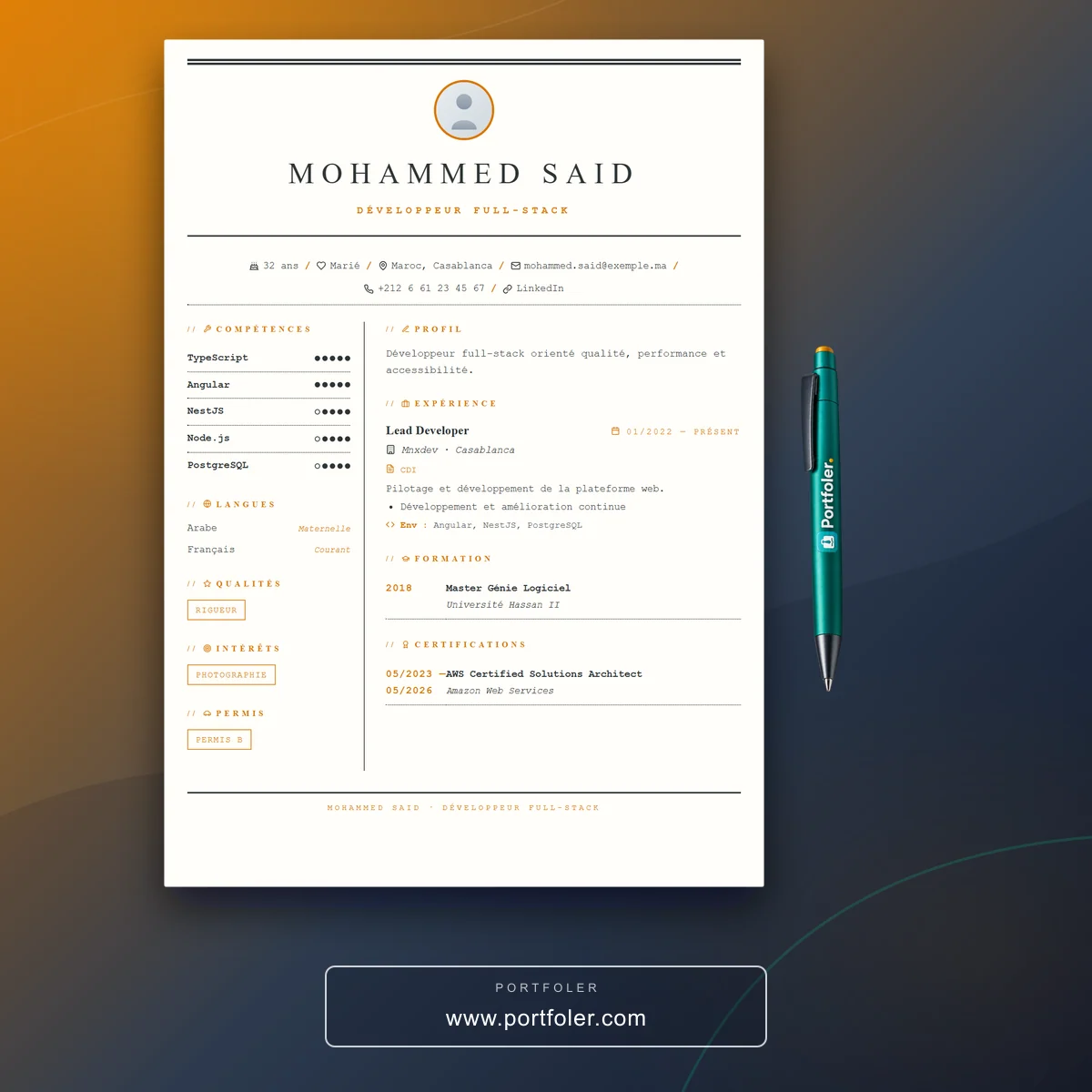
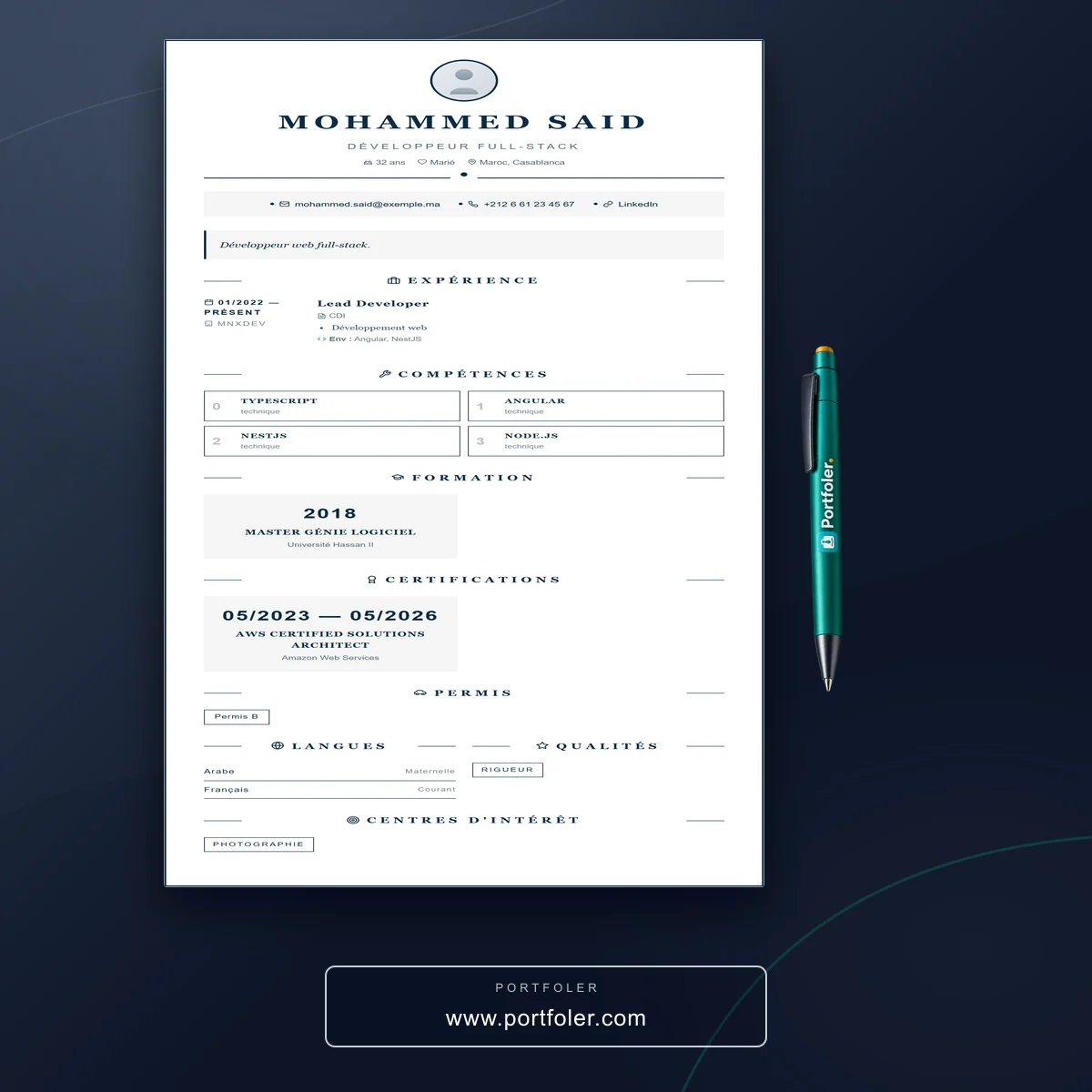
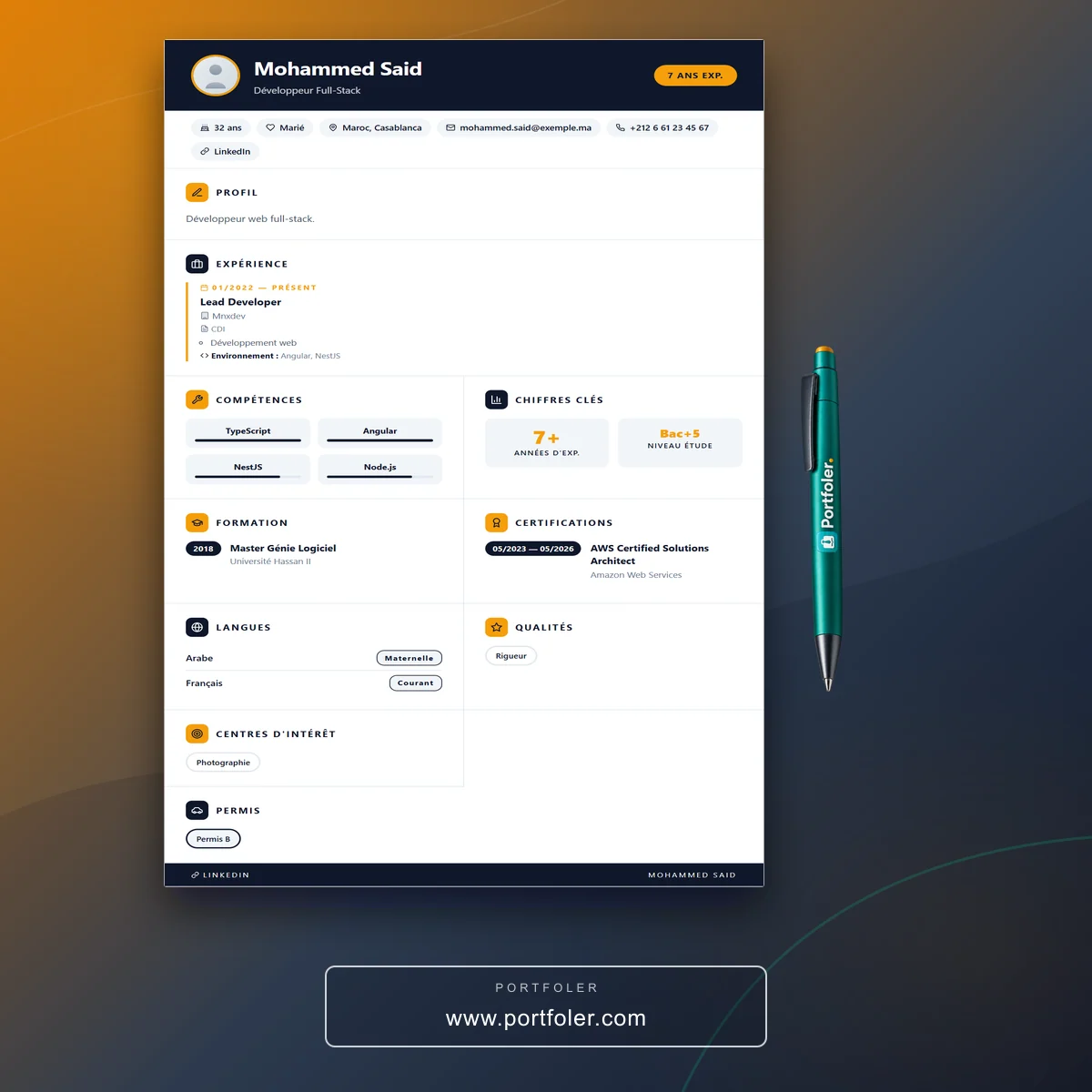
Create your free account and fill in your profile (experience, education, skills, languages). Then open the “Generate” tab of your CV space and click a template: your CV is created instantly. Download it as a PDF or share it via a private link.
Do I have to re-enter my details for each template?
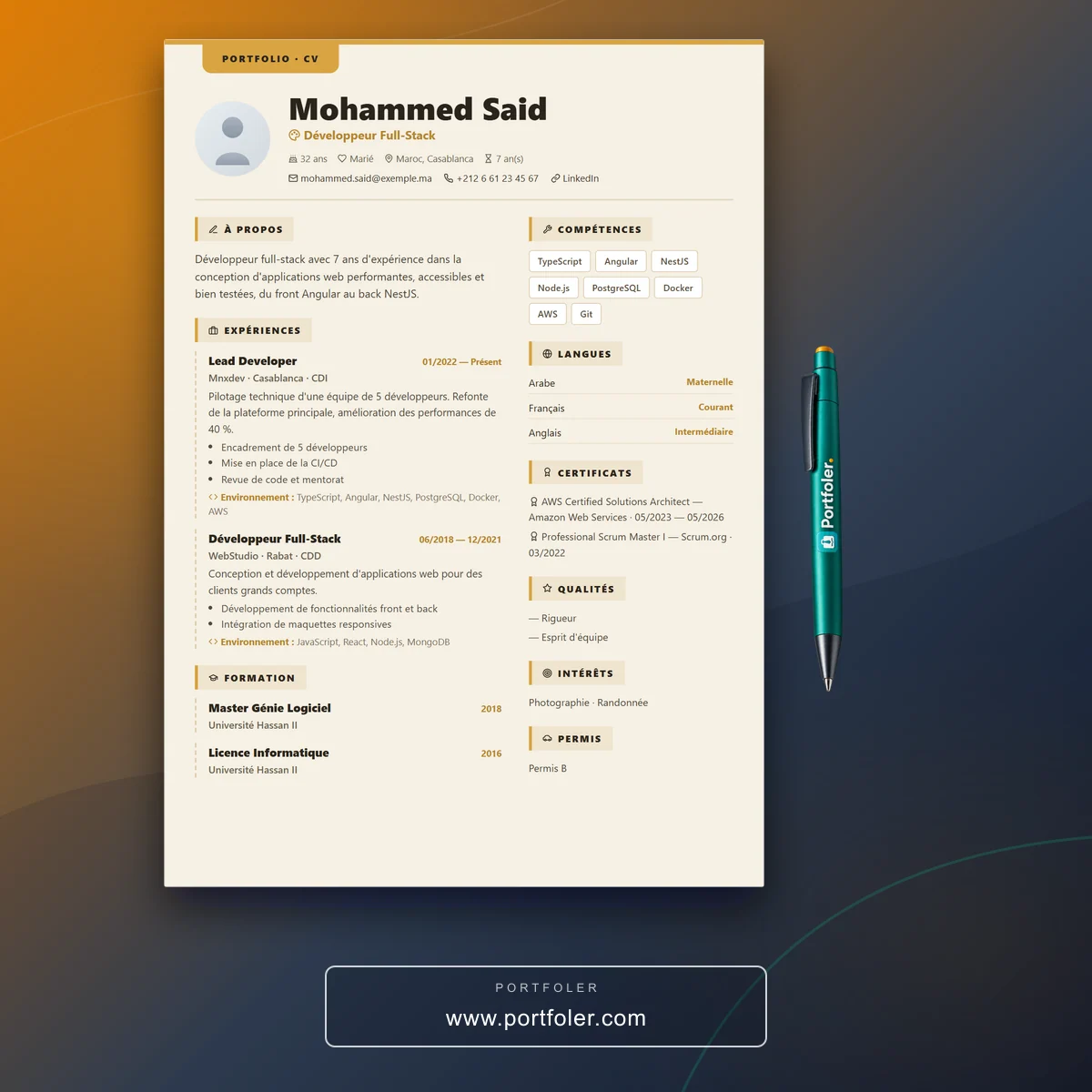
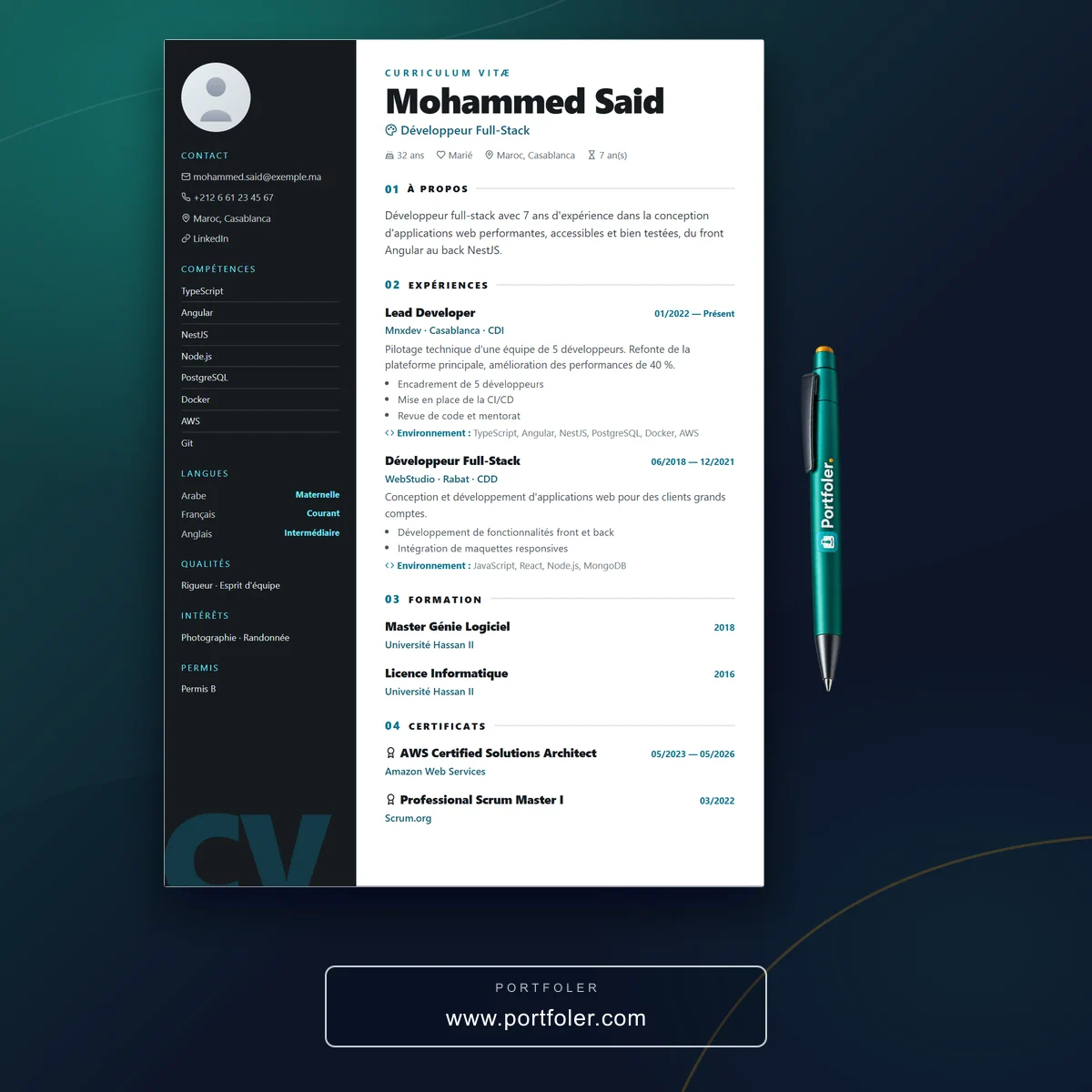
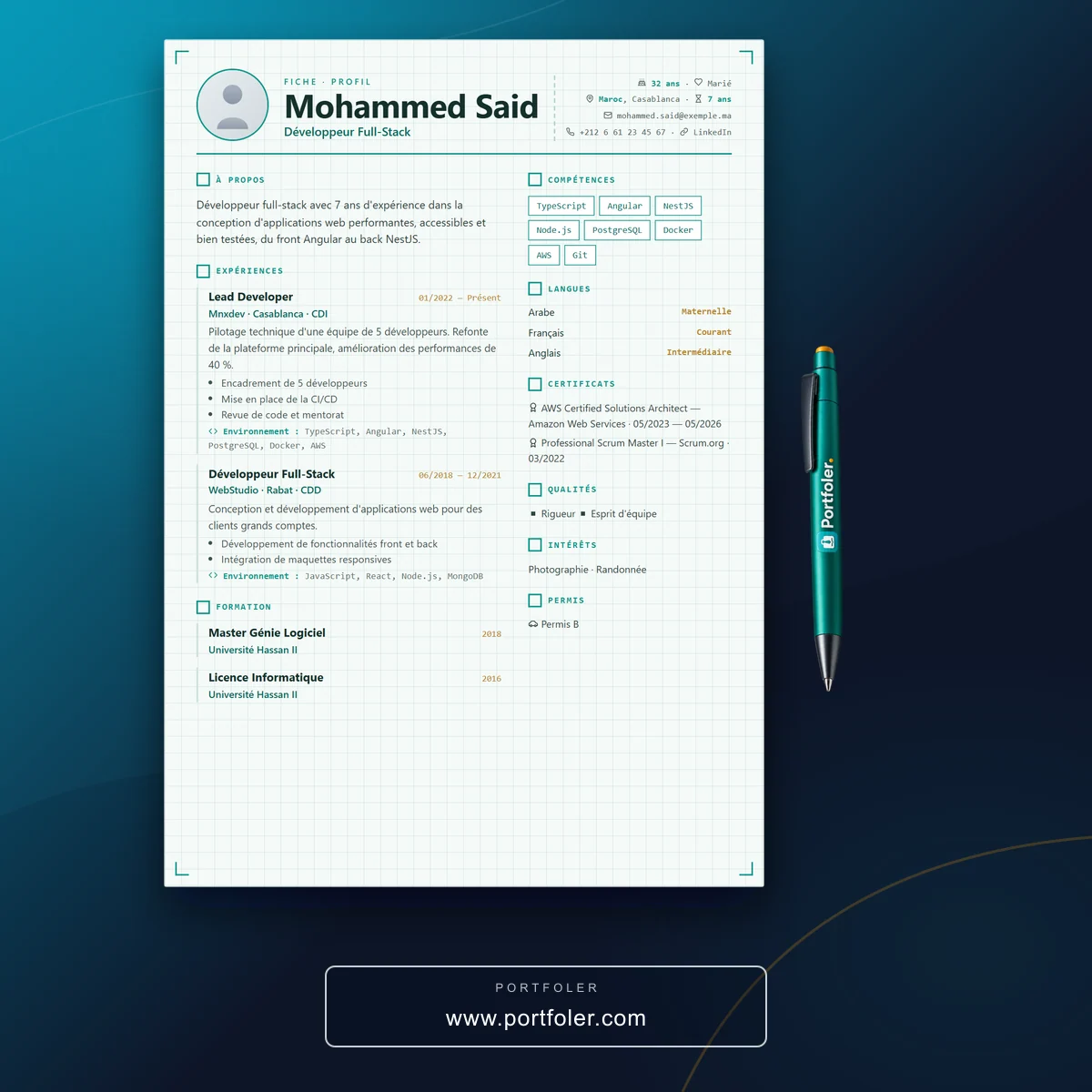
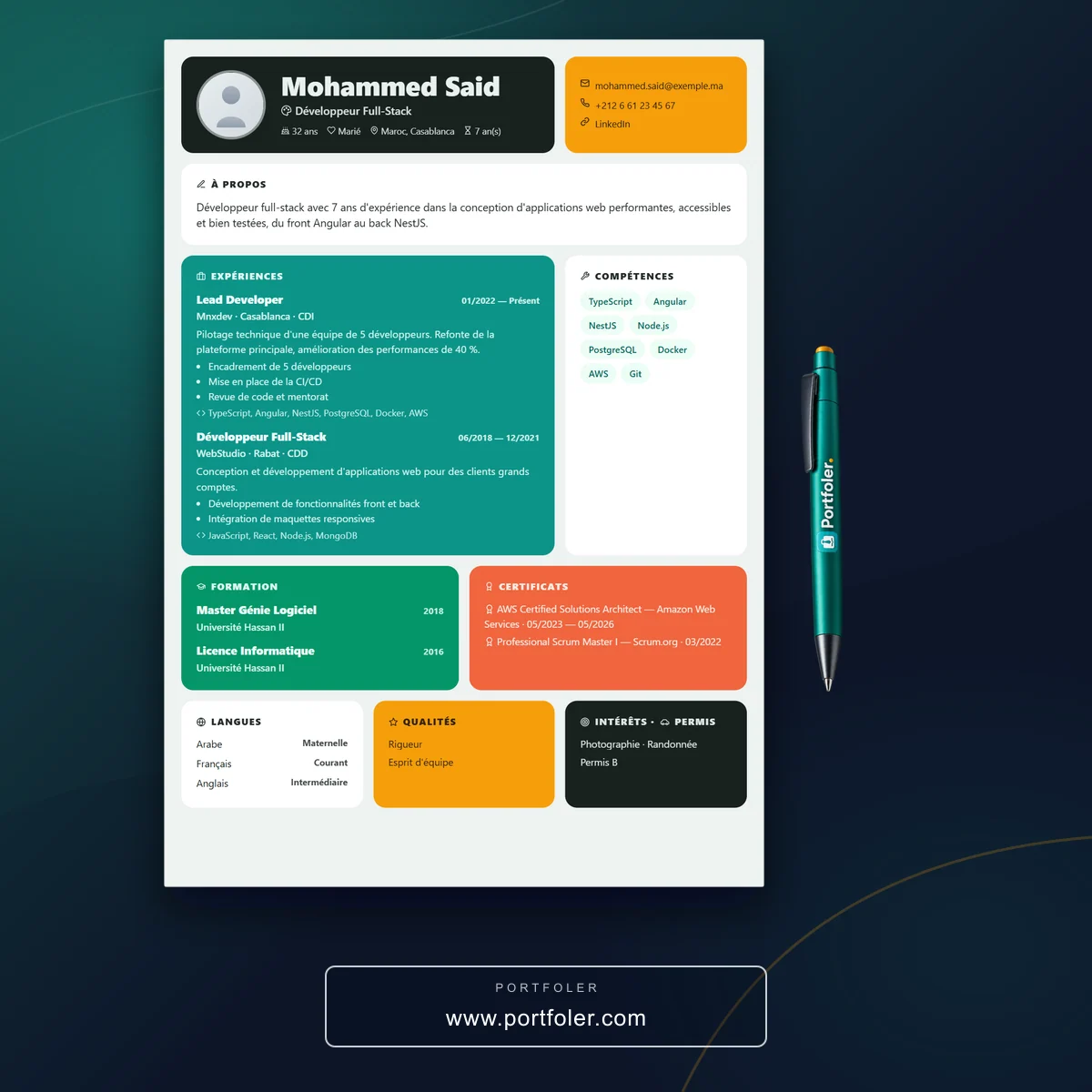
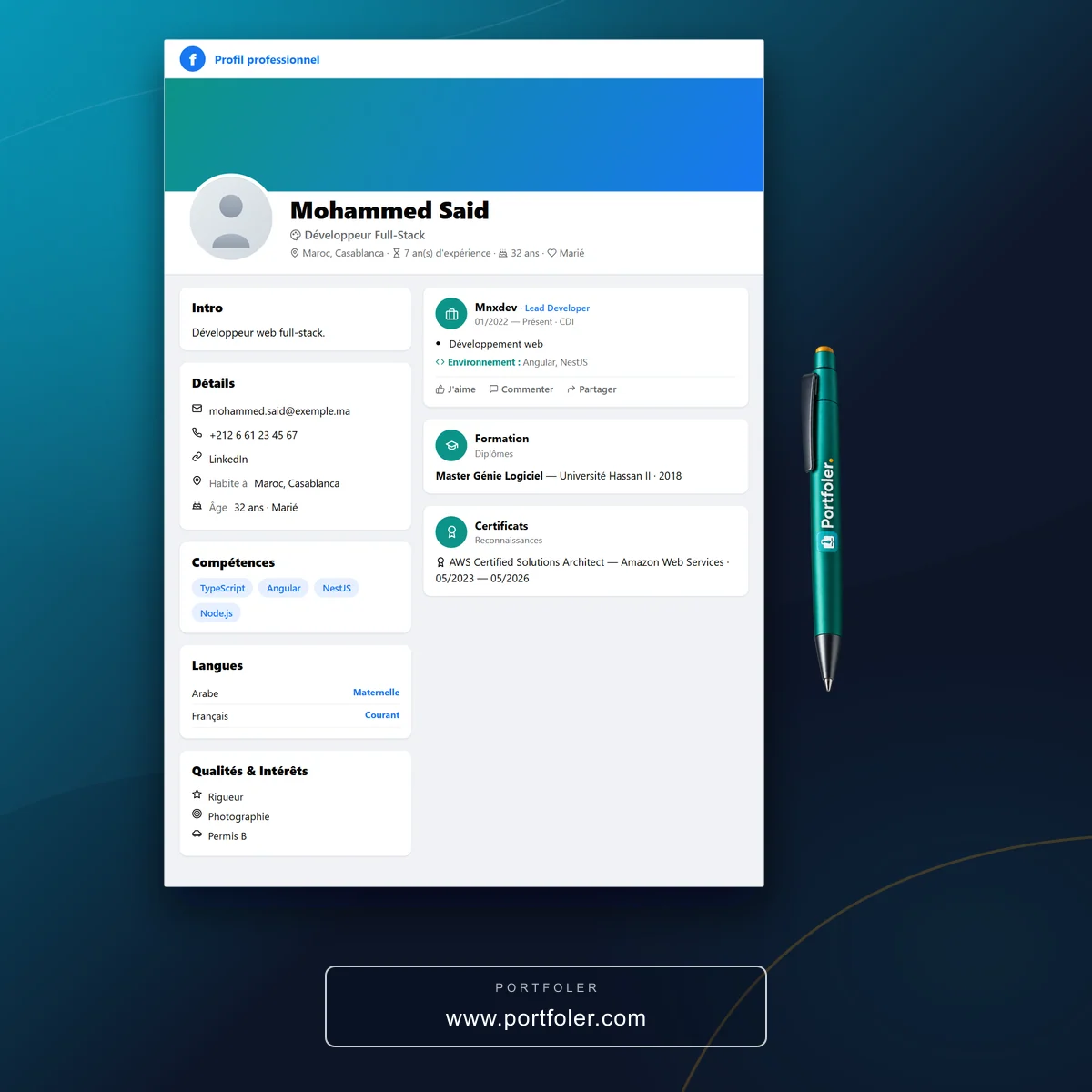
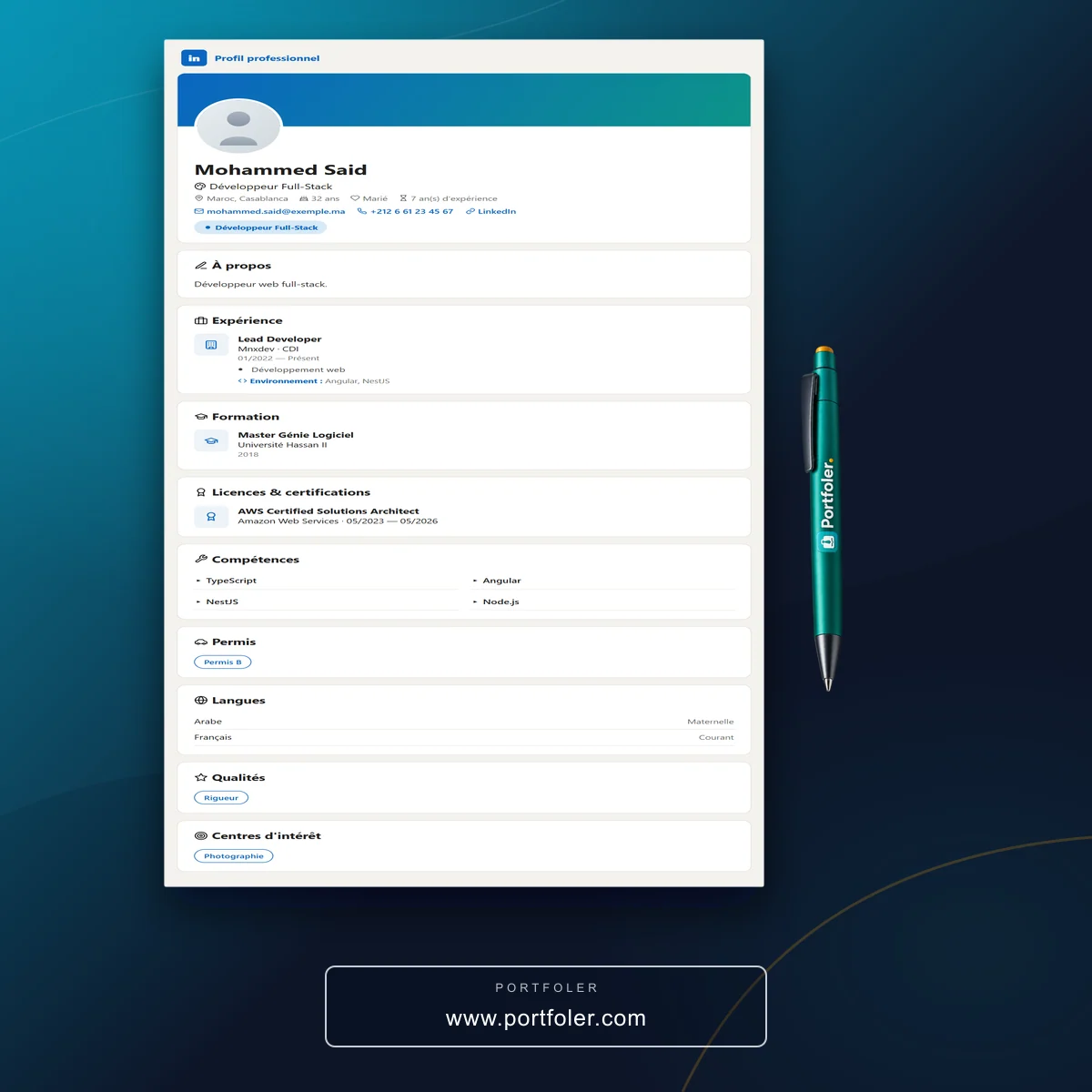
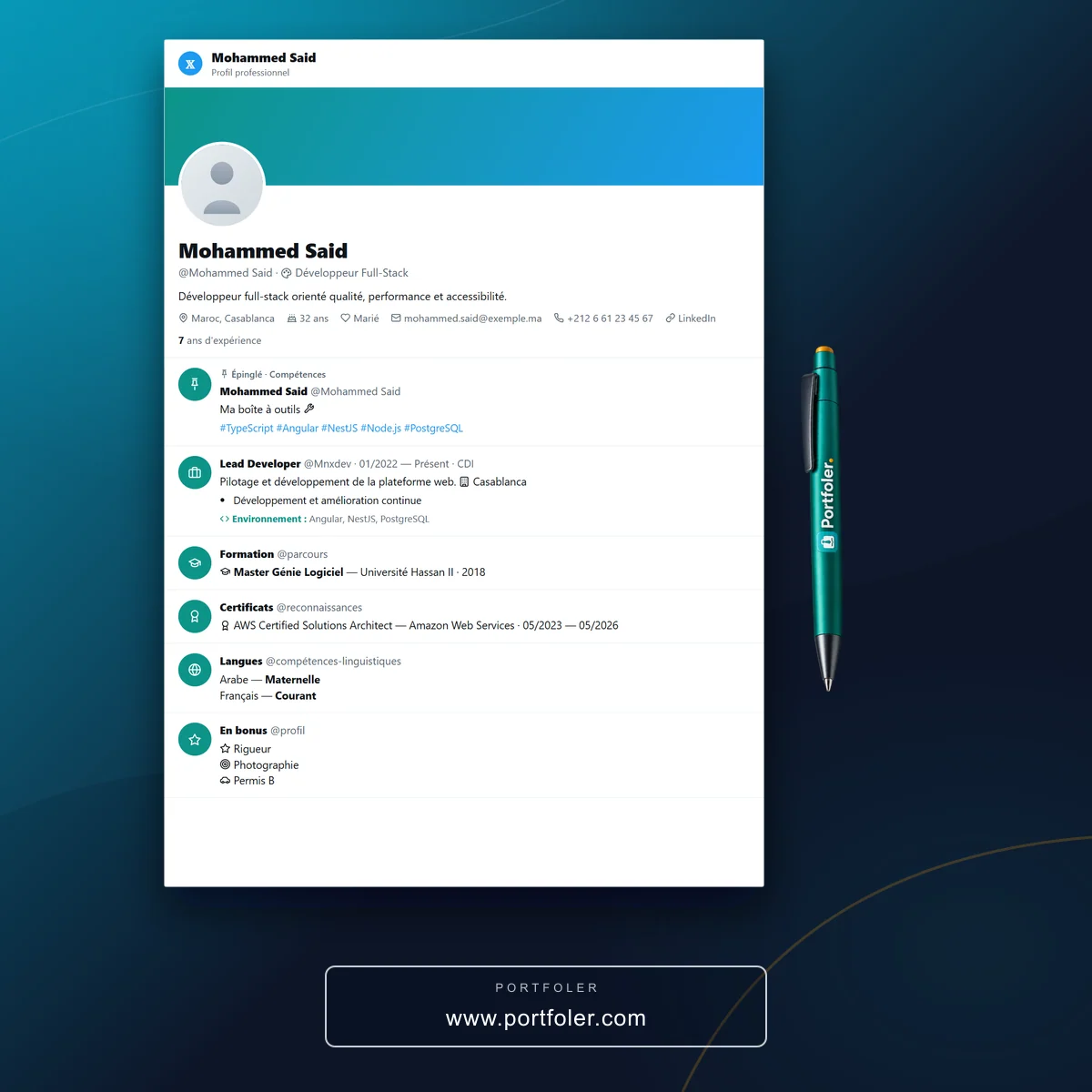
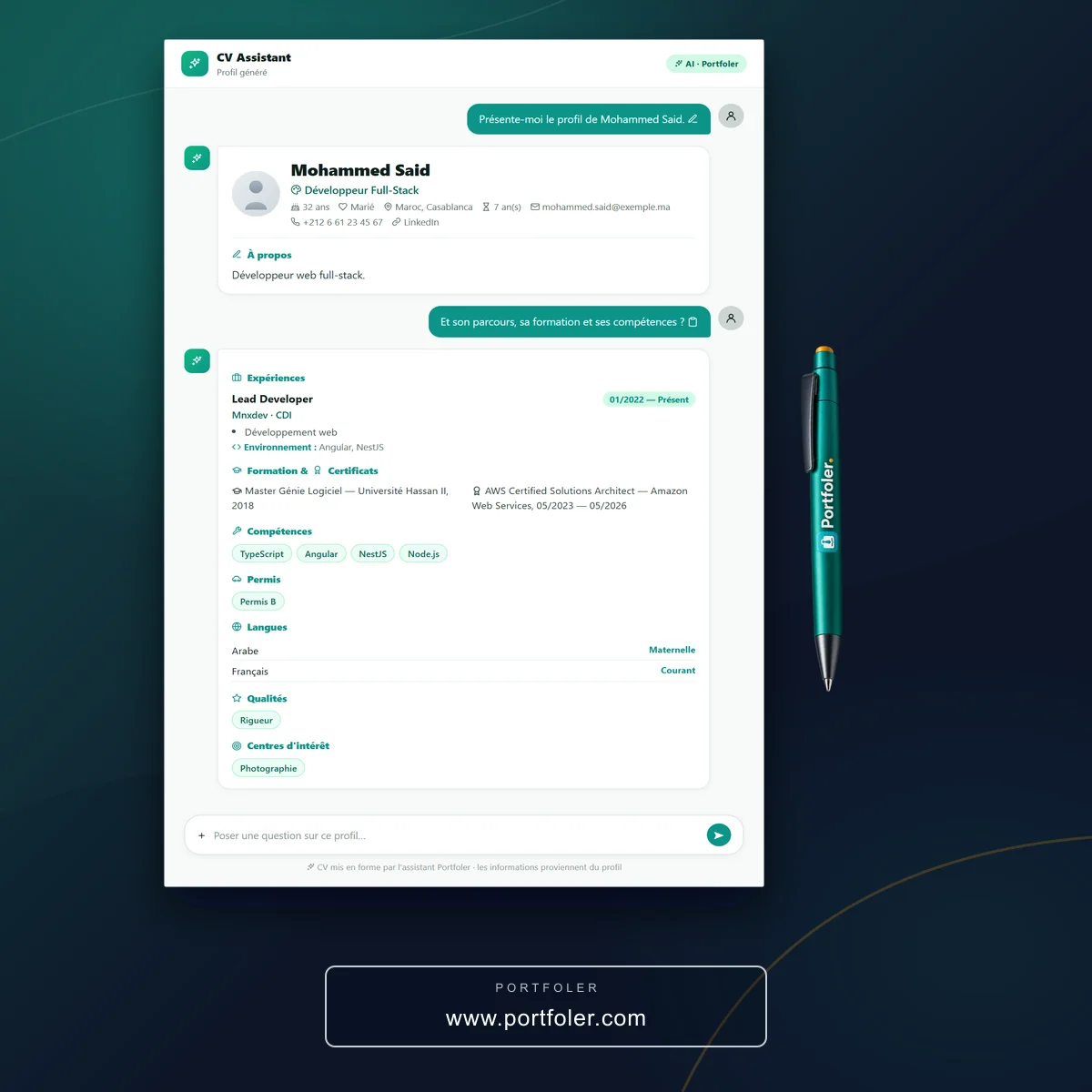
No. The CV is built from your profile: identity, summary, experience, education, certifications, skills, languages, driving licence, qualities and interests. If you update your profile, all your generated CVs are updated.
How many CVs can I create?
The number of generated and imported CVs depends on your pack: the Talent Beginner pack (free) gives a first quota, which the Junior and Senior packs increase. Your remaining quota is shown in the “Generate” tab.
How do I share my CV without making it public?
Each CV has its own share link, which cannot be guessed and is never indexed by Google. You can regenerate it at any time to invalidate the old one, or turn off sharing for all your CVs in one click.
Which template should I choose to get past ATS filters?
Go for a simple single-column template with standard headings: that is what screening software reads best. Keep graphic templates for sending directly to a recruiter, and check your CV with the free CV checker (ATS).
Can I add my signature or import an existing CV?
Yes. Once enabled, your electronic signature is added automatically to your CVs. The “Import” tab also lets you add an existing PDF CV, kept alongside your generated CVs.
